
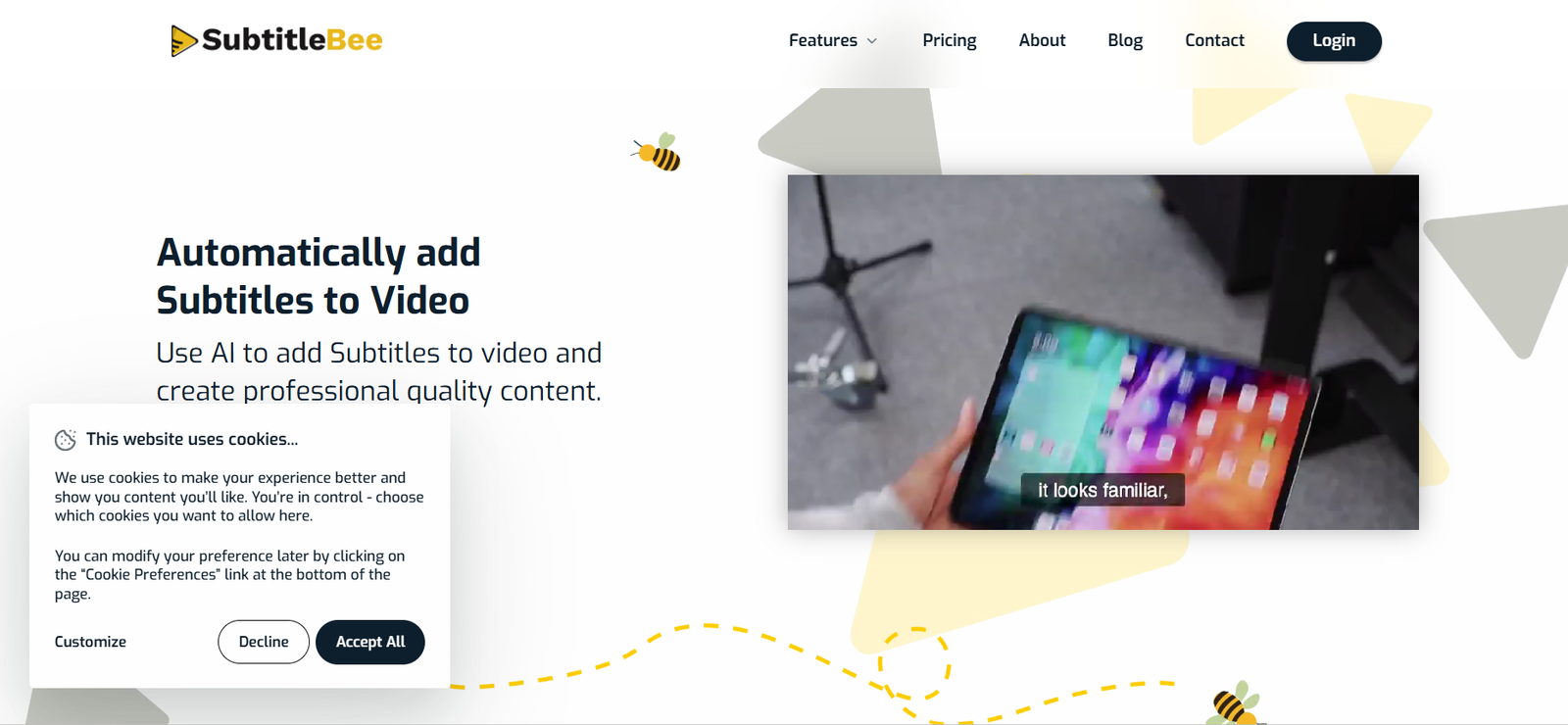
SubtitleBee is an AI-powered subtitle generator that automatically adds accurate subtitles to videos. Designed for content creators, marketers, educators, and businesses, SubtitleBee simplifies the process of making videos more engaging, accessible, and SEO-friendly. By using advanced speech recognition, it transcribes spoken content and syncs captions with video timelines, all within minutes.
Unlike traditional manual captioning, SubtitleBee streamlines subtitle creation with automatic transcription, translation, and customizable styling tools. It supports multiple video formats, languages, and social media aspect ratios, making it a versatile solution for anyone publishing video content online.
SubtitleBee helps users improve viewer retention, accessibility for the hearing impaired, and global reach by supporting subtitle translations into more than 120 languages.
Features
SubtitleBee offers a rich set of features to simplify and enhance the process of adding subtitles to videos:
Auto Subtitle Generator
Automatically generates time-synced subtitles for videos using AI-based speech recognition.
Multilingual Transcription
Supports transcription and subtitle creation in over 120 languages and dialects.
Subtitle Translation
Translate subtitles into multiple languages to make your content globally accessible.
Subtitle Editor
Edit, format, and sync subtitles manually to improve accuracy or match speaker tone.
Custom Styling
Customize subtitle appearance including fonts, size, color, background, and positioning to match your brand.
Video Format Support
Upload and process videos in popular formats such as MP4, MOV, AVI, and others.
Aspect Ratio Support
Adjust and render videos in multiple aspect ratios for YouTube, Instagram, TikTok, Facebook, and LinkedIn.
Burned-In Subtitles
Render subtitles directly into videos (hardcoded), so they appear on all platforms regardless of player support.
Multiple Subtitle Tracks
Add different subtitle language tracks to a single video for multilingual distribution.
Team Collaboration
Invite team members to collaborate on editing, styling, and reviewing subtitle projects.
Speaker Labeling
Automatically identify speakers in the video and assign subtitles accordingly.
Cloud-Based Workflow
No software installation needed. Access and process video projects directly from the browser.
SEO Optimization
Enhance discoverability of video content by including keyword-rich, readable subtitles.
Real-Time Preview
View live subtitle previews while editing to ensure proper alignment and appearance.
How It Works
SubtitleBee simplifies the subtitle creation process into a few easy steps:
First, users upload a video file directly through the web-based interface. Once the video is uploaded, SubtitleBee begins analyzing the audio using artificial intelligence and speech recognition technology. The platform automatically generates a subtitle track aligned with the video timeline.
Users can then access the subtitle editor to review and make any necessary corrections. If needed, they can also translate subtitles into other languages with one click. From there, customization tools allow you to change subtitle styles—such as font size, color, background, and screen position—to suit your branding or platform requirements.
After finalizing edits, users can export the subtitle file (such as SRT or VTT) or burn the subtitles directly into the video. The final output is compatible with all major platforms and social media channels.
Use Cases
SubtitleBee is useful for a wide range of users and industries that rely on video content for communication and engagement:
Content Creators
YouTubers, vloggers, and social media influencers use SubtitleBee to add subtitles that increase video engagement and accessibility.
Digital Marketers
Marketing teams create multilingual subtitle tracks to expand campaign reach and improve ad performance across regions.
Online Educators
Teachers and course creators add subtitles to make instructional content easier to follow and accessible to non-native speakers.
E-commerce Brands
Brands add product demo subtitles to improve comprehension and reduce bounce rates in international markets.
Corporate Trainers
Companies enhance training videos with accurate captions to support compliance and accessibility.
Media Agencies
Video production agencies streamline client subtitle delivery with customization and branding options.
Podcasters and Streamers
SubtitleBee helps convert spoken content into engaging video shorts with subtitles for TikTok, Instagram, and YouTube Shorts.
Accessibility Services
Improve accessibility for deaf or hard-of-hearing viewers by ensuring all spoken content is represented accurately.
Event Organizers
Use subtitles in recorded webinars, conferences, or virtual summits for on-demand viewing across diverse audiences.
Government and Nonprofits
Publish multilingual public service videos with readable captions to reach multilingual or underrepresented communities.
Pricing
According to the official SubtitleBee website, the platform offers four main pricing tiers:
Free Plan
Limited features
Up to 5 minutes of video subtitle generation
Basic editing tools
Limited language options
Starter Plan – $19/month
120 minutes per month
Up to 15-minute video duration
Auto-subtitle generation
Subtitle translation
Video styling and exporting
Premium Plan – $49/month
300 minutes per month
Up to 30-minute video length
Unlimited projects
Full styling tools
Advanced export formats
Priority rendering
Business Plan – $99/month
600 minutes per month
Up to 60-minute video length
Team collaboration features
White-label output
Multiple subtitle tracks
Priority customer support
All paid plans include access to subtitle translation, style customization, burned-in subtitles, and exporting options. Unused video minutes can often be rolled over, and custom enterprise plans are available on request.
Strengths
SubtitleBee offers numerous advantages for individuals and businesses producing video content:
Easy-to-use interface for fast subtitle generation
High transcription accuracy with speaker recognition
Multilingual subtitle support
Real-time subtitle editing and styling tools
Supports multiple aspect ratios for different platforms
Burn-in subtitle capability ensures compatibility across all video players
Works completely in-browser—no installation needed
Team collaboration for business workflows
Frequent feature updates and responsive support
Affordable pricing tiers for solo creators and companies
Drawbacks
Despite its benefits, SubtitleBee may not meet every user’s needs in some areas:
Free plan is limited to 5 minutes of video
Long videos (over 60 minutes) require the highest-tier plan or manual splitting
Subtitle accuracy may vary with poor audio quality
No mobile app version currently available
Some advanced features locked behind higher-tier plans
Occasional delays during high server loads
No built-in voice dubbing or AI video translation features
However, these limitations are minimal for most users, and SubtitleBee continues to expand its feature set regularly.
Comparison with Other Tools
SubtitleBee vs Veed.io
Veed.io offers video editing with subtitle tools, while SubtitleBee is focused purely on subtitles, offering deeper customization and translation features.
SubtitleBee vs Kapwing
Kapwing is a full video editor with basic subtitle support. SubtitleBee provides better language support and styling for dedicated subtitle workflows.
SubtitleBee vs Rev
Rev uses human transcribers for premium accuracy, while SubtitleBee offers faster, more affordable AI-powered subtitle generation.
SubtitleBee vs Descript
Descript includes transcription as part of a full editing suite. SubtitleBee is a more affordable, focused solution for users only needing subtitles.
SubtitleBee vs Zubtitle
Zubtitle and SubtitleBee are similar, but SubtitleBee supports more languages and provides more advanced subtitle styling options.
Customer Reviews and Testimonials
SubtitleBee has been well received by video creators and marketers alike for its speed and simplicity:
“SubtitleBee saved me hours of editing time every week.”
“The translations are accurate, and I love how easy it is to style the captions.”
“I use it for all my Instagram Reels and YouTube Shorts. It makes my content more professional.”
“Great value for money, especially for content creators doing short videos daily.”
“Burning subtitles into videos has made my videos more accessible and increased engagement.”
On Product Hunt, SubtitleBee has earned strong feedback for being an affordable and easy-to-use solution for fast subtitle generation.
Conclusion
SubtitleBee is an efficient, affordable, and user-friendly tool for adding accurate, customized subtitles to videos. With multilingual transcription, translation, and styling features, it empowers creators and businesses to make content more accessible and globally relevant. Whether you’re a solo content creator, a marketing team, or a corporate trainer, SubtitleBee offers a smart way to elevate your videos with minimal effort.
Its in-browser interface, fast processing, and customizable subtitle design make it a valuable tool in any modern content production workflow. While it may not replace full video editing platforms, it fills a critical need for accurate, professional subtitles that enhance viewer experience and accessibility.
For anyone looking to improve their video reach and communication, SubtitleBee is a reliable and scalable solution.










