
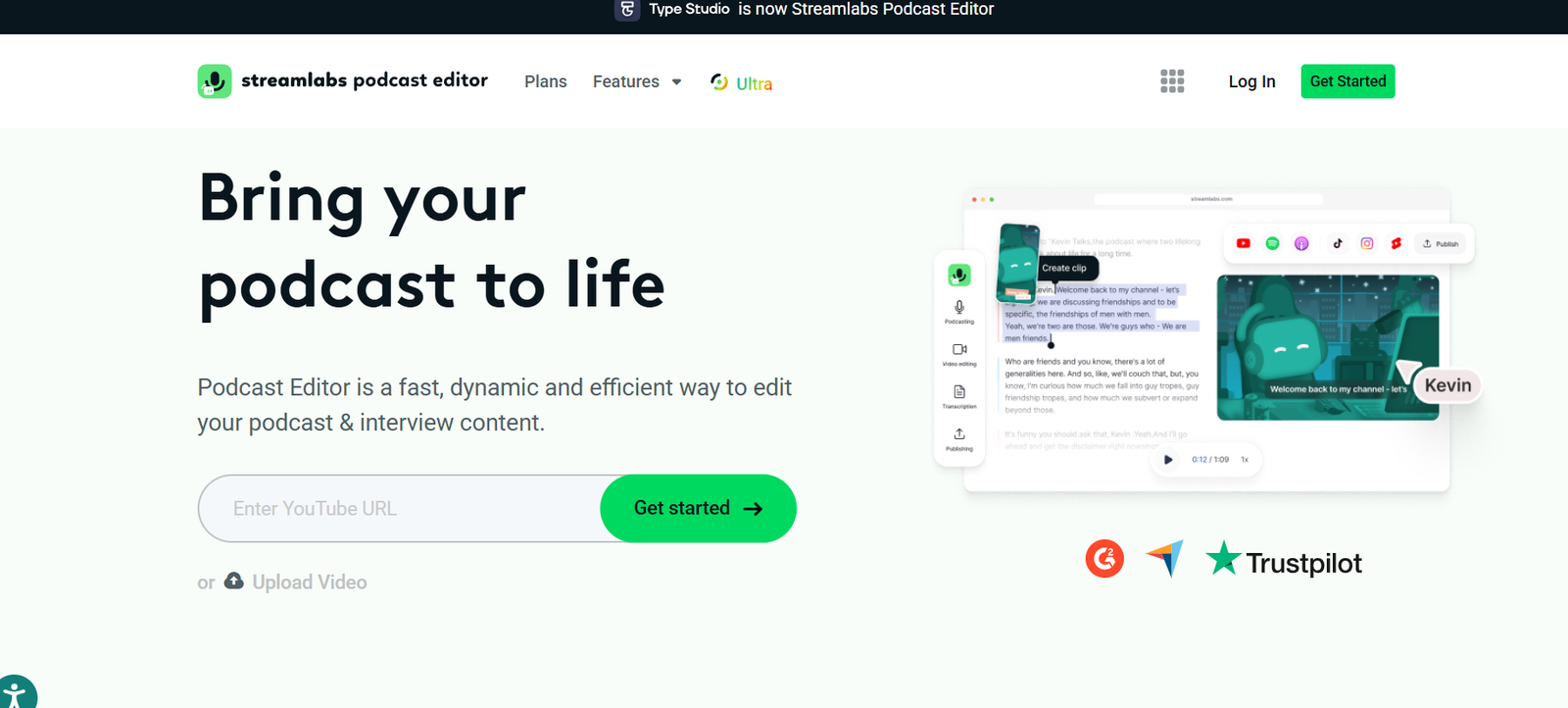
Streamlabs is a comprehensive suite of tools designed for live streamers, video creators, and online broadcasters. It offers a robust, user-friendly platform for streaming, recording, monetizing, and managing content across platforms like Twitch, YouTube, Facebook, and TikTok.
Used by millions of creators worldwide, Streamlabs provides everything from professional overlays and alerts to integrated chat, analytics, donation tools, and merch stores—all in one ecosystem. Whether you’re a beginner or an experienced content creator, Streamlabs streamlines the process of going live and building an audience.
Features
Streamlabs offers an extensive set of features to support creators from first stream to full-time success:
Streamlabs Desktop (formerly Streamlabs OBS):
A free broadcasting software for Windows and macOS built on OBS, optimized with an intuitive UI and enhanced performance tools.Custom Overlays & Widgets:
Access thousands of themes, alert boxes, chat boxes, tip tickers, donation goals, and event lists to customize your stream.Multi-Platform Streaming:
Stream to Twitch, YouTube, Facebook, and TikTok simultaneously with the Ultra plan.Cloud-Based Recordings:
Save, manage, and edit your recordings via the cloud dashboard for easy access anywhere.Mobile App:
Go live from your smartphone with overlays, alerts, and chat integration—ideal for IRL streaming.Tipping & Donations:
Accept viewer donations with zero platform fees and full customization.Merch Store:
Launch and manage your own merchandise store directly from Streamlabs with no upfront cost.Guest Star:
Invite guests to your stream using a browser link—no software download required.App Store & Plugins:
Extend functionality with apps for music, games, engagement, and monetization.Analytics & Viewer Insights:
Get in-depth performance metrics across multiple platforms to grow your channel.
How It Works
Streamlabs simplifies the streaming process through its integrated tools and services:
Download Streamlabs Desktop or Mobile App:
Get the free software for PC, macOS, or iOS/Android.Connect Your Streaming Platform:
Log in with Twitch, YouTube, or Facebook to sync your settings and channel.Customize Your Layout:
Choose from free or premium overlays, add alerts, widgets, and set up scenes.Go Live:
Click “Start Streaming” and broadcast in real time with your customized setup.Monitor & Interact:
Use integrated chat, event lists, and real-time alerts to engage with your audience.Monetize & Grow:
Enable tipping, launch merch, or integrate your Patreon and YouTube memberships.Track Performance:
Use the dashboard to analyze viewer engagement, donations, and follower growth.
Use Cases
Streamlabs is ideal for a range of creators and online broadcasters:
Twitch Streamers:
Create professional streams with overlays, chat integration, and monetization tools.YouTube Creators:
Livestream gaming, tutorials, Q&As, or events with custom branding and analytics.IRL Streamers:
Use the mobile app to broadcast live events, travel vlogs, or daily activities.Podcasters & Talk Shows:
Host live interviews or discussions with the Guest Star feature.Nonprofits & Fundraisers:
Run donation drives and charity streams with built-in tools and customization.Educators & Coaches:
Deliver live lectures, classes, or workshops with screen sharing and engagement tools.
Pricing
As of July 2025, Streamlabs offers both free and premium options (source: https://streamlabs.com/prime):
Free Plan:
Access to Streamlabs Desktop and mobile app
Basic overlays and widgets
Tipping and chat integration
Limited cloud storage
Ads may appear in certain features
Streamlabs Ultra – $19/month or $149/year:
Stream to multiple platforms simultaneously
Access 1,000+ premium overlays, themes, and widgets
Unlimited cloud storage
Custom domain for tip page
Access to Streamlabs Apps (plugins for music, automation, games, etc.)
Premium support
Merch store customization and branding
Video editor, thumbnail maker, and sponsor connect tools
Merch & Donation Features:
No upfront costs
Platform takes a small commission on merchandise sales
0% fee on donations (excluding payment processor fees)
Streamlabs Ultra is ideal for creators seeking to monetize and grow their channel with professional tools and branding.
Strengths
All-in-One Creator Suite:
Combines streaming, monetization, analytics, and engagement tools in one dashboard.User-Friendly Interface:
Easier to navigate and configure than OBS Studio, especially for beginners.Robust Customization Options:
Thousands of overlays, themes, and widgets to personalize your content.Mobile Streaming Support:
Stream on the go with full overlays and alerts.Built-In Monetization:
Donations, merch, and sponsorship tools without extra integrations.Frequent Updates and Community Support:
Backed by Logitech, Streamlabs continues to evolve with regular updates and integrations.
Drawbacks
Higher CPU Usage:
Streamlabs Desktop can consume more resources than OBS Studio—may affect performance on low-end PCs.Premium Features Behind Paywall:
Many professional overlays, themes, and multistreaming are only available with the Ultra plan.Branding in Free Version:
Tip pages and some assets in the free plan may carry Streamlabs branding.Occasional Stability Issues:
Some users report occasional crashes or bugs, especially on updates.No Native Linux Support:
Limited to Windows and macOS on desktop.
Comparison with Other Tools
Streamlabs vs OBS Studio:
OBS is open-source and lightweight but requires manual setup. Streamlabs offers a more intuitive interface and built-in features like tipping, overlays, and chat—all in one.
Streamlabs vs Restream:
Restream focuses on multistreaming only. Streamlabs provides multistreaming plus full production, engagement, and monetization tools.
Streamlabs vs Riverside.fm or Zoom:
Riverside and Zoom are built for interviews and podcasting. Streamlabs is optimized for live public streaming and content monetization.
Streamlabs vs Ecamm Live (macOS only):
Ecamm is a powerful live production tool for Mac users. Streamlabs is cross-platform and more focused on gaming and general creators.
Customer Reviews and Testimonials
Streamlabs is widely used and trusted by millions of creators globally. Reviews from creators highlight:
“Streamlabs made it super easy to start streaming. The pre-made themes and chat integration are amazing.” – Twitch Affiliate
“The Ultra plan pays for itself with the time it saves on setup and the extra branding features.” – YouTube Creator
“I love how I can manage my merch store, alerts, and donations in one place.” – Independent Gamer
With strong support from the streaming community and continuous improvements, Streamlabs remains a go-to platform for modern content creators.
Conclusion
Streamlabs is an all-in-one platform for live streaming, recording, and monetizing your content. From professional-grade overlays to donation management and multistreaming, it offers a powerful toolkit for creators at every level.
Whether you’re just getting started on Twitch or scaling a full-time content business across YouTube and TikTok, Streamlabs equips you with the tools to grow, engage, and succeed.


