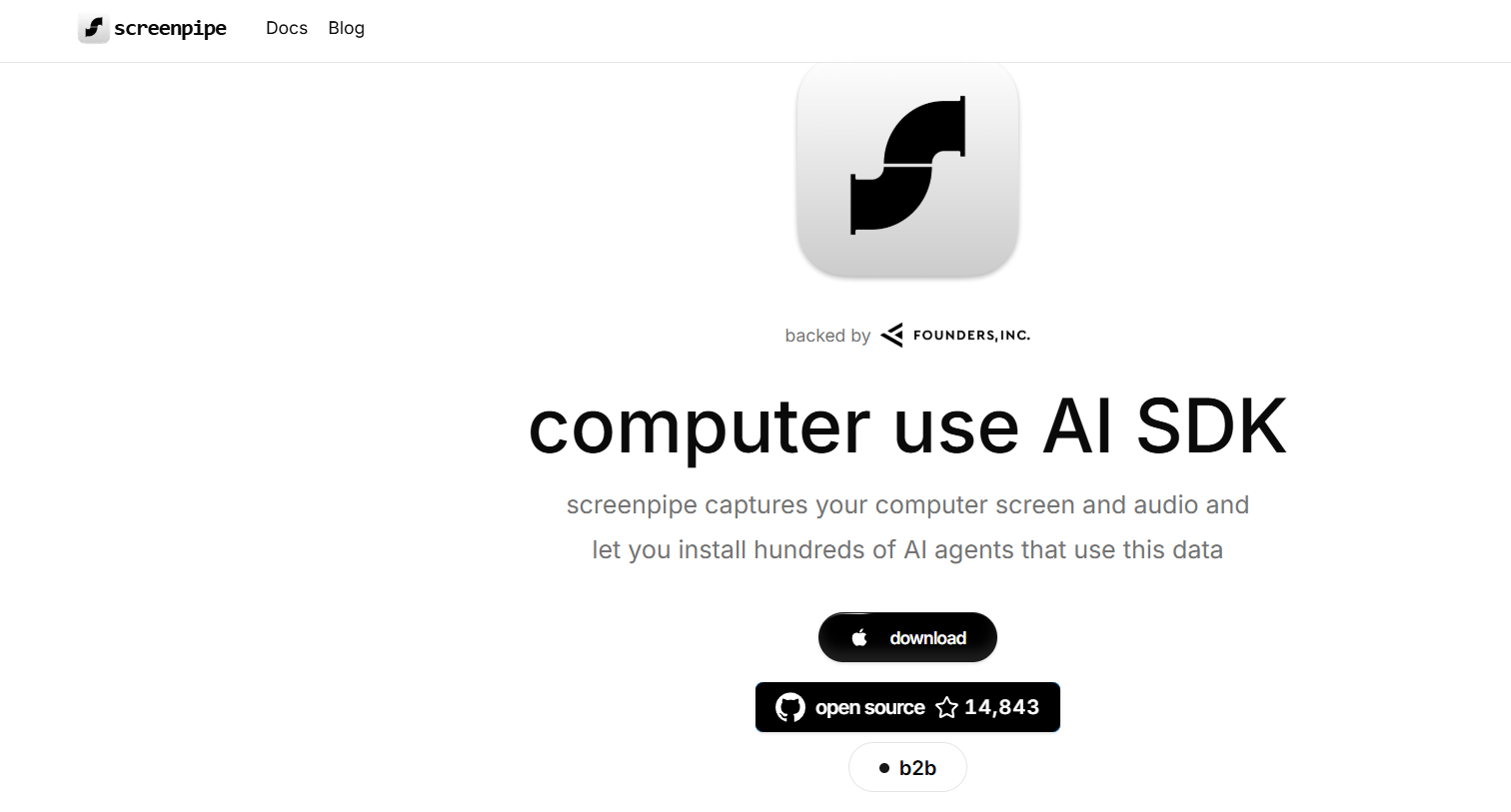
Screenpipe is a minimalist, open-source screen recording and sharing tool for developers and technical professionals. Designed to be used directly from the command line interface (CLI), it allows users to record their screen and instantly share a streamable video via a unique URL.
Built with simplicity and privacy in mind, Screenpipe avoids the complexity of graphical recording tools while giving developers a frictionless way to document, demonstrate, or debug their workflows. It runs on Unix-based systems (Linux, macOS) and uses familiar CLI commands, making it an ideal tool for developers, sysadmins, and open-source contributors.
You can run Screenpipe in seconds without creating an account or navigating through menus—just record, stream, and share.
Features
Command Line Interface (CLI)
Screenpipe is entirely terminal-based. Launch recordings with a simple command like screenpipe and start sharing immediately.
Instant Stream Sharing
Once recording begins, Screenpipe generates a public URL where others can view the live or recorded stream.
Lightweight and Fast
No bloat, no dependencies on GUI environments. Optimized for low-latency recording directly from the terminal.
End-to-End Encryption
Your screen data is encrypted during transmission, providing privacy and security for sensitive or internal content.
Open Source
Freely available on GitHub, allowing you to audit, fork, and contribute to the project under an open license.
Works Anywhere with FFmpeg
Screenpipe relies on FFmpeg, a standard media utility, which means it works reliably across most Unix systems.
No Login Required
You can start using Screenpipe without registration or authentication—ideal for spontaneous collaboration.
Ideal for Developer Workflows
Record terminal sessions, demo CLI tools, reproduce bugs, or document development steps.
How It Works
Screenpipe is built to be as simple as possible. Here’s how the process typically works:
Install Screenpipe
Clone the repository from GitHub and install the tool on your Unix-based system. Make sure FFmpeg is installed.Start Recording
Launch a session with thescreenpipecommand. You can optionally pass flags to customize resolution, region, or streaming platform.Get the Shareable URL
Once started, Screenpipe generates a stream URL that you can send to colleagues or embed in documentation.Stop and Save
Press Ctrl+C to stop recording. You can choose to save a local copy or discard the session.Rewatch or Download
Viewers can access the recording via the URL, and depending on the configuration, download the file.
This command-line-first workflow is ideal for technical users who prefer speed, repeatability, and control over GUI complexity.
Use Cases
Bug Reporting
Record and share bugs in action—especially for CLI or dev tools—so that others can replicate the issue clearly.
Technical Documentation
Enhance guides and tutorials by including actual screen recordings of workflows.
Developer Demos
Show off your CLI tool, scripts, or features in real-time with streamable recordings.
Live Collaboration
Share screen activity with remote team members instantly without needing video conferencing tools.
Remote Support
Help teammates or customers by showing steps visually rather than describing them over chat.
Coding Interviews and Walkthroughs
Record terminal workflows for interview demos, onboarding materials, or code reviews.
Pricing
Screenpipe is 100% free and open-source. There is no commercial license, usage-based pricing, or feature gating.
✅ Free to Use
No registration
No premium version
Full features available to all users
✅ Self-Hosted Option
You can deploy your own Screenpipe server for internal usage in organizations.
✅ GitHub Source
Available at: https://github.com/screenpipe/screenpipe
Because it’s free and community-driven, you can modify the tool to fit your own deployment or privacy requirements.
Strengths
Fast Setup
Requires minimal setup. Just install and go.Developer-Friendly
CLI interface means it integrates well into developer workflows and scripting environments.Privacy-Focused
Offers end-to-end encryption and no mandatory user tracking.Zero Learning Curve
No complex options or UI—straightforward usage for tech-savvy users.Lightweight
No bulky desktop application or background services.Open Source and Extensible
Developers can adapt the codebase to meet specific organizational needs.
Drawbacks
Unix-Only Support (Currently)
Works best on Unix-based systems; no official Windows support without WSL.Limited Features Compared to GUI Tools
No webcam support, annotations, or editing features found in apps like OBS or Loom.Requires Terminal Proficiency
Beginners or non-technical users may find the CLI less intuitive.Public Streaming by Default
Generated stream URLs are public unless you self-host or implement additional access control.No Built-In Storage or Dashboard
You’ll need to manage your recordings manually unless extended via integration.
Comparison with Other Tools
Screenpipe vs. OBS Studio
OBS is feature-rich for advanced video needs but requires a GUI and is not optimized for terminal recording. Screenpipe is CLI-native and ultra-lightweight.
Screenpipe vs. Asciinema
Asciinema is great for text-only terminal session recording (like command outputs). Screenpipe captures full video, including GUIs and visuals.
Screenpipe vs. Loom
Loom provides polished screen sharing and video editing but requires an account and browser. Screenpipe is faster and doesn’t require a login.
Screenpipe vs. ffmpeg (Manual)
FFmpeg can record screens but needs manual configuration. Screenpipe simplifies FFmpeg usage for one-command recording and streaming.
Customer Reviews and Testimonials
As an open-source project, Screenpipe is used by developers across the globe for quick, terminal-based recording. Here’s what some users have said:
“Screenpipe is my go-to tool when I need to show someone a bug or feature in the terminal. It just works.”
— Backend Engineer
“I’ve replaced Loom with Screenpipe for most dev-related videos. It’s faster and doesn’t require switching windows.”
— DevOps Consultant
“We use Screenpipe internally to share quick walkthroughs for API debugging and bash scripting.”
— Support Engineer, SaaS Startup
“The fact that it streams over the internet from my terminal with no setup is just brilliant.”
— Open Source Contributor
Conclusion
Screenpipe is a minimalist yet powerful tool that makes screen recording and sharing incredibly easy for developers and technical users. With a command-line-first approach, built-in streaming capabilities, and no need for registration or setup, it dramatically simplifies how you communicate technical workflows.
Whether you’re reporting bugs, recording demos, or just sharing your screen for support, Screenpipe offers a fast, free, and open-source solution that fits perfectly into terminal-centric environments.
To get started, visit the official site: https://screenpi.pe or explore the GitHub repo: