Riverside.fm is a browser-based platform that enables remote podcast and video recording in studio-quality resolution. Built for podcasters, content creators, marketers, and media teams, Riverside lets users record interviews and solo content with 4K video and uncompressed audio, all from a web browser.
The platform is designed to replicate the quality of in-studio recording—without needing guests to be physically present. Each participant’s audio and video is recorded locally, then uploaded to the cloud to ensure crystal-clear playback regardless of internet connection quality.
Riverside.fm is used by individual creators as well as large media brands, making it one of the most reliable tools for remote podcast and video content production.
Features
Local Recording
Riverside records each participant’s audio and video locally on their device before syncing and uploading to the cloud, resulting in high-resolution output unaffected by internet lag.
4K Video and WAV Audio
Supports up to 4K video and uncompressed 48kHz WAV audio, ensuring production-quality results for podcasts, interviews, and video content.
Multitrack Recording
Automatically records each participant on a separate track, allowing more control during post-production editing.
Live Streaming
Users can broadcast interviews and recordings live to YouTube, LinkedIn, Twitter, or Facebook while simultaneously capturing local recordings.
Screen Sharing and Presentations
Present slides or demos using built-in screen sharing during a recording session, useful for webinars and educational content.
AI Speaker Detection and Transcription
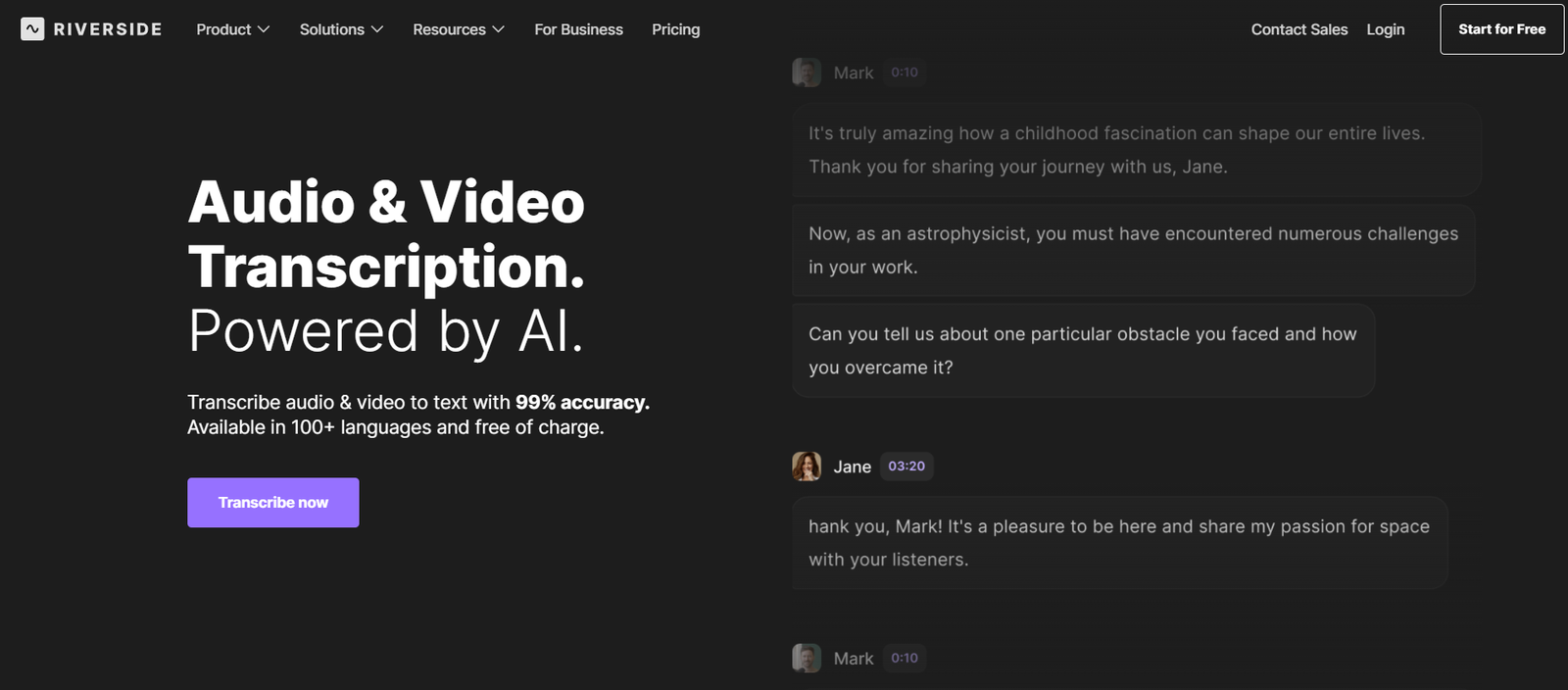
Includes built-in AI tools for transcribing recordings and identifying speakers, ideal for repurposing content into blogs or show notes.
Magic Clips
Automatically creates short video snippets from long-form content using AI to detect highlights and key moments.
Mobile App
Guests can join recordings from a mobile app with the same high-quality local recording technology, increasing flexibility and accessibility.
How It Works
Riverside.fm is designed to be as simple as joining a Zoom call but with vastly improved quality.
The host logs into the Riverside dashboard and creates a new recording session. A link is shared with guests, who can join via Chrome or the Riverside mobile app without creating an account.
Each participant’s audio and video is recorded directly on their own device. These recordings are uploaded in real time to Riverside’s cloud server, where they are automatically synced and backed up.
After the session, users can download individual tracks for editing or use Riverside’s built-in tools for trimming, transcription, and clip generation.
Use Cases
Podcast Production
Record professional interviews or solo episodes remotely, with clear audio and video that match in-studio quality.
Video Content Creation
Create YouTube videos, expert interviews, and brand content without needing a physical camera setup or studio.
Remote Corporate Communications
Teams can use Riverside to produce CEO messages, remote interviews, and product briefings with professional polish.
Live Webinars and Events
Broadcast live to social media platforms while capturing high-quality recordings for post-event sharing.
Online Education and Thought Leadership
Educators and coaches can record lessons, presentations, and discussions to distribute through learning platforms.
Pricing
As of June 2025, Riverside.fm offers multiple pricing tiers to accommodate various needs. Visit the official pricing page for the most up-to-date information.
Free Plan
2 hours of recording/month
Separate audio/video tracks
Watermarked exports
Up to 720p video
Standard Plan – $15/month
5 hours of recording/month
1080p video quality
Live streaming
Unlimited transcriptions
Magic Clips
Pro Plan – $24/month
15 hours of recording/month
4K video recording
Unlimited guests
Multitrack editing
Priority customer support
Business and Enterprise Plans – Custom pricing
Custom usage limits
Team accounts and collaboration tools
Dedicated account manager
API and white-label options
Strengths
Studio-quality remote recording
Easy to use, with no downloads for guests
Multitrack support for pro-level post-production
Built-in editing, clipping, and transcription tools
Live streaming integration for audience engagement
Mobile app increases guest flexibility
Drawbacks
Free plan is limited in recording hours and video quality
Advanced features like Magic Clips and 4K require paid plans
Browser-based interface may have compatibility limits with older systems
Requires strong local device performance for best quality
Comparison with Other Tools
Riverside.fm vs. Zoom
Zoom is built for meetings and sacrifices audio/video quality for real-time interaction. Riverside is designed for content creation and offers significantly better recording quality.
Riverside.fm vs. Zencastr
Zencastr is another remote recording tool but lacks Riverside’s video recording in 4K and robust live streaming capabilities.
Riverside.fm vs. SquadCast
SquadCast offers multitrack recording and local capture but does not support video in 4K or live streaming, making Riverside more versatile for video creators.
Customer Reviews and Testimonials
Riverside.fm is trusted by major brands and content creators, including TED, The New York Times, Marvel, and Gary Vaynerchuk’s team.
User feedback highlights:
Easy onboarding for non-technical guests
High-fidelity audio and video outputs
Huge time savings in post-production due to multitrack syncing
Excellent customer support and frequent feature updates
Many creators call it a “must-have” for remote podcasting and professional video production.
Conclusion
Riverside.fm is a powerful and accessible platform that enables creators to produce studio-quality podcasts and videos from anywhere. With features like 4K video, multitrack audio, and AI-powered tools, it meets the needs of individual creators, content teams, and enterprise media producers alike.
Its intuitive interface, mobile accessibility, and live streaming capabilities make Riverside.fm one of the most complete solutions for remote content creation in today’s digital landscape.
Visit Riverside.fm to start recording your next podcast or video session with professional quality—no studio required.