
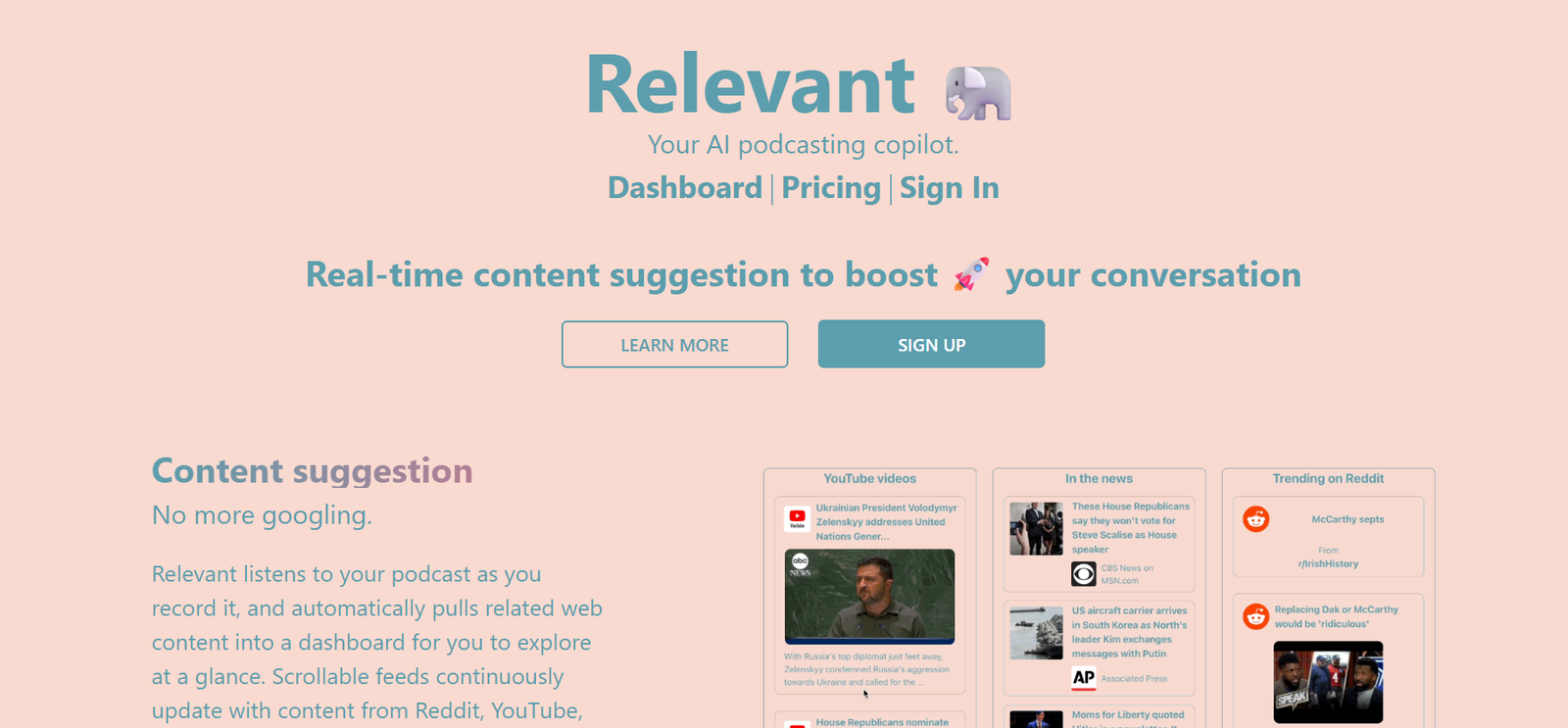
Relevant is an AI meeting assistant designed to transform how teams capture, summarize, and act on the outcomes of video calls. By integrating with popular conferencing platforms like Zoom, Google Meet, and Microsoft Teams, Relevant automatically records meetings, generates concise summaries, highlights action items, and helps teams stay aligned with minimal manual effort.
Built for modern hybrid and remote teams, Relevant ensures that no important insight, task, or decision is missed. With powerful speech recognition and natural language processing, it delivers high-quality meeting notes that can be shared, stored, and followed up with, removing the need for manual notetaking and post-meeting follow-ups.
Features
Relevant provides a comprehensive suite of AI-driven meeting productivity tools for individuals, teams, and organizations.
AI-Generated Meeting Summaries: Automatically create clear and concise summaries of meetings, capturing key points and outcomes.
Action Item Extraction: Identifies and lists tasks, responsibilities, and deadlines discussed during the call.
Speaker Identification: Recognizes and attributes speech to the correct participant for clarity and accountability.
Meeting Recording: Record meetings across Zoom, Google Meet, and Microsoft Teams for future reference.
Searchable Transcript: Generate full transcripts that are searchable and time-stamped for easy navigation.
Smart Notifications: Send summaries and action items to attendees or Slack/Email immediately after the meeting.
Calendar Integration: Syncs with your Google or Microsoft calendar to automatically join and record scheduled meetings.
Team Collaboration: Share summaries and notes across teams and workspaces to maintain alignment.
Security and Privacy Controls: Offers data encryption, access permissions, and GDPR-compliant storage options.
Custom Summary Style: Tailor the summary structure to suit your workflow or reporting preferences.
How It Works
Users begin by signing up for Relevant and connecting their preferred video conferencing and calendar platforms. Once integrated, Relevant automatically joins scheduled meetings as a silent participant or works in the background to record and analyze audio.
During or after the meeting, the AI processes the conversation, identifies key discussion points, and compiles a structured summary. It extracts action items and decisions while noting who said what. These outputs are delivered via the web app, email, or connected communication tools like Slack.
Users can review, edit, or share the summaries and transcripts with colleagues. For recurring meetings, Relevant builds a continuous log of past discussions and decisions to support better project tracking and team accountability.
Use Cases
Project Management: Keep track of decisions and action items from recurring team meetings and client check-ins.
Sales and Client Meetings: Automatically summarize discovery calls, demos, and negotiations to support CRM entries and follow-up.
Human Resources: Document interviews, onboarding sessions, and internal reviews without manual notes.
Product Development: Align stakeholders across product updates, roadmap discussions, and sprint planning.
Remote Teams: Ensure every team member stays in sync, regardless of location or time zone.
Consulting and Agencies: Provide clients with professional meeting recaps and task breakdowns for accountability.
Board or Executive Meetings: Create consistent documentation for compliance and high-level oversight.
Pricing
As of the latest update from relevant-app.com/pricing, Relevant offers several pricing tiers based on usage and team size.
Free Plan:
Record and summarize up to 5 meetings per month
Access to basic summary and transcript features
Best for personal use and early trials
Pro Plan – $15/month:
Unlimited meeting summaries
AI-generated action items and speaker labels
Calendar and Slack integration
Suitable for professionals and team leads
Team Plan – $30/month per user:
Shared workspaces and collaboration tools
Team-wide summary access
Advanced integrations and admin controls
Enterprise Plan – Custom pricing:
Dedicated onboarding and support
Compliance features, API access, and analytics
Designed for larger organizations and regulated industries
All paid plans typically offer a free trial period for users to explore the platform before committing.
Strengths
Time-Saving Automation: Instantly creates summaries and action items, eliminating hours of manual transcription.
Multi-Platform Compatibility: Works across Zoom, Meet, and Teams, with seamless calendar integration.
High Accuracy: Uses advanced NLP to capture essential meeting details and conversational context.
Team Collaboration Features: Shareable notes, permissions, and workspace options enhance team coordination.
User-Friendly Interface: Clean, intuitive layout that simplifies accessing transcripts, highlights, and recordings.
Flexible Distribution: Summaries can be delivered via email, Slack, or stored in the dashboard for easy access.
Privacy Focus: Offers secure storage and compliance-friendly options for data-sensitive organizations.
Drawbacks
Meeting Cap on Free Plan: Limited to a few meetings per month without a paid subscription.
No Real-Time Summarization Yet: Summaries are processed after the meeting rather than during live calls.
Requires Consistent Audio Quality: Accuracy may drop in noisy environments or with poor microphone quality.
Not Ideal for Informal Chats: Best suited for structured meetings with clear goals and takeaways.
No Mobile App (as of writing): Full functionality is limited to the web interface, which may restrict mobile usage.
Comparison with Other Tools
Compared to Otter.ai:
Otter is transcript-first and more general-purpose. Relevant focuses specifically on structured meeting summaries and action items for teams.
Compared to Fireflies.ai:
Fireflies offers broader integrations and voice-based search, but Relevant is known for cleaner summaries and more focused output for action-oriented meetings.
Compared to Fathom:
Fathom is strong in sales meeting documentation. Relevant is better suited for cross-functional teams needing summaries and recurring meeting tracking.
Compared to Notion AI + Meeting Notes:
Notion’s AI tools require manual input and prompting. Relevant fully automates the process with minimal setup and delivers post-call summaries instantly.
Customer Reviews and Testimonials
While Relevant is still building a broader public review base, early adopters have shared positive feedback on LinkedIn, Product Hunt, and startup communities.
A product manager shared:
“Relevant helps me stop worrying about taking notes and focus on the conversation. The summaries are spot on.”
A startup founder noted:
“I use it for all my investor and client meetings. It creates a professional summary I can send out right after the call.”
A marketing lead commented:
“It’s like having a silent assistant in every meeting. Saves hours every week.”
These testimonials reflect the tool’s value in increasing efficiency, improving communication, and supporting better decision-making.
Conclusion
Relevant is a purpose-built AI meeting assistant that delivers reliable, actionable summaries of your video calls. By turning conversations into clear notes and next steps, it helps teams stay aligned, move faster, and minimize follow-up friction. Whether you’re in sales, product, HR, or executive leadership, Relevant supports better meetings with minimal effort.
While it’s not a full transcription platform or call analytics tool, its sharp focus on clarity, usability, and task management makes it a standout choice for modern, collaborative teams. For professionals and organizations seeking to make meetings more productive and less burdensome, Relevant is an AI tool worth integrating into your workflow.


