
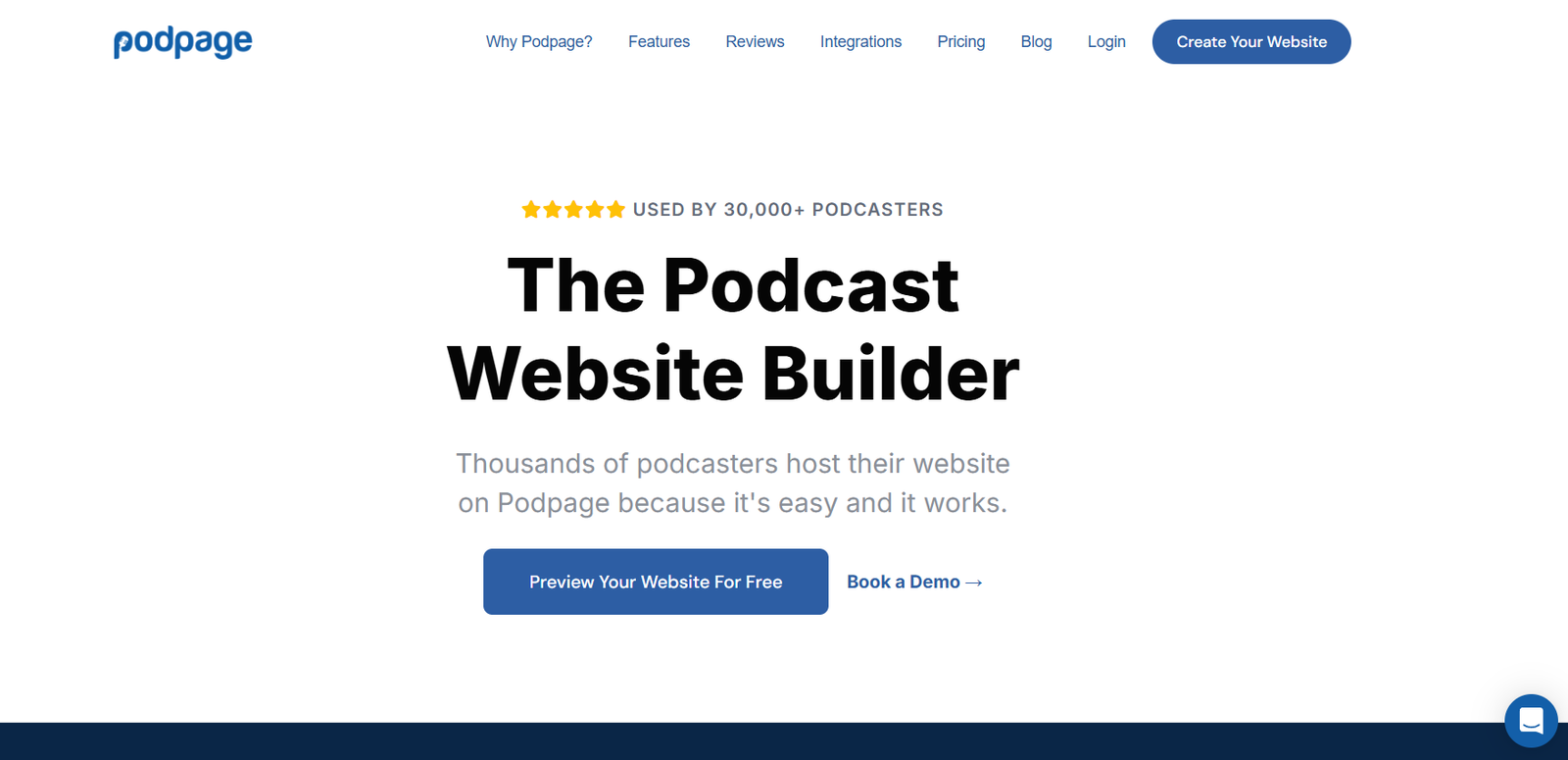
Podpage is a website builder made specifically for podcasters. It allows you to automatically create a professional-looking, fully functional website for your podcast in just minutes. You don’t need to know anything about web design or development—Podpage does all the heavy lifting for you by pulling your show’s data directly from your podcast feed.
It’s ideal for creators who want to grow their audience, improve their show’s visibility online, and offer a better experience for their listeners. Whether you’re just starting out or running a podcast network, Podpage offers tools that simplify the process of launching and maintaining a podcast website.
From episode pages and guest profiles to SEO optimization and social sharing, Podpage turns your RSS feed into a dynamic, search-friendly site without any manual work.
Features
One of Podpage’s core features is its ability to instantly generate a website from your podcast’s RSS feed. As soon as you enter your show link, the system creates a full site with an episode list, show notes, audio player, subscription links, and more.
Each new episode you publish automatically appears on your website without needing to log in or update manually. This ensures your site is always current and saves you time every week.
Podpage also includes SEO optimization out of the box. It creates clean URLs, structured data, and episode pages that rank better in search engines, helping more people discover your show through Google and other platforms.
Listener engagement tools are built in. You can collect and display reviews from Apple Podcasts and other directories. You can also include a contact form, email signup box, and links to your social profiles or donation platforms.
Another standout feature is guest profiles. If your show features interviews, Podpage will automatically build a guest page for each person based on their episode appearance, complete with bio, links, and a list of episodes they’ve been featured in.
You also get a blog section, custom pages, video embeds, and integration with services like Google Analytics, Mailchimp, and YouTube. Podpage handles hosting, security, backups, and even lets you connect a custom domain name.
How It Works
Using Podpage starts with entering your podcast RSS feed. The platform pulls your show’s title, description, artwork, and episodes instantly and uses that data to create a complete website.
From there, you can personalize the look and feel of the site. Podpage offers several themes and layout options that are mobile-responsive and built for podcast content. You can choose colors, fonts, and add your own branding without writing a single line of code.
The dashboard allows you to tweak content, add additional pages, edit metadata, and view analytics. You can preview your changes before publishing and everything is hosted directly through Podpage, so there’s no need to worry about servers or software updates.
Once your site is live, it continues to update automatically whenever you publish a new episode. You can set up links to podcast platforms, include embedded players, and configure newsletter integrations to collect emails from visitors.
For monetization or listener support, Podpage lets you add donation links, Patreon widgets, or affiliate pages so you can generate revenue from your audience.
Use Cases
Independent podcasters use Podpage to create a clean, branded site where listeners can browse episodes, leave reviews, and find links to subscribe on their favorite platforms.
Marketing teams use it to centralize all podcast-related content in one place, making it easier to promote episodes, track listener behavior, and build an email list.
Interview-based shows use the guest profile feature to boost SEO and provide more value to their audience by showcasing expert guests with dedicated bios and links.
Podcast networks and production agencies use Podpage to host multiple shows, keep branding consistent, and automate the web development process without hiring designers or developers.
Coaches, authors, and creators with personal brands use Podpage to create a digital hub where their podcast, blog, and services are all integrated under one domain.
Pricing
Podpage offers flexible pricing plans for all types of users. You can start with a free plan that provides a basic website with limited customization and branding options. It’s a great way to test the platform and see if it fits your needs.
The Pro plan is their most popular and includes advanced features like custom domains, SEO tools, episode scheduling, email integrations, review collection, analytics, and premium design themes.
Podpage also offers a Podcast Network plan for users managing multiple shows. This plan includes white-labeling, centralized management tools, and higher-level support.
Pricing is subscription-based, billed monthly or annually at a discount. You can view full pricing details on the Podpage pricing page and choose a plan that scales with your show.
Strengths
Podpage’s biggest strength is how effortless it makes the process of launching a podcast website. Within minutes, you can go from zero to a fully functional site that updates itself and looks professional.
It’s purpose-built for podcasters, so every feature is relevant and easy to use. You’re not overwhelmed by unnecessary tools or complicated setup steps.
The automation is impressive—new episodes sync instantly, guest pages are auto-generated, and reviews populate from major directories. These details save hours of manual work over time.
Another strength is the SEO foundation. Many podcast websites overlook search visibility, but Podpage optimizes metadata, URLs, and content structure to improve organic traffic.
The platform also values listener interaction. Whether through review widgets, email signup, or contact forms, Podpage helps podcasters stay connected with their audience and build community.
Drawbacks
While Podpage covers almost everything most podcasters need, it may not offer the deep customization or control that web developers might expect from traditional website builders like WordPress.
You’re limited to the platform’s design templates and settings. If you want a completely custom layout or integrate complex third-party apps, you might find it restrictive.
The free plan is quite limited and lacks features like custom domains and SEO tools, so most users will eventually need to upgrade to benefit fully.
There’s also no built-in eCommerce support or complex membership system, so if you plan to sell merchandise or run a paid content wall, you’ll need to integrate with external platforms.
Comparison with Other Tools
Compared to traditional website builders like WordPress or Squarespace, Podpage is faster and more focused. WordPress gives you full control but requires plugins, hosting setup, and maintenance. Squarespace offers great design, but it’s not optimized for podcast content.
Podpage removes the complexity. It’s designed specifically for podcasters and includes podcast-specific features that would take time and effort to build manually on other platforms.
Buzzsprout and Transistor offer podcast hosting and basic website functionality, but they lack the depth of customization and SEO features that Podpage provides. Many podcasters use Podpage alongside their host for a more robust web presence.
Tools like Carrd or Linktree can provide simple landing pages, but they don’t offer the same depth of episode integration, guest management, or audience engagement that Podpage brings.
Customer Reviews and Testimonials
Podpage is widely praised by podcasters of all sizes for its ease of use and the professional look of its websites. New creators appreciate how quickly they can go live, and experienced hosts value the automation and SEO benefits.
Users often mention that Podpage makes their show feel more “real” and helps them appear more credible to guests, sponsors, and listeners.
One podcaster shared that they saw an increase in listener engagement and email signups after switching from a simple landing page to a Podpage site with show notes, guest pages, and reviews.
Another said it was the first tool they found that “just worked” out of the box, with no plugins or tutorials required. Support is also frequently praised for being fast, friendly, and hands-on when needed.
Conclusion
Podpage is a thoughtful, reliable, and highly useful tool for podcasters who want to build a home for their show online without dealing with the complexities of traditional web development.
It gives you everything you need to grow your audience, rank better in search engines, collect reviews, and stay connected with your listeners—all through a clean, modern, and automated website.
Whether you’re launching your first episode or managing multiple shows, Podpage saves you time and adds professionalism to your podcast brand.
For creators who want more visibility and a better online presence without learning to code, Podpage is a smart and practical choice.


