
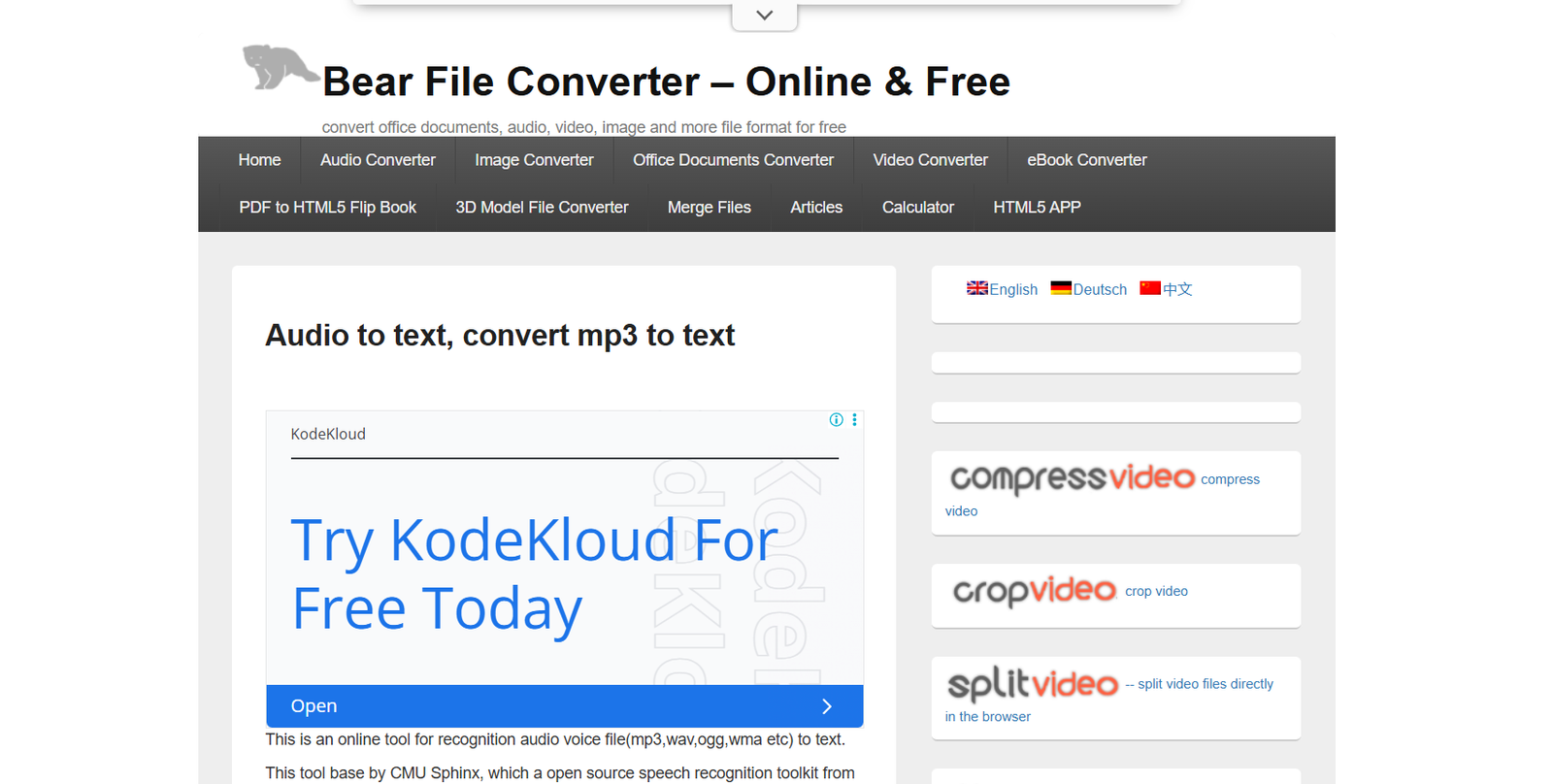
Ofoct is a free online toolset offering a wide range of utilities for developers, students, and data analysts. The platform includes tools for encoding, decoding, conversion, and formatting of text, binary, hexadecimal, Base64, and other data types. Ofoct focuses on simplicity and speed, requiring no login or installation. It’s a lightweight, browser-based utility suite for quick transformations and data manipulations. Whether you’re debugging a string, converting number formats, or analyzing raw data, Ofoct delivers convenient, one-click solutions.
Features
Ofoct includes a comprehensive collection of free online tools useful for technical and non-technical users.
Text Conversion Tools
Convert text between uppercase, lowercase, title case, and remove line breaks or whitespace.
Binary and Hexadecimal Tools
Convert binary to hex, hex to binary, and other combinations like ASCII to binary or decimal to hex.
Base64 Encoding and Decoding
Easily encode text to Base64 or decode Base64 back to plain text for secure data handling.
Hashing Tools
Generate MD5, SHA1, and SHA256 hashes for verifying file integrity or storing secure strings.
Unicode and ASCII Converters
Translate between ASCII characters and Unicode or get decimal representations of text.
IP and Number Tools
Convert IP addresses to decimal or perform numeric base conversions between binary, octal, decimal, and hexadecimal.
File Tools
Extract file metadata or convert files to different formats such as text or base64.
Color Code Tools
Convert between color formats like RGB, HEX, HSL, and get color previews instantly.
Math Calculators
Use simple math tools for arithmetic operations, prime number checking, or base conversions.
No Registration Required
All tools are free to use online without creating an account or providing personal data.
How It Works
Ofoct is entirely web-based and requires no software installation. To use a tool, you simply visit the relevant section on the website, input your data, and click a button to convert or process it. The output is displayed instantly on the page, and you can copy the result to your clipboard. Each tool has a clear layout with labeled input and output fields to ensure ease of use.
Since everything runs in the browser, there’s no need for logins or downloads, making it especially useful for quick checks or light development tasks. The website is organized by tool category so users can quickly find what they need.
Use Cases
Ofoct serves a variety of use cases across different professions and tasks.
Developers
Convert between number formats, encode data, and test strings in different encoding schemes.
Students
Understand data encoding systems like binary, hex, and Base64 for programming or computer science assignments.
IT Professionals
Use IP address tools and string conversions for system configuration and debugging.
Writers and Editors
Clean up text by removing extra line breaks, changing case, or stripping special characters.
Digital Marketers
Use text formatting tools to optimize content before uploading to various platforms.
Cybersecurity Learners
Generate hashes or decode Base64 strings for encryption and authentication practice.
Pricing
Ofoct is completely free to use.
No Paid Plans
All tools are available with full functionality without a subscription or purchase
No Account Required
Users do not need to sign up or log in
No Hidden Costs
There are no advertisements, paywalls, or limitations for frequent use
Visit https://www.ofoct.com to start using the tools instantly
Strengths
Ofoct’s biggest strength is its simplicity and accessibility. The platform delivers a wide variety of helpful utilities without requiring login credentials or software installation. Everything runs in the browser, and results are processed in real time. Its minimal interface ensures that users of all technical levels can use it without a learning curve. The range of tools covers everyday technical needs, particularly in development, data transformation, and text processing.
Drawbacks
Ofoct lacks advanced functionality or bulk-processing features that may be needed for enterprise or heavy technical users. Its design is minimal and functional, but not optimized for aesthetic appeal or mobile responsiveness. There are no user accounts, which also means no way to save sessions or history of conversions. Support and documentation are limited, so users may need to experiment to fully understand how some tools work.
Comparison with Other Tools
Compared to online platforms like RapidTables or Browserling, Ofoct offers a broader variety of tools in one place without ads or distractions. Unlike CyberChef, which supports more advanced and programmable workflows, Ofoct is designed for quick, single-use conversions. It also differs from IDE plugins or desktop tools by offering instant browser-based access. For users who want a lightweight alternative to heavy tools or online developer platforms, Ofoct is a fast and effective solution.
Customer Reviews and Testimonials
As a free tool without user accounts or formal community spaces, Ofoct does not showcase public testimonials on its website. However, it is frequently mentioned in forums like Stack Overflow and Reddit as a handy utility for quick string or data transformations. Users often praise its speed, no-login design, and wide tool variety. It’s commonly bookmarked by developers and tech students as a go-to reference for common encoding and conversion tasks.
Conclusion
Ofoct is a practical and fast online utility platform for anyone who needs to manipulate or convert text, numbers, or encoded data. It brings together dozens of helpful tools into one free, no-signup website that works instantly in your browser. While it may not offer advanced features or integrations, it delivers exactly what it promises — simple, reliable, and accessible tools for everyday tasks. For developers, students, and tech users who need quick solutions, Ofoct is a must-have in your productivity toolkit.











