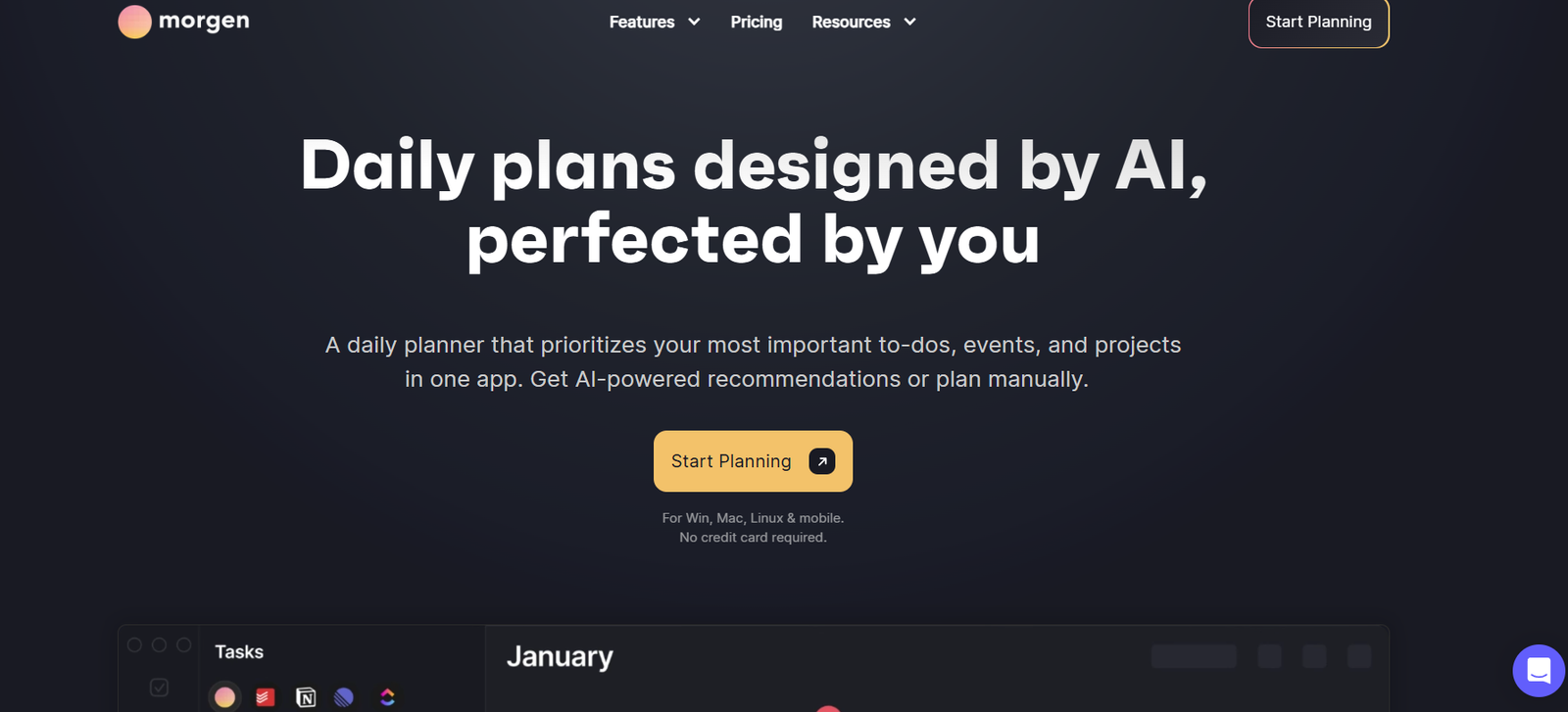
Morgen.so is an all-in-one calendar and task management platform designed to help users manage time, tasks, and meetings more efficiently. Built for professionals, freelancers, and teams, Morgen integrates scheduling, task planning, and calendar management into a single smart interface—reducing the need to switch between multiple productivity tools.
With support for multiple calendars, built-in task tracking, and intelligent scheduling features, Morgen empowers users to gain control over their time and stay focused on what matters. Available on macOS, Windows, Linux, iOS, and Android, Morgen is perfect for those seeking a unified, cross-platform productivity workspace.
Whether you’re organizing your day, scheduling client meetings, or planning project deadlines, Morgen helps you stay productive and aligned.
Features
Morgen.so offers a rich suite of features that combine calendar management, scheduling, and task planning:
Unified Calendar View – Sync calendars from Google, Outlook, iCloud, Exchange, and CalDAV in a single dashboard.
Built-In Task Manager – Plan your to-dos and connect them to your schedule directly from the same interface.
Smart Scheduling Links – Share availability with others through custom scheduling links without revealing your full calendar.
Time Blocking – Block time for deep work by dragging tasks onto your calendar.
Cross-Platform Support – Available on desktop (macOS, Windows, Linux) and mobile (iOS, Android) for seamless productivity.
Offline Mode – Use Morgen without an internet connection and sync changes once reconnected.
Privacy-Focused – Data is stored locally with end-to-end encryption and full GDPR compliance.
AI-Smart Suggestions (Beta) – AI features in development aim to recommend optimal time slots and automate planning routines.
How It Works
Morgen simplifies time and task management through integration and automation:
Connect Your Calendars – Add your calendars from multiple providers to see all events in one place.
Plan Tasks and Projects – Use the built-in task manager to create to-dos, deadlines, and recurring tasks.
Schedule Smarter – Use scheduling links to let others book meetings with you at your available times, without endless back-and-forth emails.
Use Time Blocking – Drag tasks into calendar slots to dedicate time for focused work.
Sync Across Devices – Access your calendar and tasks anywhere, with mobile and desktop syncing.
The goal is simple: reduce tool switching and consolidate your productivity workflow into one intuitive platform.
Use Cases
Morgen.so is highly versatile and fits various productivity and scheduling needs:
Freelancers & Consultants – Manage meetings, tasks, and client schedules in one place.
Startup Teams – Coordinate availability across time zones and eliminate meeting friction with scheduling links.
Remote Workers – Plan the day and balance work-life boundaries using time blocking and task prioritization.
Students & Academics – Track assignments, classes, and personal tasks using a unified planner.
Executives & Managers – Oversee team availability, align schedules, and manage strategic priorities without external tools.
Developers & Designers – Focus on deep work by scheduling distraction-free blocks of time for project delivery.
Pricing
Morgen offers a free plan and two premium plans with monthly or annual billing options. Pricing as of the latest update:
Free Plan
1 calendar integration
1 scheduling link
Basic task management
Desktop access only
Pro Plan – $9/month (billed annually)
Unlimited calendar integrations
Unlimited scheduling links
Advanced task features
Mobile and desktop access
Time blocking and priority task views
Team Plan – Custom Pricing
Shared availability view across team members
Team scheduling coordination
Admin management tools
Priority support
All plans include GDPR-compliant data handling and optional offline access.
Strengths
Morgen.so provides several key benefits over traditional calendar and task tools:
Unified Workspace – Combines calendar, tasks, and scheduling in a single platform.
Cross-Platform Compatibility – Works across all major desktop and mobile operating systems.
Privacy and Security – Designed with user privacy in mind; data remains local or encrypted.
Smart Scheduling – Avoids back-and-forth by allowing others to book time via links, integrated into your calendar.
Modern Interface – Clean, minimal UI that enhances focus and usability.
Offline Functionality – Continue working and scheduling even without internet access.
Drawbacks
Despite its strong feature set, Morgen has a few limitations:
Limited Free Plan – Only supports one calendar and scheduling link, which may not suffice for power users.
AI Features Still in Beta – AI suggestions for scheduling are in development and not yet fully mature.
No Team Chat or Collaboration Tools – It’s focused on time management, not team communication or project collaboration.
Some Learning Curve – Users unfamiliar with time blocking or productivity planning may need time to adapt.
Comparison with Other Tools
Compared to calendar tools like Google Calendar, Calendly, and productivity suites like Notion or Todoist, Morgen offers a uniquely integrated experience.
Google Calendar is a powerful calendar tool but lacks native task management and scheduling link features.
Calendly focuses only on scheduling but does not include calendar or task management.
Todoist excels in task management but lacks deep calendar integration and scheduling automation.
Notion is flexible for project management but requires manual setup for calendars and lacks native scheduling functionality.
Morgen.so stands out by offering all three core functions—calendar, tasks, and scheduling—in a unified, intuitive app designed to reduce friction and increase focus.
Customer Reviews and Testimonials
Morgen has received positive feedback on platforms like Product Hunt, where users appreciate its clean design and all-in-one approach.
User comments include:
“Finally, a productivity app that respects my calendar and to-dos in one place.”
“Makes time blocking effortless and actually enjoyable.”
“The best desktop calendar I’ve used—modern, secure, and fast.”
The platform is praised for being ideal for remote work, freelancers, and professionals managing multiple calendars.
Conclusion
Morgen.so is a smart productivity tool that consolidates scheduling, calendar management, and task planning into one seamless experience. With powerful features like smart scheduling links, cross-platform support, offline access, and strong data privacy, it empowers individuals and teams to make better use of their time.
While it lacks advanced team collaboration tools and its AI features are still evolving, Morgen excels in its core mission: helping users take control of their time without juggling multiple apps.
For professionals seeking a modern, privacy-conscious, and highly functional alternative to traditional calendar and task tools, Morgen is a solution worth adopting.