LingoEdit is a voice-powered text editing tool that allows you to revise, edit, and fine-tune your writing using spoken commands. Designed for writers, students, creators, and professionals, LingoEdit transforms how people interact with written content by combining voice recognition with smart editing functionality.
Instead of using a keyboard to make revisions or navigate through text, users can speak naturally, and the AI will modify the text accordingly. This hands-free approach to writing and editing speeds up the revision process, enhances creativity, and improves accessibility.
Features
Voice-Based Editing
Use your voice to add, delete, replace, and restructure text. Just say what you want to change, and LingoEdit handles the rest.Real-Time Speech Recognition
Instant voice-to-text processing that updates your document as you speak.Intuitive Editing Commands
Natural speech commands like “replace ‘happy’ with ‘joyful’” or “delete the second sentence” are easily understood.In-Browser Experience
No installation or downloads required—LingoEdit works directly in your web browser.Automatic Punctuation and Formatting
AI understands pauses and sentence boundaries, applying punctuation intelligently.Voice-Only Workflow
Designed to let users write, revise, and finalize documents entirely with speech.Undo and Redo Support
Includes simple commands for undoing actions, ensuring you never lose a good version.Cross-Platform Compatibility
Use it on desktop or mobile browsers for maximum flexibility.Accessibility-Friendly
A great solution for users with physical disabilities or anyone seeking hands-free interaction with text.Lightweight UI
A clean and focused interface that keeps distractions out of the way.
How It Works
LingoEdit is designed to make text editing feel as conversational as possible. Here’s how it works:
Step 1: Open the Editor
Visit https://lingoedit.com and click “Try the Editor” to begin.
Step 2: Paste or Type Your Text
Add the text you want to edit. You can also start from scratch by dictating it.
Step 3: Turn On the Microphone
Allow browser microphone access and begin speaking. For example, say: “Replace ‘fast’ with ‘quick’.”
Step 4: Watch the AI Edit Live
LingoEdit makes real-time updates based on your voice commands. You can continue revising by speaking naturally.
Step 5: Finalize and Copy
When you’re done, copy the edited text or export it for use in your documents or publishing platform.
Use Cases
Writers and Bloggers
Speed up the editing process by speaking revisions instead of manually rewriting sentences.Students
Revise essays, reports, and papers more quickly by vocalizing changes as you read through drafts.Content Creators
Quickly reword product descriptions, social media copy, or scripts using intuitive speech.Accessibility Users
Provides an efficient, hands-free alternative for users with limited mobility.Busy Professionals
Make quick content updates while multitasking or on the go.
Pricing
As of June 2025, LingoEdit is free to use in its beta version:
No sign-up required
Unlimited access to core features
Available directly via browser
The team may introduce premium features or tiered plans in the future as the product develops. You can follow updates at https://blog.lingoedit.com.
Strengths
Unique speech-based editing for hands-free text control
Incredibly intuitive and beginner-friendly
Great for revising drafts quickly and conversationally
Browser-based—no installations needed
Useful for productivity and accessibility
Drawbacks
Still in beta—some commands or phrases may require rewording for accuracy
Currently limited to English and web browser use
Lacks deep formatting tools for complex documents
May not yet support advanced grammar suggestions or stylistic analysis
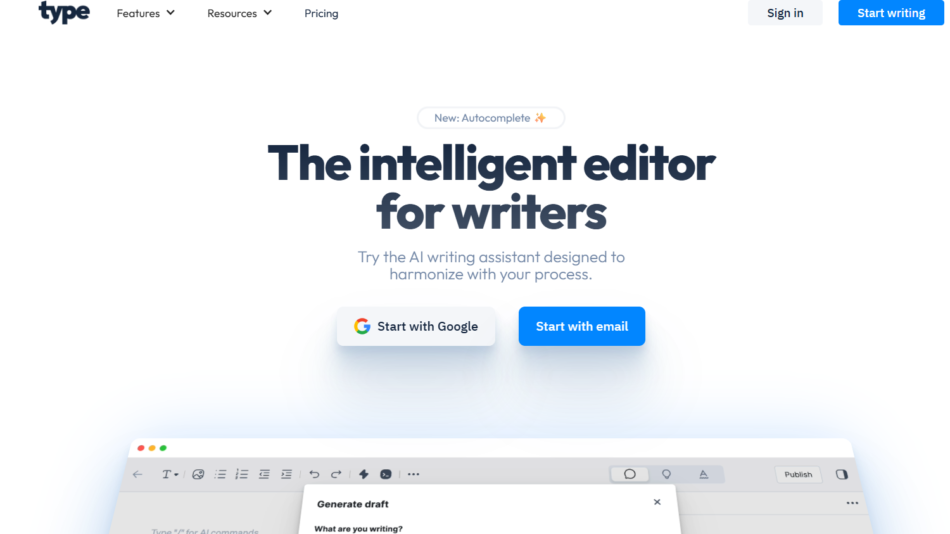
Comparison with Other Tools
LingoEdit vs. Google Docs Voice Typing
Google Docs allows dictation, but LingoEdit supports voice-driven editing—a major distinction in functionality.
LingoEdit vs. Grammarly
Grammarly helps with grammar and tone suggestions. LingoEdit lets users make structural or word changes via voice commands.
LingoEdit vs. Otter.ai
Otter is for transcription. LingoEdit is focused on editing existing text using your voice.
LingoEdit vs. Descript
Descript is great for audio/video editing with transcription. LingoEdit is a text-focused voice editor aimed at writers and content creators.
Customer Reviews and Testimonials
Although still in early access, users have shared positive feedback:
“Editing by voice feels so natural—I finished revising a blog post in half the time.”
— Copywriter
“I love how I can just say what I want changed. It’s like talking to my writing assistant.”
— Independent Author
“This tool is a game-changer for anyone who prefers speaking to typing.”
— Accessibility Advocate
Conclusion
LingoEdit is redefining how people write and edit by making speech the primary interface for interacting with text. Whether you’re a writer looking to revise faster, a student working on an essay, or someone who finds typing difficult, LingoEdit offers a seamless, intuitive solution for voice-driven content editing.
As AI voice technology continues to evolve, LingoEdit stands out as a practical, accessible tool that makes writing and revising as easy as speaking.