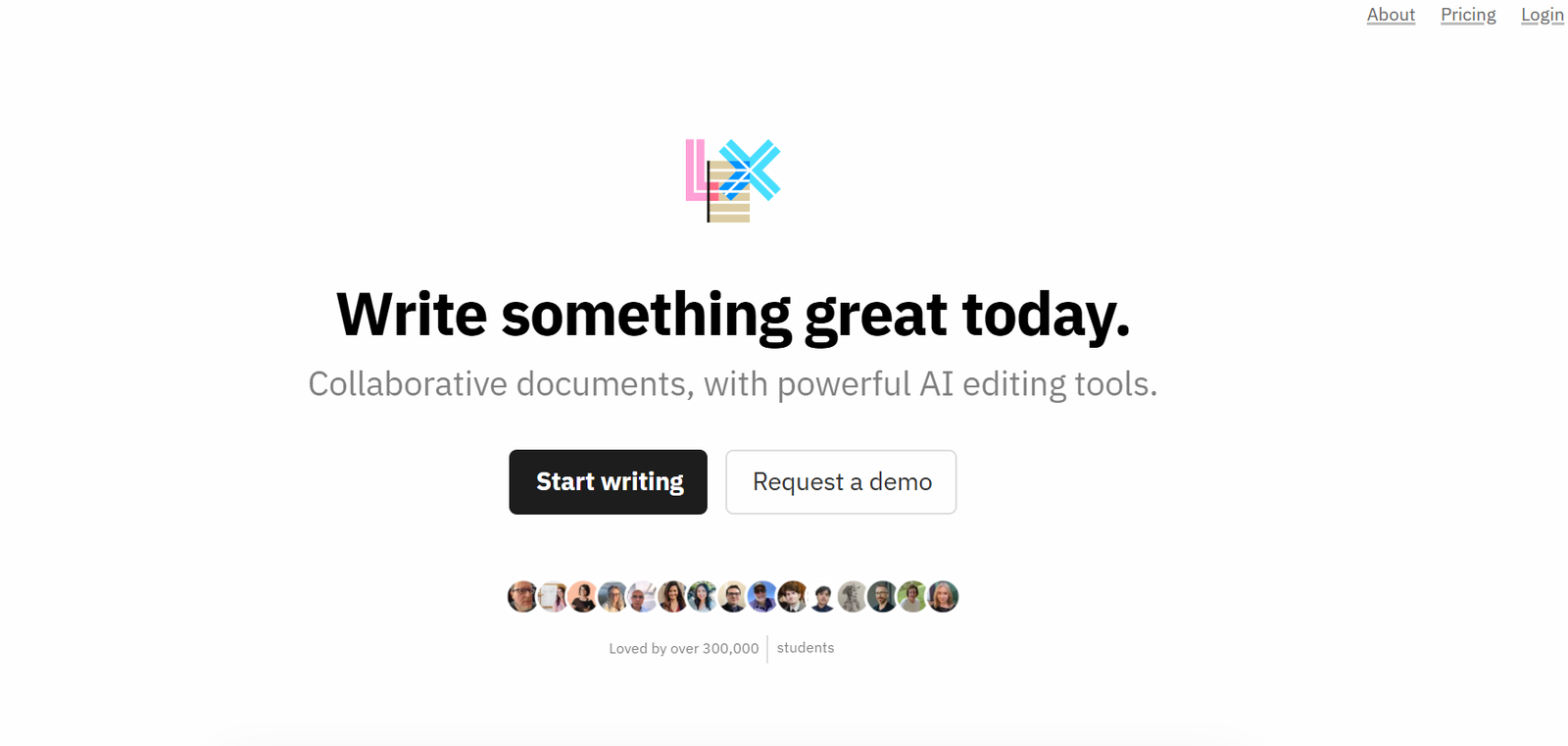
Lex is an AI-powered writing platform built for speed, clarity, and focus. Designed with a minimalist interface, Lex enables users to draft, edit, and improve documents quickly using integrated AI commands. Whether you’re writing a blog post, academic paper, business strategy document, or newsletter, Lex helps you write more efficiently while staying in the flow of thought.
Unlike traditional word processors, Lex minimizes visual clutter and integrates intelligent AI support directly into the writing experience. The result is a platform that encourages deep thinking and fast execution, making it an ideal tool for content creators, professionals, researchers, and collaborative teams.
Features
1. Minimalist Writing Interface
Distraction-free, fast-loading editor that emphasizes content over layout
Markdown support for formatting without the need for toolbars or complex menus
2. Integrated AI Commands
Use simple commands (like “+++”) to expand, rewrite, or summarize text
On-demand writing suggestions, completions, or tone shifts
3. Version History and Autosave
Automatically saves all edits with a full version history
Easily revert or compare changes over time
4. Real-Time Collaboration
Invite team members to co-edit documents simultaneously
Comment, suggest, or approve changes like in Google Docs
5. Markdown Export and Copy
Copy and paste Markdown directly into blog platforms or GitHub
Export clean HTML or plain text for publishing or development
6. Simple Organization
File organization with folders and document tagging
Search and filter to locate content easily
7. Cross-Device Sync
Accessible from any modern browser
Mobile-friendly interface (though no native app as of now)
8. Secure and Private
All content is stored securely in the cloud
User data is not used for training without consent
How It Works
Create a New Document
Open Lex in your browser and click “New Document” to start writing instantly.Start Writing Naturally
Focus entirely on content creation. The interface stays out of your way with no clutter.Use AI When Needed
Use AI commands like typing “+++” at the end of a sentence or paragraph to get suggestions, rephrasing, or completions.Collaborate and Edit
Share your document link with others for real-time collaboration, comments, or edits.Export or Publish
When done, copy the output in Markdown, plain text, or HTML. Paste it into publishing platforms or export for further use.
Use Cases
Writers and Journalists
Draft long-form content, articles, and essays quickly with AI-supported structure and editing.Academics and Researchers
Write and refine academic papers, literature reviews, or grant proposals with better focus and fewer distractions.Founders and Executives
Craft investor updates, business plans, or internal strategy docs with AI-enhanced clarity.Content Marketers
Generate blog posts, email campaigns, and landing page copy using AI ideation and expansion.Students
Organize notes, draft assignments, and improve clarity with automatic summaries and rewording.Technical Writers and Developers
Use Markdown support to write clean documentation or tutorials directly within Lex.
Pricing
As of June 2025, Lex offers a freemium pricing model with plans suitable for individuals and teams:
Free Plan
Unlimited documents
Core AI writing features
Real-time collaboration
Markdown support
Limited number of AI commands per month
Pro Plan – $10/month
Unlimited AI usage
Priority support
Full version history and document recovery
Advanced formatting and export options
Ideal for professionals and creators who write daily
Team Plan – $20/user/month
Shared folders and document permissions
Team collaboration and internal commenting
Admin controls and centralized billing
Great for editorial teams, agencies, and startups
Visit https://lex.page for the latest pricing and feature updates.
Strengths
Distraction-Free Writing: Clean interface encourages deep focus without clutter.
AI Integration Done Right: AI enhances the writing process without overwhelming it.
Simple and Fast: Immediate setup and lightning-fast performance in the browser.
Markdown and Export Ready: Supports modern content workflows out of the box.
Collaborative but Lightweight: Combines Google Docs-style teamwork with Notion-style simplicity.
Affordable: Pricing is highly competitive compared to other AI and writing tools.
Drawbacks
Limited Styling and Layout Tools: Not suitable for creating visually rich or heavily formatted documents.
No Native Mobile or Desktop App: Mobile web works, but lacks dedicated apps.
Markdown Formatting Learning Curve: New users may need time to learn syntax.
AI Prompting is Manual: Unlike some AI tools that offer proactive suggestions, Lex’s AI is user-triggered.
Limited Integrations (as of now): No built-in connections to platforms like WordPress, Notion, or CMS tools yet.
Comparison with Other Tools
vs. Google Docs: Lex is more focused and minimalist, with integrated AI. Google Docs has broader formatting and integration options.
vs. Notion: Notion is a workspace with databases and design tools. Lex is optimized purely for writing and editing.
vs. ChatGPT: ChatGPT can help brainstorm but isn’t a writing platform. Lex combines AI and real document editing.
vs. Grammarly: Grammarly checks grammar and style. Lex goes beyond to generate, complete, and restructure text.
vs. TypingMind or Ghostwriter: Lex offers a dedicated writing experience, not just an AI overlay.
Customer Reviews and Testimonials
Lex has quickly gained a loyal user base of professionals and creators who appreciate its balance of minimalism and power:
“I’ve written more in Lex over the past month than in any other tool — the flow is unbeatable.”
“The AI helps me over writer’s block in seconds. It’s like having a thought partner inside the editor.”
“I love how Lex stays out of the way until I need it. It’s just me, the words, and a boost when I ask for it.”
Many users highlight clarity, speed, and thoughtful AI integration as key reasons for choosing Lex.
Conclusion
Lex is a thoughtfully designed AI writing tool that prioritizes clarity, flow, and collaboration. It strips away unnecessary distractions and gives writers a space to focus — while offering powerful AI features that enhance productivity and improve content quality.
If you’re tired of clunky word processors or overwhelmed by all-in-one tools, Lex offers a refreshing alternative: a smart, fast, minimalist writing environment where ideas come to life. Whether you’re writing professionally or personally, Lex helps you write better and faster — without getting in your way.