
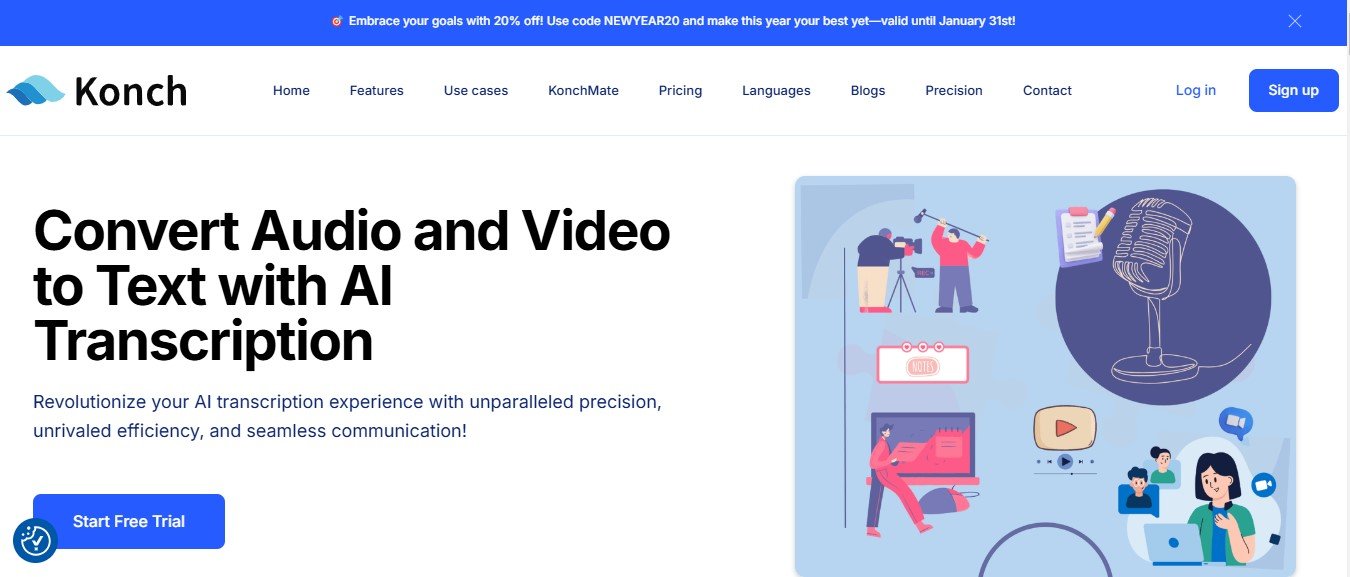
Konch.ai is an AI-driven platform that offers transcription and translation services for audio and video content. The tool is designed to handle large volumes of data with ease, delivering high-quality text output in record time. It supports multiple languages and provides a seamless interface for editing, organizing, and exporting transcripts and translations.
Whether you’re transcribing a meeting, translating a webinar into multiple languages, or generating captions for your video content, Konch.ai aims to make the process simple and efficient.
Key Features of Konch.ai
Konch.ai comes packed with features to streamline transcription and translation tasks. Here’s an overview of its standout functionalities:
1. AI-Powered Transcription
Konch.ai leverages advanced speech-to-text technology to deliver highly accurate transcriptions of audio and video content.
2. Real-Time Transcription
Transcribe live events, meetings, or webinars in real time, ensuring that you have instant access to text.
3. Multi-Language Support
The platform supports transcription and translation in multiple languages, making it ideal for global users and multilingual projects.
4. AI-Powered Translation
Translate transcriptions into different languages with ease, enabling seamless communication across language barriers.
5. Speaker Identification
The platform automatically identifies and labels different speakers, making transcripts easier to follow and organize.
6. Editable Transcripts
Use the built-in editor to review, adjust, and perfect your transcriptions and translations.
7. Timestamps
Each section of the transcript is paired with a timestamp, allowing users to quickly navigate back to specific moments in the audio or video file.
8. Export Options
Export transcripts and translations in multiple formats, including Word, PDF, and plain text, for easy sharing or integration into workflows.
9. Secure Cloud Storage
Store your files and transcriptions securely in the cloud, accessible anytime and from any device.
10. User-Friendly Dashboard
The intuitive interface makes managing, organizing, and editing files straightforward and efficient, even for first-time users.
How Does Konch.ai Work?
Konch.ai is designed for simplicity and ease of use. Here’s a step-by-step guide to how it works:
Step 1: Upload or Record Content
Upload your pre-recorded audio or video file, or use the platform’s live transcription feature to record and transcribe in real time.
Step 2: Choose Language and Preferences
Select the language for transcription and specify any additional preferences, such as speaker identification or timestamps.
Step 3: AI Processing
Konch.ai’s advanced AI processes the file to generate a transcription or translation within minutes.
Step 4: Review and Edit
Use the built-in editor to review and refine the output. Adjust text, format the document, or add annotations as needed.
Step 5: Export or Share
Export the finalized transcription or translation in your preferred file format or share it directly with your team.
Use Cases for Konch.ai
Konch.ai is a versatile tool that caters to professionals across various industries. Here are some common use cases:
1. Business Meetings and Conferences
Capture and transcribe meeting minutes or conference proceedings in real time, complete with speaker identification.
2. Education and Research
Students, educators, and researchers can transcribe lectures, interviews, and focus groups for easier analysis and reference.
3. Content Creation
Podcasters, YouTubers, and video producers can generate transcriptions and captions for their content, as well as translate it into other languages to reach a global audience.
4. Legal and Medical Documentation
Professionals in law and healthcare can use Konch.ai to transcribe legal depositions, medical notes, or consultations accurately and efficiently.
5. Multilingual Communication
Companies working with international teams or clients can use Konch.ai’s translation features to break language barriers and streamline communication.
Pricing
Konch.ai offers flexible pricing plans designed to accommodate different user needs. While exact pricing details can be found on the official Konch.ai Pricing Page, here’s an outline of the typical offerings:
- Free Plan: Includes a limited number of transcription and translation minutes per month, ideal for users testing the platform.
- Pay-As-You-Go Plan: Allows users to pay per minute of transcription or translation, making it suitable for occasional users.
- Pro Plan: A subscription-based plan offering unlimited transcription and translation minutes, along with access to premium features like speaker identification and cloud storage.
- Enterprise Plan: Custom pricing tailored to large organizations or teams that require advanced features and dedicated support.
Visit the website for the most accurate pricing and any available discounts or offers.
Strengths of Konch.ai
- Fast Turnaround: Transcriptions and translations are generated in minutes, saving time compared to manual processes.
- High Accuracy: The platform delivers precise results, even for complex audio with multiple speakers or accents.
- Multi-Language Support: Ideal for global teams and projects requiring multilingual outputs.
- User-Friendly Design: Intuitive interface makes it easy to navigate and use, even for non-technical users.
- Scalable Options: Offers flexible pricing plans to suit individuals, small teams, and large enterprises.
Drawbacks of Konch.ai
While Konch.ai has numerous benefits, there are a few limitations to keep in mind:
- Accuracy Depends on Audio Quality: Poor audio quality or excessive background noise can affect transcription accuracy.
- Limited Free Plan: The free plan is quite basic and may not meet the needs of users requiring frequent or advanced features.
- Advanced Features Cost Extra: Some features, like advanced editing tools or real-time transcription, may only be available in premium plans.
How Does Konch.ai Compare to Other Tools?
Konch.ai competes with popular transcription tools like Otter.ai, Rev, and Temi. Here’s how it stacks up:
- Compared to Otter.ai: Both platforms offer AI-powered transcription and speaker identification. Konch.ai excels in translation features, whereas Otter.ai focuses more on collaboration tools.
- Compared to Rev: Rev offers human transcription services for maximum accuracy, but Konch.ai is faster and more cost-effective for AI-driven transcriptions.
- Compared to Temi: While Temi is focused on affordability and speed, Konch.ai offers more robust features, such as translation and real-time transcription.
Customer Reviews and Testimonials
Here’s what users are saying about Konch.ai:
- “Konch.ai has transformed how we handle meeting notes. The accuracy and speed are impressive!” – Sarah L., Business Manager
- “The translation feature has been a game-changer for our international projects. We can now communicate seamlessly with global clients.” – James T., Marketing Professional
- “I use Konch.ai to transcribe my podcast episodes, and the timestamps make it easy to edit and create captions. Highly recommend!” – Sophia M., Podcaster
While most reviews are positive, some users have mentioned that transcription quality can decrease with noisy audio or heavy accents.
Conclusion
Konch.ai is a versatile and powerful platform that simplifies transcription and translation with the help of AI. Whether you’re managing meetings, creating content, or working on multilingual projects, Konch.ai delivers fast, accurate, and efficient results.
Its user-friendly interface, multi-language support, and flexible pricing plans make it accessible to a wide range of users, from individual freelancers to large enterprises.
Ready to transform how you handle transcription and translation? Visit Konch.ai and experience the power of AI-driven productivity today.









