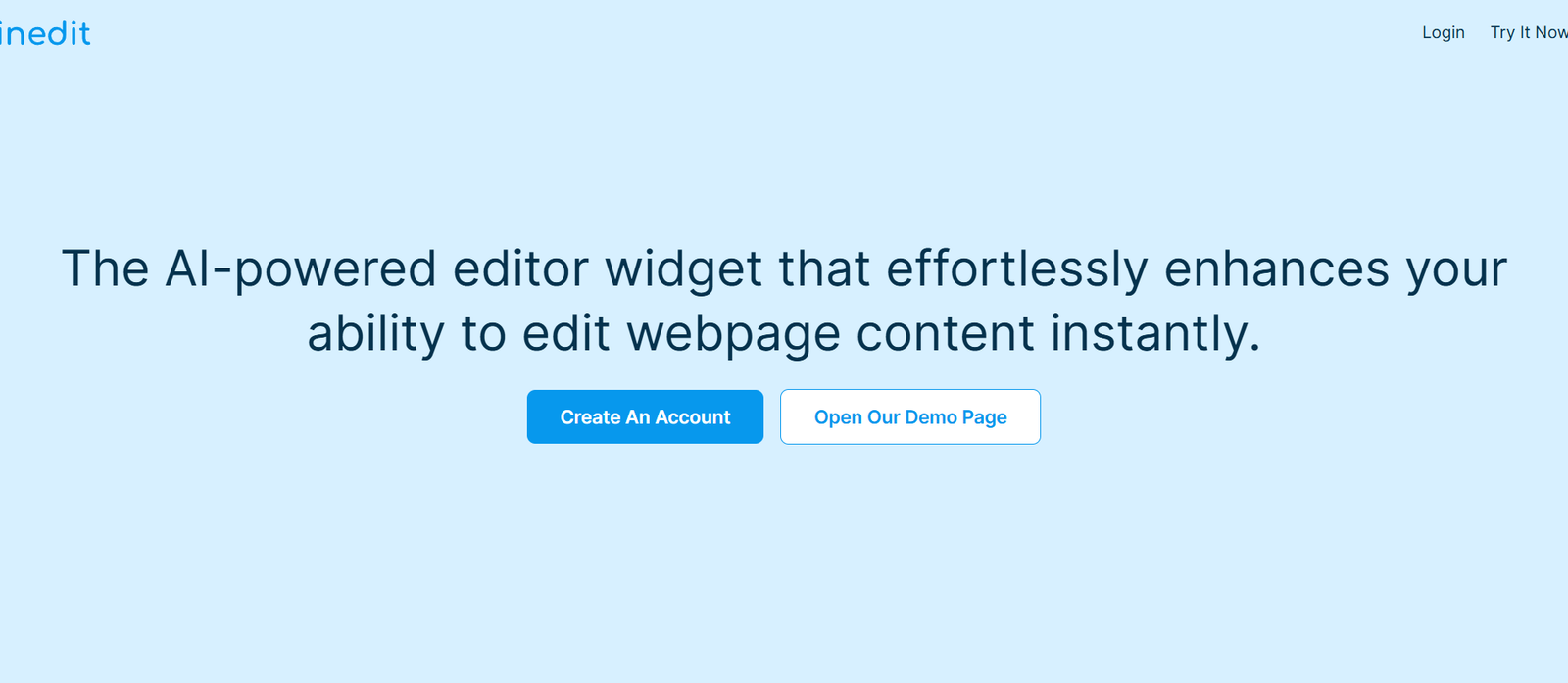
InEdit is an AI-powered video creation and editing platform designed to help content creators, marketers, educators, and storytellers turn written scripts into fully edited video sequences. By combining natural language processing and generative AI, InEdit enables users to upload a script and instantly receive a draft video with relevant visuals, transitions, and voiceovers—all ready to refine and export.
Built for speed, efficiency, and creative automation, InEdit reduces the traditional complexity of video editing, allowing users to go from idea to polished content in a fraction of the time.
Features
InEdit offers an innovative suite of AI-driven tools tailored for fast, intelligent video creation:
Script-to-Video Conversion: Input a script and let AI generate a full video timeline automatically.
AI Visual Selection: Automatically selects relevant video clips and visuals based on script context.
Voiceover Generation: Converts text into realistic voiceovers using AI text-to-speech (TTS) technology.
Scene Structuring: Breaks your script into scenes and aligns them with visuals and audio.
Drag-and-Drop Editing: Refine AI-generated drafts using an intuitive editing interface.
Multi-Modal Input Support: Import scripts as text or from tools like Notion, Google Docs, etc.
Export Options: Download final videos in HD formats for social media, websites, or presentations.
In-Browser Workflow: No software installation required—everything runs in the browser.
Team Collaboration (coming soon): Collaborate with editors, producers, or team members on shared video projects.
No Video Editing Skills Needed: Ideal for non-professionals and marketers who want quick results.
These features make InEdit one of the most accessible and intelligent script-based video editors available today.
How It Works
InEdit simplifies the video production process into a few guided steps:
Upload or Write a Script: Start with a text-based script or use InEdit’s script editor.
AI Generates Video Draft: The platform analyzes the script and builds a visual timeline using stock clips, AI voiceovers, and scene divisions.
Refine the Video: Use the timeline editor to adjust scenes, replace visuals, modify voiceovers, or tweak pacing.
Preview and Export: Watch the full video, make final edits, and export in the desired format.
No prior video editing experience is needed—InEdit handles the heavy lifting.
Use Cases
InEdit supports a wide variety of content creation scenarios:
Content Creators: Turn blog posts, scripts, or narratives into engaging YouTube videos.
Marketing Teams: Produce explainer videos, product promos, and ad creatives quickly.
Educators: Transform lesson plans or lectures into dynamic video learning modules.
Startups: Create demo or pitch videos without hiring a video team.
Social Media Managers: Repurpose existing content into video format for reels or stories.
Training & HR: Develop onboarding or internal training videos from text-based materials.
Nonprofits & NGOs: Communicate mission statements and campaigns using AI-driven storytelling.
Writers & Journalists: Visualize stories and narratives in compelling, multimedia formats.
InEdit is ideal for both solo creators and teams looking to scale video content without complexity.
Pricing
As of the latest information available on https://beta.useinedit.com, InEdit is currently in open beta and offers free access to its core features.
Beta Access Includes:
Unlimited script-to-video conversions
AI voice generation
HD video export
Access to timeline editor and refinement tools
No payment or credit card required
Future Pricing (Expected Features in Paid Plans):
Premium voiceover packs
Team collaboration tools
Brand asset uploads (logos, color themes, fonts)
Higher video resolution export (4K)
Priority rendering and support
Users are encouraged to join the beta to take advantage of full functionality at no cost.
Strengths
InEdit brings several clear advantages to the video content creation process:
Speed and Automation: Create videos in minutes, not hours.
AI-Enhanced Creativity: Smart selection of visuals and narration based on context.
No Experience Needed: Anyone can create a professional-looking video.
Cloud-Based: Access from anywhere without software installations.
Flexible Output: Customize everything from visuals to pacing and export format.
Script-Centric Workflow: Ideal for writers and educators comfortable with text-first creation.
InEdit’s unique approach combines content strategy with AI-driven execution.
Drawbacks
Despite its capabilities, InEdit has a few limitations in its beta stage:
Limited Asset Library: Current visual and audio options are AI-selected from limited stock content.
Voiceover Personalization: Fewer voice options compared to dedicated TTS tools.
No Custom Branding (yet): Users can’t yet upload logos or branded visuals.
Team Collaboration Not Live: Multi-user editing is still under development.
Output May Need Refinement: Some scenes or voice timing may need manual adjustment post-generation.
As an evolving product, these limitations are expected to improve as development continues.
Comparison with Other Tools
Here’s how InEdit compares with other video and content tools:
InEdit vs. Pictory
Pictory is also script-based but focused on turning long-form content into highlights. InEdit offers deeper script integration and editable timelines.
InEdit vs. Synthesia
Synthesia focuses on avatar-based videos with AI presenters. InEdit creates more traditional narrative or explainer-style videos from scripts.
InEdit vs. Canva Video
Canva offers design-heavy templates, but lacks script-to-video automation. InEdit focuses on transforming text into timelines and audio-visual scenes.
InEdit vs. Descript
Descript is audio/video-first and great for podcasts or screen recordings. InEdit is ideal for turning ideas into videos from a written script perspective.
Customer Reviews and Testimonials
While still in beta and not featuring public testimonials, early user feedback via social media and creator communities is positive:
“InEdit took my LinkedIn script and built a short-form video I could post within an hour.”
— Content Marketer
“This is a game-changer for non-editors like me. Just write, tweak, and publish.”
— Startup Founder
“Finally, a tool that turns lesson plans into videos without having to touch Premiere.”
— Online Educator
Feedback highlights the platform’s time-saving benefits and beginner-friendly interface.
Conclusion
InEdit is redefining how videos are created by combining AI with a script-driven workflow. With its ability to turn plain text into video scenes—complete with visuals, narration, and structure—it’s a valuable tool for creators, marketers, educators, and teams looking to scale their content production.
Whether you’re launching a product, teaching online, or building your brand, InEdit enables fast, professional video creation with minimal effort and no technical expertise. It’s an innovative choice for modern storytelling.