
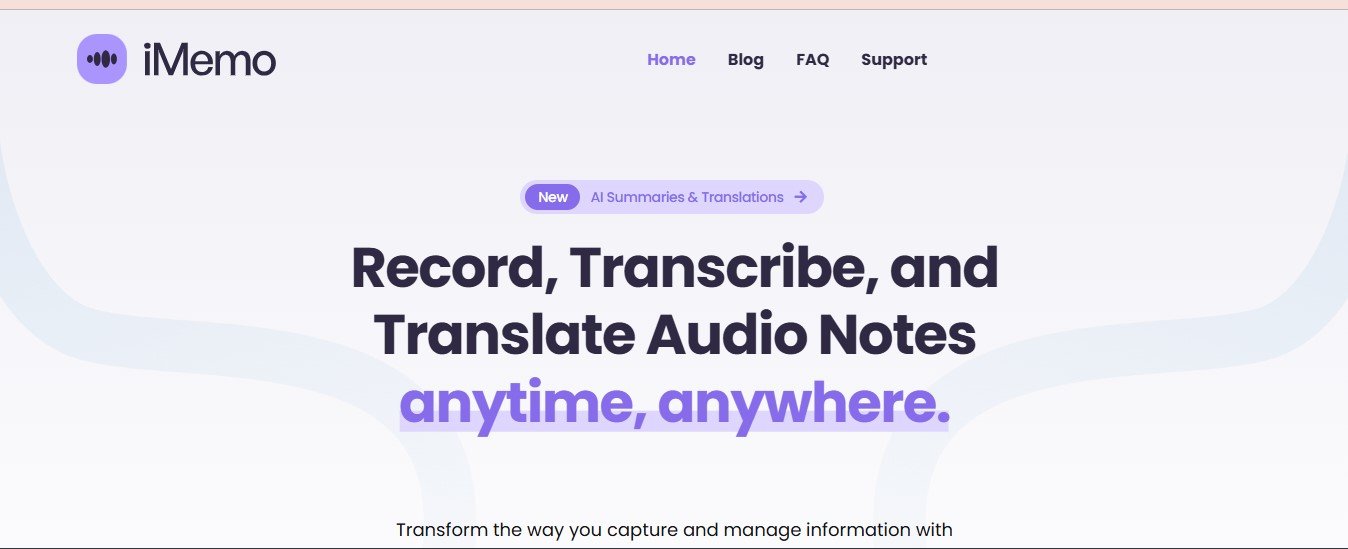
iMemo is an innovative personal knowledge management tool designed to help individuals and teams organize, access, and utilize information more efficiently. Powered by artificial intelligence, iMemo serves as a digital brain that simplifies the process of capturing, managing, and retrieving knowledge. Whether you are a student, professional, or part of a larger organization, iMemo streamlines workflows by centralizing data in an intelligent and user-friendly environment.
By combining features like AI search, contextual linking, and seamless synchronization across devices, iMemo empowers users to improve their productivity, make better decisions, and maintain a well-organized knowledge base tailored to their needs.
Features
- AI Search
- Advanced AI-powered search allows you to quickly find specific notes, documents, or files with just a few keywords.
- Contextual Linking
- Automatically links related notes and resources, providing valuable context and creating a network of interconnected ideas.
- Multi-Device Sync
- Ensures all your notes and information are updated and accessible across devices, promoting seamless workflows.
- Customizable Tags
- Use tags and categories to organize information according to your preferences and improve data retrieval.
- Data Import and Export
- Easily import notes, files, or data from other platforms and export them in different formats when needed.
- Secure Storage
- Your data is protected with end-to-end encryption to ensure privacy and security.
How It Works
- Data Capture:
- iMemo allows users to capture ideas, notes, and files using text, images, or even voice input.
- AI Organization:
- Once uploaded, the AI organizes the information using tags, categories, and contextual links, making it easy to locate in the future.
- Search and Retrieval:
- Using the intelligent search functionality, users can retrieve specific information instantly.
- Knowledge Utilization:
- Users can utilize the organized knowledge for tasks like research, project planning, or collaboration with teams.
Use Cases
- Academic Research:
Students and researchers can use iMemo to gather resources, organize notes, and create interconnected knowledge bases for academic work.
- Professional Productivity:
Working professionals can streamline task management, project planning, and information retrieval with iMemo’s AI-powered tools.
- Team Collaboration:
Teams can use iMemo to centralize knowledge, share resources, and collaborate effectively on shared projects.
- Creative Workflows:
Writers, artists, and designers can maintain creative inspiration boards and connect ideas for projects seamlessly.
Pricing
iMemo offers multiple pricing tiers to cater to individuals, professionals, and teams. While the basic version might be free (or freemium), premium versions provide access to advanced features like AI search, larger storage capacity, and multi-device sync.
For accurate pricing details and the most updated plans, visit iMemo Pricing Page.
Strengths
- AI-Powered Organization: Automatically structures data, saving users valuable time.
- Cross-Device Accessibility: Keeps data synced across all devices for uninterrupted access.
- Intuitive Design: User-friendly interface ensures a smooth experience even for beginners.
- Secure and Private: Offers encrypted storage to safeguard sensitive information.
- Customizable Workflows: Supports tags, folders, and categories for personalized knowledge management.
Drawbacks
- Learning Curve: Some users may need time to adapt to the AI-driven features and tagging system.
- Premium Features: The most advanced functionalities are available only in paid plans, which may not suit all budgets.
- Limited Free Plan: The free version might have restrictions on storage or advanced AI capabilities.
Comparison with Other Tools
When compared to traditional note-taking apps like Evernote or Microsoft OneNote, iMemo stands out with its AI-driven contextual linking and intelligent search capabilities. Unlike simple note management platforms, iMemo goes a step further by creating a connected knowledge ecosystem tailored to the user’s workflow. While tools like Obsidian focus on linking notes manually, iMemo automates this process, making it more accessible for casual users.
Customer Reviews and Testimonials
Positive Feedback:
- Users appreciate iMemo’s ability to find relevant information quickly through AI search.
- Many have highlighted its seamless device synchronization, which ensures productivity on the go.
- Professionals have noted significant time savings due to the contextual linking of related notes.
Areas of Improvement:
- Some users have requested more integration options with third-party tools like Google Workspace or Notion.
- A few reviewers have suggested adding offline mode for enhanced accessibility.
Conclusion
iMemo is an exceptional AI-powered personal knowledge management tool designed to simplify the way individuals and teams handle information. Its advanced AI features, such as contextual linking and intelligent search, make it a powerful ally for professionals, researchers, and creatives alike. While there may be a small learning curve, the benefits of using iMemo far outweigh its limitations.
For anyone looking to organize their knowledge, boost productivity, and streamline their workflows, iMemo offers a cutting-edge solution that’s well worth exploring.
To learn more or get started, visit iMemo.













