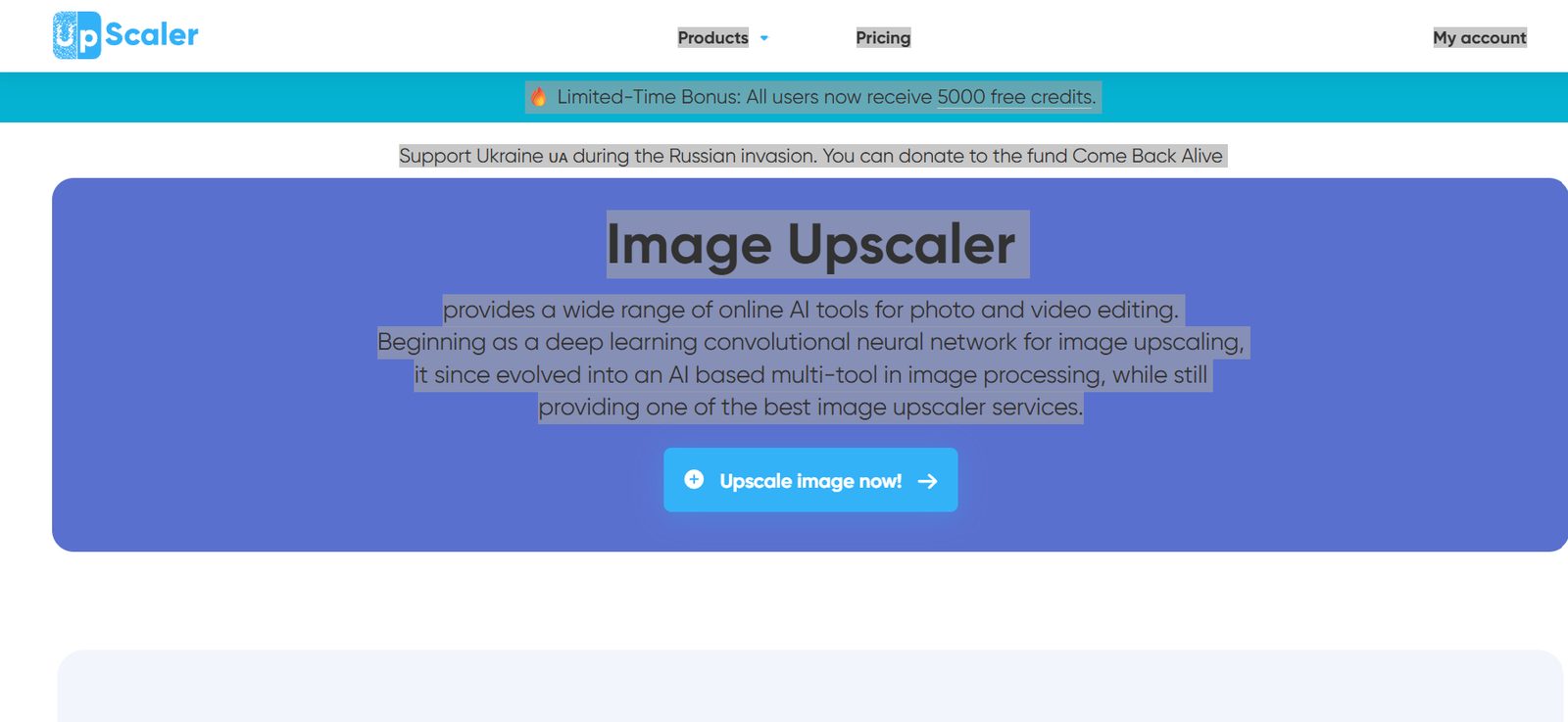
ImageUpscaler is an AI-powered online platform that helps users improve the quality and resolution of digital images. Using advanced artificial intelligence, it enlarges low-resolution photos while preserving details and reducing pixelation. The platform is designed for individuals and businesses that need sharper, clearer images without spending hours editing them manually.
In addition to AI image upscaling, ImageUpscaler offers tools for image enhancement, deblurring, background removal, AI image generation, and photo restoration. Its browser-based interface makes it accessible from any device without requiring software installation. Whether you are improving product photos, restoring old family pictures, or preparing graphics for print, ImageUpscaler provides a simple and efficient solution.
Features
AI Image Upscaling
Increase image resolution by up to 2× or 4× while maintaining sharp details and minimizing quality loss.
AI Image Enhancement
Automatically improves brightness, clarity, colors, and fine details to produce cleaner and more professional-looking images.
AI Image Deblurring
Reduce motion blur and improve the sharpness of photos that appear soft or out of focus.
AI Background Removal
Remove image backgrounds with a single click, making it easy to create transparent images for marketing, design, or e-commerce.
AI Image Generator
Generate original AI images from text prompts for creative projects, social media content, and marketing materials.
Batch Processing
Premium users can process multiple images simultaneously, saving time when working with large collections of photos.
Privacy Protection
According to the official website, uploaded images are automatically removed after processing to help protect user privacy.
API Access
Business users can integrate ImageUpscaler’s AI image enhancement capabilities directly into their own applications using API services.
Browser-Based Platform
No installation is required. Users can access all tools directly through a modern web browser.
How It Works
- Visit the ImageUpscaler website.
- Upload the image you want to improve.
- Choose the desired AI enhancement or upscaling option.
- Allow the AI to process your image.
- Preview the enhanced result.
- Download the final high-resolution image.
- Upgrade to a premium plan if additional credits or batch processing are required.
Use Cases
Photographers can enhance portrait and landscape photographs.
Graphic designers can prepare high-resolution artwork for digital and print projects.
E-commerce businesses can improve product images for online stores.
Marketing teams can create sharper promotional graphics.
Content creators can produce high-quality visuals for websites and social media.
Publishers can prepare images for magazines, brochures, and books.
Students and educators can improve presentation graphics and educational materials.
Businesses can enhance branding assets and corporate marketing content.
Pricing
ImageUpscaler offers a free plan with limited monthly usage. Paid plans include Starter, Premium, Premium Plus, and Business options. Individual plans start at $9.90 per month and include monthly AI credits, ad-free usage, and access to image enhancement tools. Business plans provide API access, higher processing limits, and additional credits for commercial use. Annual subscriptions are available at discounted rates.
Strengths
Simple and beginner-friendly interface.
High-quality AI image upscaling.
Supports image enhancement, restoration, and deblurring.
Includes AI background removal and image generation.
Batch processing for premium users.
Business API for developers.
Browser-based with no software installation.
Offers both free and paid plans.
Drawbacks
Free plan includes limited monthly credits.
Advanced features require a paid subscription.
Processing large numbers of images can consume credits quickly.
Cloud-based processing requires an internet connection.
Results may vary depending on the quality of the original image.
Comparison with Other Platforms
ImageUpscaler offers more than standard image enlargement by combining AI upscaling with image enhancement, deblurring, background removal, and AI image generation. While many image upscaling tools focus solely on increasing resolution, ImageUpscaler provides a broader collection of AI-powered editing tools within one platform. Its API support also makes it suitable for businesses and developers looking to automate image enhancement workflows.
Customer Reviews and Testimonials
The official website includes positive customer testimonials highlighting the platform’s ease of use, fast processing, and high-quality image enhancement. Users particularly appreciate its ability to restore old photographs, improve product images, and generate professional-quality visuals with minimal effort.
Conclusion
ImageUpscaler is a versatile AI image enhancement platform suitable for photographers, designers, businesses, marketers, and content creators. Its combination of AI upscaling, image restoration, deblurring, background removal, and image generation makes it more than a simple photo enlarger. With an easy-to-use interface, flexible pricing plans, and business API support, ImageUpscaler is a practical choice for anyone looking to improve image quality quickly and efficiently.