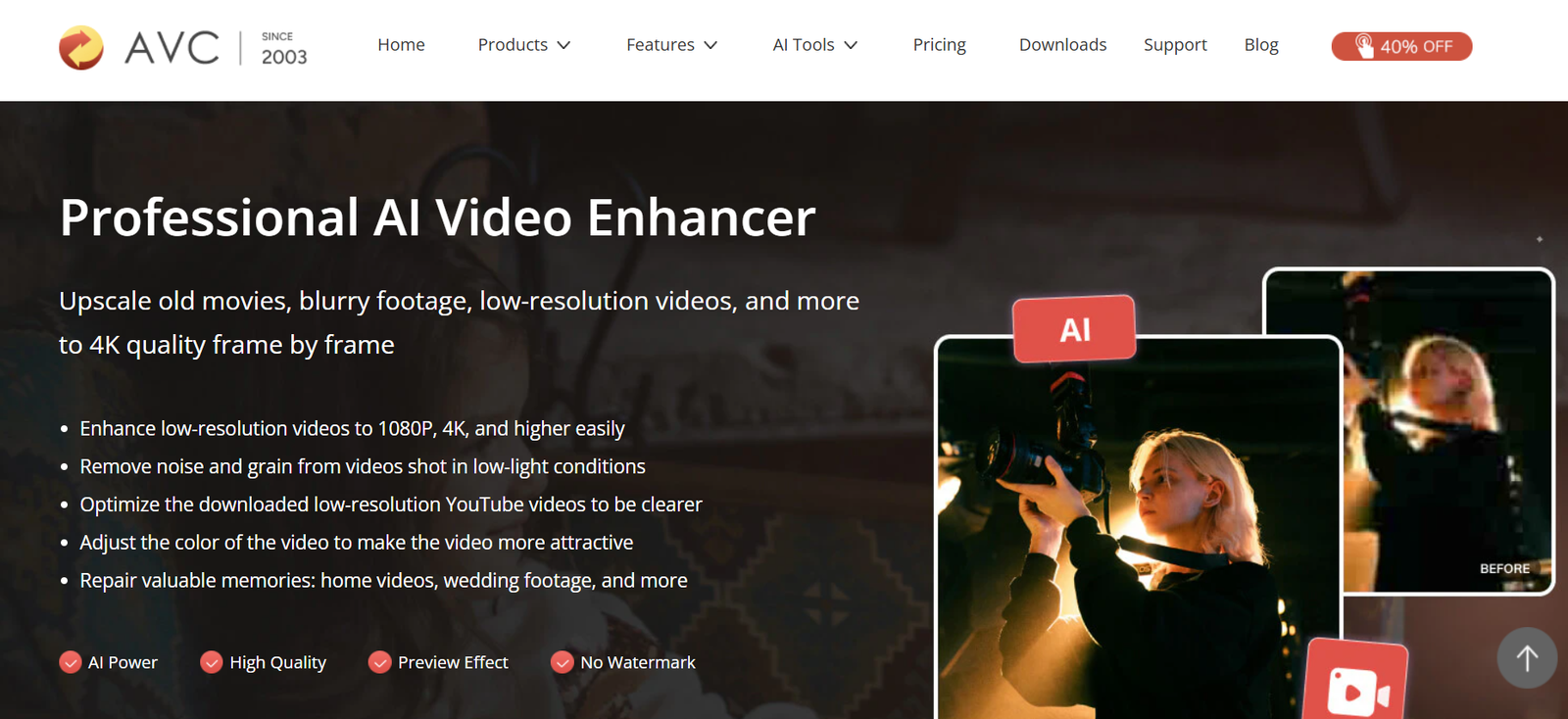
Any Video Converter is an AI-powered multimedia software designed for converting, editing, compressing, enhancing, and managing video and audio files. Developed by AVC Labs, it combines traditional video conversion tools with modern AI features, making it suitable for both casual users and content creators. The software supports more than 1,000 video and audio formats, allowing users to convert media for playback on virtually any device.
In addition to format conversion, Any Video Converter includes AI-powered video enhancement, creative video generation tools, compression utilities, screen recording, basic editing features, and DVD/CD handling. The software is available for both Windows and macOS and offers free and paid editions depending on the features required.
Whether you are preparing videos for social media, editing personal recordings, compressing large media files, or converting videos into compatible formats, Any Video Converter provides an all-in-one desktop solution.
Features
AI Video Enhancement
The software uses AI models to improve video quality by enhancing clarity, increasing resolution, reducing noise, and restoring older or lower-quality videos.
AI Creative Tools
Recent versions include AI-powered video generation capabilities that allow users to create videos using text prompts and reference images or videos, expanding creative possibilities for content creators.
Video Format Conversion
Any Video Converter supports over 1,000 video and audio formats, enabling users to convert files into formats compatible with smartphones, tablets, gaming consoles, TVs, and media players.
High-Speed Batch Conversion
Multiple files can be converted simultaneously with hardware acceleration support, helping users process large media collections efficiently.
Video Compression
Users can reduce video file sizes while maintaining good visual quality, making it easier to store, upload, or share videos online.
Built-in Video Editor
The software includes basic editing tools such as trimming, cropping, rotating, merging, adding effects, subtitles, and watermarks before exporting the final video.
Audio Extraction
Users can extract audio tracks from videos and save them in popular audio formats for music, podcasts, or other audio projects.
DVD and CD Support
The application supports DVD and CD ripping as well as media backup features, allowing users to convert physical media into digital formats.
Screen Recording
Users can record desktop activities, tutorials, gameplay, presentations, and online meetings directly from the software.
Local Processing
Most video processing tasks are performed locally on the user’s computer, eliminating upload limits and helping keep media files private.
How It Works
- Download and install Any Video Converter on Windows or macOS.
- Import one or multiple video or audio files.
- Select the desired output format or AI feature.
- Adjust video quality, compression, editing, or enhancement settings.
- Preview the output if needed.
- Start the conversion or AI processing.
- Save the finished files to your preferred location.
Use Cases
Content creators can prepare videos for YouTube, Instagram, TikTok, and other social media platforms.
Video editors can convert footage between formats for compatibility with editing software.
Businesses can compress training videos and promotional content for easier distribution.
Educators can convert lectures into multiple formats and extract audio for learning materials.
Students can compress or convert educational videos for offline viewing.
Media professionals can batch-process large collections of video files efficiently.
Home users can digitize DVDs, improve old recordings, and organize personal media libraries.
Pricing
Any Video Converter offers a free version that includes core video conversion, editing, compression, and format support without watermarks or file size limits for basic tasks. The official website also offers Pro and Ultimate editions with additional AI tools, advanced editing capabilities, DVD features, and creative functions. Pricing varies by edition and license, and current plans are available through the official website.
Strengths
- Supports over 1,000 video and audio formats.
- AI-powered video enhancement and creative tools.
- Fast batch conversion with hardware acceleration.
- Built-in video editing and compression features.
- Available for both Windows and macOS.
- Free version offers generous functionality.
- Local processing improves privacy and performance.
- Suitable for beginners as well as experienced users.
Drawbacks
- Some advanced AI features require paid editions.
- AI processing may require modern computer hardware for optimal performance.
- Desktop installation is required; there is no fully web-based version.
- Professional users needing advanced video editing may still require dedicated editing software.
Comparison with Other Platforms
Compared with many traditional video converters, Any Video Converter combines video conversion, AI enhancement, editing, compression, screen recording, and media management within a single application. While many converters focus primarily on changing file formats, Any Video Converter also incorporates AI-powered creative and enhancement tools, reducing the need for multiple separate applications. Its support for a large number of formats and batch processing also makes it suitable for users handling diverse multimedia projects.
Customer Reviews and Testimonials
The official website features positive customer testimonials highlighting the software’s conversion speed, ease of use, broad format support, and overall reliability for both personal and professional media tasks. However, detailed verified customer case studies are limited on the official website.
Conclusion
Any Video Converter is a comprehensive AI-powered multimedia application that goes beyond simple video conversion. By combining support for over 1,000 media formats with AI video enhancement, editing, compression, screen recording, and creative tools, it provides a practical solution for creators, professionals, educators, and everyday users. Its free edition offers strong core functionality, while the paid versions expand its capabilities for users who require more advanced AI-powered media workflows.