
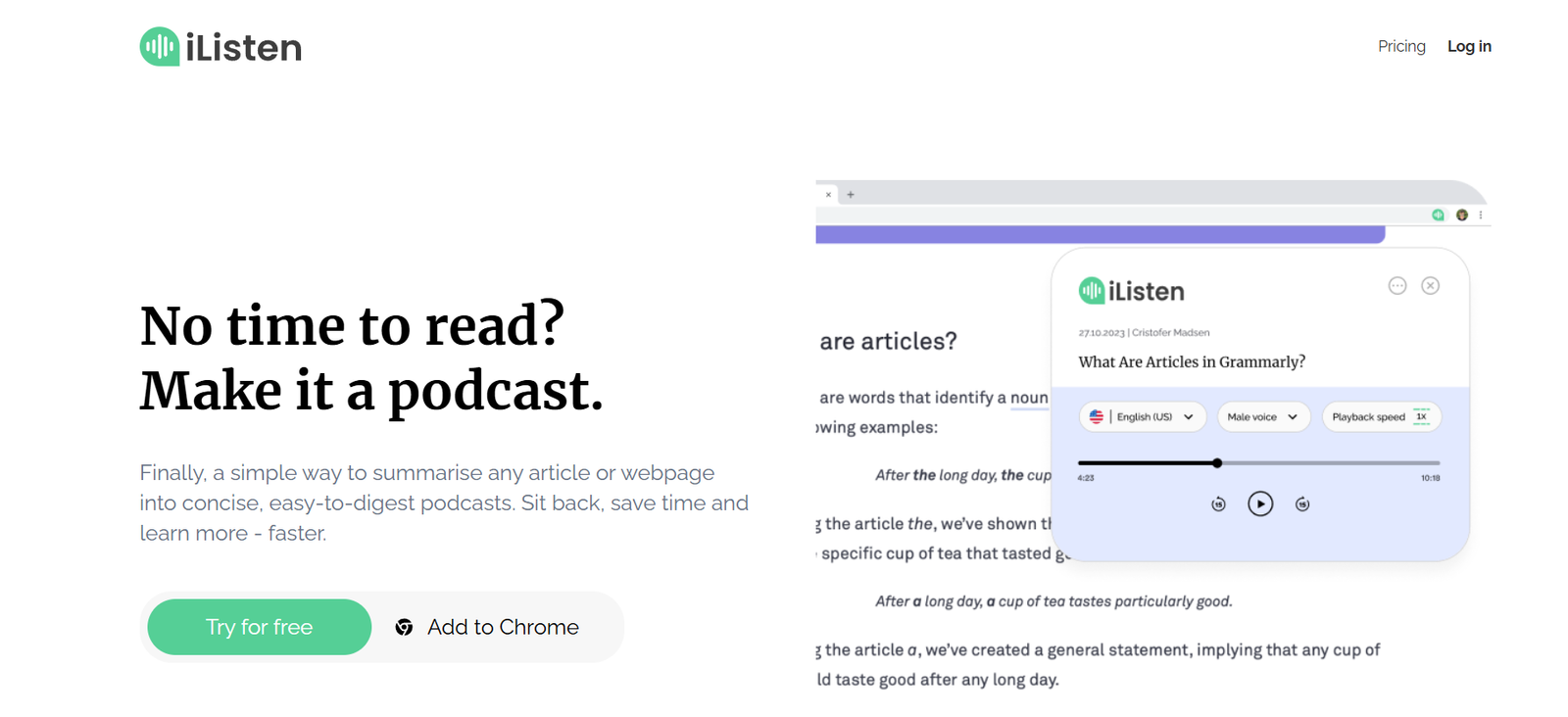
iListen.ai is an AI-powered platform that transforms written content—including articles, newsletters, PDFs, and documents—into natural-sounding audio. Designed for professionals, learners, and content consumers on the go, iListen.ai uses realistic AI narration to deliver personalized podcast-style experiences from your saved readings.
Whether you’re looking to listen to a blog post during your commute or convert reports into audio for background learning, iListen.ai makes it simple to consume more content hands-free and screen-free.
Features:
AI-Powered Text-to-Audio: Converts written content into lifelike AI-narrated audio.
Multi-Source Support: Upload or link to articles, PDFs, newsletters, and long-form text.
Natural Voice Narration: Voices are designed to sound engaging and podcast-like, not robotic.
Custom Playlists: Organize your converted content into playlists for seamless listening.
Chrome Extension: Save content from any webpage directly to your audio queue.
Email Newsletter Support: Connect your inbox to convert newsletter content automatically.
Mobile-Friendly: Optimized for listening on smartphones and tablets.
Offline Listening (Coming Soon): Download audio content for use without an internet connection.
Voice Customization: Choose from different AI voice profiles for a personalized experience.
Dark Mode and Minimal UI: Clean, distraction-free interface to focus on listening.
How It Works:
Create an Account: Sign up at https://ilisten.ai using your email.
Upload or Save Content: Add articles via link, upload documents, or use the Chrome extension.
AI Narration: iListen.ai automatically converts text into natural-sounding audio.
Create a Playlist: Group related content or queue items for uninterrupted playback.
Listen Anytime: Play audio from your web browser or mobile device, wherever you are.
No editing or formatting required—just drop in content and listen.
Use Cases:
Busy Professionals: Listen to newsletters, industry reports, and blogs during commutes or workouts.
Students & Researchers: Convert reading material into audio for spaced repetition or multitasking.
Writers & Journalists: Review articles and source material hands-free.
Language Learners: Improve comprehension and pronunciation by listening to written texts.
Accessible Reading: Ideal for users with dyslexia, visual impairments, or reading difficulties.
Knowledge Workers: Stay informed without being tied to a screen.
Pricing:
As of July 2025, iListen.ai offers flexible subscription tiers (source: iListen.ai):
Free Plan:
3 article conversions per week
Access to basic voice options
Limited playlist support
Ideal for light, casual listeners
Pro Plan – $8.99/month or $79/year
Unlimited conversions
Premium AI voices
Advanced playlist features
Chrome extension integration
Newsletter inbox sync
Early access to new features
Team or Enterprise Plan – Custom Pricing
Centralized team dashboard
Bulk document support
Custom voice branding
Analytics and usage reports
API access for large-scale conversion
All paid plans include regular updates and support.
Strengths:
Turns any text-based material into podcast-style content
Natural AI voices enhance user experience
Multi-format support (articles, PDFs, newsletters)
Simple, user-friendly design
Excellent for multitasking, commuting, and accessibility
Affordable pricing and Chrome extension for workflow integration
Works well across devices (desktop, tablet, mobile)
Drawbacks:
Free plan has usage limits
Voice tone may not fully match complex or emotional content
No offline listening as of July 2025 (feature in development)
No iOS or Android native app yet—browser access only
Lacks annotation or note-taking functionality
Audio output customization (e.g., background music) is limited
Comparison with Other Tools:
iListen.ai vs Recast:
Recast focuses on summarizing and narrating newsletters in a curated feed. iListen.ai offers more flexibility with full-article narration, PDFs, and user-uploaded documents.
iListen.ai vs Audimee:
Both convert articles to audio, but iListen.ai emphasizes playlist management and document support, whereas Audimee is more focused on creating a personal audio feed.
iListen.ai vs Speechify:
Speechify reads text aloud with advanced voice control, but iListen.ai structures the experience like a podcast-style playlist, ideal for long-form consumption.
iListen.ai vs Pocket + TTS:
While Pocket saves articles, it doesn’t offer AI narration. iListen.ai combines article saving with immersive audio narration for a better listening experience.
Customer Reviews and Testimonials:
Early users have praised iListen.ai for its usability, quality, and time-saving potential:
“A game-changer for my morning commute—I listen to my favorite blogs while driving.”
“Natural voice quality. Feels like a real podcast, not a robotic narrator.”
“Love how I can convert long PDFs and not just short articles.”
“My go-to app for listening to saved newsletters and industry content.”
iListen.ai users appreciate the natural audio, playlist functionality, and productivity boost.
Conclusion:
iListen.ai offers a smart and accessible way to turn written content into audio that fits seamlessly into your daily life. Whether you’re reading for work, learning, or pleasure, iListen.ai lets you consume more without staring at a screen. With support for articles, PDFs, and newsletters, it’s one of the most versatile audio conversion tools for content consumers.
Its intuitive interface, affordable pricing, and high-quality narration make it a top choice for anyone looking to learn, work, or stay informed—hands-free.


