
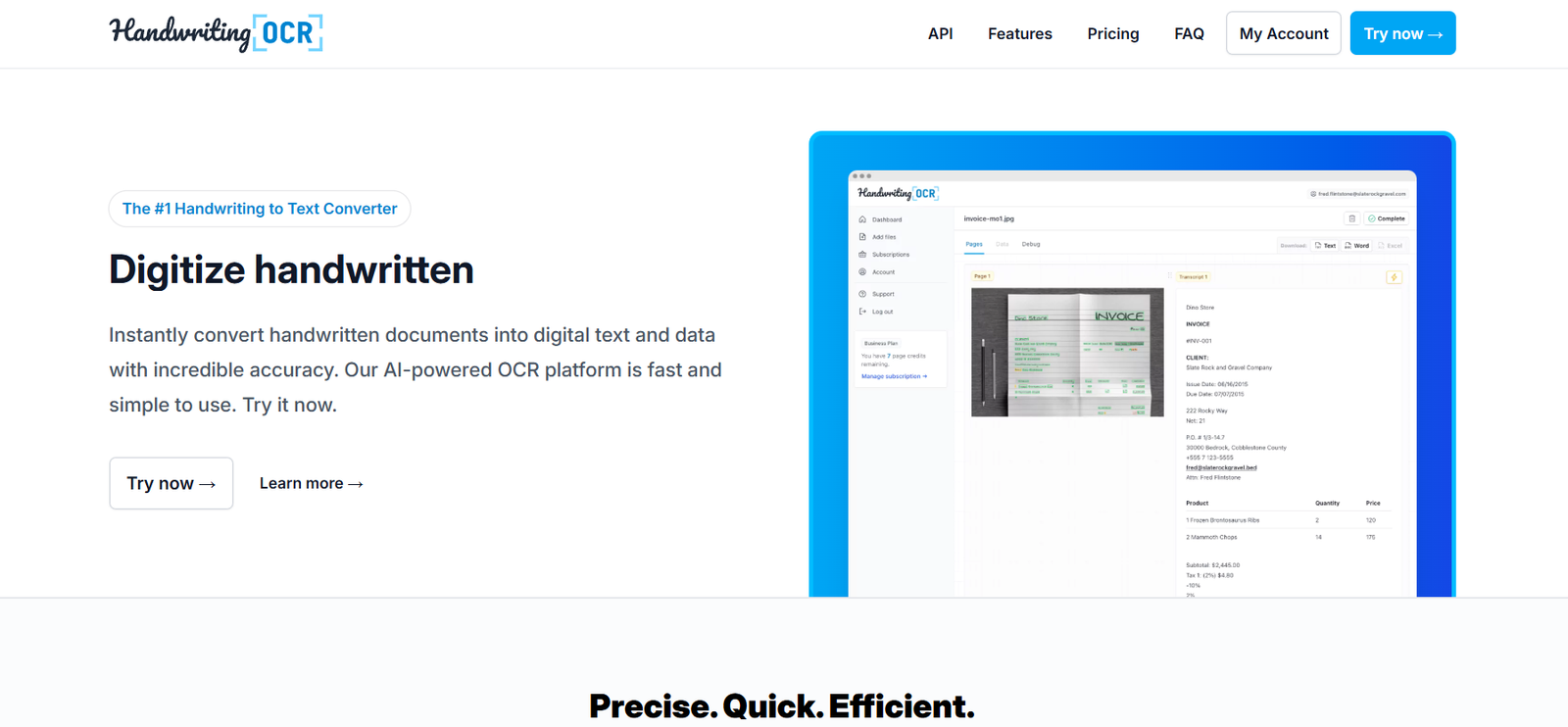
HandwritingOCR is an AI-powered online tool designed to convert handwritten text from scanned documents, images, or PDFs into editable and searchable digital formats. It uses advanced Optical Character Recognition (OCR) technology to extract text from various types of handwriting with high accuracy.
Ideal for students, researchers, archivists, and professionals, HandwritingOCR bridges the gap between analog writing and digital productivity. Whether you’re digitizing class notes, old letters, or meeting records, the platform streamlines the process of transforming handwriting into usable digital text.
Features
HandwritingOCR offers a focused set of tools that simplify handwriting digitization:
AI-Based Handwriting Recognition:
Uses machine learning models trained on diverse handwriting styles to ensure accurate transcription.Support for Multiple Formats:
Upload images (JPG, PNG), PDFs, or scanned documents for text extraction.Editable Output:
Convert handwriting to editable formats like plain text, PDF, or Word documents.Real-Time OCR Processing:
Delivers fast results, often within seconds after upload.Batch Processing:
Upload and process multiple documents or images at once (available in premium tiers).Privacy-Friendly:
Files are not stored permanently—uploads are deleted automatically after processing.Multilingual Support:
Recognizes handwriting in several major languages, including English, Spanish, French, and German.No Installation Needed:
100% web-based, accessible from any device with a browser.
How It Works
HandwritingOCR follows a simple workflow designed for ease of use:
Upload Your Document or Image:
Drag and drop or browse to upload files in image or PDF format.AI Processing:
The OCR engine scans the file and detects handwritten text using AI models.Review & Edit (Optional):
Preview the recognized text and make edits directly in the browser.Export Text:
Download the final result in your preferred format (TXT, PDF, or DOCX).
There’s no need to install software or create an account for basic use.
Use Cases
HandwritingOCR is used by individuals and organizations across various domains:
Students:
Digitize class notes, study guides, and handwritten assignments for better organization.Researchers:
Transcribe historical documents or handwritten data for analysis.Legal & Administrative Teams:
Convert handwritten forms and memos into editable text for record-keeping.Educators:
Make student submissions searchable or create digital teaching materials from handwritten plans.Archivists & Genealogists:
Preserve and transcribe letters, journals, or family records.Freelancers & Journalists:
Convert field notes into structured documents for publication.
Pricing
As of July 2025, HandwritingOCR offers the following pricing structure (source: https://www.handwritingocr.com):
Free Plan:
1 document per day
Limited output length
No batch processing
Basic OCR capabilities
No account required
Pro Plan – $4.99/month:
Up to 100 documents per month
Full-length text extraction
Access to batch uploads
Higher OCR accuracy
Priority processing
Enterprise Plan – Custom Pricing:
Unlimited access
API integration
Team management features
SLA support
Contact the team for a quote
Payment is processed securely, and subscriptions can be canceled at any time.
Strengths
High OCR Accuracy:
Uses advanced AI models to handle diverse handwriting styles with solid accuracy.Fast & User-Friendly:
Results are delivered within seconds; interface is clean and easy to navigate.Low-Cost Access:
Offers powerful features at one of the lowest monthly rates in the OCR space.Privacy-Focused:
Automatically deletes uploaded files after processing.Multilingual Recognition:
Supports several major European languages, expanding its global usability.No Installation Needed:
Works entirely online—great for quick tasks on the go.
Drawbacks
Limited Free Usage:
The free plan restricts users to one document per day with limited functionality.No Mobile App:
As of now, HandwritingOCR is only available via web browser.Doesn’t Handle Complex Layouts:
Struggles with tables, diagrams, or mixed-content pages (text and images together).Requires Clear Handwriting:
Like most OCR tools, success is highly dependent on the legibility of the handwriting.No Built-In Cloud Storage:
Users must manually download results—no integration with Google Drive, Dropbox, etc.
Comparison with Other Tools
HandwritingOCR vs Adobe Acrobat OCR:
Adobe’s OCR tools are comprehensive but expensive. HandwritingOCR offers handwriting-specific recognition at a much lower cost.
HandwritingOCR vs Google Lens:
Google Lens is useful for short, quick scans via mobile, but lacks bulk upload, document management, or export formatting. HandwritingOCR is better for document-length handwriting conversion.
HandwritingOCR vs MyScript Nebo:
MyScript is an app for handwriting input via stylus. HandwritingOCR focuses on scanned handwriting recognition, not live input.
HandwritingOCR vs Transkribus:
Transkribus excels at historical document transcription but has a steep learning curve. HandwritingOCR is simpler, faster, and ideal for modern handwritten notes.
Customer Reviews and Testimonials
Although there are no native review sections on the HandwritingOCR website, user feedback on forums and independent review sites is largely positive:
“Super fast and accurate. I used it to digitize my old college notes—it worked like a charm.” – Graduate Student
“I manage a lot of handwritten records for clients. This tool saves me hours per week.” – Legal Assistant
“The UI is clean, the service is cheap, and it does exactly what I need.” – Freelancer
Commonly praised for its simplicity, low cost, and transcription speed, HandwritingOCR continues to gain traction among independent professionals and students.
Conclusion
HandwritingOCR is a reliable and affordable tool for converting handwritten text into editable, digital formats using AI. With strong OCR performance, quick processing, and a budget-friendly subscription model, it’s ideal for users who regularly work with handwritten content.
Whether you’re a student, professional, or hobbyist archivist, HandwritingOCR provides a straightforward solution to bring your handwriting into the digital world.











