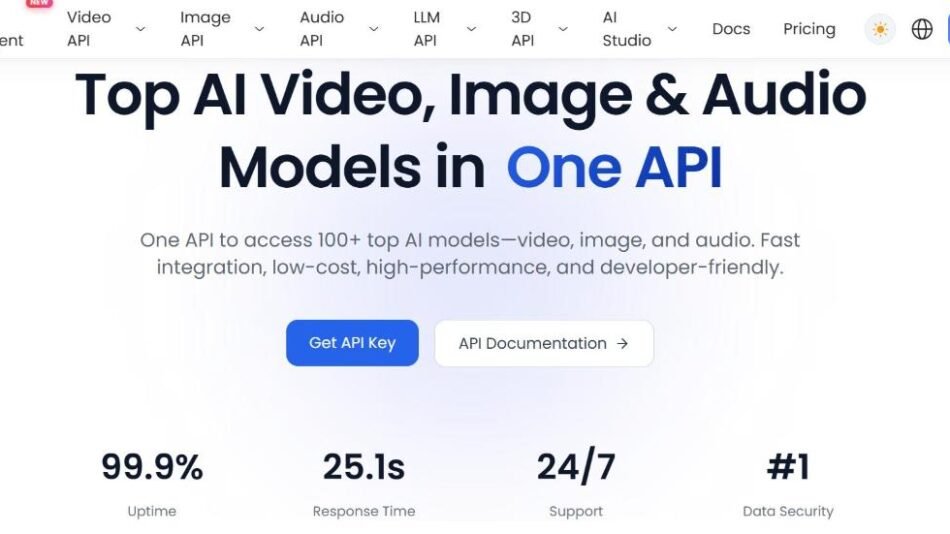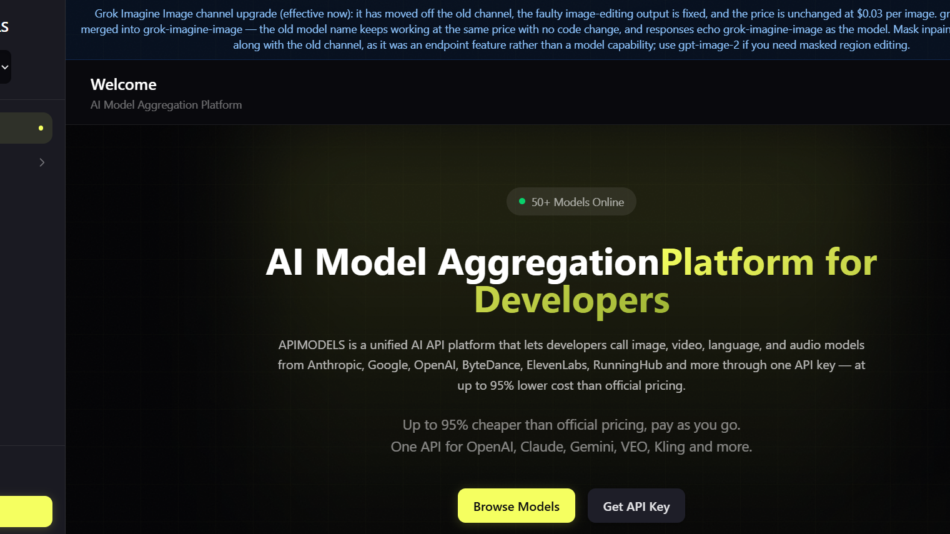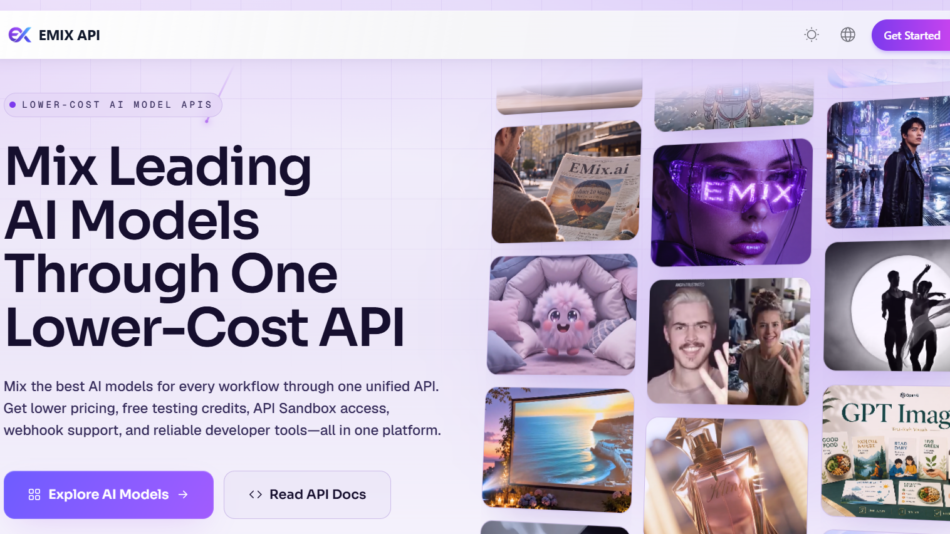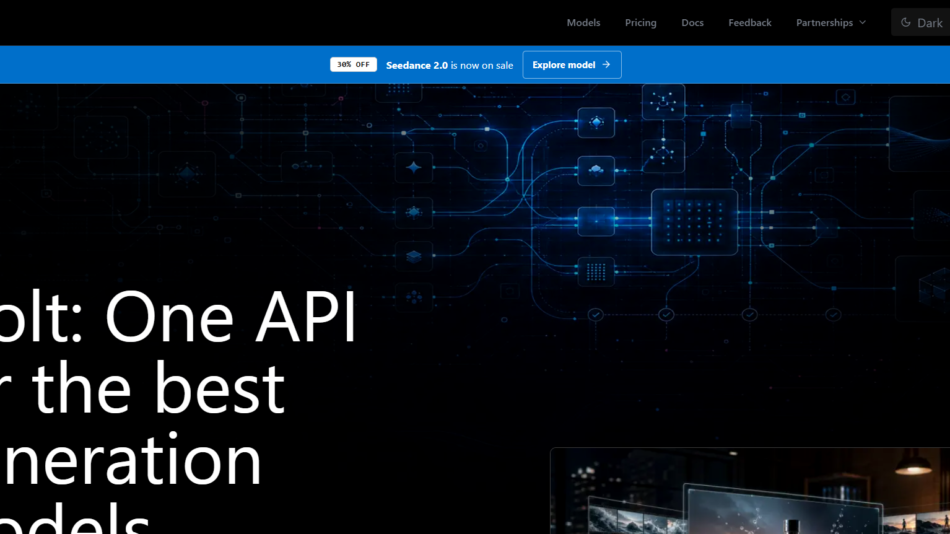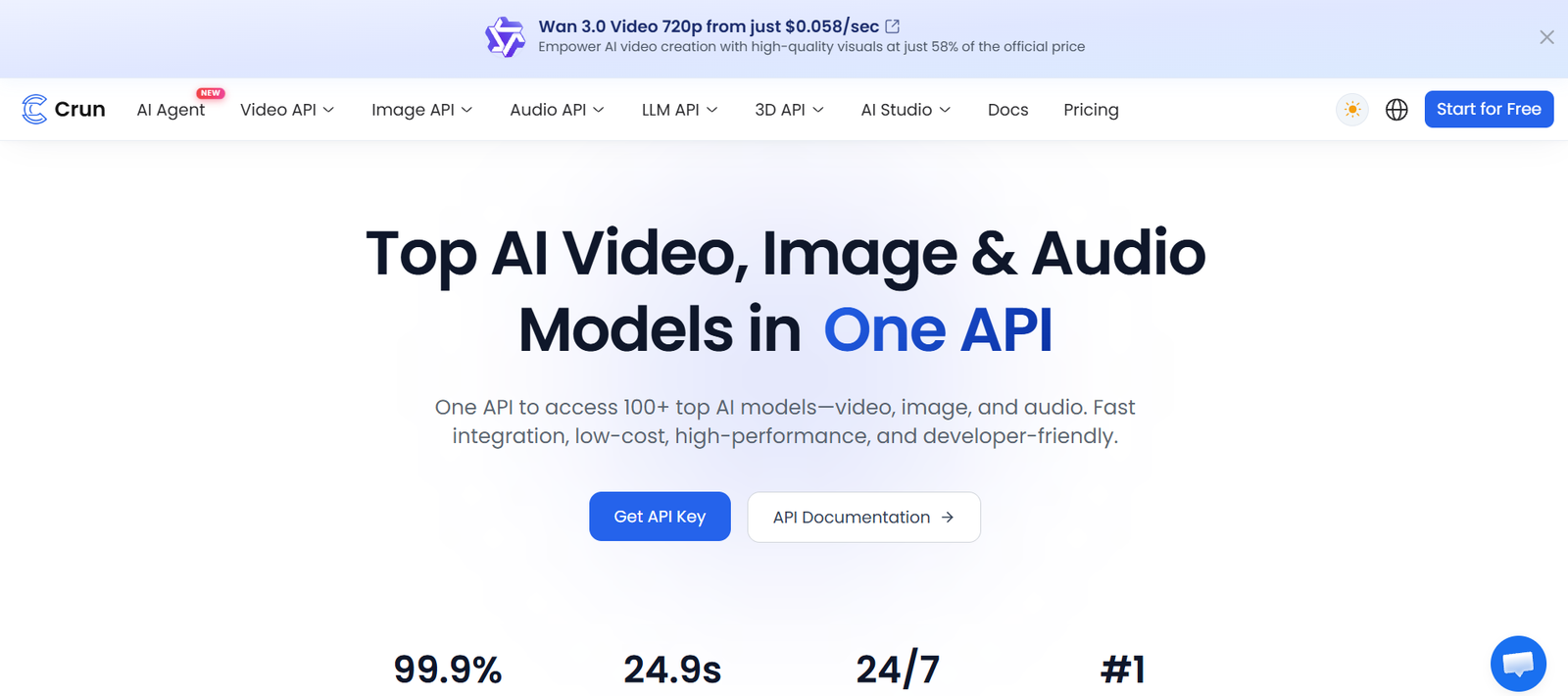
Crun AI is a unified artificial intelligence platform that provides access to multiple AI models through a single API.
Crun AI provides unified access to AI models for image, video, audio and text generation. Explore its API, creative tools and flexible credit-based pricing.
Content Creators
Unified AI API, AI Video Generation, AI Image Generation and Editing
Free trial
Is Crun AI right for you?
- Content Creators: Content creators can use Crun AI to generate images, produce AI videos, create music and develop audio content for YouTube, Instagram, websites and other digital platforms.
- Software Developers: Developers can integrate different AI models into their applications through a unified API. This can simplify the development of AI-powered software, chat applications and automation systems.
- Marketing Agencies: Marketing professionals can use image generation, video creation and AI editing capabilities to develop advertising creatives, promotional videos and social media campaigns.
- Startups and Businesses: Startups can experiment with different AI models and incorporate generative AI capabilities into their products and services without independently integrating every model provider.
Key features
Unified AI API
Crun AI provides a common API interface for accessing multiple AI models.
AI Video Generation
The platform provides access to several video generation models, including Seedance, Kling, Veo, Wan, Runway and PixVerse.
AI Image Generation and Editing
Crun AI offers multiple image generation models for creating visuals from text descriptions and reference images.
AI Audio and Music Generation
The platform provides access to audio generation technologies, including text-to-speech, voice generation, voice conversion and music creation.
Large AI Model Library
Crun AI brings together models across several categories, including video, image, audio, music, large language models and 3D generation.
Large Language Model API
The platform provides API access to different large language models from providers such as OpenAI, Google and Anthropic.
Pros and cons
- Crun AI provides access to multiple AI models from different providers through one platform.
- Its unified API can simplify the integration of different AI services into applications.
- The platform supports multiple AI categories, including image, video, audio, music, language and 3D generation.
- Its credit-based payment system provides flexibility for users with different usage requirements.
- AI Studio and Infinite Canvas offer additional creative capabilities for content creators and professionals.
- Users who want to integrate the API into their own applications need some understanding of programming and API development.
- Different AI models have different pricing structures, so users need to monitor their credit consumption carefully.
- The large selection of models and capabilities may take time to understand, especially for beginners.
- Several platform capabilities rely on AI models developed by third-party providers.
- Output quality, generation speed, supported formats and input requirements can vary between models.
How to get started
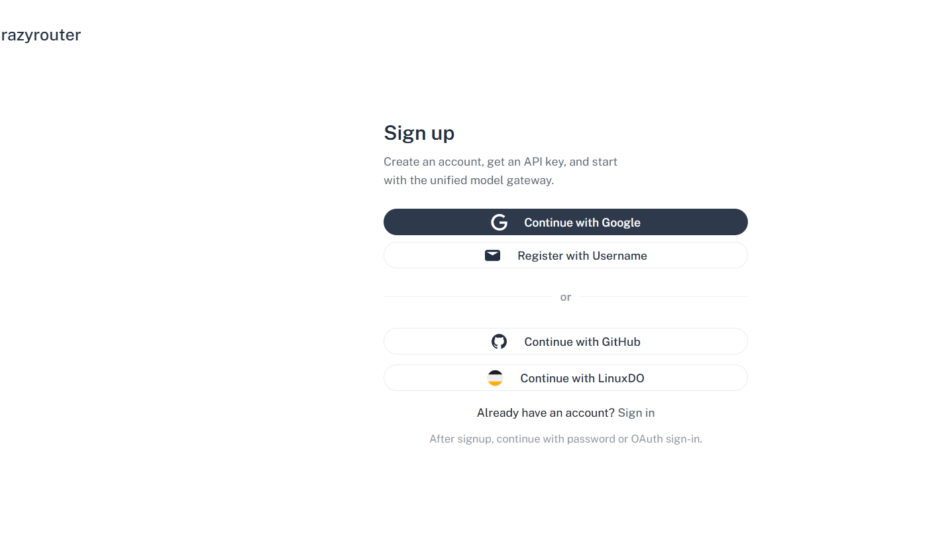
- Create an Account: Visit the Crun AI website and register for an account. Once registered, users can access the platform and explore the available AI services.
- Explore Available AI Models: Browse the model directory and select the appropriate model for your requirements.
- Generate an API Key: Developers can access the API Keys section of their account and generate an API key.
- Choose a Model and Integrate the API: Select the required model and follow the API documentation to integrate it into your software or application.
- Submit Your Input: Send the required input to the selected model. Depending on the model, this may include a text prompt, reference image, audio file or other supported…
- Generate and Retrieve Results: Submit the request and retrieve the generated output. The results can then be used in your application, creative project or business workflow.
Crun AI: frequently asked questions
What is Crun AI?
Crun AI is a unified artificial intelligence platform that provides access to multiple AI models through a single API. It brings together a wide range of generative AI technologies for video creation, image generation, audio production, music generation, text processing and 3D content creation.
How does Crun AI work?
Create an Account: Visit the Crun AI website and register for an account. Once registered, users can access the platform and explore the available AI services. Explore Available AI Models: Browse the model directory and select the appropriate model for your requirements.
Is Crun AI free?
Crun AI offers a free trial. After the trial a paid plan is needed.
What are the main features of Crun AI?
Unified AI API; AI Video Generation; AI Image Generation and Editing; AI Audio and Music Generation; Large AI Model Library; Large Language Model API.
Who should use Crun AI?
Content Creators; Software Developers; Marketing Agencies; Startups and Businesses.
More about Crun AI
Crun AI is a unified artificial intelligence platform that provides access to multiple AI models through a single API. It brings together a wide range of generative AI technologies for video creation, image generation, audio production, music generation, text processing and 3D content creation.
The platform is designed to simplify how developers and businesses integrate AI capabilities into their applications. Instead of connecting separately to different AI providers, users can access multiple models through Crun’s unified API. This approach can reduce integration work and make it easier to experiment with different generative AI technologies.
Crun AI provides access to models from several AI developers, including OpenAI, Google, Anthropic, ByteDance, Alibaba, Kling and MiniMax. Users can select models according to their project requirements, output quality and budget.
Beyond its API services, Crun AI offers AI Studio with creative tools and an Infinite Canvas workspace. These features help users explore AI-powered content creation and organise different creative elements in one place.
The platform is particularly useful for software developers, startups, AI application builders, content creators, marketing agencies and businesses looking to incorporate generative AI into their products and workflows.
Features
Unified AI API
Crun AI provides a common API interface for accessing multiple AI models. Developers can connect different AI capabilities to their applications without building separate integrations for every provider.
AI Video Generation
The platform provides access to several video generation models, including Seedance, Kling, Veo, Wan, Runway and PixVerse. Depending on the selected model, users can generate videos from text prompts, images and reference materials.
AI Image Generation and Editing
Crun AI offers multiple image generation models for creating visuals from text descriptions and reference images. Its image capabilities include image-to-image generation, image editing, style transformation, image repair and upscaling.
AI Audio and Music Generation
The platform provides access to audio generation technologies, including text-to-speech, voice generation, voice conversion and music creation. These capabilities can help creators and developers produce audio content and build voice-enabled applications.
Large AI Model Library
Crun AI brings together models across several categories, including video, image, audio, music, large language models and 3D generation. Its model directory allows users to explore different providers and select suitable technologies for specific tasks.
Large Language Model API
The platform provides API access to different large language models from providers such as OpenAI, Google and Anthropic. Developers can use these models for text generation, conversational applications, coding assistance and other language-based tasks.
3D Generation
Crun AI also provides access to 3D generation models, including Hunyuan 3D and Tripo. These models can help users generate 3D assets from supported inputs for creative and digital production workflows.
AI Studio
AI Studio provides access to additional AI-powered creative tools. Users can explore different applications and effects for image creation, video generation and other media-related tasks.
Infinite Canvas
Infinite Canvas offers a visual workspace where users can arrange text, notes, images, videos and audio. It helps organise prompts, reference materials and creative ideas while developing visual projects.
AI Agent and Skills
Crun AI includes AI Agent and Skill-related features within its platform. These are intended to support AI-assisted workflows and provide additional ways to work with AI capabilities.
Developer-Friendly API Integration
The platform provides API documentation, code examples and integration guidance. Developers can use programming examples in Python, JavaScript and cURL to connect AI models with their applications.
API Usage Monitoring
Crun AI provides usage information, request logs and account-level API management features. These tools help developers monitor their activity and understand their AI consumption.
How It Works
Create an Account
Visit the Crun AI website and register for an account. Once registered, users can access the platform and explore the available AI services.
Explore Available AI Models
Browse the model directory and select the appropriate model for your requirements. Available categories include video, image, audio, music, language models and 3D generation.
Generate an API Key
Developers can access the API Keys section of their account and generate an API key. This key is used to authenticate requests from their applications.
Choose a Model and Integrate the API
Select the required model and follow the API documentation to integrate it into your software or application. Crun provides programming examples to help simplify the integration process.
Submit Your Input
Send the required input to the selected model. Depending on the model, this may include a text prompt, reference image, audio file or other supported content.
Generate and Retrieve Results
Submit the request and retrieve the generated output. The results can then be used in your application, creative project or business workflow.
Monitor Usage
Use the account dashboard to review API activity, request logs and credit consumption. This helps developers manage usage and control costs.
Users who prefer a visual interface can also explore AI Studio and Infinite Canvas for creative AI workflows.
Use Cases
Content Creators
Content creators can use Crun AI to generate images, produce AI videos, create music and develop audio content for YouTube, Instagram, websites and other digital platforms.
Software Developers
Developers can integrate different AI models into their applications through a unified API. This can simplify the development of AI-powered software, chat applications and automation systems.
Marketing Agencies
Marketing professionals can use image generation, video creation and AI editing capabilities to develop advertising creatives, promotional videos and social media campaigns.
Startups and Businesses
Startups can experiment with different AI models and incorporate generative AI capabilities into their products and services without independently integrating every model provider.
Graphic Designers
Graphic designers can use AI image generation, image editing, background enhancement and upscaling capabilities to support their creative projects.
Video Professionals
Video professionals can explore different AI video generation models to create promotional videos, visual concepts, product demonstrations and other digital content.
Students and Educators
Students and educators can experiment with generative AI technologies and create visual, audio and video materials for educational projects and presentations.
AI Application Builders
Businesses developing AI-powered products can use the unified API to access different models and experiment with various AI capabilities through a common integration.
3D Artists and Designers
Professionals working with 3D content can explore the platform’s 3D generation models to create digital assets and support their creative production workflows.
Pricing
Crun AI follows a credit-based, pay-as-you-go pricing model. Users purchase credits and consume them according to the selected AI model and the type of operation performed.
The official website lists the following credit purchase options.
The $5 option provides 200 credits per dollar.
The $50 option provides 206 credits per dollar, with a 3% saving.
The $500 option provides 212 credits per dollar, with a 6% saving.
The $1,250 option provides 224 credits per dollar, with a 12% saving.
The actual cost of using the platform depends on the selected AI model and its requirements. Video generation charges may depend on video duration and resolution, while image generation and language models follow their respective usage-based pricing structures.
The platform also advertises free trial credits for new users, allowing them to explore its AI services before purchasing additional credits.
Users should check the official pricing page for the latest model-specific charges and credit requirements.
Strengths
Crun AI provides access to multiple AI models from different providers through one platform.
Its unified API can simplify the integration of different AI services into applications.
The platform supports multiple AI categories, including image, video, audio, music, language and 3D generation.
Its credit-based payment system provides flexibility for users with different usage requirements.
AI Studio and Infinite Canvas offer additional creative capabilities for content creators and professionals.
API documentation and programming examples help developers integrate AI models into their applications.
Users can explore different models and select those that best match their requirements.
Usage information and API logs help developers monitor their activities and manage consumption.
Drawbacks
Users who want to integrate the API into their own applications need some understanding of programming and API development.
Different AI models have different pricing structures, so users need to monitor their credit consumption carefully.
The large selection of models and capabilities may take time to understand, especially for beginners.
Several platform capabilities rely on AI models developed by third-party providers. Changes in their availability, pricing or functionality may affect the services offered.
Output quality, generation speed, supported formats and input requirements can vary between models.
Users without technical knowledge may find API-based services challenging.
Comprehensive customer reviews and independently verified performance comparisons are not clearly established on the official website.
Comparison with Other Platforms
Crun AI operates in the AI API aggregation and generative AI infrastructure market. It can be compared with platforms such as Fal, OpenRouter and Replicate, although each has a different focus.
Crun AI vs Fal
Both platforms provide API access to multiple generative AI models, particularly for image and video generation. Crun AI combines different model categories with a unified credit-based payment system and additional creative tools. Fal also offers infrastructure for running generative AI models and developing production workflows.
Crun AI vs OpenRouter
OpenRouter primarily focuses on providing unified API access to large language models from different providers. Crun AI covers a wider range of generative AI applications, including image, video, audio, music and 3D generation, alongside language models.
Crun AI vs Replicate
Replicate provides an environment for running machine learning models through APIs and supports developers working with different AI applications. Crun AI focuses on providing access to multiple generative AI models through its unified API and credit-based pricing system.
Overall Comparison
Crun AI may be particularly useful for developers and businesses looking for a single platform to access multiple categories of generative AI models. Its combination of API services, creative tools and usage-based pricing makes it relevant to both technical and creative users.
The best platform will depend on the user’s requirements, preferred AI models, pricing expectations and development environment.
Customer Reviews and Testimonials
Customer reviews and testimonials are not clearly available on the official website.
Conclusion
Crun AI is a versatile AI platform that brings together multiple generative AI models through a unified API. It provides access to technologies for video creation, image generation, audio production, music generation, language processing and 3D content creation.
One of its main advantages is the ability to access different AI models through a common platform rather than managing multiple individual integrations. Its credit-based pricing system also gives developers and businesses flexibility in managing their AI usage.
The platform can be particularly useful for software developers, startups, AI application builders and businesses looking to integrate generative AI into their products. Content creators, designers and marketing professionals may also benefit from its creative tools and AI Studio features.
Although beginners may need some time to understand the available models and API integration process, Crun AI offers an interesting option for users who want to explore different AI technologies within one environment.
Overall, Crun AI is worth considering for developers, businesses and creative professionals seeking centralised access to multiple AI models and generative AI capabilities.
⇄ Compare Crun AI with similar tools
Want more tools like this?
Get the best new AI tools in your inbox every two weeks. Free, no spam, unsubscribe anytime.