
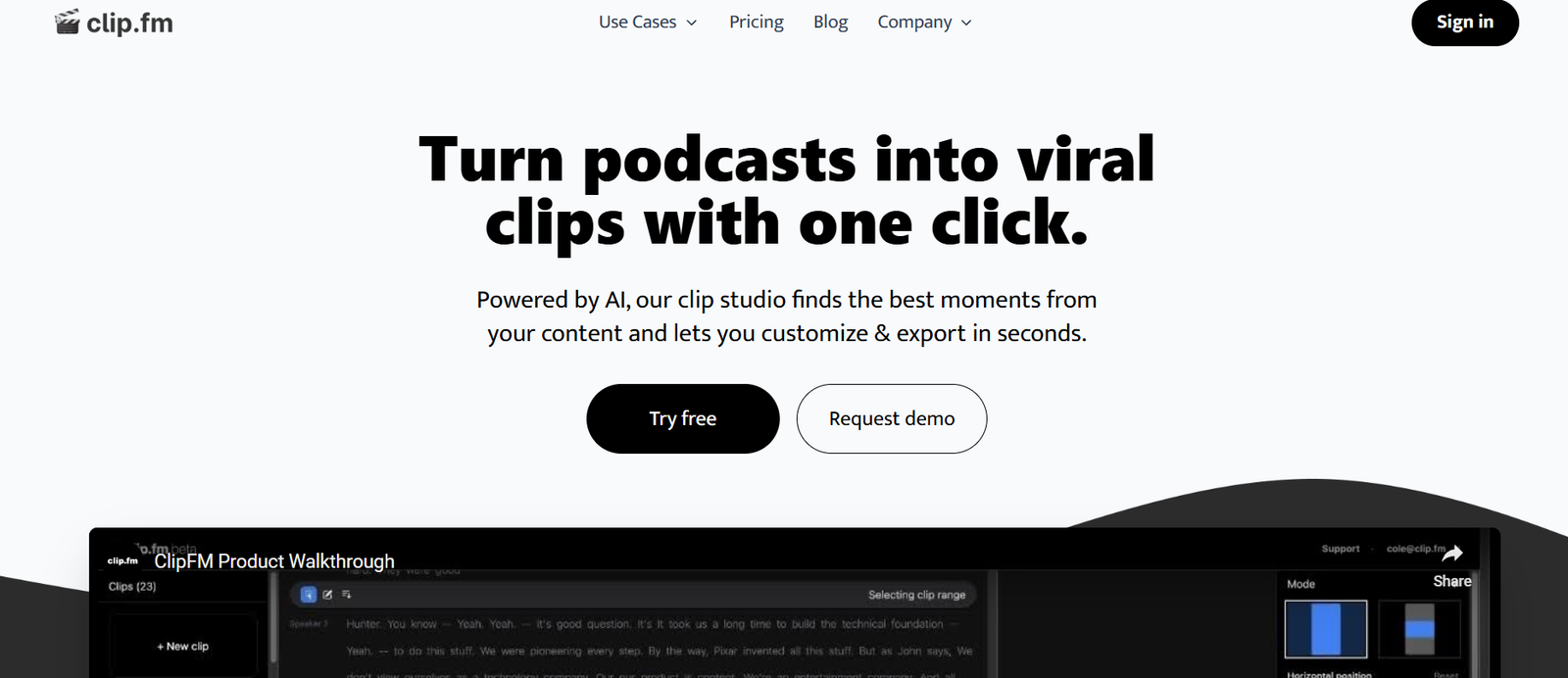
Clip.fm is an AI-driven platform that helps podcasters and creators turn long-form podcast episodes into short-form, shareable video clips optimized for social media platforms like TikTok, Instagram Reels, YouTube Shorts, and LinkedIn.
Instead of manually editing hours of podcast content to find highlight moments, Clip.fm uses artificial intelligence to automatically detect, transcribe, and generate dynamic video snippets that increase reach, engagement, and discoverability. The result: your podcast content becomes a multi-platform growth engine.
Features:
AI-Powered Highlight Detection: Automatically scans podcast episodes to identify impactful moments.
Transcript-Based Editing: Edit and clip your content directly from the transcript, no video editing skills needed.
Dynamic Captions: Auto-generated, styled captions enhance accessibility and viewer retention.
Multiple Aspect Ratios: Create clips in vertical (9:16), square (1:1), or horizontal (16:9) formats.
Templates & Customization: Choose from branded templates or customize fonts, colors, and layouts.
Clip Suggestions: AI recommends multiple highlight clips from each upload.
Headliner-Style Visuals: Add waveforms, subtitles, and speaker names for a polished look.
Download & Share: Export clips for any platform or publish directly from your dashboard.
Multi-Platform Optimization: Tailored outputs for TikTok, Instagram, YouTube Shorts, and more.
Simple UI: Intuitive, web-based editor suitable for beginners and professionals.
How It Works:
Upload Your Podcast Audio or Video: Drag and drop files, or import directly from RSS feeds.
AI Transcription: The platform generates a full transcript of the episode using speech-to-text.
AI Highlights Detection: Clip.fm analyzes the episode and identifies potential viral or insightful moments.
Customize the Clip: Choose one or more suggested segments, customize with visuals, captions, and aspect ratios.
Download & Share: Export your clips or post directly to social channels.
This fast and easy process allows creators to go from recording to promotion in minutes—not hours.
Use Cases:
Podcast Promotion: Share the best moments from each episode to attract new listeners.
Social Media Growth: Repurpose long-form audio/video into high-performing short-form video content.
Brand Awareness: Help your podcast or personal brand get discovered on visual-first platforms.
Guest Marketing: Share engaging quotes from guests that they can repost.
Community Building: Use key moments to spark engagement and conversation on platforms like X or LinkedIn.
Newsletter Embeds: Add video highlights into email campaigns to increase click-through rates.
Pricing:
As of July 2025, Clip.fm offers the following pricing plans (source: Clip.fm Pricing):
Free Plan:
1 episode upload per month
Up to 3 clips per episode
Access to basic templates
Branded with Clip.fm watermark
Best for testing and hobbyists
Creator Plan – $29/month
Up to 10 episodes/month
Unlimited clips
Advanced templates and customization
No watermarks
Download in multiple formats
Ideal for independent podcasters and small teams
Pro Plan – $79/month
Up to 30 episodes/month
Batch clip generation
Brand kits and saved templates
Priority support
Designed for agencies and podcast networks
Enterprise Plan – Custom Pricing
Unlimited uploads and clips
Team access and collaboration
White-labeling and API integration
Dedicated success manager
All plans include AI transcription, highlight detection, and dynamic captioning.
Strengths:
Purpose-built for podcasters
AI automation saves hours of manual editing
Transcript-based editing simplifies the workflow
Engaging, visually optimized video outputs
Excellent for repurposing content across channels
Scalable for individuals and agencies alike
Great value compared to hiring video editors
Drawbacks:
Free plan is very limited in features and watermark-free exports
Highlight detection may occasionally miss key emotional/contextual moments
No native mobile app (web-based only as of July 2025)
Custom fonts and branding are locked to higher-tier plans
Not designed for general video editing (focused on clipping, not full editing)
Comparison with Other Tools:
Clip.fm vs Headliner:
Headliner also offers podcast video creation, but requires more manual editing. Clip.fm emphasizes AI-driven automation and faster clip turnaround.
Clip.fm vs Opus Clips:
Opus Clips is optimized for long video-to-short video. Clip.fm is specifically built for podcast content with tailored features like transcript editing and waveform visuals.
Clip.fm vs Descript:
Descript is a full-suite audio/video editor with transcript editing. Clip.fm is focused purely on short-form promotional content, making it faster and simpler to use.
Clip.fm vs Repurpose.io:
Repurpose.io is workflow automation for content distribution. Clip.fm is a creation tool that helps you generate clips before distribution.
Customer Reviews and Testimonials:
Clip.fm has gained popularity among indie podcasters and media teams:
“I had 3 video clips ready for Instagram in under 10 minutes—Clip.fm is incredible.”
“We’ve grown our listenership just by posting more short videos of our podcast on TikTok.”
“The AI highlight detection actually works. It picked the best guest moment from my last episode.”
“It saved us from hiring an editor for short-form content. The templates look great.”
Creators praise the ease of use, speed, and quality of the visual outputs.
Conclusion:
Clip.fm is a standout tool for podcasters who want to grow their reach through short-form, social-ready video content. By automating transcription, highlight detection, and clip creation, Clip.fm removes the manual labor from post-production and helps creators get more value from each episode.
Whether you’re building a podcast brand or supporting multiple shows, Clip.fm streamlines the path from recording to promotion—turning your content into clips that capture attention and drive engagement.


