
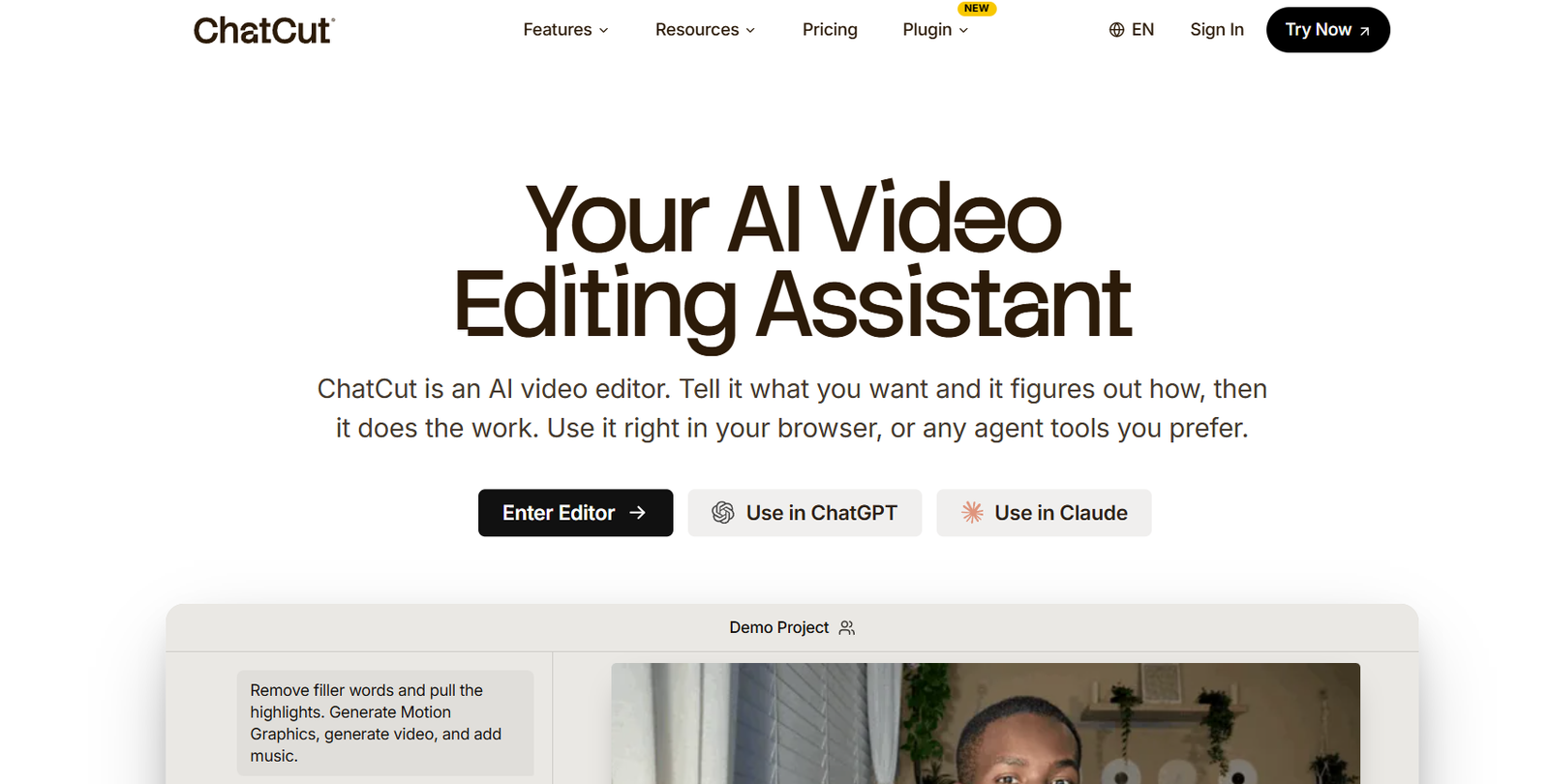
ChatCut is a browser-based AI video editing platform that enables users to edit videos using natural language prompts instead of complex manual editing. Acting as an AI editing assistant, it analyzes uploaded footage, identifies key moments, arranges clips into a logical sequence, and performs editing tasks based on user instructions.
The platform is designed for creators, marketers, educators, businesses, and video professionals who want to speed up production without losing creative control. In addition to AI editing, ChatCut offers AI-generated motion graphics, captions, images, videos, voiceovers, and royalty-free music within a single editing environment. Users can continue refining their projects manually using the built-in timeline editor.
Features
Prompt-Based AI Video Editing
Instead of manually trimming clips, users simply describe the desired edits in plain language. ChatCut interprets the instructions and automatically performs the requested editing tasks.
Intelligent Rough Cut Creation
The AI analyzes uploaded footage, identifies highlights, removes unnecessary takes, and assembles an initial edit that users can refine further.
Text-Based Editing
Users can edit videos by modifying the transcript. Deleting or changing text automatically updates the video timeline, making talking-head editing much faster.
AI Motion Graphics
ChatCut generates animated titles, chapter cards, charts, timelines, keyword highlights, and other motion graphics directly from text prompts without requiring animation software.
AI Video and Image Generation
The platform allows users to generate new AI video clips, B-roll footage, thumbnails, and images directly inside the editing workspace.
AI Captions
Automatic captions are generated from transcripts with support for more than 100 languages. Users can also choose from multiple caption styles or create reusable templates.
AI Music Generator
Users can generate royalty-free background music by describing the desired mood, style, or atmosphere, with music created to match the exact duration of the video.
AI Voiceovers
Scripts can be converted into AI-generated narration without requiring external voice recording tools.
Timeline Editor
Unlike fully automated editors, ChatCut keeps every edit on a traditional timeline, allowing users to make manual adjustments whenever needed.
How It Works
- Create a ChatCut account.
- Upload your raw footage or start a new project.
- Enter editing instructions using natural language prompts.
- Let the AI analyze the footage and generate an initial edit.
- Add captions, motion graphics, music, AI visuals, or voiceovers.
- Fine-tune the project using the built-in timeline editor.
- Export the completed video for publishing or further editing.
Use Cases
YouTubers can quickly edit talking-head videos and podcasts.
Marketing teams can create promotional videos with AI-generated graphics and captions.
Businesses can produce product demonstrations and explainer videos more efficiently.
Educators can develop online lessons with captions and narration.
Social media creators can generate short-form content for platforms such as Instagram, TikTok, and YouTube Shorts.
Agencies can accelerate client video production while maintaining editing flexibility.
Video professionals can use AI to create rough cuts before completing advanced manual edits.
Pricing
According to the official website:
Free Plan
- No credit card required
- Starter AI credits included
- Basic editing and video exports
- Access to AI captions, image generation, music generation, and motion graphics
Pro Plan
- $25 per month (billed monthly)
- Includes a monthly AI credit allowance and expanded access to ChatCut’s editing and AI generation features.
Additional enterprise or custom pricing plans are not clearly listed on the official website.
Strengths
Simple prompt-based editing reduces manual work.
Combines editing, captions, AI visuals, music, and voiceovers in one platform.
Maintains a fully editable timeline for greater creative control.
Supports transcription and captions in over 100 languages.
Browser-based with no software installation required.
Suitable for both beginners and experienced video editors.
Drawbacks
The platform works best with talking-head and interview-style videos.
Some advanced AI capabilities depend on available usage credits.
Professional editors working on complex cinematic projects may still require dedicated editing software.
Large video projects may take longer to process depending on file size and AI workload.
Comparison with Other Platforms
Unlike many AI video generators that focus only on creating videos from prompts, ChatCut emphasizes AI-assisted editing of existing footage. It combines transcript editing, motion graphics, AI-generated visuals, music, captions, and voiceovers within a single timeline editor. Compared with traditional video editors, it significantly reduces repetitive editing tasks while still allowing users to maintain full creative control over the final project.
Customer Reviews and Testimonials
Customer reviews and testimonials are not clearly available on the official website.
Conclusion
ChatCut is a modern AI-powered video editing platform designed to simplify the editing process through natural language prompts. Its combination of AI-assisted editing, transcript-based workflow, automatic captions, motion graphics, AI-generated media, and timeline editing makes it an excellent choice for creators, marketers, educators, and businesses seeking to produce professional videos more efficiently. It is particularly well suited for users who want the speed of AI automation without sacrificing manual editing control.


