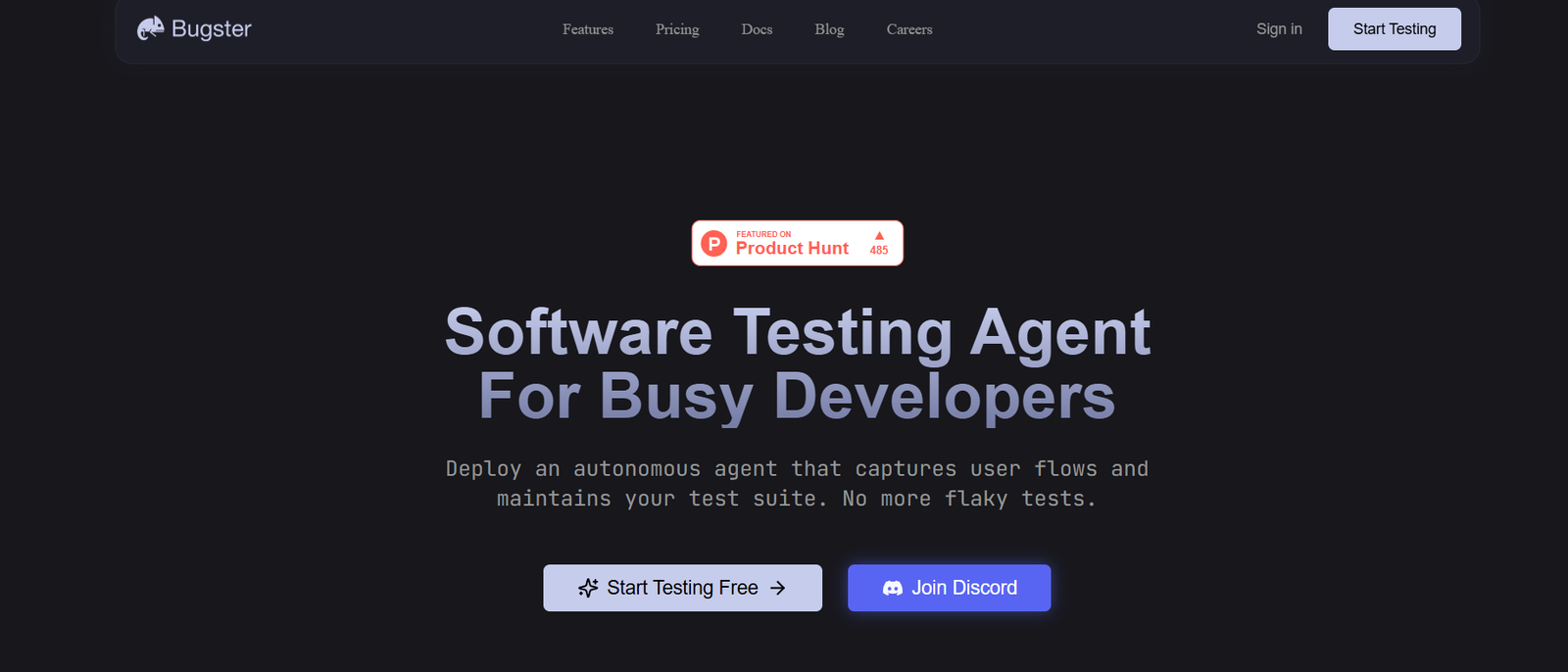
Bugster is an AI-powered bug detection tool built specifically for frontend developers. By leveraging artificial intelligence and static analysis, Bugster helps developers automatically identify potential issues in their code—before they reach production. From HTML and CSS inconsistencies to accessibility problems and broken layouts, Bugster functions as an intelligent pair of eyes constantly reviewing your frontend work.
What sets Bugster apart is its real-time, context-aware debugging assistant that integrates directly into the developer workflow. Instead of waiting for manual QA or user feedback, developers receive instant alerts and explanations about issues in their code, along with suggestions for how to fix them.
Ideal for React, Vue, and general JavaScript projects, Bugster reduces debugging time, boosts code quality, and empowers developers to ship confidently.
Features
Bugster comes equipped with a range of features designed to streamline the frontend development process:
Real-Time Bug Detection
Get immediate feedback on bugs as you write or update frontend code. Bugster highlights issues directly in the codebase.
AI-Powered Explanations
Understand why something is broken. Bugster doesn’t just tell you what’s wrong—it explains the issue in plain language.
Framework Support
Supports major frontend frameworks, including:
React
Vue.js
JavaScript/TypeScript
Layout & Styling Issue Detection
Spot CSS conflicts, layout shifts, missing breakpoints, or design inconsistencies early in the dev cycle.
Accessibility Checker
Automatically flags accessibility issues (like missing alt tags or poor contrast ratios) to help meet WCAG standards.
Integration with Code Editors
Bugster integrates with popular development environments (such as VS Code), making it seamless to use as you code.
Lightweight Installation
Fast setup with minimal configuration. Install the CLI or editor plugin and start getting insights in minutes.
How It Works
Bugster operates by analyzing your frontend code in real time and applying AI models trained on frontend bugs, UI best practices, and code patterns.
Install the Tool
Use NPM or Yarn to install Bugster CLI or set up the official plugin in your IDE.Run or Watch Your Project
Bugster will scan your project files or run in watch mode, continuously analyzing code as you build.Bug Identification
As you write or update code, Bugster detects potential issues such as:
Broken layouts
Semantic HTML problems
Styling conflicts
Accessibility violations
AI Feedback
Instead of just displaying an error, Bugster explains why the issue occurs and how to resolve it.Continuous Updates
The tool learns from community feedback and is continuously updated with new bug patterns and frontend best practices.
Use Cases
Bugster is built for modern frontend teams and individual developers alike. Some common use cases include:
Solo Developers
Save time by catching mistakes as you code, without relying on late-stage testing.
Frontend Teams
Ensure consistency and quality across codebases, especially in fast-moving sprints or CI/CD workflows.
Design-to-Code Workflows
Automatically validate whether the implementation matches design specs, particularly for CSS and layout consistency.
Agencies & Freelancers
Deliver cleaner projects to clients with fewer rounds of revision caused by minor frontend bugs.
Accessibility Compliance
Catch and fix WCAG-related issues early, helping products stay inclusive and legally compliant.
Pricing
As of May 2025, Bugster offers a free plan along with premium tiers for professional teams and organizations. Here’s the current pricing structure:
Free Plan
Up to 1 project
Core bug detection (HTML, CSS, JS)
Basic AI explanations
Community support
Pro Plan – $15/month
Unlimited projects
Advanced AI diagnostics
Accessibility and performance checks
VS Code plugin support
Priority support
Team Plan – $49/month (up to 5 users)
Team collaboration features
Project history and shared reporting
GitHub/GitLab integrations
Early access to new features
Enterprise Plan – Custom Pricing
SSO and enterprise integrations
Role-based access controls
SLA and compliance guarantees
Dedicated support and onboarding
For more details, visit the official pricing page.
Strengths
Real-time feedback reduces debugging cycles
AI-powered explanations enhance learning and clarity
Focus on frontend-specific issues rather than generic linting
Accessibility-first approach helps meet compliance goals
Seamless IDE integration fits into developer workflow
Lightweight setup and fast results make it easy to adopt
Drawbacks
Limited backend or full-stack support—it’s focused on frontend only
Free plan is restricted to one project
Newer tool, so third-party ecosystem (e.g., plugins, integrations) is still growing
No mobile-specific analysis yet for responsive or mobile app development
Comparison with Other Tools
Bugster vs. ESLint
ESLint checks for syntax and code quality but lacks AI-powered feedback and frontend-specific design/layout detection. Bugster complements ESLint by focusing on the visual and accessibility side of frontend development.
Bugster vs. SonarQube
SonarQube offers deep static analysis, but it is enterprise-heavy and not frontend-specific. Bugster is simpler and tailored for modern frontend stacks.
Bugster vs. Chrome DevTools
DevTools are reactive and manual. Bugster proactively catches bugs during development and explains them before testing.
Customer Reviews and Testimonials
Bugster is gaining attention among indie developers and frontend teams. While it is a relatively new tool and not yet listed on platforms like G2 or Capterra, early adopters have praised it on developer forums and Twitter.
Positive Feedback:
“Caught layout bugs I didn’t even notice. Super helpful.”
“Love the AI explanations—it’s like having a frontend mentor.”
“Saves me time during code reviews and makes accessibility checks painless.”
Suggestions for Improvement:
“Would love integration with CI/CD pipelines.”
“A mobile view preview feature would be great.”
The development team at Bugster is actively updating the product and engaging with its community to prioritize new features.
Conclusion
Bugster is a powerful AI-based debugging tool that helps frontend developers catch and fix issues early—before they become production problems. With real-time bug detection, context-aware explanations, and seamless integration into coding workflows, it’s an excellent addition to any frontend tech stack.
Whether you’re working on a startup MVP or managing an enterprise UI codebase, Bugster saves time, improves quality, and supports better frontend practices out of the box.