
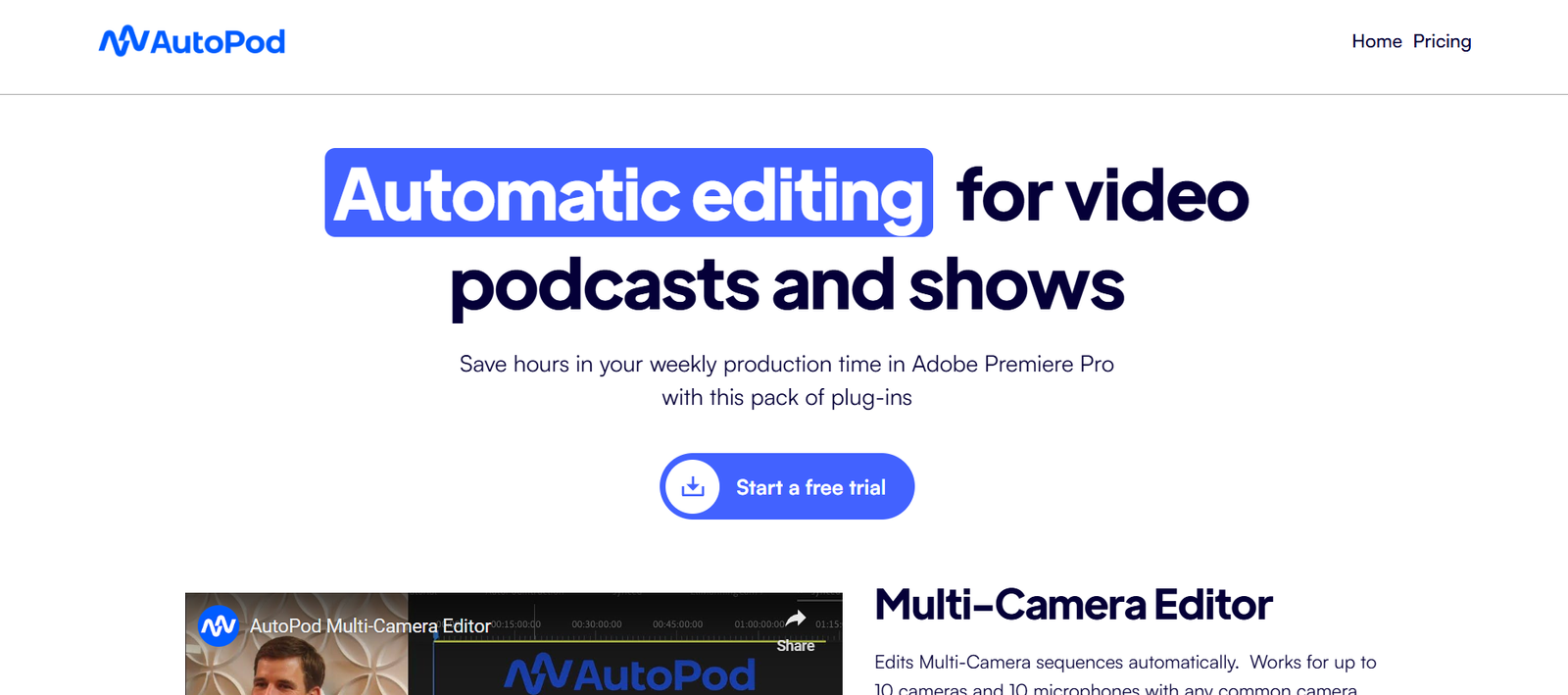
Autopod is an AI-powered plugin for Adobe Premiere Pro that automates the most time-consuming tasks in podcast and video editing. Designed for video podcasters, multi-camera content creators, and editors who work with long-form video, Autopod dramatically accelerates the post-production process using intelligent automation tools.
Rather than being a standalone app, Autopod integrates directly into the Adobe Premiere Pro workflow, making it an ideal solution for professionals who already use Premiere for editing. With features like multicam editing, jump cut detection, and social media clip creation, Autopod helps you go from raw footage to polished content in a fraction of the usual time.
Features
Autopod offers a powerful set of AI-based tools that simplify and speed up video and podcast editing:
Multi-Camera Editor:
Automatically cuts between multiple camera angles based on who is speaking, reducing hours of manual editing.Jump Cut Editor:
Detects and removes silences or dead air from video content automatically—perfect for cleaner, tighter edits.Social Clip Creator:
Automatically generates short vertical videos (9:16 format) from longer content for TikTok, Reels, and YouTube Shorts.Speaker Detection:
Recognizes who is speaking and selects the appropriate camera or angle to cut to.Automated Workflows in Premiere Pro:
Works natively as a plugin—no need to export/import between external apps.Audio and Video Syncing:
Ensures that multi-camera and multi-mic setups stay in perfect sync during edits.Supports Pro Editing Standards:
Maintains high-resolution output, frame rate consistency, and timeline organization.Designed for Long-Form Content:
Ideal for podcasts, interviews, panels, lectures, and tutorials.
How It Works
Autopod functions as an extension inside Adobe Premiere Pro and is easy to set up:
Install the Plugin:
Download and install Autopod from the official site: https://www.autopod.fm.Open Adobe Premiere Pro:
Launch Premiere and load your multicam podcast or video project.Use Autopod Panel:
Open the Autopod extension panel within Premiere to access its automated editing features.Select Editing Mode:
Choose from the Multi-Camera Editor, Jump Cut Editor, or Social Clip Creator, depending on your project.Customize Settings:
Adjust speaker detection, camera priority, silence duration, or output dimensions as needed.Generate Edits:
Click “Run” and Autopod processes your timeline, generating an edited sequence within seconds or minutes.Review & Export:
Make final tweaks and export as you normally would from Premiere Pro.
No need to switch software—Autopod integrates into your existing workflow seamlessly.
Use Cases
Autopod serves a broad range of content creators and production teams:
Podcast Editors:
Speed up the process of editing multi-person, multi-camera podcasts with automatic speaker switching and jump cut removal.Video Creators:
Use the Social Clip Creator to repurpose long content into short-form video for social media platforms.YouTube Channels:
Edit interviews, commentary videos, or talk shows with minimal manual effort.Agencies and Post-Production Teams:
Increase efficiency for recurring edits and deliver more content in less time.Educational and Corporate Video Teams:
Quickly edit lectures, webinars, or meetings for internal or public release.
Pricing
As of July 2025, Autopod offers the following pricing structure (source: https://www.autopod.fm):
Free Trial:
Limited to 3 exports
Access to all features for testing
Requires Adobe Premiere Pro
Pro Plan – $29/month or $290/year:
Unlimited exports
Access to all three automation tools (Multicam Editor, Jump Cut Editor, Social Clip Creator)
Commercial use license
Ongoing updates and support
Team Plan – Custom Pricing:
Includes multi-user licensing
Ideal for agencies and post-production teams
Centralized billing and priority support
Contact sales via Autopod website for details
You must already have Adobe Premiere Pro installed to use Autopod, as it is not a standalone editing tool.
Strengths
Massive Time Savings:
Reduces hours of editing down to minutes with AI automation.Seamless Integration with Premiere Pro:
Works natively inside Adobe’s professional editing suite—no external tools needed.Perfect for Podcast Workflows:
Designed specifically for video podcasts, with multicam and speaker-based editing features.Automatic Social Content Creation:
Instantly produce short clips in vertical format for maximum reach.High-Quality Output:
Maintains pro-grade video and audio standards suitable for publishing.Simple and Intuitive Interface:
Minimal learning curve for Premiere users.
Drawbacks
Requires Adobe Premiere Pro:
Users without Premiere Pro cannot use Autopod—it’s a plugin, not a standalone app.Limited to Long-Form Content:
Best suited for podcasts and long discussions—not built for cinematic or narrative editing.No Built-In AI Captioning or Transcription:
Doesn’t offer built-in subtitles or transcripts—requires additional tools for accessibility.Mac and PC Only (Desktop):
No mobile or cloud-based functionality.Still Requires Human Review:
While much of the work is automated, final editing may still need manual tweaking.
Comparison with Other Tools
Autopod vs Descript:
Descript offers full editing and transcription in one platform but lacks deep Premiere integration. Autopod is ideal for those who want automated editing inside Premiere Pro.
Autopod vs Riverside.fm or Zencastr:
Riverside and Zencastr focus on recording remote podcasts. Autopod specializes in post-production automation for already recorded content.
Autopod vs Adobe Auto Reframe / AI Tools:
Adobe offers basic automation, but Autopod’s features go deeper with speaker switching, jump cut editing, and social content creation.
Autopod vs VEED or Kapwing:
Web-based editors like VEED and Kapwing are great for casual users. Autopod is professional-grade, built specifically for Premiere workflows.
Customer Reviews and Testimonials
While detailed testimonials aren’t listed on the homepage, creators and editors have praised Autopod across YouTube, Reddit, and video editing communities:
“Autopod cut my editing time in half. It’s a no-brainer for any podcast editor.” – Freelance Video Editor
“Finally a plugin that does real work. I love how it switches cameras automatically.” – YouTube Podcaster
“The social clip creator is gold for getting content on TikTok fast.” – Marketing Agency Owner
The consistent feedback highlights speed, reliability, and integration as major selling points.
Conclusion
Autopod is a powerful AI plugin that transforms the way editors approach long-form podcast and video editing. With features tailored to speaker detection, silence removal, and social content clipping, it solves some of the most tedious parts of post-production—all within Adobe Premiere Pro.
If you’re a video podcaster, content creator, or editor looking to save time without sacrificing quality, Autopod is a smart investment.


