
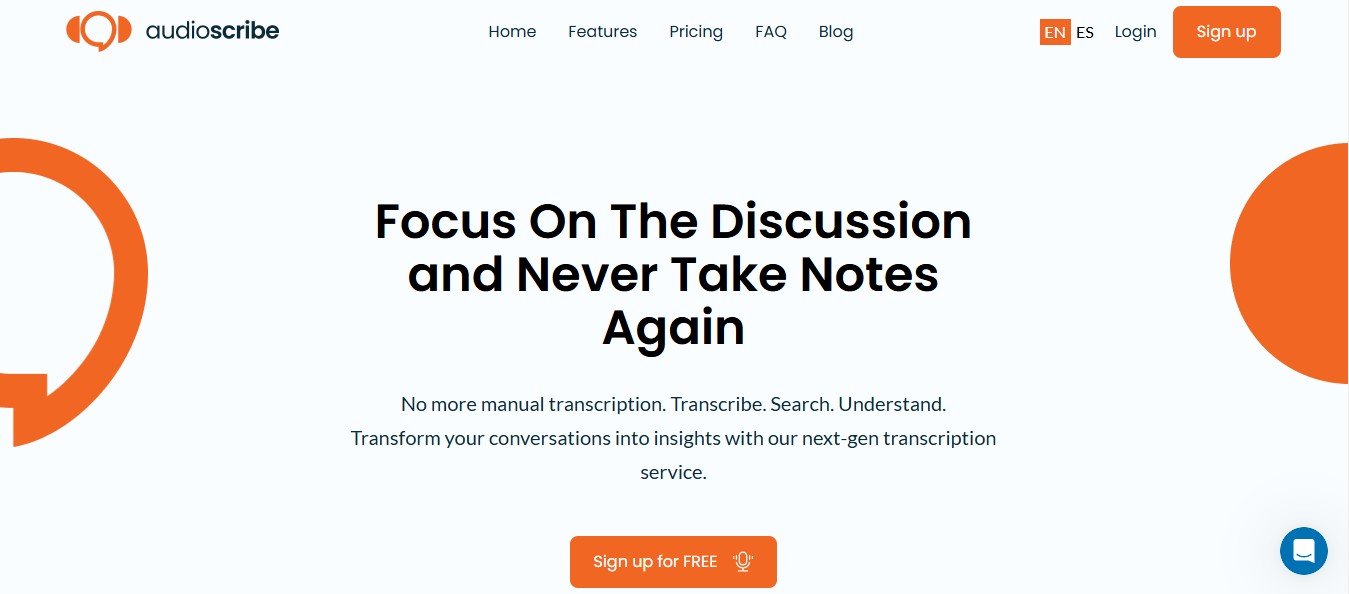
AudioScribe.io is an AI-powered transcription and note-taking platform that converts audio recordings into text with impressive accuracy and speed. Designed for professionals, students, and businesses, AudioScribe.io automates the transcription process and generates detailed summaries to save time and increase productivity.
With features like speaker identification, multi-language support, and integrations with popular tools, AudioScribe.io is ideal for handling audio from meetings, interviews, lectures, podcasts, and more.
Key Features of AudioScribe.io
AudioScribe.io offers an array of features to make transcription and note-taking seamless and efficient. Here’s a closer look at its standout functionalities:
1. AI-Powered Transcription
Leverage advanced AI algorithms to convert audio recordings into highly accurate text in real-time or post-processing.
2. Meeting Summaries
Generate concise, actionable summaries of meetings, including key takeaways, decisions, and action items.
3. Speaker Identification
Automatically distinguish between multiple speakers, making transcripts easy to follow for meetings, interviews, or panel discussions.
4. Multi-Language Support
Transcribe audio in multiple languages, catering to global audiences and multilingual teams.
5. Custom Vocabulary
Enhance transcription accuracy by adding industry-specific terms, jargon, or proper nouns to the platform’s vocabulary.
6. Time-Stamped Transcriptions
Add time stamps to your transcripts, helping you navigate through audio and text efficiently.
7. Noise Reduction
Improve transcription quality by filtering out background noise and enhancing audio clarity.
8. Real-Time and Batch Processing
Transcribe audio in real-time for live events or upload recordings for batch processing, making it versatile for various needs.
9. Integration with Popular Tools
Connect AudioScribe.io with platforms like Zoom, Microsoft Teams, Google Meet, and more for seamless transcription workflows.
10. Export Options
Download transcripts and summaries in multiple formats, such as TXT, PDF, DOCX, or SRT, for easy sharing and integration.
How Does AudioScribe.io Work?
Using AudioScribe.io is straightforward, even for beginners. Follow these simple steps:
- Upload Your Audio or Video File
Upload your audio or video recording in supported formats, such as MP3, MP4, WAV, or connect AudioScribe.io to platforms like Zoom for real-time transcription. - Select Preferences
Choose language, time-stamping options, speaker identification, and custom vocabulary settings. - AI Transcription
The platform’s AI processes the file to generate an accurate transcript. - Review and Edit
Use the built-in editor to refine the transcription or summary, if necessary. - Export the Output
Save the final transcript or meeting summary in your preferred format and share it with your team or audience.
Use Cases of AudioScribe.io
AudioScribe.io is designed to serve professionals and businesses across industries. Here are some of the most common use cases:
1. Corporate Meetings
- Generate detailed meeting transcripts and summaries for internal documentation and team alignment.
2. Interviews and Research
- Transcribe interviews for journalism, academic research, or market analysis to ensure you capture every detail.
3. Education and E-Learning
- Convert lectures, webinars, or workshops into transcripts and notes for student use or online course content.
4. Podcast and Content Creation
- Provide transcripts for podcasts, YouTube videos, or webinars to improve accessibility and SEO performance.
5. Legal and Medical Professionals
- Create accurate transcripts for depositions, court hearings, or patient consultations.
6. Event Documentation
- Transcribe live events, conferences, or panel discussions for reports or post-event content.
Pricing for AudioScribe.io
At the time of writing, AudioScribe.io does not list specific pricing details on its official website. However, transcription platforms like AudioScribe.io typically offer the following pricing models:
- Free Plan: Limited features or transcription duration for testing the platform.
- Pay-As-You-Go: Pricing based on the length of audio or video processed.
- Subscription Plans: Monthly or annual plans offering unlimited transcription or advanced features, such as speaker identification or integrations.
- Enterprise Plans: Custom pricing for large organizations requiring bulk transcription or team collaboration features.
To find up-to-date pricing details, visit the official AudioScribe.io Pricing Page.
Strengths of AudioScribe.io
- High Accuracy: AI-powered transcription ensures precision, even with multi-speaker audio.
- Ease of Use: Intuitive interface makes the platform accessible for both individuals and teams.
- Real-Time and Batch Options: Versatility to handle live events and pre-recorded content.
- Multi-Language Support: A valuable feature for global teams or multilingual content creators.
- Actionable Summaries: Meeting summaries help teams save time and focus on key decisions.
- Tool Integration: Seamless integration with platforms like Zoom and Microsoft Teams for automatic transcription.
Drawbacks of AudioScribe.io
- Internet Dependency: Being a cloud-based tool, AudioScribe.io requires a stable internet connection for uploads and processing.
- Manual Adjustments: Low-quality audio or heavy accents may require manual corrections.
- Pricing Transparency: Lack of upfront pricing may deter some potential users.
- Limited Offline Functionality: No offline transcription capabilities for users who work in environments without consistent internet access.
Comparison with Other Transcription Tools
AudioScribe.io vs. Otter.ai
- Meeting Summaries: AudioScribe.io provides more detailed actionable summaries, while Otter.ai focuses on real-time transcription and collaboration.
- Export Formats: AudioScribe.io supports a wider variety of export formats, such as SRT for captions.
AudioScribe.io vs. Rev
- Speed: AudioScribe.io delivers faster AI-powered transcription compared to Rev’s human transcription services.
- Cost: AudioScribe.io is more affordable for regular transcription needs, while Rev is better for users who need 100% human-verified accuracy.
AudioScribe.io vs. Descript
- Focus: Descript combines transcription with audio and video editing, while AudioScribe.io focuses solely on transcription and note-taking.
- Ease of Use: AudioScribe.io has a simpler interface, making it more accessible for users who don’t need advanced editing features.
Customer Reviews and Testimonials
Users of AudioScribe.io have praised its ability to handle complex audio files and deliver accurate transcriptions in minutes. Professionals appreciate its actionable meeting summaries, while content creators value the platform’s multi-language support and subtitle export options. Some users have highlighted occasional challenges with poor-quality audio files, requiring light manual adjustments.
For authentic testimonials, visit platforms like Product Hunt or the official AudioScribe.io website.
Conclusion
AudioScribe.io is a versatile AI-powered transcription and note-taking tool that simplifies converting audio into text. Its high accuracy, multi-language support, and actionable meeting summaries make it a valuable asset for professionals, businesses, and content creators. While it requires a stable internet connection and may need occasional manual adjustments, its overall strengths far outweigh these minor limitations.
If you’re looking for an efficient, affordable, and user-friendly transcription solution, AudioScribe.io is worth exploring. Visit their official website for more details: AudioScribe.io.













