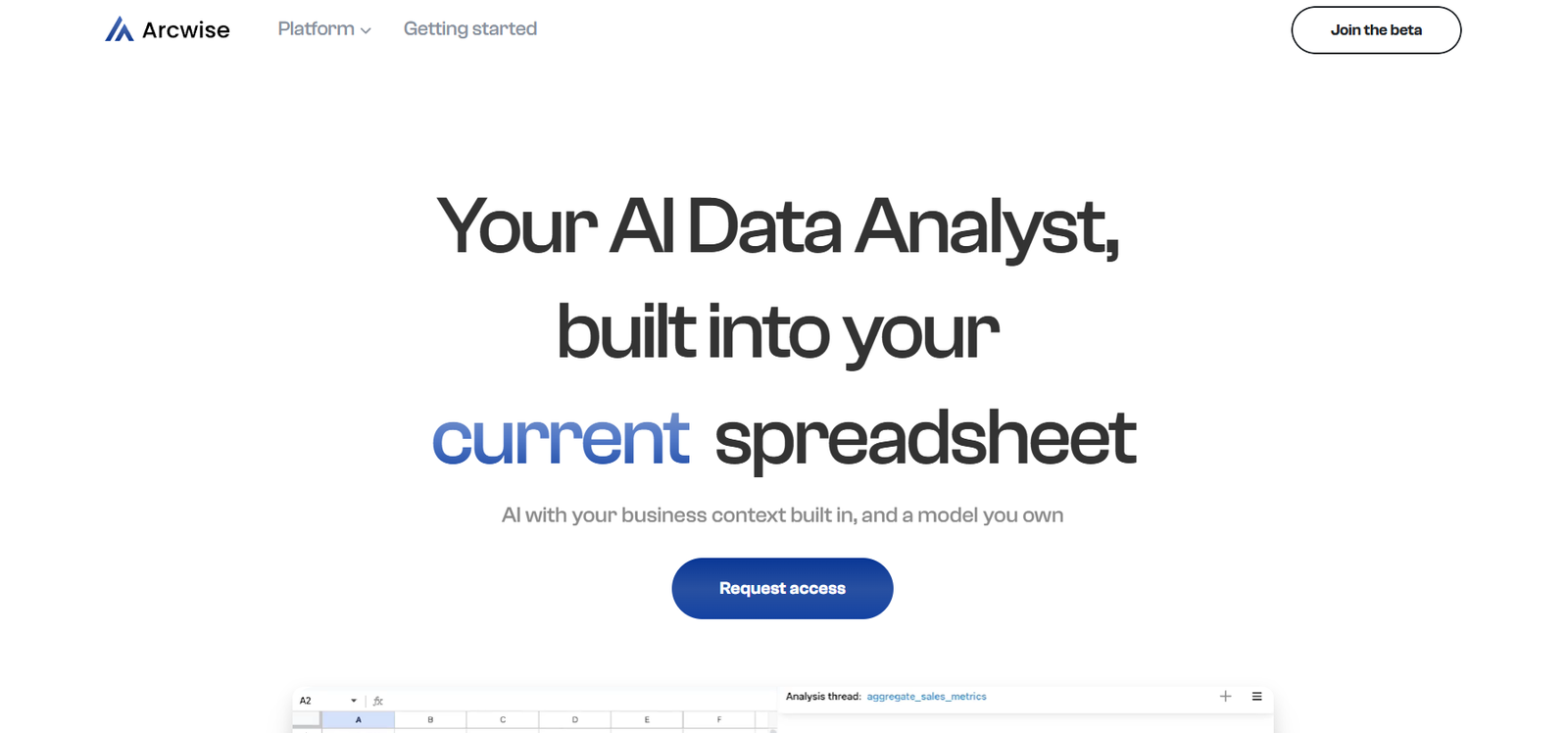
Arcwise is an AI copilot for Google Sheets that allows users to write formulas, clean data, automate tasks, and analyze spreadsheets using plain English. Designed for professionals, analysts, marketers, and anyone who works with data, Arcwise eliminates the need to memorize complex formulas or scripts by translating natural language instructions into real spreadsheet actions.
With seamless integration into Google Sheets, Arcwise empowers users to complete tasks faster, gain insights from data more intuitively, and automate repetitive processes. Whether you’re struggling to write an ARRAYFORMULA, need help debugging errors, or want to summarize data without pivot tables, Arcwise serves as your intelligent assistant directly within your workflow.
Features of Arcwise
Natural Language Formula Generation
Arcwise allows users to type questions or instructions in plain English, and it generates the correct Google Sheets formula instantly.
AI Data Cleaning
The platform can clean up messy datasets, remove duplicates, fix formatting issues, and standardize values with minimal manual effort.
Smart Data Analysis
Users can ask questions like “What was the average monthly growth?” or “Which product had the highest sales?” and Arcwise will analyze the sheet and respond with the correct answer, supported by formulas or summaries.
Formula Debugging
Arcwise can review existing formulas, explain what they do, and help debug errors, saving time for users who are not spreadsheet experts.
Automated Task Suggestions
Based on the context of your sheet, Arcwise offers smart suggestions for formulas, charts, and formatting enhancements to improve productivity.
Seamless Google Sheets Integration
Installed as a sidebar add-on, Arcwise integrates directly into the Google Sheets environment without requiring external tools or data exports.
Use-Case Templates
Arcwise provides ready-to-use formula prompts and templates for common tasks like financial modeling, inventory tracking, and marketing analytics.
Privacy-Focused
The platform emphasizes secure data handling. It doesn’t store your spreadsheet data, ensuring privacy and compliance.
How Arcwise Works
Arcwise works as a Google Sheets extension that appears as a side panel once installed. After installation, users can type questions, commands, or formula-related tasks into the Arcwise input field. The AI engine processes the request and generates an appropriate response—whether it’s a formula, chart suggestion, or direct analysis of the sheet’s content.
For example, if you type “Calculate the compound annual growth rate for column B,” Arcwise will interpret the data in the sheet, write the correct formula, and even explain it if requested. Similarly, users can input requests like “Highlight duplicate entries in column C” or “Split full names into first and last names.”
Arcwise can also be used to summarize trends, explain the logic behind complex formulas, and recommend formatting improvements. Its AI model is optimized specifically for spreadsheet logic, making it a more focused and useful assistant than general-purpose chatbots for spreadsheet-related tasks.
Use Cases of Arcwise
Business Analysts
Analysts use Arcwise to speed up data modeling and reporting by generating complex formulas and analyzing trends without needing to write scripts.
Marketing Teams
Marketing professionals can calculate campaign performance, automate report generation, and clean up tracking data with AI assistance.
Finance Professionals
Arcwise helps finance teams build dynamic models, calculate forecasts, and debug errors in spreadsheets used for budgeting and financial planning.
Startup Founders
Founders managing data without a dedicated analyst use Arcwise to make sense of KPIs, investor reports, and customer insights more efficiently.
Educators and Students
Teachers and learners can use Arcwise to understand how spreadsheet formulas work and complete academic assignments or research more efficiently.
Operations and HR
HR teams use Arcwise to track employee data, generate reports, and clean messy survey or application data directly in Google Sheets.
Pricing of Arcwise
Arcwise offers a free plan with core features and also provides paid tiers for users who require more advanced functionality or increased usage limits. As of the most recent information available:
Free Plan
Basic access to AI assistant
Formula generation and explanation
Limited monthly usage
Ideal for casual or individual users
Pro Plan
Higher usage limits
Access to advanced formula generation and data analysis
Priority access to new features
Monthly or annual subscription (pricing available upon sign-up)
Team and Enterprise Plans
Custom usage limits for teams
Centralized billing and permissions
Admin controls and reporting
Dedicated support
Pricing on request
Users can sign up via the Arcwise website or install the add-on directly from the Google Workspace Marketplace.
Strengths of Arcwise
User-Friendly and Accessible
Arcwise is intuitive, making it easy for non-technical users to harness spreadsheet power without deep formula knowledge.
Tightly Integrated with Google Sheets
Unlike external tools, Arcwise works directly within your existing Google Sheets environment, making it highly convenient.
Saves Time on Routine Tasks
It automates time-consuming tasks like data cleaning, formatting, and analysis, freeing up hours of manual work.
Excellent Learning Tool
Arcwise is also educational—it explains formulas and logic, helping users learn spreadsheet skills while getting work done.
No Coding Required
Users can accomplish advanced spreadsheet operations without writing scripts or learning Google Apps Script.
Supports Natural Language Input
Typing instructions in plain English lowers the barrier for teams who don’t have technical backgrounds.
Drawbacks of Arcwise
Limited to Google Sheets
Arcwise does not support Microsoft Excel or desktop spreadsheet tools, limiting its use to Google Workspace users.
Free Plan Limitations
The free tier includes limited queries or interactions, which may not be sufficient for power users or daily analysts.
Dependent on Sheet Quality
Arcwise works best when data is well-structured. Unstructured or inconsistent data may require some manual prep.
Still Evolving
As a relatively new tool, some advanced features (like multi-sheet cross-referencing or custom scripting) may be limited or under development.
Not for Highly Specialized Analytics
Arcwise is powerful, but may not replace dedicated BI tools for in-depth dashboards, large datasets, or complex data pipelines.
Comparison with Other Tools
Compared to ChatGPT or Gemini, which can answer spreadsheet questions in general terms, Arcwise is specifically trained to interact with your live Google Sheet. It provides contextual answers based on actual sheet data, not hypothetical examples.
Unlike GPT-powered spreadsheet assistants built into Excel Labs or third-party GPT extensions, Arcwise is fully embedded in Google Sheets and optimized for formula logic, data cleaning, and automation within that environment.
In contrast to tools like CoPilot for Excel or SheetAI, Arcwise offers more intuitive interaction and is focused on helping users understand formulas as much as generating them. It also offers broader task coverage including formatting, summarization, and smart suggestions.
Customer Reviews and Testimonials
Users of Arcwise praise it for dramatically improving their efficiency and confidence when working in Google Sheets. Key feedback themes include:
Fast and accurate formula generation, even for complex logic
Helpful explanations that make learning spreadsheet functions easier
Time saved on debugging and repetitive tasks
Clean, easy-to-use sidebar interface
Great for marketers, analysts, and startup founders without a technical background
As of now, Arcwise has earned a growing user base with strong ratings on the Google Workspace Marketplace and positive mentions in the productivity community.
Conclusion
Arcwise is a powerful AI copilot built for anyone who works in Google Sheets and wants to be more efficient, accurate, and data-savvy. By transforming plain language into working formulas, intelligent analysis, and data-cleaning commands, Arcwise removes friction from spreadsheet workflows and empowers users to get more done.
Whether you’re a solo entrepreneur, part of a finance team, or a data analyst juggling dozens of sheets, Arcwise can help simplify your daily tasks and eliminate formula fatigue. While it’s best suited for Google Workspace users, its growing feature set and intuitive design make it one of the most practical AI productivity tools on the market.
For users looking to enhance their spreadsheet skills or automate repetitive work without learning code, Arcwise is a smart, approachable, and highly useful assistant.