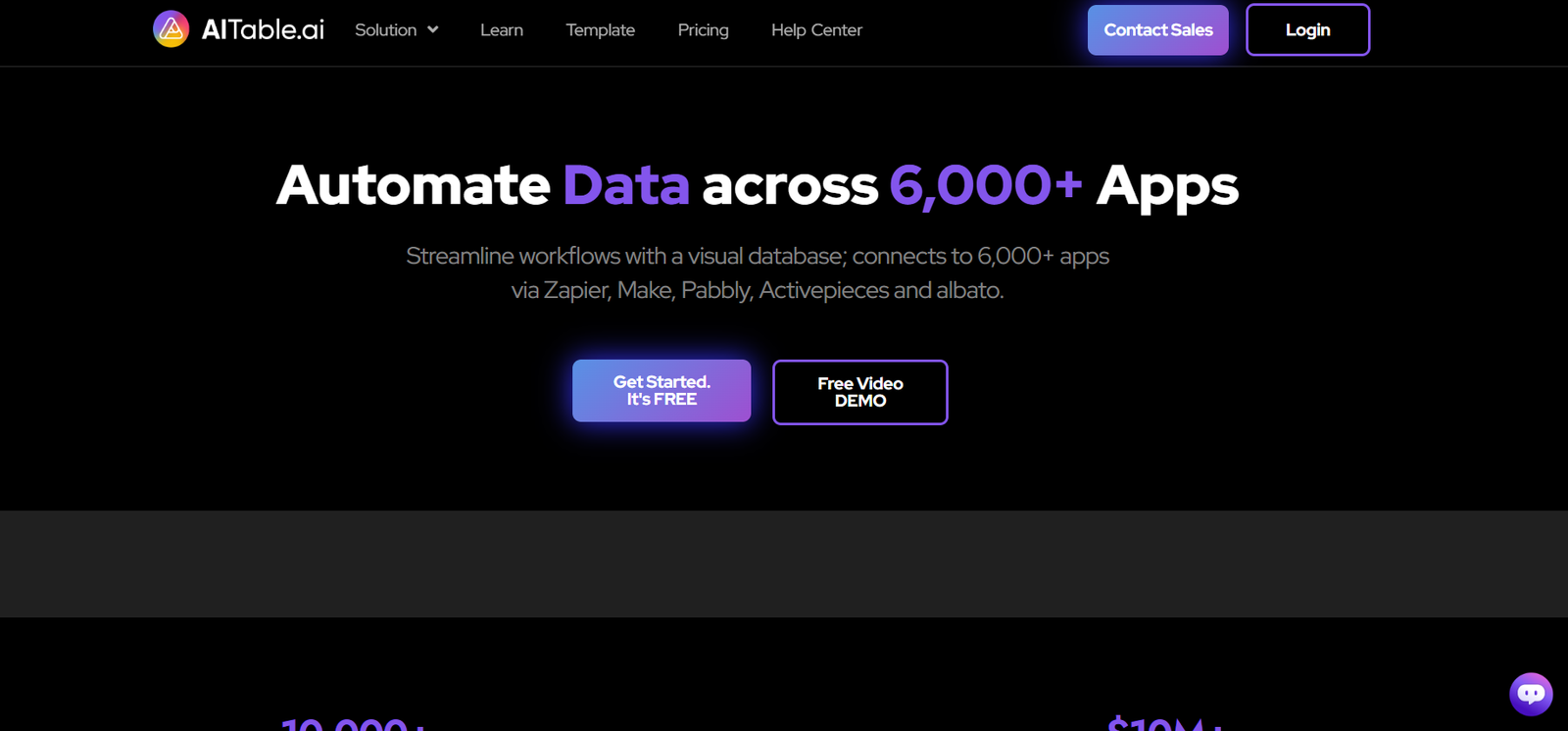
AITable.ai is a no-code platform that allows users to build AI-powered data tables and automation tools with ease. At its core, AITable functions like a smart spreadsheet—but it’s much more than that. It combines the familiarity of Excel or Airtable with built-in artificial intelligence capabilities, enabling users to build apps, automate tasks, create AI chatbots, and manage data visually.
It’s ideal for creators, marketers, customer support teams, and small businesses that need to organize, analyze, and act on data—all without writing a single line of code.
With AITable.ai, you can turn your spreadsheet into a custom AI app, integrated with LLMs (large language models), APIs, and various workflows.
Key Features of AITable.ai
1. No-Code Visual Interface
AITable offers a spreadsheet-style interface that feels familiar to users of Excel, Notion, or Airtable. You can drag and drop, link fields, filter data, and design relational structures.
2. AI-Powered Agents and Chatbots
Create smart chatbots trained on your data. Simply paste your data or documents into a table, and AITable can power a conversational AI that interacts with users using your information.
3. Automation and Workflows
Build custom workflows to automate repetitive tasks. For example, generate emails, summarize content, or send messages using predefined triggers—all within the table interface.
4. Web App Builder
Turn your table into a fully functional web app. You can publish views, forms, and dashboards, all customized with drag-and-drop tools.
5. Smart AI Fields
Use AI formula columns that can automatically summarize, extract data, translate text, generate responses, and more using OpenAI and other LLMs.
6. Real-Time Collaboration
Invite team members to work on projects together. Permissions, version control, and real-time editing are supported.
7. Embeddable and Shareable Widgets
You can embed your AITable projects into websites or share them via public or private links.
8. Integration Support
AITable supports API access, Webhooks, and integrations with third-party tools like Slack, Zapier, and more, enabling you to plug it into your existing workflows.
How AITable.ai Works
Step 1: Sign Up and Start a Workspace
Create a free account on www.aitable.ai and start by opening a new workspace. Choose a template or start from scratch.
Step 2: Design Your Table
Add columns, fields, and records just like you would in Excel or Airtable. You can configure text, image, file upload, formula, AI fields, and more.
Step 3: Train AI with Your Data
Upload CSVs, PDFs, or paste content directly into the table. Use AI column types to interact with data—for example, summarizing rows or answering questions.
Step 4: Build an AI Chatbot
Using the chatbot builder, link your table data to train a GPT-powered agent. It can answer questions, help customers, or act as a virtual assistant—all powered by your structured content.
Step 5: Automate and Deploy
Set up triggers and workflows, publish your table as an app or embed it into your site, and start interacting with your audience or team.
Use Cases for AITable.ai
AI-Powered Chatbots
Create customer support bots or knowledge assistants trained on your product documentation, FAQs, or internal data.
Content Generation
Use AI columns to generate product descriptions, summarize customer reviews, or rewrite content based on input data.
CRM and Customer Management
Manage leads, clients, and support tickets using AI-enhanced fields to suggest follow-ups or draft responses.
Internal Tools and Dashboards
Turn spreadsheets into custom internal tools for HR, operations, and finance—all with smart automation built-in.
Marketing Automation
Build AI-driven workflows to generate email templates, social captions, or campaign insights based on data input.
Data Annotation and AI Training
Use structured tables to create datasets, annotate text or images, and prepare training data for machine learning applications.
AITable.ai Pricing
As of May 2025, AITable offers a freemium model with both free and paid tiers.
Free Plan
Up to 1 workspace
Basic features and templates
Limited AI usage
Public chatbot creation
Ideal for personal or small-scale use
Pro Plan (Starts at $12/month per user)
Unlimited workspaces
Increased AI token usage
API access and automation
Branding customization
Role-based permissions
Priority support
Enterprise Plan (Custom pricing)
White-label solutions
Dedicated AI infrastructure
Premium support
Enterprise security features
Advanced integrations
For the latest pricing updates, visit the official AITable Pricing Page.
Strengths of AITable.ai
1. Intuitive and Familiar Interface
The table-based UI is easy to use for spreadsheet users, lowering the learning curve for powerful functionality.
2. Highly Versatile
You can build apps, bots, workflows, or dashboards from the same base system—saving time and resources.
3. AI Integration is Seamless
The AI fields and chatbot tools are natively embedded, eliminating the need for external tools or APIs.
4. Rapid Deployment
Create and publish tools in hours, not days, thanks to prebuilt templates and no-code drag-and-drop features.
5. Scalable for Teams
From solopreneurs to enterprise teams, AITable supports real-time collaboration and role-based permissions.
Drawbacks of AITable.ai
1. AI Token Limits in Free Plan
Free users may quickly exhaust their limited AI tokens, making the full experience available only on paid plans.
2. Less Recognized Than Airtable or Notion
As a newer entrant, AITable lacks the community size and marketplace extensions of more established no-code platforms.
3. Some Features Require Learning Curve
While simpler than full-stack tools, users still need time to understand advanced features like automation triggers or AI formulas.
Comparison with Other Tools
AITable.ai vs. Airtable
While Airtable is a leading no-code database tool, it lacks native AI capabilities. AITable brings integrated LLM functions and chatbots directly into your data workflows.
AITable.ai vs. Notion
Notion is more of a document and note-taking tool with databases. AITable focuses more on structured workflows, automation, and AI-based actions, making it better for operational or customer-facing tools.
AITable.ai vs. Glide/Retool
Platforms like Glide and Retool are powerful but require more configuration or technical knowledge. AITable offers an easier on-ramp for users with no coding background.
Customer Reviews and Testimonials
Early adopters of AITable.ai have shared positive feedback across Product Hunt and LinkedIn. Here are some real-world impressions:
“I built an AI-powered support chatbot for my SaaS site in less than a day. No coding, and it answers 80% of customer queries automatically.” – Janine H., Startup Founder
“As a content marketer, I use AITable to generate hundreds of product descriptions with consistent tone and format. Huge time-saver.” – Aaron L., E-commerce Consultant
“The AI column and chatbot builder changed how we manage client data. It feels like Airtable got superpowers.” – Carlos M., Operations Manager
Conclusion: Is AITable.ai Worth It?
If you’re looking for a flexible, AI-enhanced no-code platform to build apps, bots, or automated workflows, AITable.ai is a powerful and accessible solution. It combines the structure of a database with the intelligence of AI, making it perfect for startups, freelancers, and teams that want to do more with less effort.
From internal das\hboards to customer-facing chatbots, the possibilities are broad—and you don’t need to write a single line of code to make it happen.
With a generous free plan and affordable paid options, there’s little risk in trying it out. Explore more and sign up at www.aitable.ai