
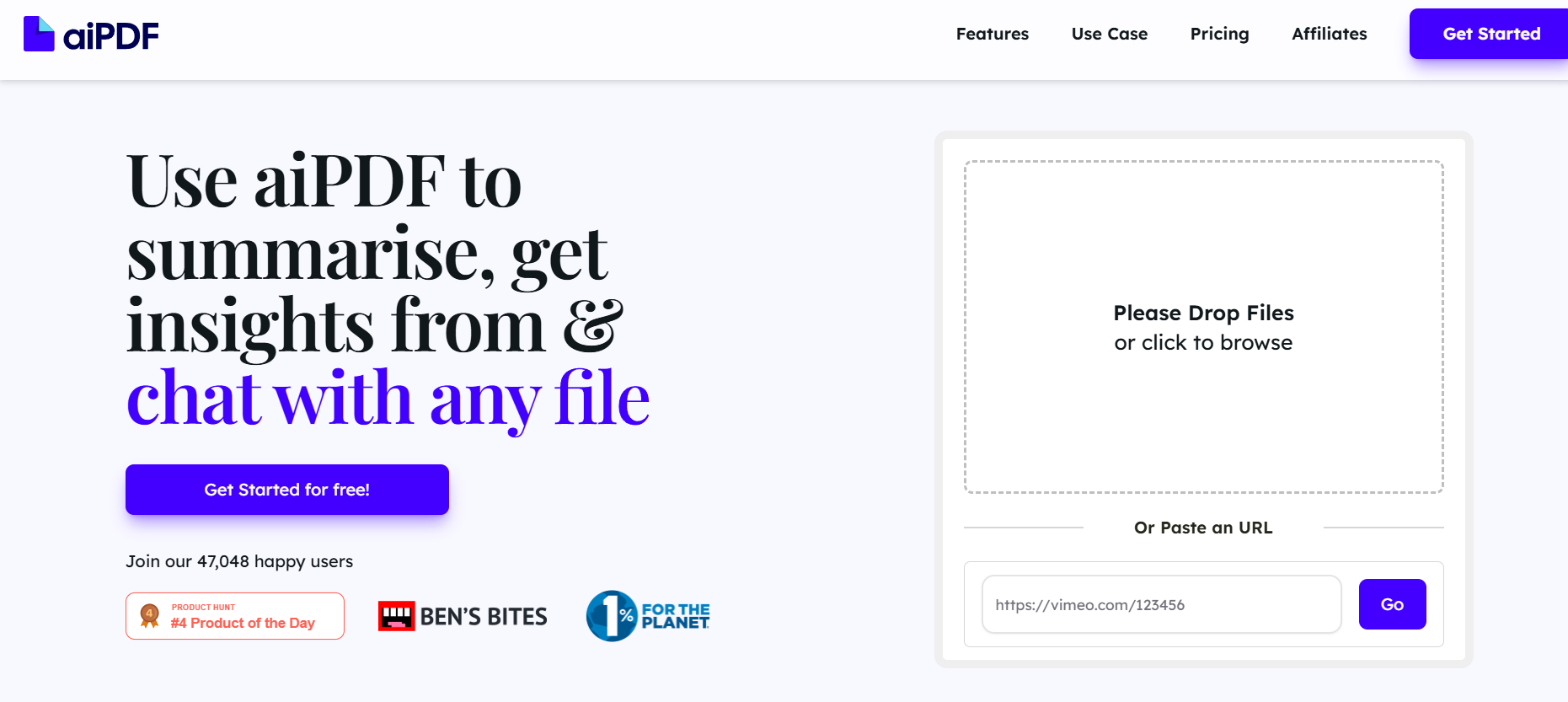
AI PDF is an AI-powered tool that allows users to interact with PDF documents through natural language queries. Instead of reading through large volumes of text or using traditional keyword searches, users can simply upload a PDF file and ask questions directly, such as “Summarize the introduction” or “What are the key findings?” The platform responds with relevant information extracted directly from the content.
Designed to simplify the way users access and understand information from PDFs, AI PDF is suitable for students, professionals, researchers, and businesses. It supports large documents and enables multi-language interaction. The entire platform is web-based, requiring no installation or advanced setup.
Features
AI PDF includes a natural language interface that allows users to communicate with their documents conversationally. This helps in understanding complex sections of a document quickly.
It supports large files up to 200MB or 10,000 pages. This makes it ideal for long academic papers, financial reports, technical manuals, or legal contracts.
The tool works with multiple languages, meaning users can ask questions and get responses in languages other than English.
For privacy, uploaded files are automatically deleted after a short time. AI PDF emphasizes confidentiality, especially for sensitive files.
Users can access previous conversations, allowing them to revisit answers and continue where they left off.
AI PDF supports chatting with multiple PDFs at once, allowing comparison and cross-referencing between documents.
How It Works
To use AI PDF, users simply upload a PDF file from their computer. The system processes the document and gets it ready for AI interaction within seconds.
Once uploaded, users can start typing questions into the chat box. The AI reads the document and generates responses based on its content.
Users can ask for summaries, search for specific information, or request clarification of sections. The results are displayed in real time and can be copied or used for further study.
The platform runs in any modern browser and does not require any technical expertise. It is designed to be as intuitive as possible.
Use Cases
Students and researchers can benefit by summarizing academic texts and extracting references quickly.
Business professionals can use AI PDF to analyze contracts, project proposals, or annual reports without reading them line by line.
Legal teams can identify key clauses, dates, and terminology in legal documents, saving significant time during review.
Developers and technical professionals can interact with manuals or API documentation to understand technical details more efficiently.
Users working with foreign-language documents can translate or extract summaries in their preferred language.
Pricing
AI PDF offers a free plan that allows up to three PDF uploads per day, with a maximum of 20 pages per file. This is suitable for light or occasional users.
The Pro plan costs $5.99 per month and includes unlimited chats, file uploads up to 200MB or 10,000 pages, and support for chatting with multiple files at once.
For enterprise users, a custom plan is available. This includes API access, team collaboration features, and priority support.
All payments are securely handled, and users can start with the free version before upgrading.
Strengths
AI PDF is simple to use, requiring no software installation or technical knowledge. The platform runs on any modern browser and processes documents quickly.
Its ability to handle very large PDFs is a significant advantage over competitors. Many tools limit file sizes, making AI PDF a better choice for lengthy documents.
The price point is very affordable compared to similar tools, especially for users who require regular access to document analysis.
Support for multiple files and multiple languages adds flexibility, making it ideal for professionals in various fields and regions.
AI PDF also emphasizes privacy and deletes uploaded files automatically, which is important for handling confidential material.
Drawbacks
The free plan is quite limited, with restrictions on file size, page count, and daily uploads.
Currently, AI PDF is only available through a web browser. There is no dedicated desktop or mobile app, which may limit usage in some situations.
The tool requires an internet connection at all times, as it does not offer offline access.
User customization options are limited, and the platform may not offer deep formatting or annotation tools that some users expect.
Comparison with Other Tools
Compared to other PDF AI tools such as ChatPDF, Humata, and UPDF AI, AI PDF stands out for its affordability and support for multi-document chats.
ChatPDF and UPDF AI typically charge higher monthly fees and often restrict file size or number of pages more severely.
Humata supports larger files but does not offer as low a monthly price point as AI PDF.
Multi-language support and privacy-focused policies also make AI PDF a compelling choice among similar tools.
Customer Reviews and Testimonials
AI PDF has received generally positive feedback on online communities and platforms like Product Hunt.
Users often highlight its simplicity, speed, and low cost as major advantages. Students particularly appreciate the ability to ask direct questions about their study materials.
Criticism mainly centers around the limitations of the free version and the lack of a mobile app.
Overall, the tool has gained a reputation for being accessible and effective, especially for users who need to work with complex documents quickly and on a budget.
Conclusion
AI PDF is a practical and efficient tool for anyone who frequently works with PDF documents. Its AI-driven interface simplifies the process of extracting and understanding information from lengthy or technical files.
The tool’s support for large documents, multilingual queries, and affordable pricing makes it a solid option in the growing market of AI document tools.
While it could benefit from a mobile app or enhanced free plan, its strengths far outweigh its limitations for most users.
Whether you’re a student, lawyer, researcher, or business professional, AI PDF can help you engage with your documents faster and smarter.


