
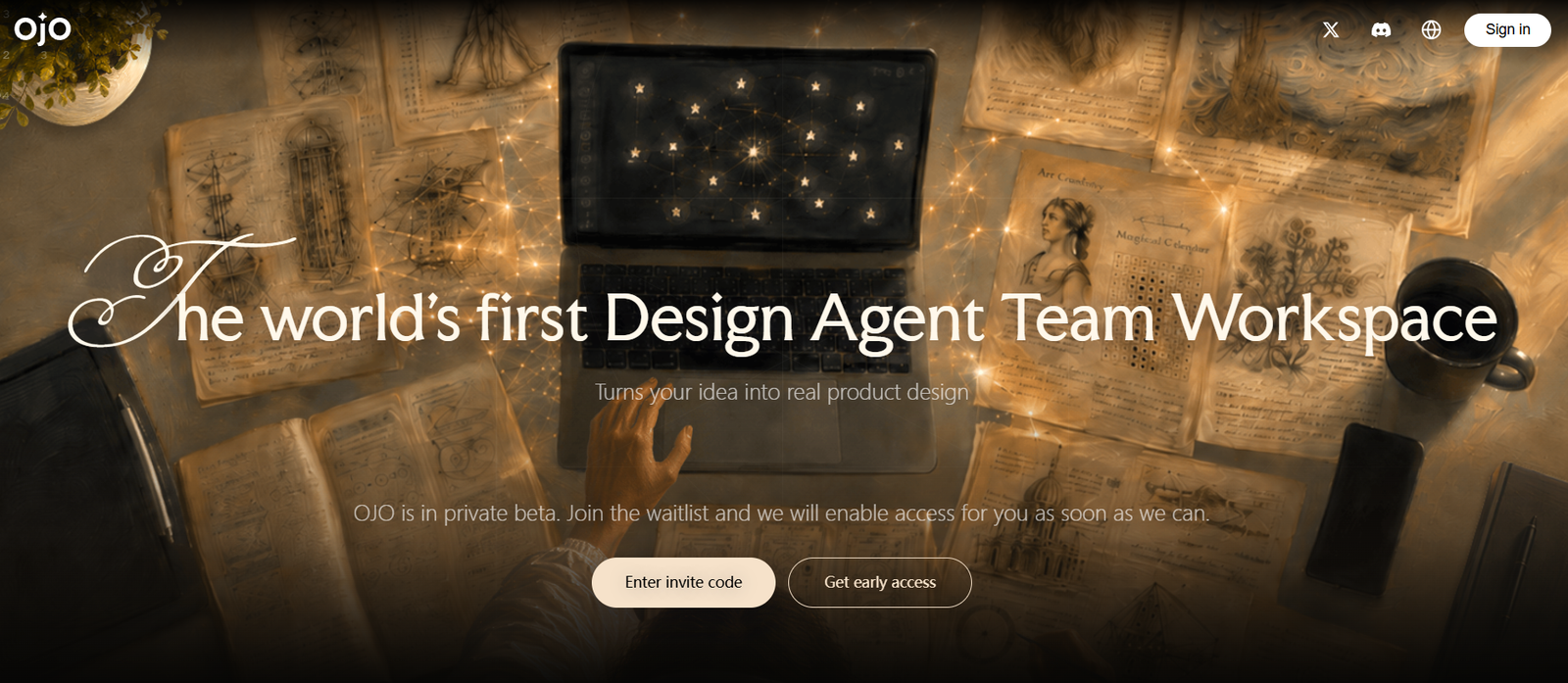
OJO is an AI-powered product design workspace that helps founders, product managers, designers, and developers turn early ideas into interactive digital products.
Unlike a basic AI UI generator that creates a screen from a single prompt, OJO is designed around a longer product-development workflow. Users can begin with an incomplete idea and work through product research, requirements, information architecture, visual exploration, UI creation, interactive prototypes, revisions, and developer handoff.
The platform describes itself as an AI Design Agent Team Workspace.
Instead of relying on one general-purpose AI assistant, users can assemble a team of specialized AI design agents and add Skills appropriate to the project. These agents work within a shared context, helping different stages of product development remain connected.
OJO also provides an editable infinite Canvas. Product thinking, references, generated interfaces, feedback, prototypes, and other project material can remain together rather than being spread across multiple applications.
The platform can generate landing pages, product interfaces, websites, and interactive prototypes. Users can then refine individual parts of the design instead of repeatedly regenerating the entire project.
Once a design is ready, OJO can export code or allow the project to continue in development tools such as Codex, Claude Code, and Cursor. Other export options include HTML, PPT, PDF, and PNG.
OJO is developed by a team whose members previously worked at companies including ByteDance and Tencent. Founder and CEO Kiki Zhang previously led product work at CapCut.
Features
AI Design Agent Team
OJO allows users to work with a team of AI design agents rather than a single general assistant.
Different agents can contribute specialized capabilities to the same product goal.
Specialized Skills
Users can add Skills according to the type of work required.
This allows the AI team to apply more focused methods and constraints to areas such as research, product thinking, interface design, and review.
Product Idea Development
Users can begin with a rough product concept rather than a complete specification.
OJO can help clarify the target user, problem, use cases, priorities, constraints, and desired outcomes.
Product Research
AI agents can gather and organize relevant references and competitive patterns before the visual design stage.
This helps connect design choices with product reasoning rather than generating screens based only on visual prompts.
Product Requirements
OJO can help transform an early idea into clearer requirements and product documentation.
This can include user needs, priorities, flows, page structures, and a more organized product brief.
PRD Development
Product ideas can be developed into a Product Requirements Document as part of the broader design workflow.
This helps teams define what they are building before moving deeply into visual execution.
Information Architecture
OJO can help organize content and functionality into a logical structure.
This can include pages, sections, navigation, user flows, and feature priorities.
Prompt-to-UI
Users can describe a product interface in natural language and ask OJO to create an initial UI direction.
The workflow can consider the target user, task, information hierarchy, primary actions, secondary actions, and important interface states.
Multiple UI Directions
Teams can explore alternative visual approaches before choosing a final direction.
This makes early-stage experimentation faster and less expensive.
AI Website Design
OJO can create new websites and landing pages from product requirements.
Users can describe the audience, value proposition, required sections, conversion goal, and visual direction.
Website Redesign
Existing websites can also be redesigned.
Users can provide references such as an existing URL, screenshots, feedback, or design examples.
Landing Page Generator
OJO can create landing pages for products, services, campaigns, creators, consultants, and other businesses.
The AI can consider the audience, positioning, proof points, content hierarchy, and desired conversion action.
Reference-Based Design
Users can provide visual references to guide the design direction.
OJO can analyze the qualities of those references and use them as inspiration without requiring the user to describe every visual characteristic manually.
Infinite Canvas
OJO provides an editable Canvas where ideas, references, designs, feedback, and prototypes can remain connected.
This creates a persistent workspace rather than a sequence of isolated AI generations.
Editable Designs
Generated designs are not treated as final static outputs.
Users can continue modifying copy, layout, visual details, components, and interactions.
Targeted Revisions
Users can request changes to a specific part of a design instead of regenerating the entire project.
This can make iterative design work more controlled.
Interactive Prototypes
OJO can turn UI designs into clickable and previewable product prototypes.
This allows teams to experience and review a product flow before investing heavily in development.
UI State Design
The platform can consider different interface states rather than generating only the default screen.
Examples include loading, empty, error, selected, and success states.
User Flow Development
AI agents can help define the primary user journey and important alternative paths through the product.
Design Review
OJO can review designs and identify areas requiring improvement.
Teams can then provide focused feedback and refine only the relevant elements.
Visual Hierarchy Review
The platform can help evaluate whether important content and actions receive appropriate visual priority.
Shared Project Context
One of OJO’s key features is persistent context.
Research, product decisions, design directions, feedback, prototypes, and implementation information remain connected as the project evolves.
Design-to-Code
Once a design has been reviewed, OJO can help prepare it for frontend implementation.
The handoff can describe reusable components, responsive behavior, interactions, data requirements, and important interface states.
Component Specifications
OJO can identify reusable components and describe how they should behave.
This helps developers understand the intended design system rather than relying solely on screenshots.
Responsive Rules
Design-to-code workflows can specify how interfaces should behave across different screen sizes.
Loading, Empty and Error States
OJO can include implementation guidance for states that are often missing from static mockups.
Code Generation
OJO can generate code as part of the product handoff process.
Generated code should still be reviewed and tested by developers before production deployment.
Developer Handoff
Product decisions and visual specifications can be carried forward into the implementation stage.
This reduces the loss of context that often occurs when moving from design software to development tools.
Codex Integration Workflow
Projects can continue into Codex for further development.
Claude Code Workflow
OJO designs and implementation context can also be moved into Claude Code.
Cursor Workflow
Developers using Cursor can continue working from OJO’s product and design output.
HTML Export
OJO supports HTML as an export format.
PPT Export
Product and design material can be exported as PowerPoint files.
PDF Export
Users can export deliverables in PDF format.
PNG Export
Visual outputs can also be exported as PNG images.
How It Works
- Open OJO and create a project.
- Describe the product or website you want to build.
- Explain the target audience, problem, expected outcome, and important constraints.
- Choose an appropriate Agent Team.
- Add specialized Skills required for the project.
- Ask the agents to clarify the product idea and identify unanswered questions.
- Conduct relevant product and competitor research.
- Define the product requirements, priorities, information architecture, and user flows.
- Ask OJO to explore one or more design directions.
- Review the proposed UI, page hierarchy, components, and visual style.
- Keep the project material organized on the Canvas.
- Provide focused feedback on elements that need improvement.
- Ask OJO to modify individual areas rather than restarting the entire design.
- Define important states such as loading, empty, error, selected, and success.
- Connect the relevant screens and states into an interactive prototype.
- Test the prototype against the original product goal.
- Refine the design based on feedback.
- Prepare the approved design for development.
- Generate implementation specifications and code where appropriate.
- Export the work or continue development through tools such as Codex, Claude Code, or Cursor.
Use Cases
For Startup Founders
Founders can turn an early product idea into a reviewable prototype without immediately assembling a complete product design team.
For Product Managers
Product managers can move from requirements and product thinking into flows, interfaces, and interactive prototypes.
For UI/UX Designers
Designers can use AI agents for research, exploration, alternative design directions, interface creation, and iterative refinement.
For Developers
Developers can receive more structured design-to-code handoffs containing component, state, interaction, and responsive information.
For Landing Pages
Businesses can generate landing pages based on a specific audience, positioning strategy, and conversion objective.
For Website Redesign
Teams can provide an existing website and use OJO to explore improved messaging, structure, visual hierarchy, and design.
For SaaS Products
OJO can help design dashboards, workspaces, onboarding experiences, and other software interfaces.
For MVP Development
Startup teams can define the essential user flow and create a testable prototype before investing in full development.
For Client Projects
Freelancers and agencies can turn client requirements into landing pages and interactive concepts for review.
For Independent Professionals
Consultants, teachers, coaches, photographers, advisers, and other professionals can create service landing pages designed around lead generation or enquiries.
For Content Creators
Creators can build product websites, campaign pages, portfolios, and content-oriented homepages.
For Product Validation
Interactive prototypes allow teams to discuss and test ideas before development becomes expensive.
Pricing
OJO does not currently provide a clearly accessible, comprehensive public pricing structure on its main informational website.
The platform is actively evolving, and plan availability, usage limits, credits, or paid tiers may be presented within the OJO application.
Prospective users should check the current account or checkout interface for the latest pricing before making a purchase.
Because AI design workflows can involve multiple agents, models, generations, and exports, users should also confirm whether any future or current charges are based on subscriptions, credits, model usage, or a combination of these.
Strengths
Covers more than simple prompt-to-UI generation.
Uses a team of specialized AI design agents.
Skills can be added according to the project’s requirements.
Supports early-stage product thinking and research.
Can help develop requirements and product briefs.
Generates UI and landing pages from natural-language instructions.
Supports interactive prototypes.
Keeps product context and design work together on an editable Canvas.
Users can make targeted revisions instead of repeatedly regenerating everything.
Supports multiple design directions.
Can incorporate visual references.
Considers important interface states such as loading, empty, and error states.
Connects product research with design decisions.
Provides a path from design to code.
Can produce implementation-oriented component specifications.
Supports developer handoff.
Projects can continue in Codex, Claude Code, Cursor, and other development environments.
Supports HTML, PPT, PDF, and PNG exports.
Useful for founders, designers, product managers, and developers.
Drawbacks
OJO is broader and potentially more complex than a simple one-click UI generator.
Users still need good product judgment to evaluate AI recommendations.
AI-generated research and product conclusions should be verified rather than accepted automatically.
Generated interfaces may require manual refinement before production use.
Generated code should be treated as a starting point and reviewed by experienced developers.
Accessibility, responsiveness, performance, security, and real-data behavior need proper testing before deployment.
Complex applications may still require substantial work from professional designers and engineers.
The complete public pricing structure is not clearly available.
Users looking only for a quick disposable UI mockup may find a simpler AI UI generator sufficient.
Privacy
OJO is operated by Touchine AI (HK) Limited, headquartered in Hong Kong.
Its Privacy Policy states that the service can collect account information, payment-related information, technical usage information, text prompts, uploaded reference images, generated AI designs, project files, and support communications.
Full payment-card details are processed by Stripe rather than stored directly by OJO.
OJO states that anonymized or de-identified user content may be used to improve its AI capabilities.
Users can opt out of future model-improvement use through the Privacy settings in their account or by contacting the company.
The opt-out applies prospectively. Information already incorporated into trained models cannot be removed retroactively.
OJO states that third-party AI providers such as Google and Anthropic are contractually prohibited from using OJO customer data to train their general models.
The company advises users not to upload sensitive categories of information such as health information, biometric data, or political opinions for AI processing.
Businesses working with confidential product designs or sensitive intellectual property should review the current Privacy Policy and contractual terms before uploading those materials.
Comparison with Other Platforms
OJO competes with AI UI generators, AI website builders, prototyping platforms, and design-to-code tools.
Its main distinction is that it does not position the generated screen as the final result.
A conventional AI UI generator generally accepts a prompt and creates a page. OJO attempts to preserve the entire chain of decisions around that page, including product goals, target users, research, information architecture, visual exploration, interface states, feedback, prototype behavior, and implementation requirements.
Compared with traditional design software, OJO introduces agent-based assistance across a much larger portion of the product design process.
Compared with AI website generators, it is more focused on product reasoning and interactive product experiences rather than simply producing a publishable marketing page.
Compared with design-to-code tools, OJO begins earlier in the process by helping define what should be built before preparing it for implementation.
Its strongest differentiator is therefore continuity: one product goal can remain connected from early thinking through research, design, prototype, revision, and developer handoff.
Customer Reviews and Testimonials
OJO’s official website currently emphasizes product guides, workflow demonstrations, use cases, and design examples rather than a large collection of independently verified customer reviews.
The company publishes practical examples showing how different types of users can apply OJO, including designers, builders, content creators, marketers, and independent professionals.
It also publishes case-study style demonstrations showing how a rough product idea can be developed into an interactive prototype.
These materials are useful for understanding the platform’s intended workflow, but they should not be treated as independent customer reviews.
Prospective teams should test OJO with a real product brief and evaluate the quality of its research, design decisions, generated interfaces, prototypes, and implementation handoff against their own requirements.
Conclusion
OJO is an ambitious AI product design workspace that goes considerably beyond generating attractive UI screens from prompts.
Its core concept is the AI Design Agent Team Workspace. Users assemble specialized agents and Skills around a product goal, while the Canvas keeps research, requirements, references, design decisions, interfaces, prototypes, and feedback connected.
This makes OJO particularly useful for projects where the difficult part is not simply drawing a screen but deciding what should be built, for whom, how it should work, and how the final design should move into development.
Founders can use it to turn ideas into testable MVP concepts. Product managers can connect requirements with interactive prototypes. Designers can accelerate research and visual exploration. Developers can receive richer handoffs containing components, states, interactions, and implementation guidance.
OJO does not eliminate the need for human product judgment, design review, or engineering validation. AI-generated interfaces and code still need to be checked for usability, accessibility, responsiveness, performance, and maintainability.
Overall, OJO is best suited to founders, product teams, designers, and developers looking for an AI-assisted workflow that connects product strategy, UI design, prototyping, iteration, and development rather than treating each stage as a separate task.


