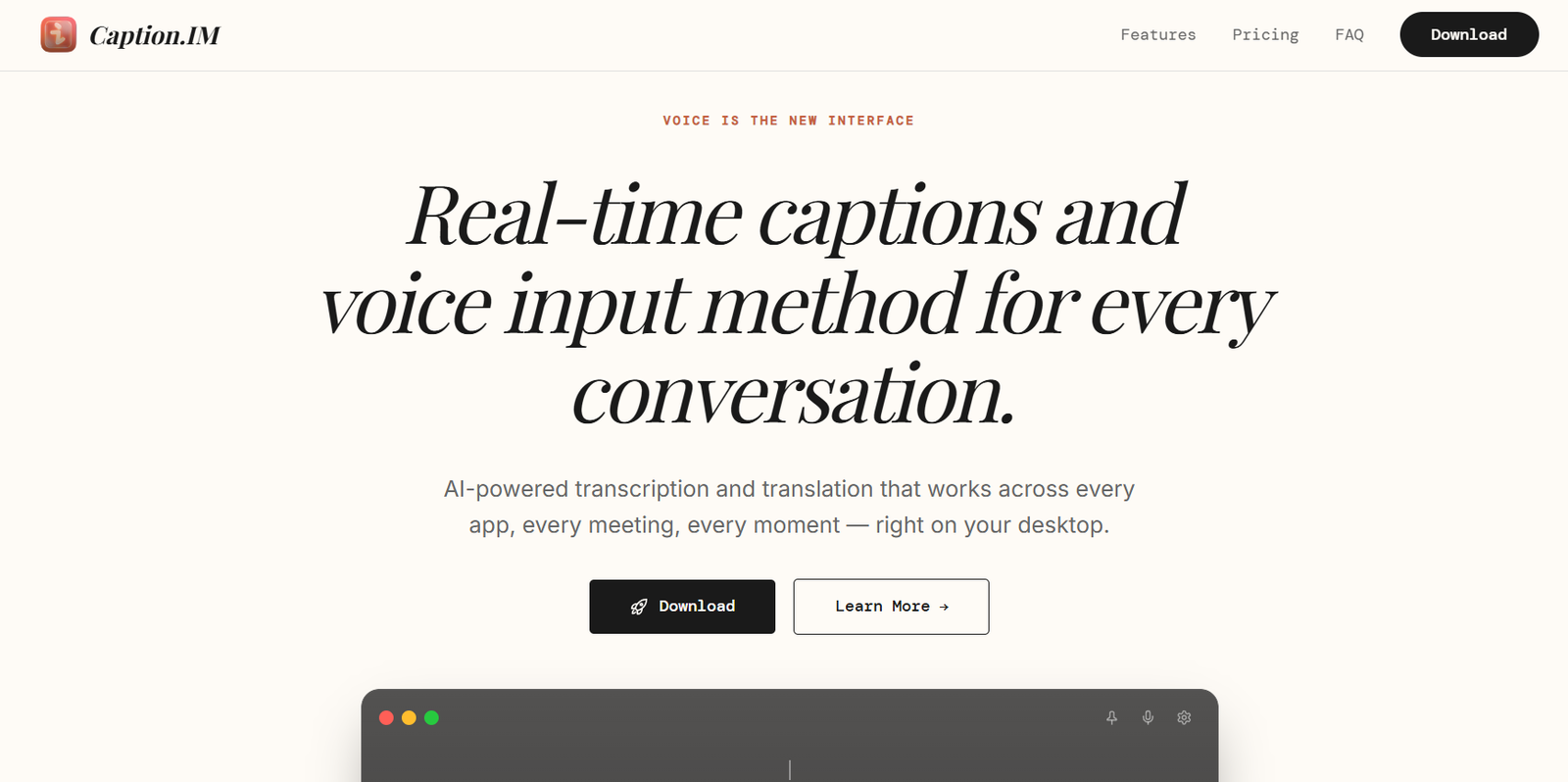
Caption.IM is an AI powered real time captioning and translation application designed to make spoken conversations easier to understand across meetings, calls, videos, podcasts and lectures.
Unlike meeting assistants that need to join a call as a bot, Caption.IM works at the system level. It captures audio coming from applications on the user’s device and displays real time captions directly on the desktop. This allows it to work with services such as Zoom, Google Meet, Microsoft Teams, Webex, Slack Huddles and Discord, as well as videos and podcasts.
The platform also provides real time translation, allowing users to follow conversations in another language. This can be particularly useful for international teams, multilingual meetings, students, professionals and people who need greater accessibility when listening to spoken content.
Privacy is an important part of Caption.IM. According to the company, audio processing takes place locally on the user’s device and audio is not sent to the cloud. The application can also work offline.
Caption.IM is currently available through the Mac App Store.
Features
Real Time AI Captions
Caption.IM converts spoken audio into text while it is being played. Captions appear on screen in real time, allowing users to follow conversations without waiting for a transcript after the meeting.
The company reports transcription accuracy of more than 98 percent under suitable conditions, although actual results can vary depending on audio quality, accents and background noise.
Real Time Translation
Caption.IM can translate spoken conversations into another language while the audio is playing.
The Pro plan provides real time translation across more than 50 languages, making the application useful for multilingual conversations, international meetings and conferences.
Broad Language Support
The official website states that Caption.IM’s translation technology supports more than 100 languages overall, including Hindi, Chinese, Japanese, Korean, Spanish, French, German, Portuguese and Arabic.
The number of languages available to an individual user depends on the selected plan and feature.
System Audio Capture
Caption.IM captures audio directly from the device’s system output.
This means it is not restricted to a particular meeting service and can work with audio generated by many different applications.
Works Across Meeting Platforms
Because Caption.IM operates at the system level, it can work with popular communication platforms including Zoom, Google Meet, Microsoft Teams, Webex, Slack Huddles and Discord.
No dedicated meeting bot is required to join the conversation.
Local AI Processing
Audio processing happens locally on the user’s device rather than being routinely sent to a cloud server.
This approach can provide additional privacy for meetings and conversations.
Offline Operation
Caption.IM can continue providing its core captioning functionality without an internet connection because processing takes place on the user’s computer.
This can be useful while travelling or working in environments with unreliable internet access.
Speaker Detection
The platform can automatically detect and label different speakers, helping users understand conversations involving multiple participants.
Transcript Export
Users can save generated captions for later use.
The Pro plan supports exports in TXT, SRT and VTT formats, making transcripts useful for meeting notes, documentation and video subtitles.
Subtitle Creation
SRT and VTT exports allow creators to reuse Caption.IM transcripts as subtitle files for video content.
Global Hotkeys
Users can start and stop captioning with keyboard shortcuts instead of repeatedly opening the application interface.
No Browser Extension Required
Caption.IM captures system audio directly, so users do not need to install a separate browser extension for supported desktop audio.
Accessibility
Real time captions can help people who prefer reading spoken information, have difficulty understanding certain accents or need additional support when following fast conversations.
How It Works
Users first download Caption.IM from the Mac App Store and install it on their computer.
After opening the application, they grant the required permissions so Caption.IM can access audio generated by applications on the device.
The user then starts a meeting, call, video, podcast, lecture or other audio source.
Caption.IM captures the system audio and processes the speech locally.
The recognized speech appears as real time captions on the user’s screen.
When translation is required, users can select the desired language and view translated captions while the conversation continues.
Different speakers can be identified and labeled automatically.
After the session, supported users can export the transcript for later reference or save it as a subtitle file.
Use Cases
International Meetings
Teams with members speaking different languages can use real time translation to follow conversations more easily.
Business Professionals
Professionals can use live captions during meetings and calls when they need a written version of what participants are saying.
Remote Teams
Distributed teams can use Caption.IM with common meeting platforms without requiring a separate AI bot to enter the call.
Students
Students can use real time captions while following permitted lectures, educational videos and other spoken learning material.
People Learning Languages
Language learners can listen to spoken content while viewing real time text, making it easier to understand unfamiliar words and pronunciations.
Content Creators
Creators can convert spoken video or audio into text and export transcripts as SRT or VTT subtitle files.
Podcasts
Users can follow podcasts with real time captions rather than relying entirely on audio.
Conferences and Presentations
Real time translation can help participants understand presentations delivered in languages they do not speak fluently.
Accessibility
People who have difficulty following spoken conversations can use real time text as an additional way to understand audio content.
Privacy Conscious Professionals
Local processing can be attractive to users who prefer not to upload meeting audio to a cloud based transcription service.
Pricing
Caption.IM currently provides Free, Pro and Enterprise options.
Free
The Free plan costs €0 per month.
It includes real time captions, support for three languages, five hours of usage per month and basic transcript export.
This plan is suitable for occasional use and for testing the application.
Pro
The Pro plan costs €9.90 per month.
It includes everything in the Free plan along with more than 50 languages, unlimited captioning hours, real time translation, SRT and VTT exports and priority support.
Enterprise
Enterprise pricing is customized according to organizational requirements.
It includes Pro functionality along with team management, SSO and SAML, custom integrations, dedicated support and an SLA guarantee.
Users should verify current prices and plan conditions before subscribing because pricing can change.
Strengths
Caption.IM’s biggest strength is its system wide approach. It does not depend on one particular meeting platform and can capture audio from many applications running on the computer.
Local processing is another significant advantage because audio does not need to be sent to Caption.IM’s cloud infrastructure for regular processing.
Offline functionality makes the application useful when an internet connection is unavailable or unreliable.
Real time translation can help international teams communicate across language barriers without waiting for translations after a meeting.
Support for speaker detection and transcript exports extends the platform beyond simple live captions.
SRT and VTT exports are also valuable for content creators who want to turn spoken material into subtitles.
The Free plan provides five hours of monthly usage, giving users a practical way to evaluate the service.
Drawbacks
Caption.IM is currently available through the Mac App Store, which limits its usefulness for people who primarily use Windows, Linux or mobile devices.
The Free plan supports only three languages and five hours of usage each month.
Users who need unlimited captioning, broader language support, translation and advanced subtitle exports will need the Pro plan.
Although the company reports transcription accuracy above 98 percent, real world results can vary. Background noise, unclear speech, specialized terminology, accents and several people speaking simultaneously can affect transcription quality.
Automated translation can also make mistakes, particularly with technical, legal or context dependent language.
For important legal, medical or contractual conversations, users should not treat automated captions or translations as a replacement for appropriately qualified human transcription or interpretation.
Comparison with Other Platforms
Caption.IM differs from many AI meeting assistants because it does not need a bot to join the user’s meeting.
Instead, it captures system audio directly. This allows the same application to work across Zoom, Google Meet, Microsoft Teams, Webex, Slack Huddles, Discord and other applications that produce audio.
Compared with cloud based transcription services, its local processing provides a more privacy focused approach and enables offline operation.
Caption.IM also emphasizes live captions and real time translation rather than primarily generating meeting summaries and action items after a call.
Users looking for extensive meeting analytics, CRM integrations or AI generated sales coaching may prefer a specialized meeting intelligence platform. Those who mainly need private real time captions and translation across different desktop applications may find Caption.IM more suitable.
Customer Reviews and Testimonials
The official website displays the names of companies such as Shopify, Vercel, Linear, Notion, Figma and Stripe under a section stating that Caption.IM is trusted by teams at these organizations.
However, detailed customer reviews and individual testimonials are not clearly available on the official website.
Conclusion
Caption.IM is a useful AI captioning application for people who want to understand spoken content in real time rather than waiting for a transcript after a conversation has finished.
Its system level audio capture allows it to work across meetings, calls, podcasts, videos and lectures without requiring a dedicated meeting bot. Real time translation further makes it relevant for multilingual teams and international communication.
The combination of local processing, offline functionality, speaker detection and transcript exports is particularly attractive for privacy conscious professionals and users who regularly work across different communication platforms.
The Free plan is suitable for occasional captioning, while Pro provides unlimited hours, broader language support, real time translation and additional export options.
For Mac users looking for private, real time AI captions and translation that work across multiple applications, Caption.IM offers a focused and practical solution.