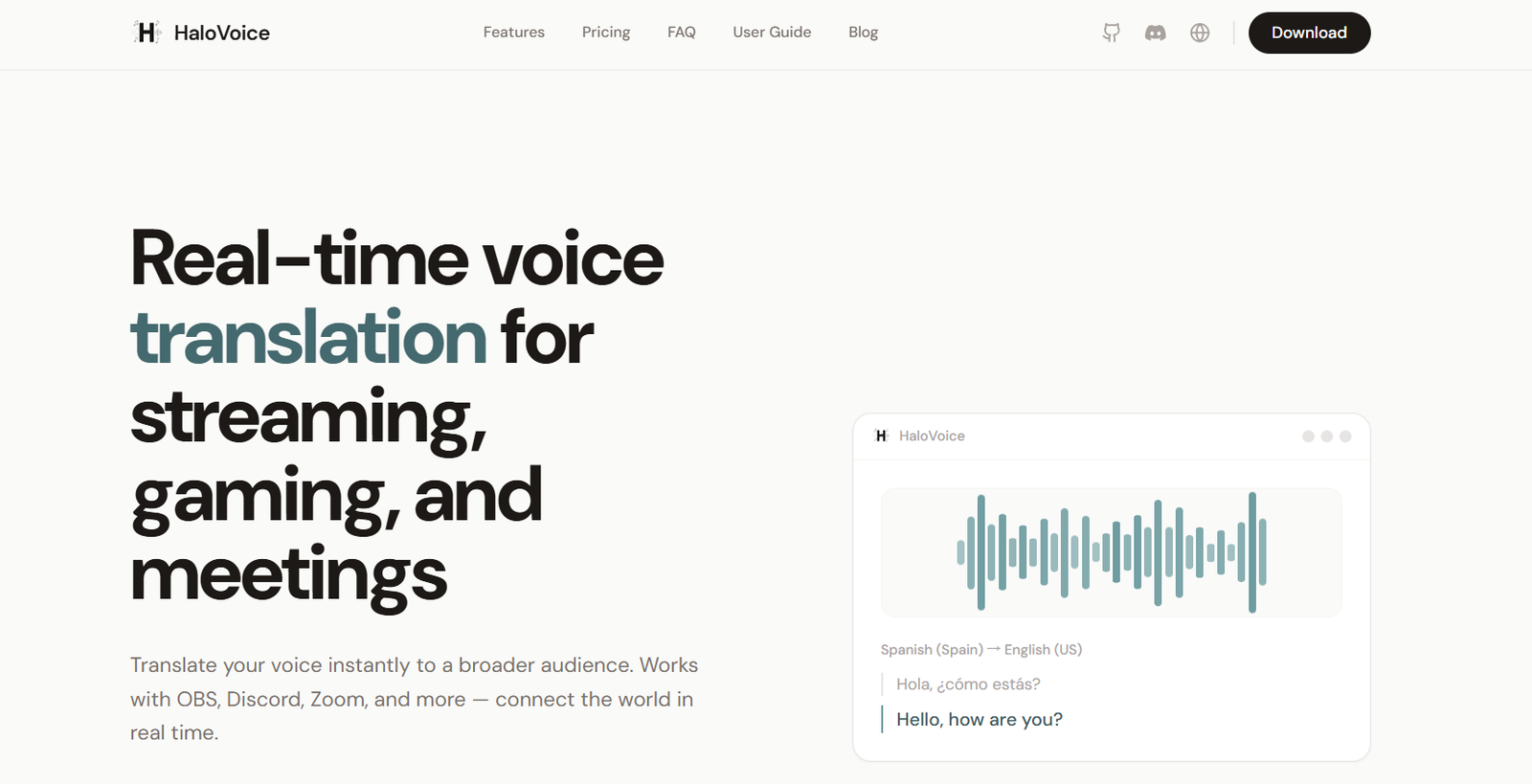
HaloVoice is an AI-powered real-time voice translation platform designed to help people communicate across different languages during live digital conversations. Instead of translating text after a conversation has taken place, HaloVoice processes spoken language as users speak and delivers translated speech and captions with low latency.
The platform is particularly useful for gamers, streamers, international teams, content creators and professionals who regularly communicate with people speaking different languages. It can work with popular communication and streaming applications including Discord, OBS, Zoom, Microsoft Teams, Slack and Google Meet.
HaloVoice uses a virtual microphone system to send translated speech into other applications. Users can select their original language and the language they want to communicate in, then speak naturally while the system handles the translation. The platform supports more than 30 languages, including English, Spanish, French, German, Japanese, Korean and Mandarin.
It is available for Windows and macOS, with system requirements depending on the platform and features being used.
Features
Real-Time AI Voice Translation
HaloVoice translates spoken language while a user is talking. This makes it suitable for conversations where waiting for traditional text translation would interrupt communication.
Live Captions
The platform can display original and translated speech as captions. This can make multilingual conversations easier to follow and can also be useful when users prefer reading translations instead of listening to translated audio.
Support for 30+ Languages
HaloVoice supports more than 30 popular languages. Users can select their source and target languages depending on the people they are communicating with.
Bidirectional Communication
HaloVoice can help users understand the other side of a conversation as well. Depending on the available mode and plan, incoming speech can be presented as translated subtitles or translated audio.
Virtual Microphone
The HaloVoice Virtual Microphone allows translated speech to be routed into compatible applications. Users simply select HaloVoice as their microphone input in supported communication or streaming software.
Multiple Platform Integrations
HaloVoice works with platforms such as Discord, OBS, Zoom, Microsoft Teams, Slack and Google Meet. It can therefore be used across gaming, streaming and professional communication environments.
Low-Latency Processing
The service is designed for real-time conversations and aims to keep translation delay low. The official website states that latency is typically under 200 milliseconds, although actual performance can vary depending on the user’s device and internet connection.
Noise Cancellation and Audio Processing
HaloVoice includes audio processing and noise cancellation features intended to improve speech clarity. Cleaner audio can also help the translation system understand spoken words more accurately.
Lightweight Performance
The platform is designed to use relatively limited computing resources. This is particularly useful for gamers and streamers who may already be running demanding applications.
AI Voice Features
HaloVoice also includes AI voice capabilities in addition to translation. Some versions and paid features include premium AI voices and custom voice cloning, expanding its usefulness for content creation and multilingual audio.
How It Works
First, users can open the HaloVoice web application or install the appropriate desktop application.
They sign in and choose the language they will speak and the language into which their speech should be translated.
When using HaloVoice with another application, users select HaloVoice Virtual Microphone as their microphone input inside applications such as Discord, Zoom, Teams or OBS.
The user then starts a translation session and speaks normally into their microphone.
HaloVoice processes the speech and generates the translated output in real time. Original and translated speech can also appear as captions.
For two-way conversations, supported translation modes can help users understand what another person is saying through translated subtitles or voice output.
Use Cases
Gaming
Gamers can communicate with international teammates who speak different languages. Real-time translation can be particularly useful in multiplayer games where quick voice communication is important.
Live Streaming
Streamers can use HaloVoice with platforms and streaming software such as OBS to make their broadcasts more accessible to audiences speaking other languages.
International Meetings
Businesses can use the tool during meetings conducted through Zoom, Microsoft Teams or Google Meet. This can help employees, clients and partners communicate without constantly switching to separate translation applications.
Remote Teams
Distributed teams working across countries can use live translation to make multilingual conversations easier during online collaboration.
Content Creation
Creators can use AI voice and translation features when producing multilingual audio or adapting spoken content for audiences in other regions.
Online Communities
People participating in Discord communities, gaming groups and other international online spaces can communicate with members who do not share the same language.
Customer and Business Communication
Companies working with international customers or partners may find real-time voice translation useful for calls, demonstrations, onboarding and other conversations where language differences create communication difficulties.
Pricing
HaloVoice currently provides three pricing options on its official website.
Free: $0 per month
The Free plan provides access to live captions and translation and works with applications such as OBS, Zoom and Discord. No credit card is required to get started.
Pro: $9.90 per month
The Pro plan includes unlimited translation, support for all available languages, priority processing, premium support and early access to new features.
Additional premium capabilities may be available through particular versions of the platform, so users should check the current plan details before subscribing.
Enterprise: Custom Pricing
The Enterprise option is intended for organizations requiring more advanced infrastructure and support. Features listed include a dedicated server, API access, service-level agreements, 24/7 support and SSO integration. Organizations need to contact HaloVoice for pricing.
Strengths
One of HaloVoice’s main advantages is its focus on live communication rather than conventional translation of uploaded files or recorded conversations.
Integration through a virtual microphone makes it practical for users who already communicate through platforms such as Discord, Zoom, Teams and OBS.
Support for more than 30 languages increases its usefulness for international communication.
Live captions combined with voice translation give users different ways to understand multilingual conversations.
Its low-latency design is particularly relevant for gaming and streaming, where long translation delays could make conversations difficult.
A free plan also allows users to test the basic translation experience before deciding whether they need a paid subscription.
Drawbacks
Real-time AI translation may occasionally misunderstand accents, unclear speech, technical terminology or conversations taking place in noisy environments.
Translation quality can also vary between language combinations.
Although HaloVoice is designed for low latency, actual delays can depend on the user’s computer, microphone, internet connection and the applications being used.
Users who need unlimited translation or certain advanced capabilities will need the paid Pro plan.
Setting up the virtual microphone may also require some initial configuration for users who are unfamiliar with audio input and output settings.
For highly sensitive professional conversations, users should review the platform’s current privacy and data-processing policies before using AI translation.
Comparison with Other Platforms
Many AI translation services concentrate on translating text, uploaded audio, recorded meetings or subtitles after content has already been created. HaloVoice focuses more directly on live voice communication.
Its virtual microphone approach is particularly useful because translated audio can be routed into existing applications rather than requiring participants to move their conversations to an entirely separate communication platform.
Compared with meeting-focused AI translation services, HaloVoice has broader applications in gaming and streaming. Compared with traditional gaming voice tools, its multilingual translation capability can make communication between international players easier.
However, the best platform will depend on the user’s priorities. Businesses may place greater importance on enterprise security, administration and meeting integrations, while gamers and creators may value low latency, audio routing and compatibility with streaming software.
Customer Reviews and Testimonials
Customer reviews and testimonials are not clearly available on the official website.
Conclusion
HaloVoice is a useful AI tool for people who regularly communicate with international audiences, colleagues, customers or gaming communities. Its combination of real-time voice translation, live captions, multiple languages and virtual microphone integration makes it suitable for conversations where traditional translation methods may be too slow.
It may be particularly valuable for gamers, streamers, remote teams, international businesses and content creators who want multilingual communication without significantly changing the applications they already use.
With a free entry option and a relatively affordable Pro subscription, users can explore the core translation experience before deciding whether the advanced features meet their needs.