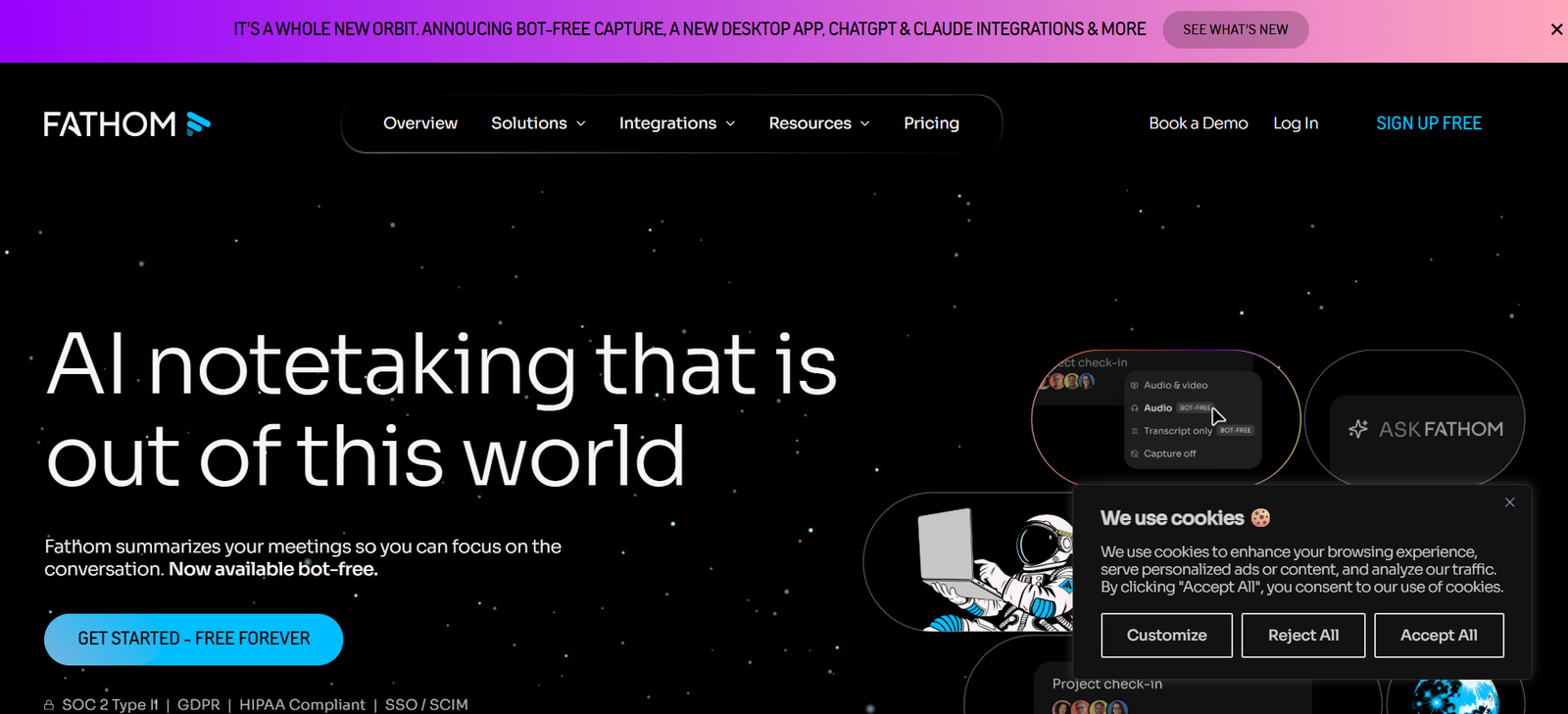
Fathom is an AI meeting notetaker that records, transcribes and summarises your Zoom, Google Meet and Microsoft Teams calls, then sends the summary as soon as the meeting ends.
Fathom AI records, transcribes, summarizes, and analyzes meetings with AI. Capture action items, generate follow-ups, and integrate with CRM and productivity tools.
Sales teams
Unlimited recording and transcription, Instant AI summaries, Action items
Yes, free plan
Is Fathom AI right for you?
- Sales teams: Log call notes to the CRM automatically
- Managers: Review team calls and coaching moments without attending every meeting
- Freelancers and consultants: Keep a searchable record of client calls
- Remote teams: Share summaries with people who missed the meeting
Fathom AI pricing
| Plan | Details |
|---|---|
| Free | $0: unlimited recording and transcription; advanced AI summaries on the first 5 calls each month |
| Premium | $20/month, or $16/month billed annually: removes the AI summary limit for one person |
| Team | $19 per user/month, or $15 billed annually |
| Business | $34 per user/month, or $25 billed annually: adds full CRM field sync |
Prices change often: confirm on the official website.
Key features
Unlimited recording and transcription
Record and transcribe every call, even on the free plan
Instant AI summaries
A structured summary arrives right after each meeting, with templates for different meeting types
Action items
Fathom pulls out next steps and who owns them
Ask Fathom
Ask questions about your calls in plain language and get answers from the transcript
CRM sync
Send notes to HubSpot, Salesforce or Close; full field-level sync is on the Business plan
Bot or bot-free capture
Let a notetaker join the call, or use the bot-free option (beta, Mac)
Pros and cons
- One of the most generous free plans among AI notetakers.
- Summaries arrive right after the call.
- Works with the three main meeting platforms.
- Ranked best overall in several 2026 expert reviews.
- Advanced AI summaries are capped at 5 calls a month on the free plan.
- The default notetaker is a visible bot that joins the call.
- Bot-free recording is still in beta and Mac-only.
- Full CRM field sync needs the Business plan.
How to get started
- Connect your calendar: Sign up and link the calendar you use for Zoom, Meet or Teams calls
- Record the meeting: Fathom joins as a notetaker, or records on your Mac without a bot
- Get your summary: When the call ends you receive the summary, transcript and action items
- Share or sync: Share highlights with colleagues or push notes into your CRM
Fathom AI: frequently asked questions
What is Fathom AI?
Fathom is an AI meeting notetaker that records, transcribes and summarises your Zoom, Google Meet and Microsoft Teams calls, then sends the summary as soon as the meeting ends. It suits individuals, sales teams and managers who want accurate notes without typing during calls.
How does Fathom AI work?
Connect your calendar: Sign up and link the calendar you use for Zoom, Meet or Teams calls Record the meeting: Fathom joins as a notetaker, or records on your Mac without a bot Get your summary: When the call ends you receive the summary, transcript and action items
Is Fathom AI free?
Fathom AI offers a free plan. Paid plans add more features or usage; check the official website for current limits.
What are the main features of Fathom AI?
Unlimited recording and transcription; Instant AI summaries; Action items; Ask Fathom; CRM sync; Bot or bot-free capture.
Who should use Fathom AI?
Sales teams; Managers; Freelancers and consultants; Remote teams.
More about Fathom AI
Fathom AI is an AI-powered meeting assistant that automatically records, transcribes, summarizes, and analyzes virtual meetings. It works with popular video conferencing platforms such as Zoom, Google Meet, and Microsoft Teams, helping users stay focused on conversations instead of taking notes. The platform generates meeting summaries, action items, follow-up emails, and searchable transcripts within seconds after a meeting ends.
Designed for professionals, sales teams, recruiters, consultants, customer success managers, educators, and remote teams, Fathom AI improves meeting productivity by organizing discussions into clear, actionable insights. It also integrates with CRM systems, collaboration tools, and AI platforms to simplify post-meeting workflows.
Features
AI Meeting Recording
Fathom automatically records online meetings and securely stores them, allowing users to revisit important conversations whenever needed. Unlimited recordings are available on supported plans.
Automatic Transcription
The platform converts meeting conversations into searchable transcripts with speaker identification, making it easy to review discussions without replaying entire recordings.
AI Meeting Summaries
Fathom creates concise meeting summaries that highlight key discussion points, decisions, and outcomes. Multiple summary templates are available for different meeting types.
AI Action Items
The AI identifies follow-up tasks and action items automatically, helping teams stay organized after meetings.
AI Follow-up Emails
Users can instantly generate professional follow-up emails based on meeting discussions, reducing manual work and improving communication.
Meeting Search and AI Assistant
Fathom includes an AI-powered search feature that lets users ask questions about meeting content and quickly retrieve important information from transcripts and recordings.
CRM and Productivity Integrations
The platform integrates with CRM systems such as Salesforce and HubSpot, as well as Slack, Zapier, Make, ChatGPT, Claude, and other productivity tools to automate workflows.
Team Collaboration
Teams can organize recordings into folders, share highlights, comment on meetings, and collaborate on customer conversations and sales opportunities.
How It Works
Step 1: Create a Fathom AI account.
Step 2: Connect your Zoom, Google Meet, or Microsoft Teams account.
Step 3: Join your meeting while Fathom records and transcribes the conversation.
Step 4: Receive an AI-generated summary, action items, and follow-up suggestions immediately after the meeting.
Step 5: Search transcripts, share highlights, sync notes with your CRM, or export meeting insights to other applications.
Use Cases
Sales teams can capture customer conversations and automatically update CRM records.
Recruiters can review candidate interviews and generate interview summaries.
Managers can document team meetings and assign action items.
Consultants can create client meeting notes without manual effort.
Customer success teams can track customer discussions and follow-up tasks.
Educators can record online classes and generate learning summaries.
Remote teams can maintain searchable records of meetings for future reference.
Pricing
Fathom AI offers a Free plan with unlimited recordings, transcriptions, and AI meeting summaries.
Paid plans include:
- Premium: Starting at $16 per user/month (annual billing available)
- Team: Starting at $15 per user/month (minimum two users, annual billing available)
- Business: Starting at $25 per user/month
- Enterprise: Custom pricing through sales
A free trial is available for paid plans.
Strengths
Supports Zoom, Google Meet, and Microsoft Teams.
Provides unlimited recordings and transcriptions on the free plan.
Generates AI summaries, action items, and follow-up emails automatically.
Offers powerful search across meeting content.
Integrates with popular CRM and productivity platforms.
Suitable for both individual professionals and enterprise teams.
Easy to use with minimal setup.
Drawbacks
Advanced AI features are available only on paid plans.
Some organizations may prefer bot-free meeting capture depending on privacy policies.
Cloud-based functionality requires an internet connection.
Enterprise collaboration and CRM automation features may be unnecessary for occasional users.
Comparison with Other Platforms
Compared with general AI transcription tools, Fathom AI focuses on complete meeting management by combining recording, transcription, AI summaries, follow-up generation, CRM synchronization, and collaboration features in one platform. Unlike basic note-taking applications, it emphasizes actionable meeting insights and workflow automation. Organizations requiring extensive sales and customer meeting documentation may benefit from its specialized capabilities, while users needing only simple transcription may find lighter solutions sufficient.
Customer Reviews and Testimonials
The official website includes customer testimonials from professionals and organizations that highlight improvements in meeting productivity, note-taking efficiency, and sales workflows. However, independently verified customer reviews and testimonials are not comprehensively presented on the official website.
Conclusion
Fathom AI is a powerful AI meeting assistant that automates recording, transcription, meeting summaries, action items, and follow-up communication. Its strong integrations, generous free plan, and AI-powered productivity features make it an excellent choice for professionals, sales teams, recruiters, consultants, educators, and businesses that want to reduce manual note-taking and improve collaboration across virtual meetings.
Fathom is an AI meeting notetaker that records, transcribes and summarises your Zoom, Google Meet and Microsoft Teams calls, then sends the summary as soon as the meeting ends. It suits individuals, sales teams and managers who want accurate notes without typing during calls.
Features
- Unlimited recording and transcription Record and transcribe every call, even on the free plan.
- Instant AI summaries A structured summary arrives right after each meeting, with templates for different meeting types.
- Action items Fathom pulls out next steps and who owns them.
- Ask Fathom Ask questions about your calls in plain language and get answers from the transcript.
- CRM sync Send notes to HubSpot, Salesforce or Close; full field-level sync is on the Business plan.
- Bot or bot-free capture Let a notetaker join the call, or use the bot-free option (beta, Mac).
How It Works
- Connect your calendar Sign up and link the calendar you use for Zoom, Meet or Teams calls.
- Record the meeting Fathom joins as a notetaker, or records on your Mac without a bot.
- Get your summary When the call ends you receive the summary, transcript and action items.
- Share or sync Share highlights with colleagues or push notes into your CRM.
Use Cases
- Sales teams Log call notes to the CRM automatically.
- Managers Review team calls and coaching moments without attending every meeting.
- Freelancers and consultants Keep a searchable record of client calls.
- Remote teams Share summaries with people who missed the meeting.
Pricing
- Free $0: unlimited recording and transcription; advanced AI summaries on the first 5 calls each month.
- Premium $20/month, or $16/month billed annually: removes the AI summary limit for one person.
- Team $19 per user/month, or $15 billed annually.
- Business $34 per user/month, or $25 billed annually: adds full CRM field sync.
Prices change; check Fathom’s pricing page before buying.
Strengths
- One of the most generous free plans among AI notetakers.
- Summaries arrive right after the call.
- Works with the three main meeting platforms.
- Ranked best overall in several 2026 expert reviews.
Drawbacks
- Advanced AI summaries are capped at 5 calls a month on the free plan.
- The default notetaker is a visible bot that joins the call.
- Bot-free recording is still in beta and Mac-only.
- Full CRM field sync needs the Business plan.
Conclusion
Fathom is a strong default for most people who want automatic meeting notes: the free plan covers unlimited recording, and paid plans unlock unlimited AI summaries and deeper CRM sync for teams.
⇄ Compare Fathom AI with similar tools
Want more tools like this?
Get the best new AI tools in your inbox every two weeks. Free, no spam, unsubscribe anytime.