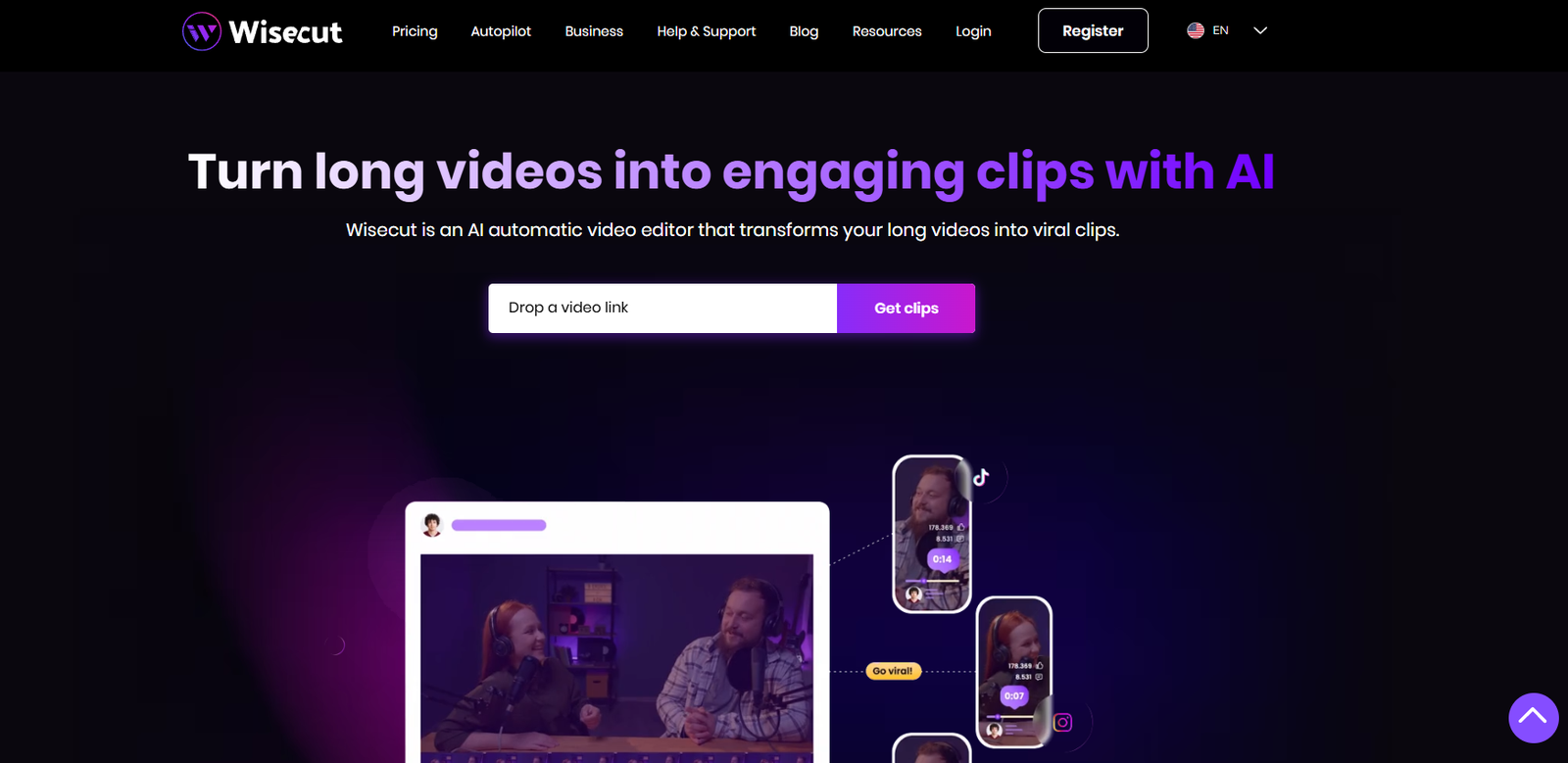
Wisecut is an AI-powered video editing platform designed to help content creators, marketers, educators, businesses, and agencies produce professional-quality videos with minimal manual effort. By leveraging artificial intelligence, Wisecut automates many of the repetitive tasks involved in video editing, allowing users to create polished videos faster and more efficiently.
The platform is particularly useful for editing talking-head videos, tutorials, webinars, interviews, podcasts, online courses, and social media content. Wisecut automatically removes silent pauses, generates subtitles, adds background music with intelligent audio balancing, and optimizes videos for popular platforms such as YouTube, TikTok, Instagram, Facebook, and LinkedIn.
With its browser-based interface and automation features, Wisecut enables users with little or no video editing experience to create engaging videos without using complex professional editing software.
Official Website: https://www.wisecut.ai/
Features
AI Automatic Video Editing
Wisecut automatically edits videos by detecting unnecessary pauses, removing silent sections, and creating smoother, more engaging content.
Silence Removal
The platform identifies and removes long pauses in speech, helping videos maintain a faster and more natural pace.
Automatic Subtitles
Wisecut generates subtitles using AI speech recognition, making videos more accessible and improving viewer engagement.
AI Background Music
The platform automatically adds background music and intelligently adjusts the music volume when speech is detected.
Auto Ducking
Background music is automatically lowered during spoken dialogue and increased during pauses, improving audio quality without manual editing.
Voice Recognition
AI-powered speech detection helps synchronize subtitles and improve editing accuracy.
Video Translation
Wisecut supports subtitle translation and multilingual video workflows, helping creators reach international audiences.
Storyboard Editing
Users can edit videos using a storyboard-style interface that simplifies content organization and scene adjustments.
Text-Based Editing
The platform allows users to edit video content by modifying the automatically generated transcript, reducing the need for timeline-based editing.
Cloud-Based Editing
Wisecut operates entirely online, allowing users to edit projects from compatible devices without installing desktop software.
How It Works
Wisecut simplifies video production through an AI-powered workflow.
Video Upload
Users upload a video to the platform using the browser-based interface.
AI Analysis
The AI analyzes the video to identify speech, silent pauses, and scene transitions.
Automatic Editing
Wisecut removes unnecessary silences, generates subtitles, and adds background music automatically.
Customization
Users can review the generated edits, adjust subtitles, modify scenes, replace music, and customize video settings.
Preview
The completed video can be previewed before exporting.
Export
Users download the final edited video for publishing on websites, social media platforms, or business channels.
Use Cases
YouTube Creators
Edit tutorials, educational videos, reviews, interviews, and vlogs more efficiently.
Social Media Creators
Create short-form videos optimized for TikTok, Instagram Reels, Facebook, and YouTube Shorts.
Educators
Produce online lessons, training materials, and educational content with automatic subtitles.
Businesses
Develop marketing videos, product demonstrations, customer support tutorials, and internal communications.
Podcasters
Convert podcast recordings into engaging video content with subtitles and automatic editing.
Marketing Agencies
Reduce video production time while creating content for multiple clients.
Corporate Teams
Produce onboarding videos, presentations, and employee training materials.
Pricing
Wisecut offers several subscription plans for individuals, creators, businesses, and professional users. Pricing and features may change over time.
Free Plan
The free plan allows users to explore core editing features with certain limitations on exports and available tools.
Starter Plan
Designed for individual creators who need more editing time, additional exports, and enhanced AI features.
Professional Plan
Provides expanded usage limits, premium editing tools, subtitle generation, translation features, and higher-quality exports.
Enterprise Plan
Organizations requiring larger-scale video production, team collaboration, dedicated support, and custom solutions can contact Wisecut for enterprise pricing.
For the latest pricing information, visit:
https://www.wisecut.ai/pricing
Strengths
AI automation significantly reduces manual video editing time.
Automatic silence removal improves the pace and engagement of videos.
Subtitle generation enhances accessibility and viewer retention.
AI background music with auto ducking improves overall audio quality.
Storyboard and text-based editing simplify the editing process.
Browser-based platform eliminates the need for software installation.
Suitable for creators, educators, marketers, businesses, and agencies.
Drawbacks
Some advanced editing capabilities require paid subscription plans.
Users producing highly cinematic or complex videos may still require professional desktop editing software.
AI-generated subtitles and translations may occasionally require manual review.
Cloud-based functionality depends on a stable internet connection.
Comparison with Other Tools
Wisecut vs VEED.IO
VEED.IO offers a broader range of AI editing tools including avatars, screen recording, and text-to-video creation, while Wisecut specializes in automatic editing, silence removal, subtitle generation, and audio optimization.
Wisecut vs Descript
Descript focuses on transcript-based editing for audio and video production, whereas Wisecut emphasizes automated editing workflows and AI-powered content optimization.
Wisecut vs InVideo
InVideo provides template-based video creation and marketing tools, while Wisecut concentrates on automating the editing process for existing video recordings.
Wisecut vs CapCut
CapCut offers extensive manual editing tools and creative effects, while Wisecut automates repetitive editing tasks using artificial intelligence to save time.
Customer Reviews and Testimonials
Wisecut has received positive feedback from content creators, educators, businesses, and marketers for simplifying the video editing process.
Positive Reviews
Users appreciate the automatic removal of silent pauses, which significantly reduces editing time.
Content creators value the AI-generated subtitles and automatic background music.
Educators find the platform useful for producing online learning materials quickly.
Businesses highlight the simplicity of creating professional marketing and training videos.
Many users praise the intuitive interface and ease of use for beginners.
Critical Reviews
Some users mention that premium features require higher subscription plans.
Advanced editors may prefer more manual control for complex editing projects.
AI-generated subtitles and translations may occasionally require corrections for specialized terminology.
Overall, Wisecut is recognized for making video editing faster and more accessible through AI-powered automation.
Conclusion
Wisecut is a powerful AI-powered video editing platform that automates time-consuming editing tasks such as silence removal, subtitle generation, background music adjustment, and transcript-based editing. Its intuitive browser-based interface and intelligent automation make it an excellent choice for creators, educators, businesses, marketers, and agencies seeking to produce professional-quality videos efficiently.
Whether you are editing YouTube videos, online courses, webinars, social media content, or corporate training materials, Wisecut provides a streamlined solution that reduces manual editing while maintaining high-quality output.
For the latest features, pricing plans, supported languages, and platform updates, visit the official website.
Official Website: https://www.wisecut.ai/