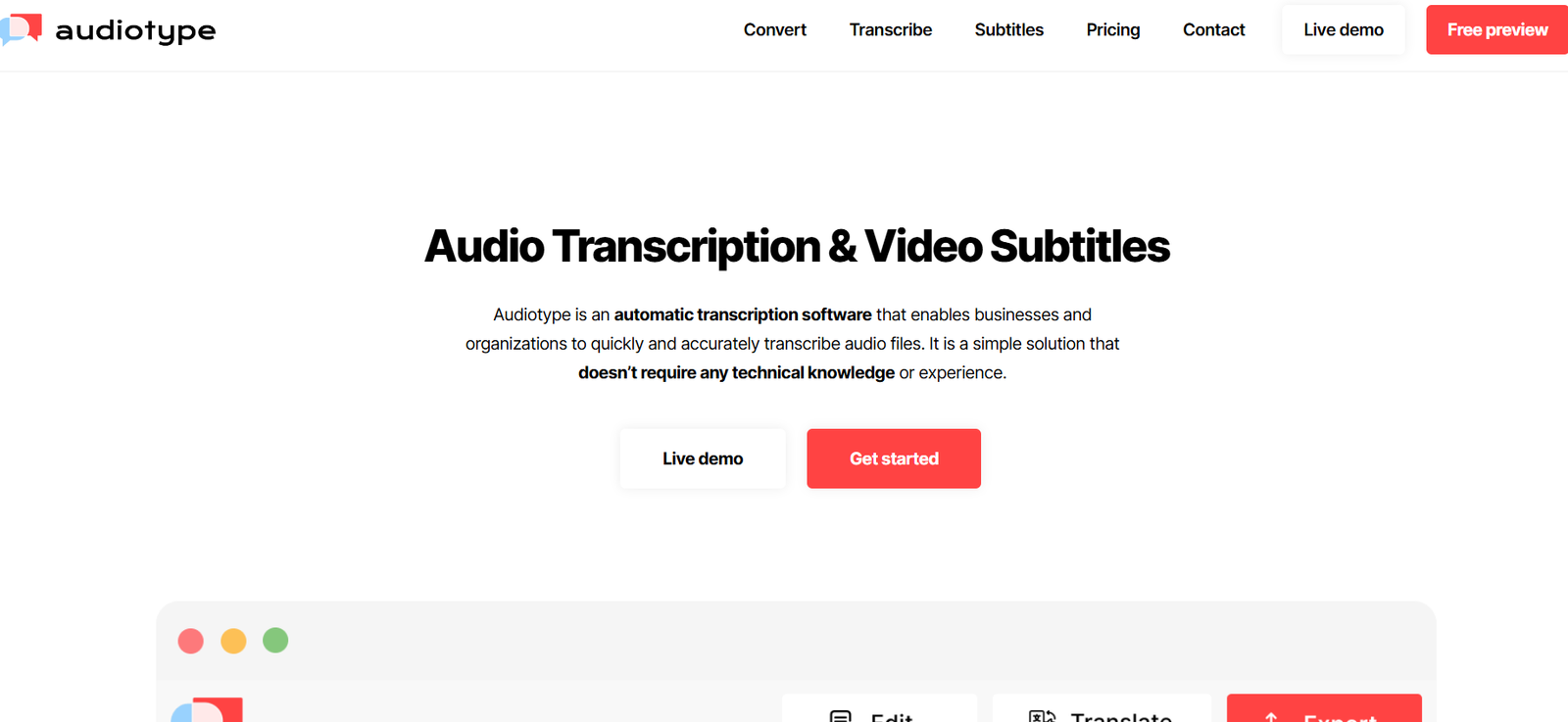
Audiotype is an AI-powered podcast editor designed to simplify the process of editing spoken content. It allows users to edit audio files just by editing text, transforming the complex task of podcast production into a streamlined, intuitive workflow.
Focused on creators, marketers, educators, and podcast teams, Audiotype automatically transcribes uploaded audio and lets users remove unwanted parts like filler words, pauses, or entire sentences by simply deleting the corresponding text. It also includes auto-captioning, transcription export, and a one-click publishing system, eliminating the need for advanced audio editing knowledge.
Whether you’re a solo podcaster or part of a production team, Audiotype provides an efficient, accessible platform to create polished audio content faster than traditional editors.
Features
Audiotype offers a unique set of AI-driven features tailored for audio and podcast creators:
Text-Based Audio Editing – Edit your podcast by modifying the transcribed text; delete sentences to remove the corresponding audio.
Automatic Transcription – Generate accurate transcriptions of your podcast episodes in minutes.
Filler Word Removal – Automatically identify and eliminate “uh,” “um,” and other filler words to clean up speech.
Speaker Identification – Detect and differentiate between multiple speakers in an audio file.
Auto-Captions – Generate captions for your audio content to improve accessibility and engagement.
One-Click Publishing – Publish your podcast directly from the platform to the web without using third-party hosting tools.
Browser-Based Interface – No software download needed; works entirely in your browser.
Multilingual Support – Transcription supports multiple languages (English-focused, but expanding).
Free to Start – Offers a free plan to test the platform before upgrading.
How It Works
Audiotype simplifies the editing process into three steps:
Upload Your Audio – Users upload a podcast episode or audio file directly to the Audiotype website. Supported formats include MP3, WAV, and M4A.
Transcription & Text Editing – The platform transcribes the audio into readable text using AI. Users can delete or modify text, and the audio changes accordingly in real time.
Export or Publish – Once editing is complete, users can download the audio, export the transcript, or publish directly using Audiotype’s built-in hosting option.
The entire process takes place in a browser, with no need to learn complex editing software like Adobe Audition or Audacity.
Use Cases
Audiotype is ideal for a wide range of use cases centered around audio production and podcasting:
Independent Podcasters – Quickly edit and publish episodes without needing to learn audio editing software.
Content Marketers – Turn webinars, interviews, or product announcements into podcasts and transcriptions for SEO.
Educators & Trainers – Produce lecture recordings, training materials, and learning modules that are easy to edit and share.
Interviewers & Journalists – Clean up recorded interviews and export transcripts for quoting and archiving.
Nonprofits & Advocacy Groups – Create accessible, captioned audio content for awareness and community engagement.
Startups & Creators – Launch a branded podcast from scratch without investing in expensive production tools.
Pricing
Audiotype offers a simple and transparent pricing model that scales with your needs. As of the latest update:
Free Plan
60 minutes of transcription/editing
Access to all core features
Ideal for testing the platform
Pro Plan – $12/month
300 minutes per month
Unlimited projects
Advanced filler word removal
Publishing tools included
Enterprise / Teams
Custom plans for larger organizations
Includes API access, team collaboration, and custom integrations
Pricing available upon request
All plans include access to browser-based editing, one-click publishing, and transcription downloads.
Strengths
Audiotype stands out in several key areas:
Intuitive Editing – The ability to edit audio by changing text is both powerful and beginner-friendly.
Time-Saving Workflow – Users can clean up and prepare audio for publication in minutes instead of hours.
Accessible for Non-Editors – Designed for creators without audio production backgrounds.
Affordable Pricing – Entry-level and Pro plans offer great value for small teams and solo creators.
Filler Word & Silence Removal – Automated cleanup makes audio more professional with less effort.
Integrated Publishing – Eliminates the need for third-party podcast hosts or distribution services.
Drawbacks
While Audiotype offers a strong feature set, there are some limitations:
Limited Audio Editing Tools – More advanced audio features like music mixing, multitrack editing, or equalization are not supported.
Language Support – Currently optimized for English, with limited options for other languages.
Free Tier is Capped – The 60-minute limit may not be sufficient for frequent users unless they upgrade.
No Mobile App – As of now, Audiotype is only available via desktop browsers.
Comparison with Other Tools
Compared to other AI-powered podcast tools like Descript, Podcastle, and Riverside, Audiotype offers a uniquely lightweight and accessible experience.
Descript provides similar text-based editing with advanced video capabilities, but comes with a steeper learning curve and higher price tag.
Podcastle is more feature-rich with remote recording and AI voice features but may feel bloated for users focused purely on editing.
Riverside is ideal for high-quality remote podcast recording but lacks intuitive editing workflows for post-production.
Audiotype fills a key gap: a beginner-friendly, browser-based podcast editor that focuses solely on fast, accurate, text-driven editing and publishing.
Customer Reviews and Testimonials
Audiotype has received praise from creators who value its simplicity and editing efficiency. User testimonials from early adopters and Product Hunt include:
“It’s like editing a Word doc, but for my podcast.”
“Audiotype has cut my editing time in half.”
“I’ve finally started podcasting regularly thanks to how easy this tool is.”
Many users highlight the value of being able to see and edit the spoken words directly, especially for quick fixes and professional cleanups.
Conclusion
Audiotype is a smart, focused AI podcast editor that makes audio production as easy as editing a document. With features like text-based editing, filler word removal, automatic transcription, and one-click publishing, it’s designed for modern creators who want fast, professional results without the complexity of traditional editing tools.
Whether you’re launching your first podcast or streamlining an existing workflow, Audiotype offers an affordable and highly accessible solution. It’s ideal for solo podcasters, content teams, educators, and marketers looking to get more done with less hassle.