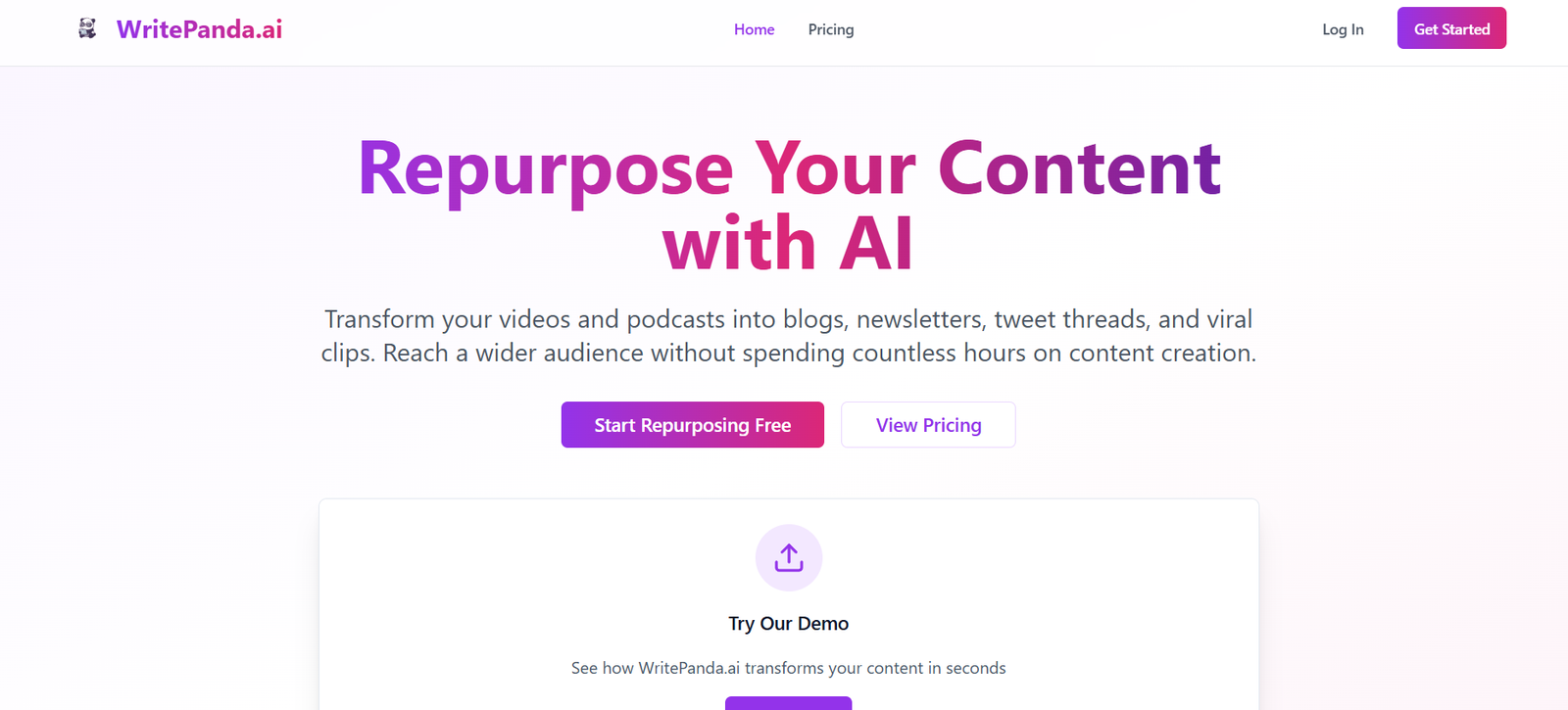
WritePanda is an AI-powered writing assistant designed to help professionals create, refine, and optimize their written communication. Built with a strong focus on clarity, tone, and grammar, WritePanda offers a streamlined solution for emails, reports, proposals, essays, and other professional content.
Unlike generic AI writing tools, WritePanda combines advanced language models with a clean, productivity-oriented interface. It’s tailored for users who want precise control over their writing tone, structure, and correctness—making it especially useful for business professionals, marketers, students, and non-native English speakers.
Whether you’re polishing an important email or rewriting an article for clarity, WritePanda provides intelligent suggestions to elevate your writing with ease.
Features
WritePanda includes a robust set of AI-enhanced features for writing refinement and optimization:
Grammar and Spelling Correction – Automatically detects and corrects spelling, punctuation, and grammatical errors in real time.
Smart Rewriting – Rephrase sentences or paragraphs to improve clarity, tone, and readability while preserving original meaning.
Tone Adjustment – Modify the tone of your writing to be more formal, friendly, assertive, or professional based on your communication needs.
Multilingual Support – Write or translate content in multiple languages, including English, Spanish, German, French, and more.
Email Templates – Use AI-generated templates for common professional emails such as follow-ups, introductions, and job applications.
Plagiarism-Free Output – Ensures all AI-generated content is original and paraphrased effectively.
Browser-Based Editor – Work entirely online with a distraction-free editor that’s accessible from any device.
Secure Data Handling – WritePanda uses encrypted processing to keep user data private and secure.
How It Works
Using WritePanda is simple and intuitive, designed for professionals who want fast, high-quality results.
Start by visiting the WritePanda website and logging in or signing up for an account. Users can input their content directly into the browser-based editor or upload a document.
Once the text is added, users can choose to check grammar, rewrite selected portions, or change the tone. The AI then provides real-time suggestions or full rewrites. Users can accept, reject, or further tweak the suggestions before finalizing their text.
All changes can be downloaded or copied for use in external applications like email clients, Google Docs, or Microsoft Word. No software installation is required.
Use Cases
WritePanda is built to support a wide range of professional and academic use cases:
Business Professionals – Write concise, professional emails, proposals, and reports with correct grammar and tone.
Marketers & Copywriters – Refine ad copy, blog posts, and product descriptions for clarity and engagement.
Students & Academics – Improve essays, research summaries, and cover letters with real-time grammar and tone suggestions.
Job Seekers – Craft personalized cover letters, LinkedIn messages, and follow-up emails that sound polished and intentional.
Non-Native English Speakers – Translate and refine English writing to sound fluent and professional.
Customer Support Teams – Write clear and empathetic customer communication that reflects your brand tone.
Pricing
WritePanda offers both a free version and a paid plan with additional features. Based on the latest available information:
Free Plan
Basic grammar and spelling correction
Limited rewriting suggestions
Tone adjustments (limited usage)
No account required for trial usage
Premium Plan – $15/month (or $120/year)
Unlimited access to grammar, tone, and rephrasing tools
Access to all templates
Priority processing speed
Multilingual support
Email support
Users can try out most features before committing to the paid version, making it a low-risk tool for testing.
Strengths
WritePanda delivers several advantages that make it stand out in the writing assistant space:
Focused on Professionals – The tool is built with a business audience in mind, delivering professional-quality output.
Clean and Simple Interface – No clutter or unnecessary distractions; just a clean editor with smart suggestions.
Tone and Style Versatility – The ability to change tone dynamically helps tailor content to different audiences.
Affordable Pricing – Premium features are competitively priced and deliver solid value for professionals and teams.
Multilingual Capabilities – Ideal for users working in global teams or writing content in multiple languages.
Data Privacy – Encrypted content processing ensures user data is handled responsibly and securely.
Drawbacks
While WritePanda offers many useful features, there are a few limitations to consider:
No Offline Mode – The tool is entirely web-based, so internet access is required at all times.
No Collaboration Features – Currently lacks real-time editing or team-sharing functionality, which may be needed by marketing or content teams.
Limited Creative Writing Support – While great for business and academic writing, it may not be suitable for fiction writers or long-form storytelling.
Basic Free Tier – The free version is useful but limited in scope compared to competitors that offer more extensive no-cost options.
Comparison with Other Tools
Compared to other AI writing tools like Grammarly, QuillBot, and Jasper, WritePanda holds a unique position as a focused writing assistant for professionals.
Grammarly excels in grammar and tone detection but lacks robust rephrasing and multilingual support in its free version.
QuillBot is strong in paraphrasing but less effective for full document editing and tone control.
Jasper is a powerful AI content generator but is more geared toward marketing and long-form content creation, with a higher price point.
WritePanda strikes a balanced middle ground—delivering grammar, tone, and rephrasing tools in one easy-to-use platform tailored to professional writing needs.
Customer Reviews and Testimonials
WritePanda has received favorable feedback from professionals and students across various industries. Testimonials shared on the official website and product listings highlight ease of use, accuracy, and time-saving benefits.
User feedback includes:
“I use WritePanda daily to proof my emails before sending them to clients.”
“As a non-native English speaker, this tool has boosted my confidence when writing in English.”
“The tone feature is a game-changer—makes my writing feel more natural and intentional.”
Most users praise the simplicity of the interface and the reliability of the grammar corrections and rephrasing suggestions.
Conclusion
WritePanda is a professional-grade AI writing assistant that combines simplicity with powerful features for grammar, tone, and rewriting. Built with business users, students, and professionals in mind, it enables fast, polished communication without the need for expensive software or steep learning curves.
With support for over 20 languages, automatic tone adjustment, and a clutter-free interface, it’s a valuable tool for improving writing quality across emails, reports, cover letters, and more. Whether you’re looking to sound more confident, reduce errors, or write more clearly, WritePanda offers a practical and affordable solution.