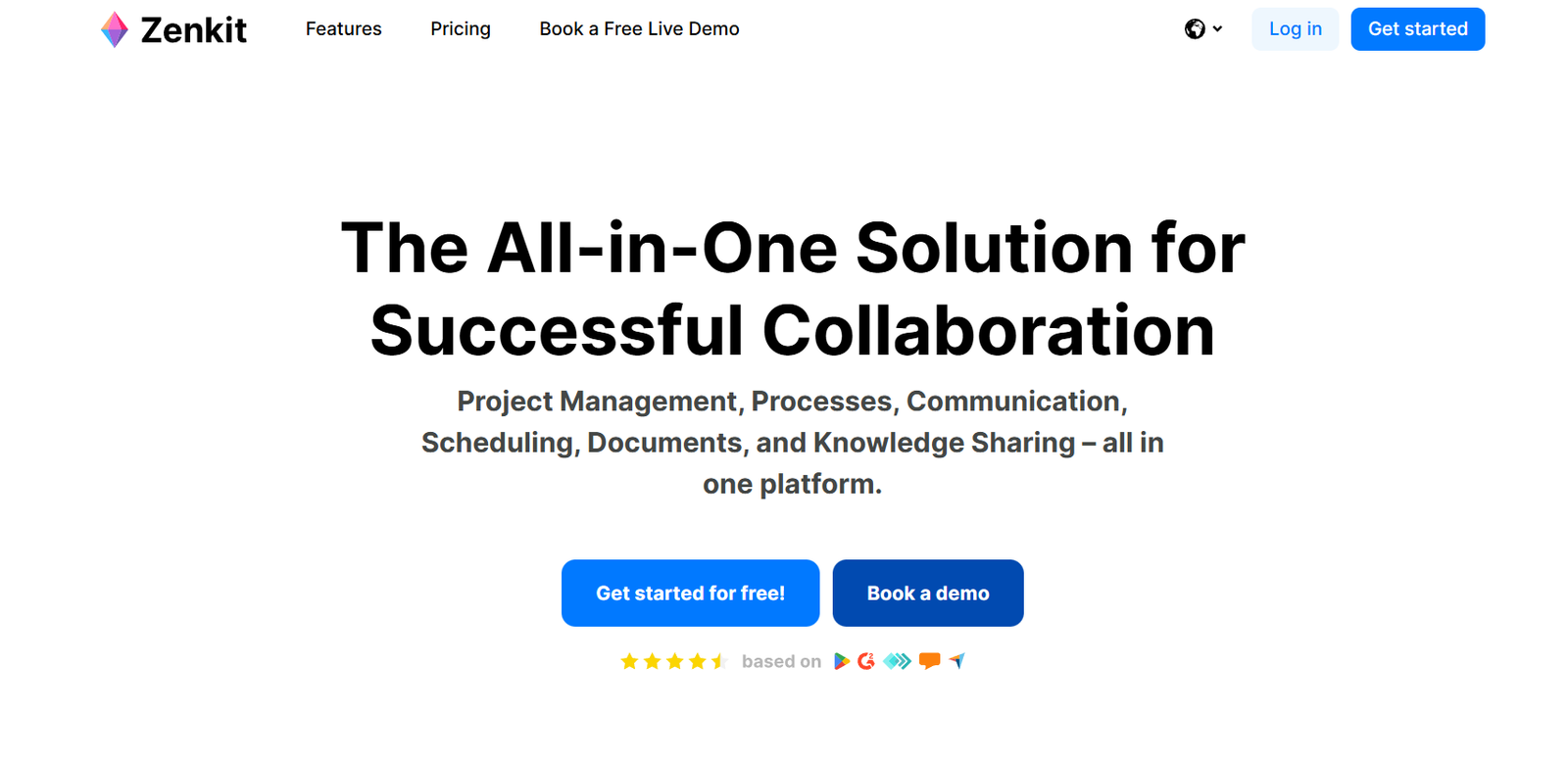
Zenkit is an all-in-one productivity and project management platform designed to adapt to the way teams and individuals work. It offers a flexible and modular approach to managing tasks, projects, data, and collaboration. Rather than forcing users into a rigid structure, Zenkit provides a variety of customizable views—such as Kanban boards, lists, tables, calendars, and mind maps—that can be tailored to fit different workflows and preferences.
Launched to serve professionals, educators, startups, and enterprises, Zenkit acts as a powerful alternative to tools like Trello, Asana, and Notion. Its design philosophy is centered on flexibility, usability, and scalability, making it suitable for both simple to-do lists and complex business workflows. Zenkit is available as a suite of tools, including Zenkit Base, Zenkit To Do, Zenchat, Zenforms, and Hypernotes, each serving specific functions but working seamlessly together.
Features
Zenkit offers a wide range of features to support productivity, project management, and team collaboration:
Multiple View Modes
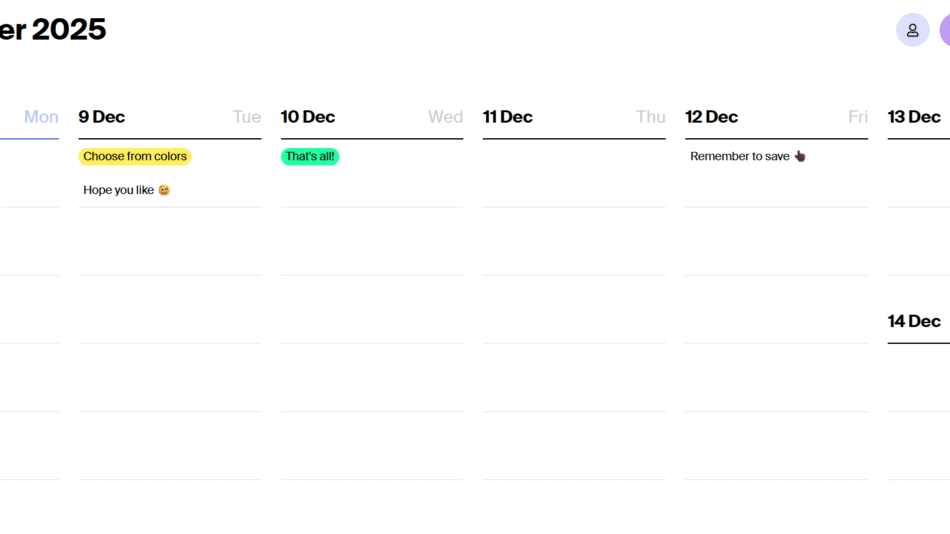
Switch between list, Kanban, calendar, Gantt chart, table, and mind map views to visualize data in different ways without losing structure.
Zenkit Suite Integration
Use Zenkit Base for project management, Zenkit To Do for personal task tracking, Zenchat for communication, Hypernotes for documentation, and Zenforms for data collection—all in one ecosystem.
Custom Fields and Labels
Add various field types like text, date, number, user assignment, references, and checklists to tailor each project to your needs.
Real-Time Collaboration
Work with team members in real time, with instant updates and activity tracking to maintain clarity and accountability.
Task Management
Create tasks, assign team members, set due dates, attach files, set priorities, and add subtasks and comments.
Offline Mode
Continue working without internet access, with changes syncing automatically once reconnected.
Integrations
Connect with tools like Google Calendar, Microsoft Outlook, Zapier, and more for a connected workflow.
Templates
Start faster with ready-made templates for marketing, software development, education, HR, CRM, and other common workflows.
Access Controls and Permissions
Define user roles and permissions to control who can view, edit, or manage content.
Mobile and Desktop Apps
Zenkit offers dedicated apps for iOS, Android, macOS, Windows, and Linux.
Multilingual Support
Supports multiple languages to cater to global teams and users.
How It Works
Zenkit operates as a highly customizable platform that adapts to the user’s preferred workflow. When starting a project in Zenkit Base, users can choose how to visualize tasks or data—such as a Kanban board for agile project management, a calendar for scheduling, or a mind map for brainstorming. Switching between views updates the same dataset in real time, offering maximum flexibility without duplication.
Each project or workspace allows the creation of items (tasks or data entries), which can have custom fields like dates, assignments, tags, and dependencies. Zenkit supports linking between items, enabling relational databases and creating dynamic connections across projects.
Collaboration is integrated at every level. Users can comment on tasks, assign responsibilities, track progress, and communicate using Zenchat. All changes are tracked in real time, ensuring alignment and reducing communication gaps.
For users who prefer a simpler task manager, Zenkit To Do offers a focused interface for daily task planning that still integrates with the broader Zenkit Suite. Hypernotes and Zenforms add capabilities for content management and data collection, creating a unified workspace for both individuals and teams.
Use Cases
Zenkit is designed for a wide variety of users and industries. Its flexibility makes it suitable for:
Project Management
Manage tasks, deadlines, resources, and progress with multiple views like Kanban, Gantt, and calendar.
Team Collaboration
Enable cross-functional teams to plan, execute, and communicate in one centralized workspace.
CRM
Track customer interactions, sales pipelines, and account management with customizable templates and views.
Education and Research
Teachers and students can manage assignments, research, notes, and projects in a structured and collaborative environment.
Agile Development
Use Zenkit for sprint planning, backlog management, and task prioritization with Kanban boards and issue tracking.
Content Creation
Writers, marketers, and creatives can manage editorial calendars, content production, and asset approvals.
Event Planning
Coordinate logistics, attendees, vendors, and timelines using lists, calendars, and checklists.
Personal Productivity
Use Zenkit To Do for daily task tracking, goal setting, and habit monitoring with reminders and mobile access.
Documentation and Wikis
Create structured documentation with Hypernotes for internal knowledge sharing and collaborative writing.
Form-Based Data Collection
Use Zenforms to build surveys, gather feedback, or collect structured input from customers and team members.
Pricing
According to the official Zenkit pricing page, Zenkit offers several plans for different needs:
Free Plan
Up to 3 members per workspace
1,000 items per collection
1 GB storage
All standard views and features
Access to Zenkit Suite with limited usage
Plus Plan – $9/user/month
Up to 20 members
50,000 items per collection
6 GB storage
Access control features
Priority support
Business Plan – $25/user/month
Unlimited members
150,000 items per collection
20 GB storage
Role-based permissions
Custom branding
Advanced admin tools
Enterprise Plan – Custom pricing
Unlimited resources
SLA and onboarding
Custom integrations
Dedicated support and training
Zenkit To Do and Zenkit Base share the same subscription and workspace, offering value across multiple tools in the suite.
Strengths
Zenkit stands out due to its adaptable structure and wide functionality across use cases. Key strengths include:
Multiple views for flexible data visualization
Seamless real-time collaboration
Modular suite with integrated tools for chat, notes, and forms
Offline mode with auto-sync
Cross-platform availability on web, mobile, and desktop
Suitable for individuals, small teams, and enterprises
Highly customizable fields and workflows
Strong templates and multilingual support
Affordable pricing with generous free tier
GDPR compliant and based in the EU for data privacy
Drawbacks
Zenkit’s broad feature set also comes with a few limitations to consider:
Learning curve for new users due to customization options
Performance may vary with very large datasets
Mobile experience less powerful than desktop
Limited native integrations compared to tools like Notion or ClickUp
Fewer automation features compared to dedicated automation platforms
Less popular, so smaller third-party ecosystem and community support
Despite these minor issues, Zenkit is well-supported and regularly updated with new features and improvements.
Comparison with Other Tools
Zenkit vs Trello
Trello is limited to Kanban view, while Zenkit offers multiple views including tables, calendars, and mind maps. Zenkit is more versatile and better for complex projects.
Zenkit vs Notion
Notion is more customizable for content and databases, but Zenkit offers better structured project management and view flexibility.
Zenkit vs ClickUp
ClickUp has more built-in automation and integrations. Zenkit focuses more on user control, data visualization, and modular apps across the productivity suite.
Zenkit vs Asana
Asana has a structured project focus, whereas Zenkit provides more customizable views and relational data support for broader use cases.
Zenkit vs Airtable
Airtable is strong in spreadsheet-style data handling. Zenkit competes by offering relational databases along with project views and communication tools in one place.
Customer Reviews and Testimonials
Zenkit receives positive feedback for its intuitive design and flexibility. Users praise it for its ability to adapt to different workflows without needing separate tools.
“Zenkit is like Trello, Airtable, and Notion combined in one simple platform.”
“I love how I can switch views without losing my data structure.”
“Perfect for our remote team—project tracking, communication, and notes in one tool.”
“Zenkit has replaced three other apps in my daily workflow.”
“It’s powerful without being overwhelming. Great for both solo and team use.”
On Product Hunt, Zenkit has earned positive ratings for being a flexible and elegant productivity tool, especially suited to users who want more control over their data and workflows.
Conclusion
Zenkit is a powerful and versatile productivity suite that offers the flexibility to work your way. Whether you’re managing a team project, organizing research, or handling your personal to-do list, Zenkit provides the tools to structure and visualize your work effectively. With its range of views, real-time collaboration, and integrated apps for notes, forms, and communication, Zenkit helps you streamline operations and stay organized.
While it may require a learning curve and isn’t as well-known as some competitors, Zenkit excels in adaptability, privacy, and cross-platform support. For professionals and teams looking for a customizable and unified workspace without subscribing to multiple services, Zenkit is a strong and scalable solution.