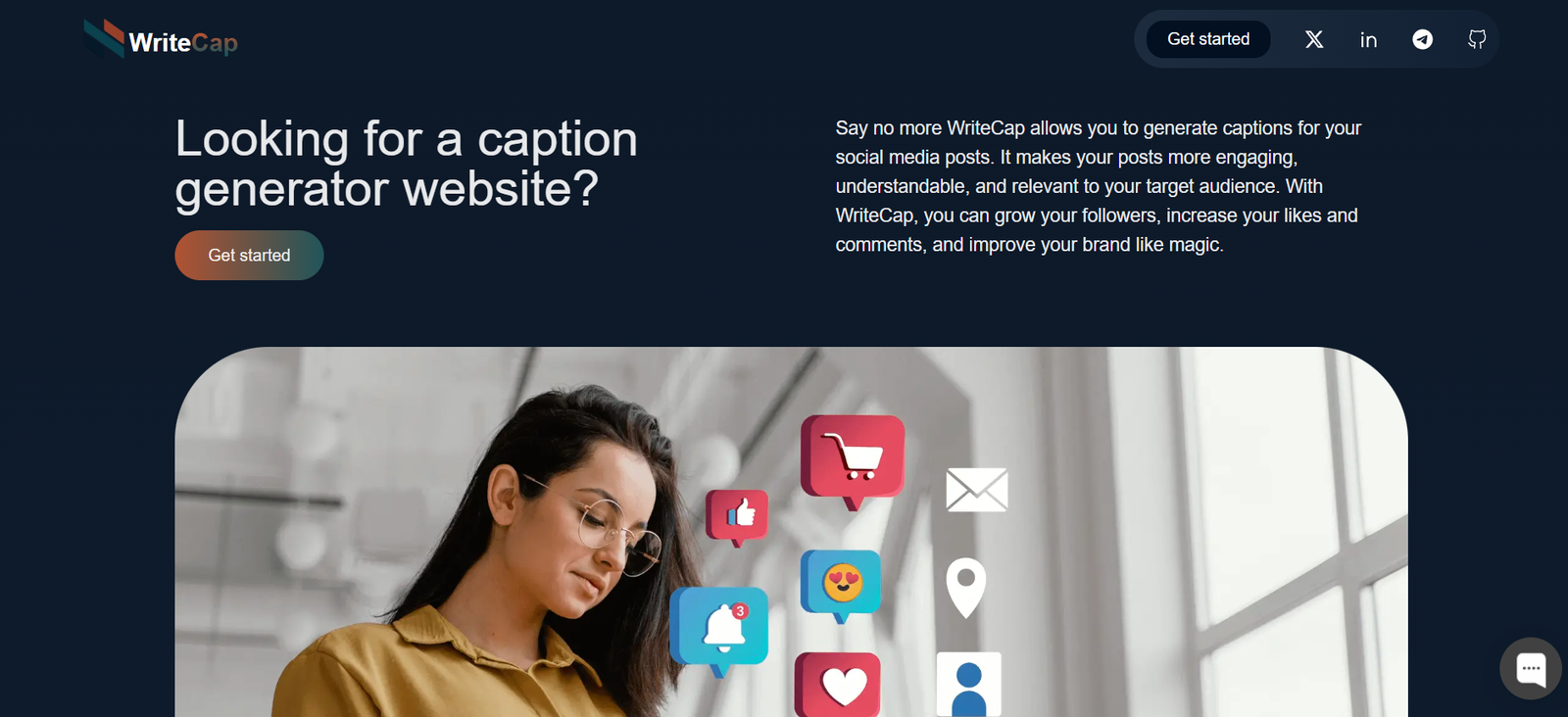
WriteCap is an AI-powered meeting notes assistant that helps individuals and teams automatically capture, summarize, and organize notes from meetings held on Zoom, Google Meet, or Microsoft Teams. Whether you’re in back-to-back client calls or daily team syncs, WriteCap ensures you never miss a key takeaway or follow-up item.
Designed for busy professionals, sales teams, and remote workers, WriteCap transforms raw meeting conversations into structured summaries, saving hours of manual note-taking while enhancing team productivity and accountability.
Features
WriteCap includes a robust feature set built to streamline meeting documentation:
Automatic Meeting Recording: Captures audio and video from Zoom, Google Meet, or Teams calls.
AI-Generated Summaries: Creates structured summaries, bullet-point highlights, and action items.
Follow-Up Suggestions: Generates next steps and assignments automatically.
Calendar Integration: Syncs with your Google or Outlook calendar to join meetings automatically.
Speaker Identification: Attributes statements to specific participants (where applicable).
Searchable Meeting Archive: Access all past meeting summaries in one dashboard.
Team Collaboration: Share summaries and action points with your team or clients instantly.
Secure and Compliant: Data is encrypted, and recordings are handled with user privacy in mind.
How It Works
WriteCap is designed to be plug-and-play, with minimal setup required:
Sign Up on writecap.co
Connect Your Calendar: Allow WriteCap to identify and join your upcoming meetings.
Join or Let WriteCap Join: It joins your meetings as a passive participant (with permission).
AI Processes the Meeting: During or after the call, the AI extracts summaries, decisions, and follow-ups.
Review & Share Notes: Access your notes in your dashboard and send them to team members or clients.
Everything is automated—no need to record, transcribe, or manually summarize.
Use Cases
WriteCap is ideal for a variety of users and industries:
Sales Teams: Automatically capture call notes, client objections, and next steps.
Customer Success Managers: Track onboarding progress and document client check-ins.
Founders & Executives: Stay on top of strategic calls without taking manual notes.
HR and Recruitment: Document interview insights and hiring decisions accurately.
Agencies & Consultants: Share clean summaries with clients after every call.
Pricing
WriteCap offers transparent pricing with flexibility for individuals and teams. According to https://writecap.co, the platform provides the following plans:
Free Plan
3 meetings/month
Basic summary and bullet points
Limited team sharing
Ideal for solo users or testing the platform
Pro Plan – $20/month
Up to 20 meetings/month
Full summaries, action items, and speaker tags
Team dashboard
Priority email support
Business Plan – $49/month
Unlimited meetings
Full feature access
Custom branding on shared notes
Slack and CRM integrations
Admin controls and priority support
All plans include a 7-day free trial with no credit card required.
Strengths
WriteCap provides several standout advantages:
Fully Automated: No need to record or type notes manually—AI handles everything.
Cross-Platform Support: Works with all major meeting platforms (Zoom, Meet, Teams).
Improves Follow-Up Accuracy: Automatically captures key points and action steps.
Boosts Team Collaboration: Summaries are easy to share and review across departments.
Time-Saving: Replaces hours of post-meeting writing with instant summaries.
Drawbacks
Some current limitations of WriteCap include:
Requires Meeting Access: Participants must approve WriteCap to join the call.
Dependent on Clear Audio: Background noise or cross-talk may affect transcription accuracy.
English Focused: Optimized for English-speaking meetings; multi-language support is limited.
No Real-Time Editing: You can’t edit notes live during the meeting (post-meeting only).
Comparison with Other Tools
Versus Otter.ai: Otter offers live transcription but lacks the structured summaries and automated action items WriteCap provides.
Versus Fireflies.ai: Both provide AI meeting notes; WriteCap offers a cleaner UI and simpler pricing for teams.
Versus tl;dv: tl;dv focuses on call recording with highlights; WriteCap prioritizes written documentation and follow-ups.
Versus Notion AI: Notion AI can summarize notes manually; WriteCap automates the entire meeting capture process end-to-end.
Customer Reviews and Testimonials
WriteCap has received strong early feedback from business users:
“I don’t take notes anymore—WriteCap does it better than I ever could.”
“Our sales team closes faster because we don’t miss follow-ups anymore.”
“Perfect for remote work. Everyone sees what was discussed—even if they miss the call.”
Users particularly appreciate the time saved, accuracy of summaries, and the automation of follow-ups.
Conclusion
WriteCap is a powerful AI meeting assistant that makes it effortless to capture, organize, and share meeting notes and action items. Whether you’re leading sales calls, internal syncs, or client check-ins, WriteCap gives you back your time by automating the most tedious part of meetings—documentation.
If you’re looking to improve team alignment, reduce manual note-taking, and never miss a follow-up again, WriteCap is a smart, AI-driven solution that fits seamlessly into your existing workflow.