
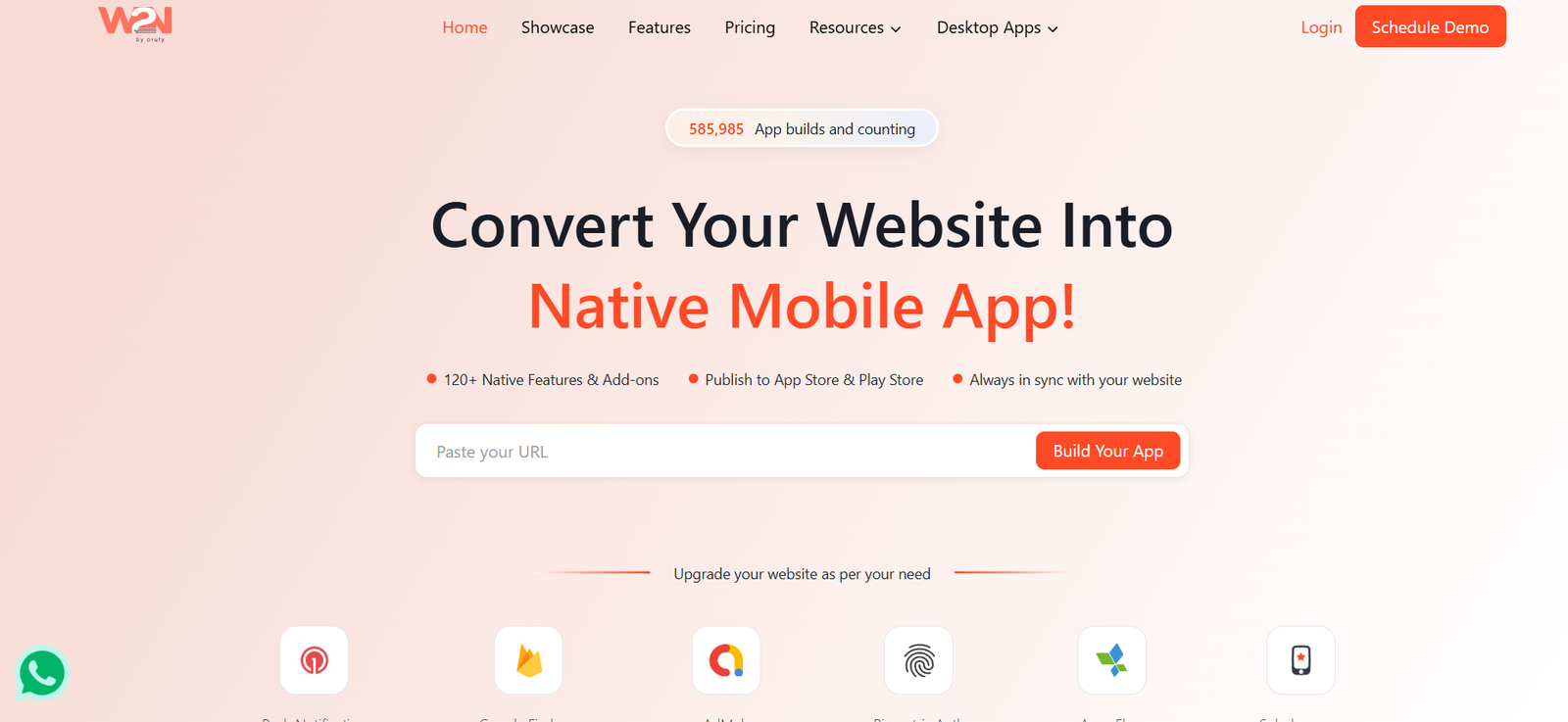
WebToNative is a no-code website-to-app conversion platform that helps businesses turn an existing website into a mobile application for Android and iOS.
Instead of developing a mobile app from scratch, users can enter their website URL, configure the app, add native mobile features, test it, and prepare it for publishing on Google Play or Apple’s App Store.
The platform wraps the existing website inside a native mobile app shell. This means website content remains connected to the original site and changes made to the website can appear inside the mobile app without recreating the content separately.
WebToNative provides more than 120 native features and add-ons for extending the mobile experience. These include push notifications, biometric authentication, AdMob integration, deep linking, barcode scanning, splash screens, navigation options, Firebase integrations, social login, and many other capabilities.
It also provides low-code options for users who need more control, including integrations for JavaScript, WordPress, and Bubble.
WebToNative is suitable for businesses, ecommerce stores, publishers, agencies, startups, membership websites, educational platforms, and website owners who want a mobile presence without the time and expense of developing separate Android and iOS applications from the ground up.
Features
Website to Android App
WebToNative can convert an existing website into an Android mobile application.
Users can generate app files suitable for testing and eventual distribution through Google Play.
Website to iOS App
The platform also supports conversion of websites into applications for iPhone and other supported Apple devices.
Android and iOS from One Website
Businesses that want apps on both major mobile platforms can create Android and iOS versions from the same website.
No-Code App Creation
The core conversion process does not require programming knowledge.
Users enter their website address and configure the application through WebToNative’s interface.
Real-Time Website Synchronization
The app loads content from the live website.
When website content changes, those changes can therefore appear in the mobile application without requiring a new app-store submission for ordinary website-content updates.
Push Notifications
WebToNative supports push notifications for communicating directly with app users.
Businesses can use notifications for updates, promotions, reminders, announcements, and other forms of engagement.
OneSignal Integration
OneSignal is available for notification and messaging workflows.
This gives businesses additional options for communicating with app users.
Firebase Integration
WebToNative supports Google Firebase functionality for analytics, notifications, and other supported mobile-app workflows.
Google AdMob
Website owners can integrate Google AdMob into their applications.
This can be useful for publishers and other businesses that want to monetize mobile traffic through advertising.
Biometric Authentication
Supported configurations can include biometric authentication.
This can provide users with a more convenient way to access protected areas of an application.
Deep Linking
Deep links allow external links to open specific sections of an application rather than simply launching its main screen.
This can improve navigation from marketing campaigns, messages, emails, and other external sources.
URL Schemes
Custom URL schemes can be configured to launch the app or interact with other applications.
Barcode Scanner
WebToNative provides barcode-scanning functionality as an app feature.
This can be useful for retail, inventory, membership, ticketing, and product-related applications.
Custom Splash Screens
Businesses can customize the screen displayed while the application is starting.
More advanced plans provide additional splash-screen options, including gradients and video.
No Internet Screen
Users can configure a custom screen that appears when an internet connection is unavailable.
This provides a more controlled experience than displaying a generic browser error.
Navigation Controls
WebToNative provides navigation options such as bottom navigation, side navigation, nested menus, cards, and floating buttons depending on the selected plan and add-ons.
Internal and External Links
App owners can determine whether links should open within the application, through an in-app browser, or in an external browser.
Custom User Agent
The platform allows users to configure a custom user agent for supported use cases.
This can help websites recognize traffic coming from their mobile application and adjust functionality accordingly.
Screenshot Control
Supported app configurations can prevent screenshots from being taken inside the application.
This may be useful for applications displaying information that owners do not want easily captured, although it should not be treated as complete data-loss prevention.
Passkey and Passwordless Login
Higher plans provide support for passkeys and passwordless authentication workflows.
App Passcode Lock
Premium plans include app-level passcode protection.
Multilingual App Interface
Higher plans allow the app interface to be presented in multiple languages.
The number of supported interface languages depends on the selected plan.
Kiosk Mode
Supported plans can provide kiosk-mode functionality for controlled app environments.
Custom Request Headers
Advanced plans allow custom request headers, giving technical users greater control over how the app communicates with their website and related services.
Team Collaboration
Higher plans support multiple team members.
This is useful for agencies and businesses where developers, marketers, and administrators need access to the same application project.
App Store Publishing Assistance
WebToNative provides publishing support.
Selected annual Premium and Business plans include done-for-you submission to Google Play and Apple’s App Store.
Low-Code Integrations
Users needing greater customization can work with JavaScript and integrations for platforms such as WordPress and Bubble.
Desktop App Options
WebToNative also provides related tools for converting websites into desktop applications for Windows, macOS, and Linux.
How It Works
- Make sure the website is live and available through HTTPS.
- Visit WebToNative and enter the website URL.
- Start the website-to-app conversion process.
- Choose Android, iOS, or both platforms.
- Configure the app name, icon, splash screen, navigation, and other appearance settings.
- Add required native features and integrations.
- Configure options such as push notifications, AdMob, Firebase, biometric authentication, deep links, or barcode scanning when needed.
- Generate a demo build.
- Download and test the application on a real mobile device.
- Make any required configuration changes.
- Generate the final application build.
- Prepare the required Google Play or Apple App Store information.
- Submit the application to the appropriate app store or use WebToNative’s publishing service when included in the selected plan.
- Continue updating the original website normally.
- Most website-content changes will then appear inside the mobile application because the app loads the live website.
Use Cases
For Small Businesses
Businesses with an existing mobile-friendly website can create a branded app without commissioning a completely separate native development project.
For Ecommerce Stores
Online retailers can make their existing store accessible through a mobile app and add features such as push notifications and mobile navigation.
For WordPress Websites
WordPress website owners can convert their sites into mobile apps without rebuilding the complete site on another platform.
For Shopify Stores
Online merchants can use WebToNative to provide a mobile-app experience based on their existing Shopify storefront.
For Membership Websites
Membership and subscription businesses can give customers easier home-screen access to their existing web platform.
For Publishers
News sites, blogs, magazines, and content publishers can convert their websites into mobile apps and use push notifications to bring readers back.
For Educational Platforms
Training providers and educational websites can package existing online content into mobile applications.
For Agencies
Web and marketing agencies can provide mobile-app solutions to clients without maintaining a large native-app development team.
For Startups
Startups with an existing web application can establish an Android and iOS presence without immediately investing in separate native codebases.
For Internal Business Apps
Businesses can convert suitable internal web systems into mobile-accessible applications and add supported authentication or kiosk functionality.
Pricing
WebToNative provides one-time, monthly, annual, Business, and Enterprise options. Pricing differs depending on whether users require Android, iOS, or both.
All major plans currently include a 14-day free trial.
Android Only
Starter One-Time
$99 one-time
Includes one Android application, unlimited users, no WebToNative branding, push notifications, AdMob, deep linking, barcode scanning, splash screens, and other core features.
Future rebuilds after the initial allowance are charged separately.
Starter Monthly
$9 per month
Includes one Android app and one rebuild per month after the initial unlimited-build period.
Pro Monthly
$19 per month
Adds unlimited builds, three team members, passwordless login, custom request headers, enhanced navigation, multilingual UI, kiosk support, and other advanced features.
Premium Monthly
$29 per month
Includes additional premium add-ons, eight team members, passcode lock, environment variables, video splash screens, additional languages, advanced headers, and premium support.
Annual Android plans currently start at $79 per year, with Pro at $149 per year and Premium at $299 per year.
iOS Only
Starter One-Time
$99 one-time
Starter Monthly
$14 per month
Pro Monthly
$24 per month
Premium Monthly
$29 per month
Annual iOS plans currently start at $79 per year, with Pro at $149 per year and Premium at $299 per year.
Android + iOS
Starter One-Time
$169 one-time
Includes one Android and one iOS application.
Starter Monthly
$19 per month
Includes one rebuild per month for each platform after the introductory unlimited-build period.
Pro Monthly
$29 per month
Provides unlimited builds, three team members, additional navigation and authentication options, and other advanced functionality.
Premium Monthly
$49 per month
Provides additional premium features, eight team members, expanded multilingual support, advanced customization, and priority support.
Annual Android + iOS
Starter: $129 per year
Pro: $249 per year
Premium: $499 per year
The annual Premium plan currently includes full Play Store and App Store publishing.
Business
$999 per year
The Business plan includes unlimited builds, unlimited store submissions and updates, one-time paid add-ons, multiple environments, 20 team members, priority publishing, pre-submission testing, a dedicated account manager, and other business-oriented services.
Enterprise
Custom enterprise solutions currently start from approximately $1,399.
Enterprise packages can include dedicated account management, faster service levels, priority publishing, custom app design, advanced security, custom integrations, and specialized development.
Prices and included add-ons can change, so users should verify the latest plan details before purchasing.
Strengths
No coding is required for the basic website-to-app conversion process.
It supports both Android and iOS.
Users do not need to maintain completely separate website and app content.
Website changes can appear in the app automatically.
More than 120 native features and add-ons are available.
Push notifications can improve direct communication with app users.
AdMob integration provides monetization options.
Firebase and OneSignal integrations extend analytics and messaging capabilities.
Biometric authentication and passwordless options are available.
Users can create and test a demo before publishing.
One-time purchase options are available for users who do not want a recurring subscription.
Monthly and annual subscriptions provide choices for different budgets.
Advanced plans offer unlimited builds.
Publishing services can reduce the complexity of submitting apps to Google Play and Apple’s App Store.
Team functionality makes the service useful for agencies and larger businesses.
Low-code integrations provide additional flexibility for technical users.
Drawbacks
WebToNative primarily wraps an existing website in a native mobile shell rather than rebuilding the entire service as a fully custom native application.
The quality of the mobile app therefore depends significantly on the quality and mobile responsiveness of the original website.
A poorly optimized website will not automatically become a well-designed mobile experience simply by converting it into an app.
Many advanced capabilities are available as paid add-ons or require higher plans.
Starter plans have limits on rebuilds after the introductory period.
App-store approval is ultimately controlled by Google and Apple, so using WebToNative does not guarantee that an application will be accepted.
Businesses with complex mobile functionality may still require custom native or cross-platform development.
Because the application loads live website content, many functions depend on internet connectivity unless specifically designed otherwise.
Users should also account for separate Apple and Google developer-account requirements and fees where applicable.
Comparison with Other Platforms
WebToNative competes with other website-to-app builders and no-code mobile application platforms.
Compared with developing separate native Android and iOS applications from scratch, WebToNative can significantly simplify the initial development process because it uses an existing website as the foundation.
Compared with broader no-code app builders, WebToNative is more specifically focused on converting an existing website into an application rather than designing a completely new app and database from the ground up.
Compared with Progressive Web Apps, WebToNative provides access to app-store distribution and additional native integrations.
Compared with fully custom native development, WebToNative offers faster setup and potentially lower costs but provides less freedom for deeply customized mobile experiences.
It is therefore most suitable when an organization already has a strong mobile-responsive website and wants to extend it into Android and iOS applications.
Customer Reviews and Testimonials
WebToNative displays several customer reviews and examples on its official website.
Team FitAndView praises the company’s assistance and affordability.
Robert Lee describes the service as professional, reliable, competitively priced, and faster than alternative app-development services he had previously tried.
Pavle Danilov reports that an Android application build was delivered quickly and highlights the support received when an issue occurred.
Thomas Brown describes switching to WebToNative after problems with another app company and praises the team’s willingness to make adjustments to the app framework.
João André Ferreira states that his company uses WebToNative to provide mobile apps to customers and highlights the platform’s ease of use and fast build generation.
The official showcase also presents published applications such as ShopMetro and Travent as examples of apps created using the platform.
These testimonials are displayed by WebToNative on its own website, so they should be viewed as company-published customer feedback rather than independent verification.
Conclusion
WebToNative is a practical no-code solution for businesses that already have a functional website and want to turn it into an Android or iOS application without developing a completely separate mobile product.
Its main advantage is simplicity. Users can start with an existing website, create an app shell, add native features such as push notifications, biometric authentication, AdMob, deep links, and mobile navigation, and then prepare the application for app-store distribution.
The platform is particularly suitable for small businesses, ecommerce stores, publishers, agencies, startups, membership platforms, and organizations whose existing websites already work well on mobile devices.
It is important to understand that WebToNative is not a replacement for full custom native development in every situation. Applications requiring highly specialized interfaces, complex offline functionality, or extensive device-level capabilities may still need custom development.
For businesses that primarily want to transform an established website into a branded mobile app quickly and with minimal coding, WebToNative provides a flexible and relatively accessible route from website to app.


