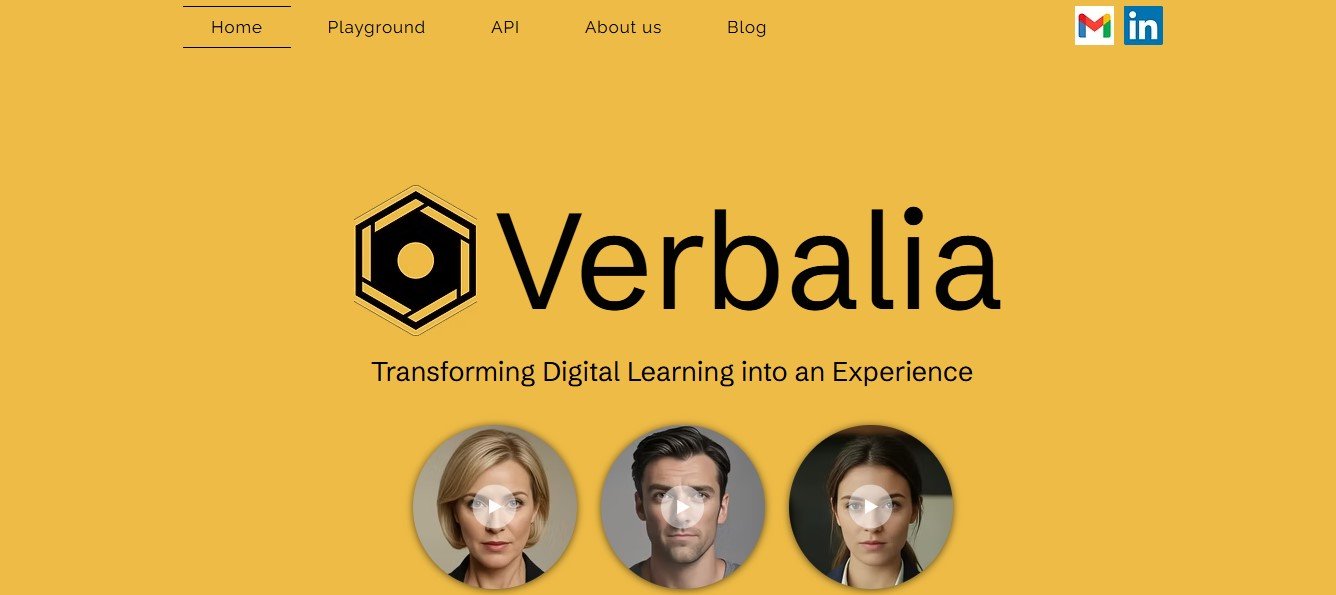
Verbalia is an AI-powered speech processing platform that provides speech-to-text (STT) transcription and text-to-speech (TTS) synthesis for businesses, educators, content creators, and accessibility solutions.
The tool allows users to transcribe audio into accurate text, generate AI-powered voiceovers, and create natural-sounding speech from text in multiple languages.
Key Features of Verbalia
Speech-to-Text (STT) Transcription
- Converts audio recordings, meetings, podcasts, and interviews into accurate text.
- Supports multiple languages and accents.
Text-to-Speech (TTS) Synthesis
- Transforms written text into AI-generated speech.
- Offers natural-sounding AI voices with different tones and styles.
Multi-Language Support
- Provides transcription and voice synthesis in multiple languages.
- Helps businesses create multilingual content effortlessly.
AI-Powered Voice Cloning
- Allows users to clone voices for custom AI-generated speech.
- Ideal for branding, personalized audio, and virtual assistants.
Automated Subtitle & Caption Generation
- Creates subtitles and captions for videos automatically.
- Enhances accessibility for digital content.
Podcast & Audiobook Narration
- AI-generated narration for podcasts and audiobooks.
- Helps automate long-form content production.
Real-Time Speech Recognition
- Supports live speech-to-text conversion for meetings, conferences, and virtual events.
API & Integration Support
- Developers can integrate Verbalia’s speech technology into applications via API.
- Works with CRM, e-learning platforms, and media tools.
How Does Verbalia Work?
Step 1: Upload Audio or Input Text
- Users can upload an audio file for transcription or enter text for AI voice generation.
Step 2: AI Processing & Customization
- Speech-to-text: AI transcribes spoken words into text.
- Text-to-speech: AI converts text into a natural-sounding voice.
- Users can adjust voice tone, pitch, and playback speed.
Step 3: Export & Use the Content
- Transcriptions can be downloaded in text format.
- AI-generated voiceovers can be exported as MP3 or WAV for videos, podcasts, or digital content.
Use Cases of Verbalia
Business & Productivity
- Automate meeting transcriptions for improved documentation.
- Convert business reports and presentations into AI voiceovers.
Content Creation & Marketing
- Generate AI voiceovers for YouTube, ads, and explainer videos.
- Automate audio-based content marketing campaigns.
Education & E-Learning
- Provide AI-generated course narrations for e-learning platforms.
- Offer real-time transcription for accessibility in lectures.
Podcasting & Audiobooks
- AI-powered narration for audiobooks and podcast episodes.
- Save time and costs on voice recording.
Accessibility & Assistive Technology
- AI-generated screen readers and voice assistance for visually impaired users.
- Real-time captions for video calls and online meetings.
Customer Support & Virtual Assistants
- Automate customer support responses with AI voice synthesis.
- Use real-time transcription for chatbots and AI assistants.
Pricing Plans of Verbalia
Verbalia offers different pricing plans based on transcription volume, TTS usage, and customization options. For the most accurate pricing, visit the official Verbalia website.
Estimated Pricing Tiers
- Free Plan – Limited transcription and text-to-speech usage.
- Pro Plan – More transcription hours, AI voice options, and customization features.
- Enterprise Plan – Unlimited transcription, API access, and dedicated support.
Strengths of Verbalia
- Accurate AI-Powered Transcription – High accuracy for speech-to-text conversion.
- Realistic AI Voices – Offers human-like TTS voices.
- Multi-Language Support – Enables global content creation and accessibility.
- Custom Voice Cloning – Allows personalized AI-generated speech.
- API Integration – Works with third-party apps and business tools.
Drawbacks of Verbalia
- Limited Free Plan – Advanced features require a paid subscription.
- Voice Cloning Restrictions – Some custom AI voice cloning may require verification.
- Not a Full Audio Editing Suite – Best for speech-to-text and voice synthesis, not audio production.
Comparison: Verbalia vs. Competitors
Verbalia vs. Otter.ai
- Otter.ai specializes in meeting transcriptions and live speech-to-text.
- Verbalia offers both transcription and AI voice synthesis.
Verbalia vs. ElevenLabs
- ElevenLabs focuses on ultra-realistic AI voice cloning.
- Verbalia provides a more balanced solution for transcription and TTS.
Verbalia vs. Murf AI
- Murf AI is optimized for voiceover generation for content creators.
- Verbalia offers broader speech processing capabilities, including live transcription.
Customer Reviews and Testimonials
Positive Feedback
- “Verbalia’s AI transcription saved us hours of manual work for meeting notes!” – Business Consultant
- “The AI voiceovers are natural and lifelike, making it easy to produce e-learning content.” – Online Instructor
Constructive Criticism
- “Wish there were more customization options for AI-generated voices.” – Podcaster
- “Some complex audio files required manual editing after transcription.” – Journalist
Conclusion: Is Verbalia Worth It?
Verbalia is a powerful AI-powered speech processing tool for businesses, educators, content creators, and accessibility solutions. Its speech-to-text and text-to-speech capabilities make it ideal for automating transcriptions, generating AI voiceovers, and improving accessibility.
While it may not replace professional voice actors, its AI automation, language support, and real-time transcription make it a valuable asset for content creators and businesses.