
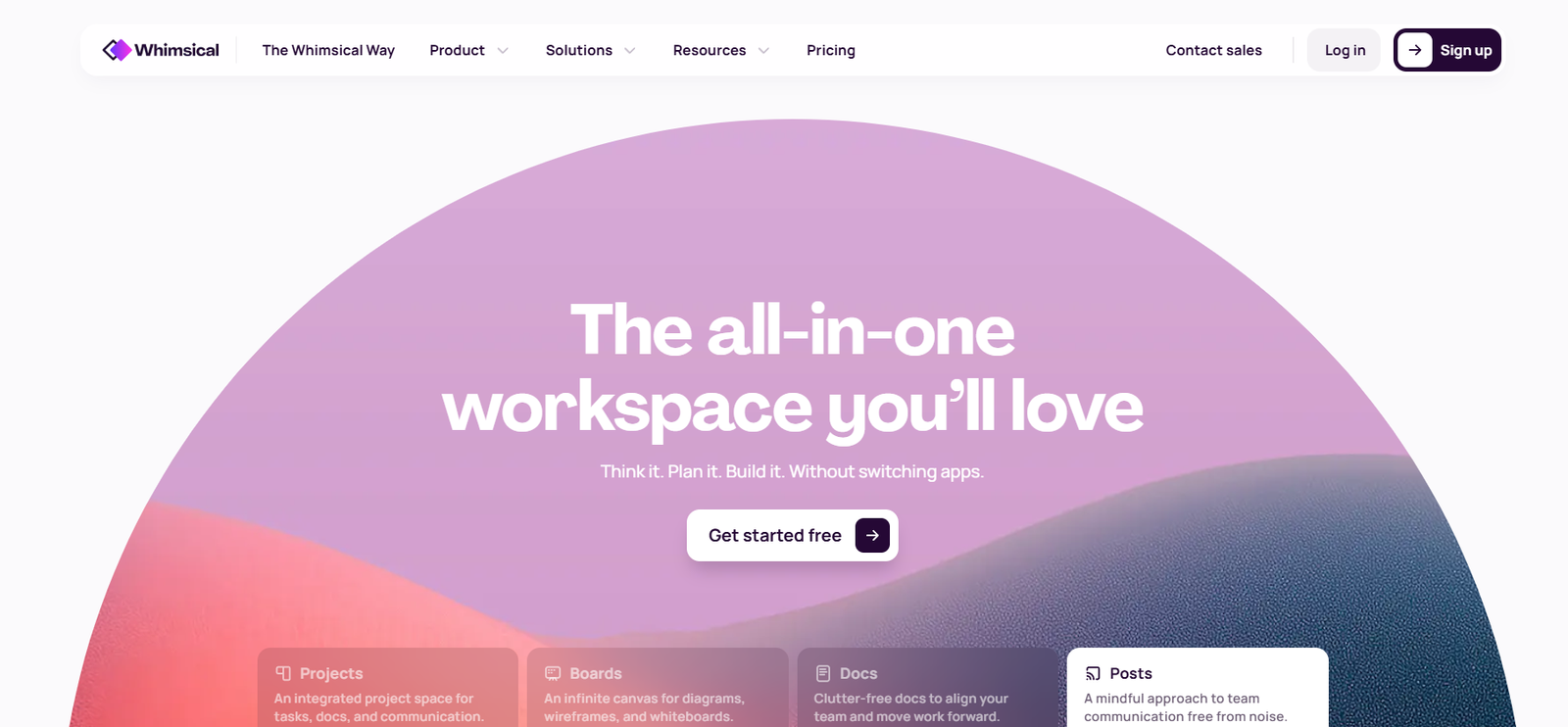
Whimsical is a collaborative online workspace designed to streamline visual thinking and team collaboration. The platform provides intuitive tools for creating wireframes, flowcharts, mind maps, and sticky notes in a shared digital environment. Whimsical is widely used by product managers, designers, developers, and cross-functional teams looking for a single space to brainstorm, plan, and execute ideas visually.
Whether you’re mapping out product workflows, designing interfaces, or just collecting ideas during a team sprint, Whimsical brings simplicity and structure to the creative process. The interface is minimal yet powerful, allowing users to focus on ideas rather than the software itself.
Whimsical combines ease of use with the flexibility needed by professional teams. By centralizing different visual tools in one place, it reduces the need to switch between multiple apps, thus boosting productivity and collaboration efficiency.
Features
Whimsical offers a range of collaborative features that cover various aspects of visual planning and communication. The core tools include:
Flowcharts: Create logic flows, decision trees, or system diagrams with drag-and-drop ease. The smart drawing experience ensures elements snap into place and connections auto-adjust.
Wireframes: Quickly design low-fidelity UI layouts for apps and websites. Pre-made components like buttons, input fields, and modals help you prototype faster.
Sticky Notes: Capture ideas, feedback, or meeting notes in the form of digital sticky notes that can be moved and organized visually.
Mind Maps: Plan projects, brainstorm ideas, or create content outlines with the mind mapping tool, allowing teams to structure concepts hierarchically.
Docs: Combine visuals with text using Whimsical Docs, a hybrid space where you can embed wireframes, flowcharts, and more within written documents.
Real-Time Collaboration: Multiple users can work simultaneously on the same file. Changes are synced instantly, and commenting features make it easy to provide feedback.
Templates: Start fast with ready-to-use templates for product roadmaps, sprint planning, customer journey maps, and more.
Version History: Easily review changes made to any document and revert to earlier versions if needed.
Permissions & Sharing: Control access through view or edit permissions, share links with team members or external stakeholders.
How It Works
Whimsical is a web-based tool, so users can access it through any modern browser without needing to install software. Once you create an account, you can start new projects using one of its supported formats—wireframes, flowcharts, sticky notes, mind maps, or docs.
The workspace is built for intuitive navigation. You simply drag and drop components onto a canvas, connect them using smart lines, and adjust layouts freely. The clean interface removes distractions, making it easier to focus on ideation and structure.
Team members can be invited to collaborate in real time, and integrated commenting allows for seamless feedback without leaving the app. For asynchronous work, version history ensures no progress is lost.
Because Whimsical integrates visuals and written content, teams can maintain context and documentation in one place. With cloud-based autosaving, everything is updated continuously.
Use Cases
Product Design: Teams can create wireframes and UI layouts to map out user experiences before development begins.
UX Flows and Diagrams: Ideal for mapping user journeys, system flows, or logic-based operations that require diagrammatic representation.
Agile Planning: Use sticky notes and flowcharts for sprint planning, retrospectives, or backlog grooming in agile project management.
Brainstorming Sessions: Mind maps and sticky notes make Whimsical an ideal tool for ideation and collaboration workshops.
Documentation and Onboarding: Embed visual elements inside docs to produce engaging team documentation or onboarding materials.
Marketing and Content Strategy: Plan marketing funnels or content calendars with visual maps and flowcharts.
Pricing
As of the latest update on the official Whimsical website, the platform offers the following pricing tiers:
Free Plan: Includes up to 500 items across all files, with access to core tools and real-time collaboration. Ideal for individuals or small teams starting out.
Pro Plan: $12 per editor/month (billed annually) or $15 month-to-month. Offers unlimited items, advanced permissions, and priority support.
Organization Plan: Custom pricing for larger teams needing enhanced security, user management, SSO (Single Sign-On), audit logs, and enterprise-level support.
Each paid plan comes with a 14-day free trial, allowing users to test features before committing. View full pricing details on Whimsical’s pricing page.
Strengths
Whimsical stands out due to its simplicity and ease of use. The unified workspace allows teams to work visually without switching tools, promoting better organization and clarity. Real-time collaboration supports both synchronous and asynchronous teamwork, which is ideal for remote teams.
Its drag-and-drop interface requires no learning curve, and its rich set of templates gets projects moving quickly. The ability to mix visuals and text in one document adds a layer of flexibility that’s rare in visual collaboration tools.
The platform is also cloud-based, ensuring that teams can access and update work from anywhere without dealing with local file versions.
Drawbacks
While Whimsical is excellent for early-stage planning and brainstorming, it’s not built for high-fidelity design work or complex development needs. For example, designers who need advanced prototyping features or integration with design systems may need to use additional tools.
The pricing, although fair, may be a consideration for freelancers or very small teams needing unlimited access.
Additionally, offline access is not supported, which could be a limitation for teams working in areas with unreliable internet connections.
Comparison with Other Tools
Compared to tools like Miro and Lucidchart, Whimsical offers a more minimalist and structured approach to visual collaboration. Miro is broader in scope with more customization and plugin options, but it can feel overwhelming for new users. Lucidchart leans heavily into diagramming for enterprise use and may be better suited for technical documentation.
Whimsical focuses on a balance between simplicity and power, making it ideal for small to mid-sized teams who want an uncluttered experience with essential tools. It also differs from tools like Figma, which is optimized for UI/UX design rather than brainstorming or documentation.
Customer Reviews and Testimonials
Users on platforms such as Product Hunt and G2 consistently praise Whimsical for its ease of use and speed. Teams enjoy how quickly they can go from an idea to a structured plan without fighting the interface.
Many users highlight the clean design and thoughtful user experience. Real-time collaboration is another frequently appreciated feature, especially for remote-first teams.
Criticism is minimal but often points to the need for more integrations or better offline support. Overall, the tool maintains high ratings across review platforms.
Conclusion
Whimsical is a powerful yet accessible visual collaboration platform that excels at simplifying complex ideas into organized visuals. It’s an excellent choice for teams needing a centralized tool for wireframing, brainstorming, mapping, and planning. With its clean interface, strong collaboration features, and support for multiple visual formats, Whimsical helps teams focus on ideas instead of software.
Whether you’re a product manager, designer, or team leader, Whimsical can be a valuable asset in your digital workspace. Its pricing is reasonable for the feature set, and the free version is generous enough to get started comfortably.


