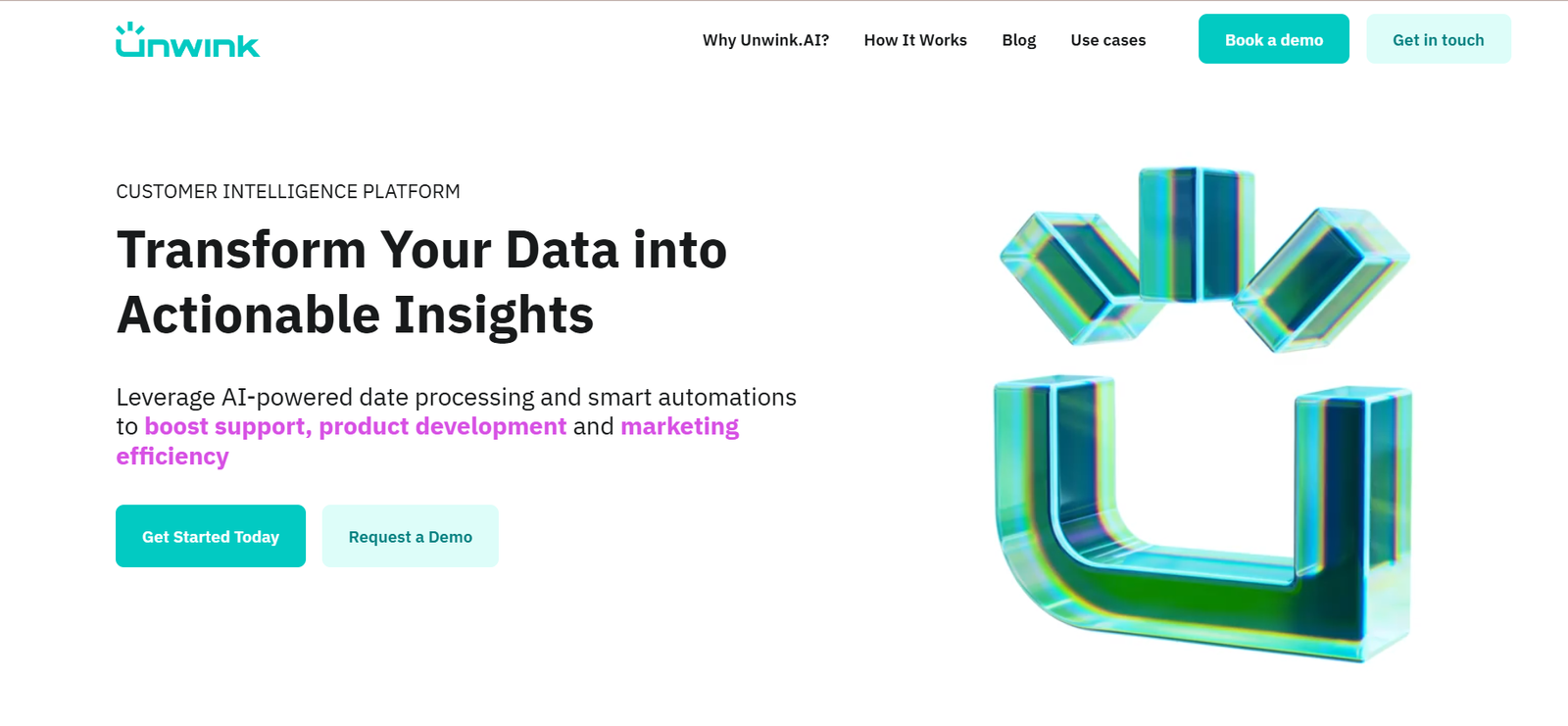
Unwink is an AI-powered meeting assistant designed to automate the process of note-taking, summarizing, and extracting actionable insights from meetings. Whether it’s a Zoom call, Google Meet, Microsoft Teams, or any recorded conversation, Unwink uses advanced AI to transcribe speech, generate concise summaries, and highlight key decisions and tasks—freeing you from manual follow-ups and missed details.
Built for busy professionals, teams, and organizations, Unwink helps improve meeting productivity, ensures nothing gets lost in conversation, and provides an easily searchable archive of every interaction.
Features
Automatic Meeting Transcriptions: Converts voice to accurate text across major platforms like Zoom, Google Meet, and Microsoft Teams.
Smart Summaries: Generates bullet-point summaries of key discussion points, decisions, and next steps.
Action Item Detection: Identifies and highlights tasks and follow-ups automatically.
Speaker Identification: Differentiates between participants for clearer context.
Searchable Meeting History: Archive of all transcripts and summaries, easily searchable by keyword or topic.
Multi-Language Support: Supports transcription in several languages.
Secure Storage: End-to-end encryption and privacy-first architecture.
How It Works
Connect Your Calendar: Sync Unwink with your meeting platform or calendar to auto-join or access recorded sessions.
Record and Transcribe: Unwink captures the meeting audio, then transcribes it using its AI model.
Summarize and Extract Insights: The AI processes the transcription to generate concise summaries, bullet points, and action items.
Review and Share: Users can review notes, copy summaries, or share them with team members.
Search and Retrieve: Use the platform’s built-in search tool to find specific discussions or tasks from past meetings.
Unwink acts like an always-present, never-distracted meeting assistant—so you can stay focused on the conversation.
Use Cases
Team Meetings: Keep everyone aligned with shared meeting summaries and follow-up tasks.
Sales Calls: Capture customer objections, product questions, and next steps accurately.
Customer Support: Log detailed customer conversations for future reference or training.
Project Management: Track decisions and deliverables without manual notes.
Interviews and Research: Extract key points and quotes from long interviews or brainstorming sessions.
Pricing
According to the official Unwink website, pricing is structured as follows:
Free Plan
Limited number of transcriptions per month
Basic summaries and search functionality
Ideal for individual users or testing the platform
Pro Plan – $20/month
Unlimited transcriptions
Full access to smart summaries and action item detection
Priority processing and customer support
Best for professionals and small teams
Team and Enterprise Plans – Custom Pricing
Collaboration features, team dashboards
Role-based access and usage analytics
Dedicated support, compliance options
Suited for larger organizations and distributed teams
A free trial is available, allowing users to explore Unwink’s full capabilities before subscribing.
Strengths
Streamlines the entire post-meeting workflow
Saves hours by automating transcription and summary writing
User-friendly interface with minimal setup required
Scalable for individuals and teams
Supports compliance needs with secure data handling
Drawbacks
Full functionality requires a paid plan
May need manual edits for complex discussions or heavy accents
Limited integrations beyond video conferencing and calendar tools (currently expanding)
Comparison with Other Tools
Unwink vs Otter.ai
Otter.ai also provides transcription and meeting summaries. However, Unwink focuses more on extracting decisions and action items with greater automation and simpler UX.
Unwink vs Fireflies.ai
Fireflies offers a broader set of integrations and CRM syncing. Unwink stands out with its clean, privacy-focused design and ease of use, making it a strong fit for startups and SMBs.
Unwink vs Notion AI
Notion AI is geared more toward document generation. Unwink specializes in real-time meeting capture and decision tracking, giving it an edge in meeting productivity.
Customer Reviews and Testimonials
Early users of Unwink have praised its accuracy and time-saving benefits. Feedback from founders, managers, and customer-facing teams emphasizes its usefulness across industries.
“Unwink captures the stuff I always miss while presenting—life-saver.”
“I stopped writing meeting notes entirely. This is my go-to assistant now.”
“Clean summaries, fast turnaround, and I actually enjoy reviewing them.”
Users also appreciate the platform’s privacy-first approach, ensuring their sensitive conversations remain secure.
Conclusion
Unwink offers a powerful solution for anyone who spends time in meetings and wants to focus on people, not paperwork. With automatic transcription, intelligent summarization, and task extraction, Unwink turns every meeting into an organized, actionable record.
Whether you’re managing projects, leading a team, or running customer calls, Unwink helps you cut through the clutter and focus on execution. With competitive pricing and a polished user experience, it’s a must-try tool for today’s productivity-focused professionals.