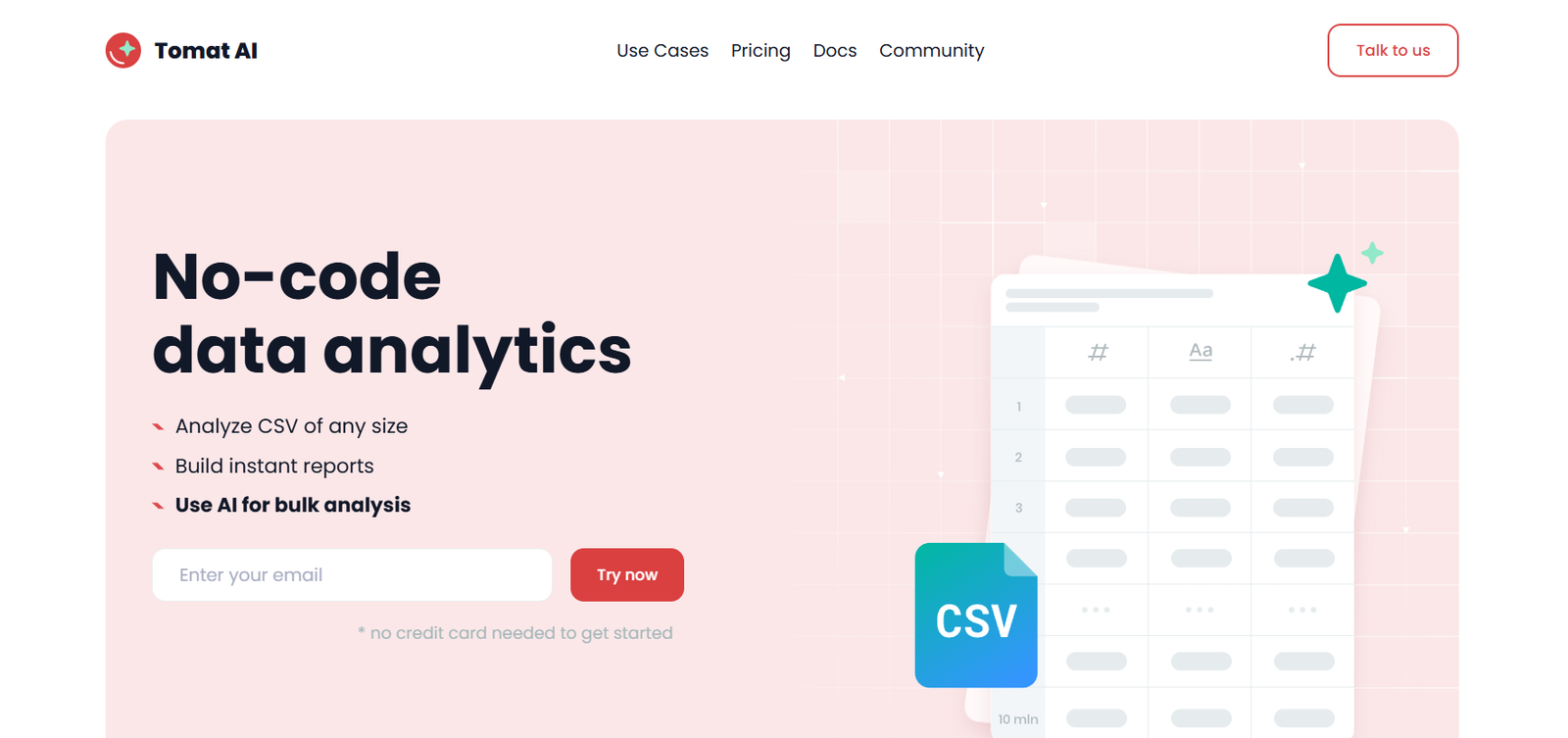
Tomat.ai is an AI-powered meeting assistant that records, transcribes, summarizes, and analyzes online meetings in real time. It integrates with major video conferencing tools and uses advanced natural language processing (NLP) models to identify key points, decisions, and action items.
Unlike traditional meeting tools that require manual note entry or post-processing, Tomat.ai works automatically—allowing teams to focus on the discussion while the assistant captures everything in the background.
Its sleek interface and actionable outputs make it ideal for professionals, remote teams, project managers, and leaders looking to streamline meeting documentation and follow-up tasks.
Features
Tomat.ai comes packed with features designed to enhance productivity and ensure no meeting insights are lost:
Automatic Meeting Recording
Tomat.ai joins your meetings as an invisible participant or records in the background, ensuring everything is captured.
AI-Powered Transcription
Real-time transcription of spoken content into accurate, searchable text using advanced speech recognition models.
Smart Summarization
The assistant distills lengthy conversations into concise summaries highlighting the main discussion points.
Action Item Detection
Automatically identifies and lists next steps, tasks, and assignments based on conversation flow.
Speaker Attribution
Transcriptions are labeled with speaker names (when identifiable), helping users track who said what.
Meeting History Dashboard
All recorded meetings are stored in an organized dashboard, searchable by keywords, dates, or team members.
Collaboration Tools
Team members can comment, edit summaries, or assign action items post-meeting for better alignment.
Privacy and Security
Enterprise-grade encryption and secure storage ensure sensitive meeting content is protected.
Calendar Integrations
Syncs with Google Calendar and Outlook to automatically join scheduled meetings.
How It Works
Tomat.ai operates with a seamless, user-friendly workflow:
Sign Up and Connect Your Calendar
Users create an account and sync their Google or Microsoft calendar so Tomat.ai knows when meetings are scheduled.Automatic or Manual Meeting Recording
Tomat.ai either auto-joins your meetings or lets you start/stop recordings manually via the dashboard.Real-Time Transcription and Summarization
As the meeting progresses, the AI transcribes the conversation and begins organizing key points.Receive Meeting Summary and Action Items
Shortly after the meeting ends, users receive a clean summary, transcript, and list of follow-up tasks via email or dashboard.Search, Share, and Collaborate
Meeting content is searchable and shareable with teammates for easy follow-up, documentation, or project management.
Tomat.ai does all of this with minimal user input, making it one of the most efficient tools for meeting intelligence.
Use Cases
Tomat.ai can be used in a variety of professional settings, including:
Team Meetings and Stand-Ups
Capture daily progress updates, blockers, and assigned tasks automatically.
Sales and Client Calls
Record conversations, extract commitments, and generate follow-up emails instantly.
Product or Sprint Planning
Track deliverables, technical discussions, and who’s responsible for what in product meetings.
HR Interviews and Onboarding
Document candidate responses or training sessions for later review or compliance.
Consulting and Agency Calls
Keep a detailed log of client feedback, project scope discussions, and changes.
Board and Executive Meetings
Ensure high-level strategic discussions are documented clearly and accurately.
Pricing
Tomat.ai offers straightforward pricing based on usage tiers. As of March 2025, here are the available plans:
Free Plan
5 meetings per month
Basic transcription and summary
Limited meeting length
Access to dashboard
Pro Plan – $15/month per user
40 meetings per month
Full-length transcriptions
Action items and smart summaries
Calendar sync and auto-join
Downloadable meeting content
Business Plan – $29/month per user
Unlimited meetings
Advanced analytics and reporting
Team collaboration features
Admin controls
Priority support
Enterprise Plan – Custom pricing
Unlimited seats
Dedicated account manager
API access
Custom integrations
SOC 2 compliance and advanced security
Sign up or request a demo at https://www.tomat.ai.
Strengths
Tomat.ai delivers a wide array of benefits that help teams save time and stay aligned:
No manual note-taking required
High transcription accuracy with speaker labels
AI-generated summaries and action items
Easy integration with calendars and meeting tools
Organized dashboard for past meetings
User-friendly and visually clean interface
Reliable privacy and security infrastructure
Affordable plans for teams of all sizes
Drawbacks
Despite its strengths, there are a few limitations to consider:
Limited free tier (5 meetings/month) may not suffice for power users
No open-source option or on-premise deployment
AI-generated action items may occasionally require human refinement
Language support is primarily optimized for English
Integration with project management tools (e.g., Notion, Asana) is still evolving
Comparison with Other Tools
Tomat.ai vs. Otter.ai
Otter.ai offers similar transcription and summary features but can be overwhelming for casual users. Tomat.ai emphasizes actionability and clarity with simpler, task-oriented outputs.
Tomat.ai vs. Fireflies.ai
Fireflies is feature-rich but more focused on integrations and CRM syncing. Tomat.ai focuses on lightweight, user-friendly experiences with clean summaries and tasks.
Tomat.ai vs. tl;dv
tl;dv emphasizes video clips and timestamping. Tomat.ai, by contrast, focuses on action items, summaries, and structured records, making it better suited for decision tracking.
Customer Reviews and Testimonials
Tomat.ai is gaining popularity among early adopters for its speed, simplicity, and reliability. User feedback from Product Hunt and direct customer channels highlights:
“I stopped taking notes in meetings. Tomat.ai does it better and faster.”
“Finally, a meeting assistant that gives you what you actually need—next steps.”
“Our whole team uses it daily, and it keeps us organized without extra work.”
These positive impressions underscore Tomat.ai’s value proposition: turn conversations into actions effortlessly.
Conclusion
Tomat.ai is a practical and powerful tool for modern teams that want to improve meeting efficiency and ensure nothing slips through the cracks. With automatic transcription, real-time summarization, and actionable insights, it eliminates the hassle of manual note-taking and post-meeting chaos.
If you’re looking for a clean, intuitive, and action-focused AI assistant to document meetings, assign tasks, and support team collaboration, Tomat.ai is a smart choice—whether you’re a solo founder, a remote team, or an enterprise organization.
To get started, visit https://www.tomat.ai and try it free.