
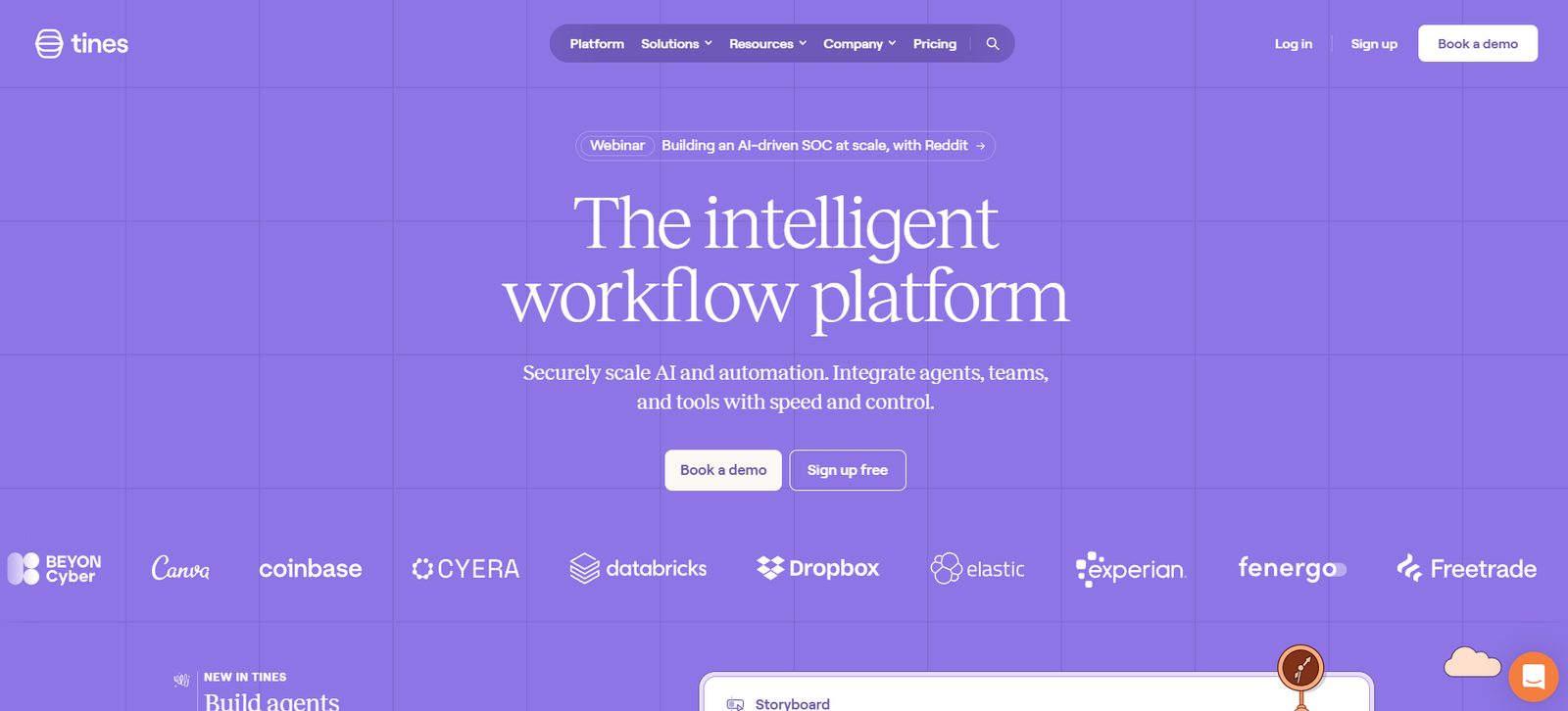
Tines is a no-code automation platform purpose-built for security, IT, and operations teams. It allows users to automate complex workflows without writing any code, making it easier to reduce manual work, respond faster to threats, and scale operational efficiency. Unlike traditional automation platforms, Tines empowers non-technical team members to build, manage, and run automations using a secure and flexible event-driven model.
Founded by former security practitioners, Tines is trusted by teams at some of the world’s leading enterprises, including Canva, Coinbase, and GitHub. Its focus on simplicity, security, and control makes it a standout choice for teams that want powerful automation without the complexity of conventional scripting or orchestration tools.
Features
Tines delivers a comprehensive suite of features that enable powerful, secure, and flexible automation for technical teams.
No-Code Workflow Builder
Build and manage workflows visually using drag-and-drop components called “Stories,” composed of modular building blocks.
Event-Driven Automation
Use triggers and actions to automate tasks based on real-time events, API calls, or scheduled processes.
Reusable Components
Save time with reusable actions and shared templates that can be used across multiple workflows.
Data Enrichment and Transformation
Parse, filter, and enrich data with built-in tools that make external API calls and manipulate responses.
Role-Based Access Control
Control who can view or modify workflows with detailed permissions and user roles.
Audit Logs and Versioning
Maintain compliance with automatic logging, version tracking, and change histories for all workflows.
Native Integrations
Connect with hundreds of third-party tools including Slack, Jira, Splunk, Okta, AWS, Microsoft 365, and more.
Custom Webhooks
Trigger workflows from any source via webhooks or custom endpoints.
Built-in Security and Privacy
Designed with enterprise-grade encryption, SOC 2 compliance, and isolated environments to protect sensitive data.
Dark Mode and Custom UI Views
Personalize the interface to suit your workflow preferences.
How It Works
Tines operates on a simple yet powerful structure centered around Stories, which are sequences of Actions that perform automated tasks. Each Story is composed of different types of actions—such as HTTP requests, event triggers, logical filters, or notifications—that respond to inputs, process data, and trigger outcomes.
To build a Story, users start with a trigger (like receiving an alert from an endpoint detection system). This event launches a series of connected actions, such as making an API call to gather more context, filtering out false positives, and sending a summary to Slack or Jira.
Each Action passes data to the next, enabling powerful and customizable automation without code. Users can preview, debug, and test workflows in real time, and deploy them with confidence thanks to built-in version control and audit trails.
Use Cases
Tines is designed to serve a wide range of automation needs across security, IT, and business operations.
Security Operations (SecOps)
Automate incident response, phishing triage, threat intelligence ingestion, and alert enrichment.
IT Operations (ITOps)
Streamline ticket triage, user provisioning, system health monitoring, and service request fulfillment.
DevOps and Engineering
Enable CI/CD notifications, incident management, and deployment automation.
Compliance and Risk Teams
Automate audit report generation, policy checks, and compliance workflows.
Customer Support
Integrate CRM data, trigger support actions, or automate customer workflows across platforms.
Human Resources
Automate onboarding and offboarding tasks, background checks, and employee data management.
Pricing
Tines offers a flexible pricing model based on usage and team needs. As listed on the official Tines pricing page, their plans include:
Community Plan
Free for small teams. Includes up to 1,000 monthly story runs, all core features, and community support.
Team Plan
Custom pricing. Offers higher usage limits, email support, team collaboration features, and private workspaces.
Enterprise Plan
Custom pricing for large organizations. Includes SSO, SCIM, audit logs, dedicated success manager, SLAs, and on-premise or private cloud deployment.
A 14-day free trial is available for teams that want to evaluate the full feature set before committing to a paid plan.
Strengths
No-Code Simplicity with Deep Customization
Tines offers technical power without requiring programming, making it accessible for analysts and engineers alike.
Security-First Architecture
Built for teams handling sensitive data, with SOC 2 compliance and strong access controls.
Scalable and Modular
Reusable actions and story templates enable scalable automation across departments.
Extensive Integrations
Compatible with major tools used by security, IT, and operations teams.
Transparent Workflow Management
Versioning, audit trails, and debugging tools ensure control and compliance.
Flexible Deployment Options
Cloud-hosted and self-hosted options provide flexibility for different enterprise needs.
Drawbacks
Focused on Technical Teams
While no-code, Tines still assumes familiarity with APIs, security concepts, and operational processes.
Limited General Business Features
Not designed for general business automation or low-code app development like some competitors.
Usage Limits on Free Plan
The Community Plan is generous but limited in monthly run volume, which may restrict larger workflows.
Learning Curve for Beginners
Initial onboarding may require some time for non-technical users to fully understand event-driven workflows.
Comparison with Other Tools
Compared to tools like Zapier, Make, or Workato, Tines is built specifically for security, IT, and technical teams—not for general marketing or sales workflows.
Versus Zapier: Zapier is ideal for basic business task automation but lacks the depth and security controls of Tines. Tines supports more technical use cases, including full event-driven scripting and audit logs.
Versus Workato: Workato offers strong enterprise automation across departments but is more complex to set up and geared toward IT-led teams. Tines focuses on speed, simplicity, and security.
Versus Torq or Swimlane: These are also security automation tools, but Tines stands out for its usability, minimal interface, and no-code flexibility without compromising on power.
Tines fills a unique niche by enabling sophisticated automation for security and IT without requiring traditional software development expertise.
Customer Reviews and Testimonials
Tines is highly praised by cybersecurity professionals and IT teams at major companies for its ease of use, reliability, and security.
From customer feedback:
“Tines allows us to move faster with less overhead. It gives our team superpowers without needing extra developers.”
“We automated phishing response in under a day with Tines—something that would have taken weeks to build from scratch.”
“Unlike other tools, Tines gives us full control, visibility, and scalability without complexity.”
On G2, Tines receives excellent ratings for customer support, product direction, and ease of use. It is also featured on Product Hunt with positive community engagement and feedback from security engineers.
Explore Tines on Product Hunt.
Conclusion
Tines is a leading no-code automation platform purpose-built for security, IT, and operations teams. It empowers users to automate manual and repetitive tasks quickly, securely, and without the need for programming. Its flexible architecture, powerful integrations, and secure-by-design framework make it a trusted solution for some of the most security-conscious organizations in the world.
If your team is managing growing workloads, responding to alerts, or handling sensitive data across systems, Tines offers a faster and safer path to automation. With support for real-time events, robust security controls, and an intuitive interface, Tines is redefining how technical teams work.














