Tana AI is a next-generation productivity and knowledge management platform designed for individuals and teams who need more than just a note-taking app. It blends structured data, task management, and AI-assisted workflows in one integrated workspace. Whether you’re managing research projects, writing, planning, or just capturing daily thoughts, Tana allows users to connect information seamlessly through nodes, supertags, and dynamic templates. The platform promotes a more structured and scalable way to manage digital information, replacing traditional folders with a more powerful graph-based organization system.
Features
Tana offers a wide range of features aimed at improving the way people capture, structure, and retrieve information. Key features include:
Supertags and Fields: Organize and categorize information for easy filtering and retrieval.
Live Searches: Create dynamic views of your data that update automatically.
Daily Notes: Capture tasks, events, or ideas in a daily journal-style format.
AI Commands: Use Tana’s built-in AI to summarize, edit, and generate content.
Templates: Set up reusable structures for meeting notes, projects, and more.
Collaborative Workspaces: Invite team members to work on shared content.
Tana Capture: A mobile and desktop feature for quick idea capture.
Graph-Based Structure: Connect data intuitively with backlinks and references.
API and Integration: Connect with external tools and automate workflows.
Offline Mode: Access and edit your content even without an internet connection.
How It Works
Tana works by organizing content into a graph-based hierarchy of nodes. Every piece of data in Tana is a node, which can be a task, note, tag, or any type of entry. These nodes can be grouped and filtered using supertags, which add structured metadata. You can use templates to quickly replicate consistent structures like meeting notes or project outlines.
Tana also includes AI functionality that lets users issue commands such as summarizing text, rewriting paragraphs, or generating ideas based on your existing content. Its AI features are accessible directly from the command bar or context menu, streamlining workflows and reducing the need for external tools.
The tool is accessible via web and mobile, with the Tana Capture app allowing users to quickly send notes, voice memos, or links into their workspace for future organization.
Use Cases
Tana AI is designed to support a wide variety of professional and personal use cases, including:
Research Management: Ideal for academics, writers, or analysts who need to manage large amounts of data and sources.
Content Creation: Bloggers, marketers, and creators can structure content pipelines and drafts.
Task and Project Management: Teams can manage their sprints, tasks, and priorities collaboratively.
Personal Knowledge Management: Users can create their second brain to track goals, habits, and ideas.
Meeting Notes and Documentation: Standardize and structure recurring meeting templates for better consistency.
Pricing
Tana offers two main pricing tiers:
Free Plan
Includes core features
Daily notes
Tana Capture
Up to 10,000 nodes
Community support
Tana Pro
$10/month (billed annually)
Unlimited nodes
Advanced AI features
Priority support
API access and integrations
Custom templates and workflows
Strengths
Tana’s key strengths lie in its structured approach to information and the way it integrates AI into everyday productivity tasks. The graph-based system is ideal for users who need powerful linking and tagging capabilities. Templates and supertags make recurring workflows efficient, while AI tools help accelerate writing and content generation. Its clean interface and powerful search also make it ideal for heavy knowledge workers.
Drawbacks
While powerful, Tana may have a learning curve for users unfamiliar with graph-based knowledge management systems. The structured setup requires time to configure for maximum efficiency. Additionally, some advanced features are locked behind the Pro subscription, and offline support is limited in scope.
Comparison with Other Tools
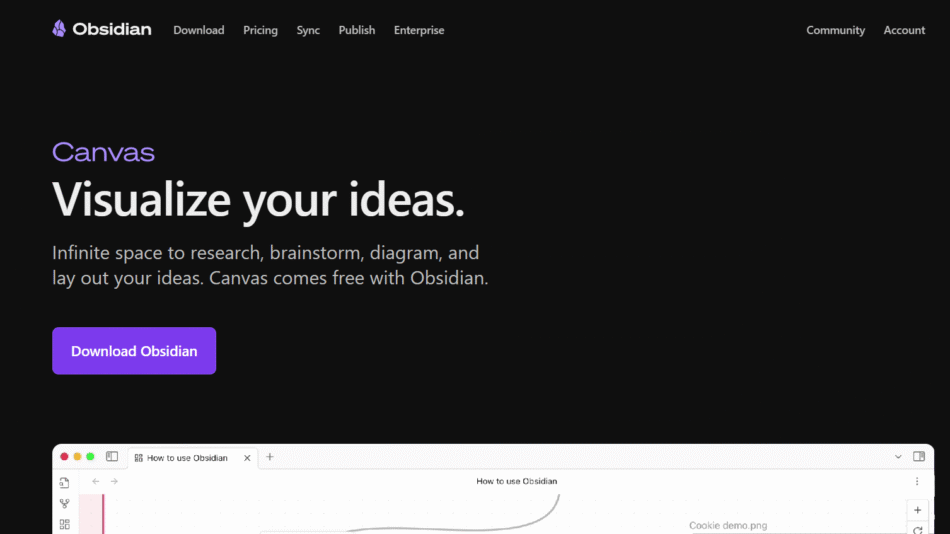
Compared to tools like Notion, Roam Research, and Obsidian, Tana offers a more structured approach with the use of supertags and live queries. Unlike Notion, which focuses on databases and pages, Tana integrates task management and note-taking seamlessly with a knowledge graph. Compared to Roam, Tana is more user-friendly and visually cleaner, while still offering powerful bidirectional linking. Obsidian supports more custom plugins, but Tana includes native AI features that reduce reliance on third-party tools.
Customer Reviews and Testimonials
Users on platforms like Product Hunt and Reddit often praise Tana for its innovative structure and built-in AI tools. Many report that it has significantly changed the way they think about and manage their work. Users appreciate the dynamic linking, real-time search, and templating system. Some users find the initial learning phase challenging but ultimately rewarding once their workflow is established.
Conclusion
Tana AI represents a major step forward in the evolution of digital note-taking and knowledge management. By combining the structure of databases, the flexibility of notes, and the intelligence of AI, it enables users to work more efficiently and think more clearly. While there may be a slight learning curve, its power and flexibility make it a top choice for professionals, teams, and thinkers who need more from their productivity tools. If you’re looking for a modern second brain with AI support and advanced structure, Tana is worth exploring.