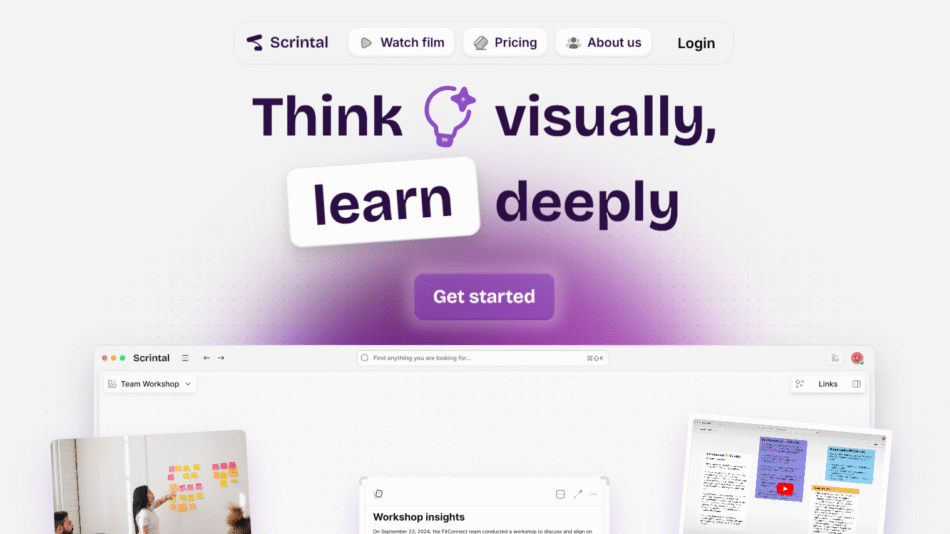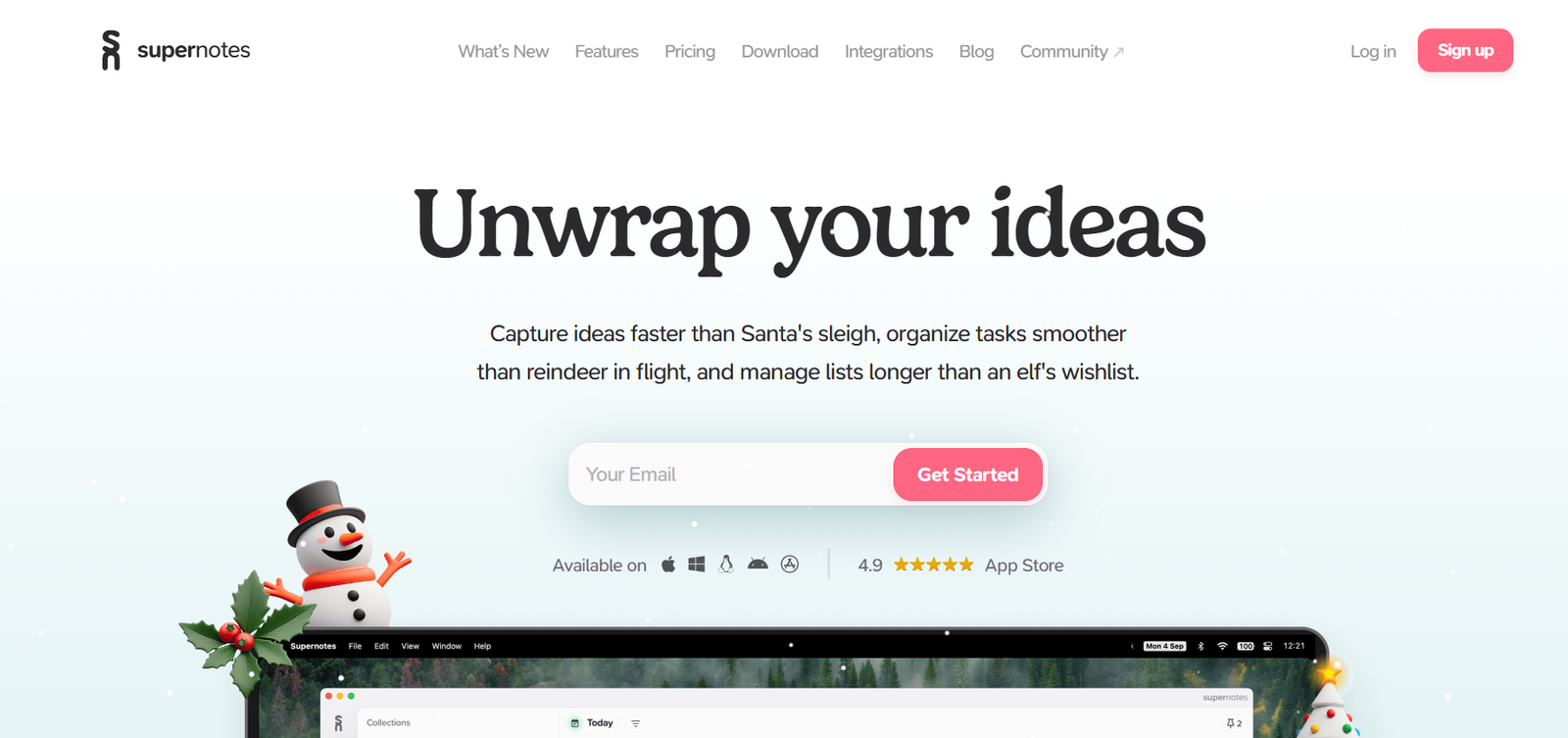
Supernotes is a fast and collaborative note-taking platform built around the concept of shareable, markdown-based cards. Designed to help individuals and teams take better notes, connect ideas, and collaborate in real-time, Supernotes replaces traditional document-based note apps with a card-focused structure that promotes clarity, flexibility, and interconnected knowledge.
Unlike linear note-taking tools, Supernotes structures content as discrete cards that can be organized, linked, and tagged for easier navigation and knowledge management. These cards are built for speed, easily editable, and instantly shareable with teammates or collaborators. Whether you’re a student, researcher, writer, or team leader, Supernotes gives you a modular way to capture and grow your knowledge base.
Supernotes is accessible on web, desktop, and mobile devices, and supports collaborative editing, user mentions, backlinks, and real-time updates. It’s designed for those who want a clean, structured, and powerful note-taking experience without the clutter or complexity of traditional tools.
Features
Supernotes offers a range of features that make note-taking and collaboration simple and powerful:
Card-Based Notes
Each note is a “card”—a concise unit of information that is quick to create, organize, and reuse. Cards can include Markdown formatting, checkboxes, images, and links.
Linked Thinking
Cards can be linked to each other, forming a network of ideas similar to Zettelkasten-style knowledge bases. Backlinks help you track and explore connections between thoughts.
Real-Time Collaboration
Share cards or entire notebooks with collaborators and co-edit them in real time. Great for teamwork, meetings, or academic groups.
Markdown Support
Create beautifully formatted notes using Markdown. The editor includes live preview, code blocks, and more.
Tags and Nesting
Use tags to categorize and filter notes. Nest cards under parent cards for hierarchical organization.
Backlinking
Automatically see which cards link to a given card, enabling contextual navigation and a web of knowledge.
User Mentions
Mention other users in cards to notify them or assign tasks and responsibilities.
Activity Feed
Stay updated with changes and contributions through a real-time activity stream.
Keyboard-First Workflow
Supernotes is optimized for fast keyboard navigation and editing with minimal mouse interaction.
Themes and Appearance
Choose between dark and light themes for a comfortable writing environment.
Offline Mode
Continue writing and organizing notes offline with changes syncing once reconnected.
Cross-Platform Access
Use Supernotes on any device with support for macOS, Windows, Linux, iOS, and Android.
PDF and Markdown Export
Export individual cards or entire notebooks in Markdown or PDF format for backups and sharing.
How It Works
Supernotes revolves around cards, which act as the building blocks of your knowledge. Instead of typing into long documents or pages, you break down your ideas into smaller, manageable pieces. Each card can represent a concept, note, task, reference, or idea.
To start using Supernotes, you create a notebook and begin adding cards. Cards are written using Markdown, and you can insert links to other cards, nest them, or apply tags for quick filtering. The interface is clean, fast, and built for productivity—everything from creating to linking and editing cards can be done using keyboard shortcuts.
Collaboration is seamless. You can share notebooks or specific cards with collaborators, who can edit, comment, or contribute in real time. Notifications, mentions, and activity feeds help keep teams aligned.
With backlinking and card references, you start building a non-linear, dynamic network of notes—perfect for managing a second brain, Zettelkasten system, or collaborative research.
Use Cases
Supernotes supports a wide variety of workflows and use cases, thanks to its flexible, card-based structure:
Personal Knowledge Management
Build a personal wiki or second brain by linking cards together to represent your thoughts, notes, and resources.
Academic Research
Take notes on readings, lectures, and studies. Organize references and link concepts for research papers or exam prep.
Team Collaboration
Share projects, outlines, meeting notes, and action items with your team in real time. Use mentions to assign and notify collaborators.
Content Creation
Writers and content creators can plan, draft, and structure articles or scripts using linked, editable cards.
Zettelkasten Method
Adopt a Zettelkasten-style workflow using linked atomic notes that help generate new insights and connections.
Task and Project Management
Use checklists and task cards to manage simple projects, assign work, and track progress collaboratively.
Student Note-Taking
Organize class notes by subject, date, or topic, and connect ideas across lectures or courses.
Code Snippet Collection
Developers can store, tag, and reference reusable code snippets, configurations, and solutions.
Book and Media Notes
Keep notes on books, podcasts, and videos in a modular format that can be reviewed and connected later.
Documentation
Create shared documentation or internal wikis for teams using fast, searchable, and structured cards.
Pricing
According to the official Supernotes pricing page, Supernotes offers a free plan and two premium tiers:
Starter Plan – Free
40 cards
Real-time collaboration
Markdown editor
Export to PDF and Markdown
Unlimited collaborators
Web, desktop, and mobile access
Creator Plan – $8/month or $69/year
Unlimited cards
Custom themes
Full offline mode
Priority support
Early access to features
Advanced card management features
Team Plan – $10/user/month
Everything in Creator plan
Team management features
Admin tools and billing control
Shared team notebooks
Access control and user permissions
Supernotes also offers a 14-day free trial of the Creator plan so users can explore its full feature set before subscribing.
Strengths
Supernotes excels in multiple areas, especially for users who value clarity, speed, and collaboration:
Clean and minimal interface focused on productivity
Modular card system supports fast note entry and flexible organization
Real-time collaboration ideal for teams and study groups
Bi-directional linking encourages deep thinking and knowledge mapping
Markdown support enables rich formatting with lightweight syntax
Fast performance across devices with great keyboard support
Built-in export and offline functionality
Generous free tier for personal users
Active development team with a strong roadmap
Drawbacks
Despite its many advantages, Supernotes does have a few limitations to consider:
The card-based system may feel restrictive for users who prefer long-form writing
Limited built-in project management features (no kanban or calendar views)
Collaboration features are great, but not as extensive as full project tools
Some power-user features require a paid subscription
Offline mode is only available in the premium plans
No native integration with tools like Notion, Obsidian, or Google Drive
Mobile experience is functional but not as feature-rich as desktop
These limitations are balanced by the app’s focused design and continued improvements based on user feedback.
Comparison with Other Tools
Supernotes vs Notion
Notion offers powerful databases and page customization. Supernotes is simpler and faster, built for quick, connected note-taking with real-time sharing.
Supernotes vs Obsidian
Obsidian is local-first with deep customization and plugins. Supernotes is cloud-based, more collaborative, and focused on shareable, structured notes.
Supernotes vs Roam Research
Roam is built for networked thinking and daily notes in outline format. Supernotes offers a more visual, card-based experience with better collaboration.
Supernotes vs Evernote
Evernote is built around document-style notes. Supernotes breaks content into modular, linkable cards that are easier to organize and connect.
Supernotes vs Logseq
Logseq is ideal for outlining and local storage. Supernotes provides a better UX for teams and writers seeking a balance between structure and simplicity.
Customer Reviews and Testimonials
Supernotes has received praise for its clean interface, speed, and collaborative functionality. Users appreciate the simplicity and power of card-based notes:
“Supernotes is the fastest way to take and connect notes I’ve ever used.”
“I love how I can collaborate with my team in real time without any setup.”
“The card format helps me stay focused and organized.”
“A great balance between personal note-taking and team productivity.”
“I’ve replaced multiple tools with Supernotes. It just works.”
Conclusion
Supernotes is a modern note-taking tool designed for clarity, speed, and collaboration. By focusing on cards instead of documents, it encourages users to think modularly, connect ideas easily, and share knowledge effortlessly. Whether you’re managing your personal notes, collaborating with a team, or building a knowledge system, Supernotes offers the structure and simplicity to make it work.
With real-time editing, Markdown support, backlinks, and intuitive organization, Supernotes stands out as a productivity-first alternative to bloated note-taking apps. Its flexible pricing, clean design, and thoughtful features make it a strong choice for students, professionals, creators, and anyone looking to think better with their notes.