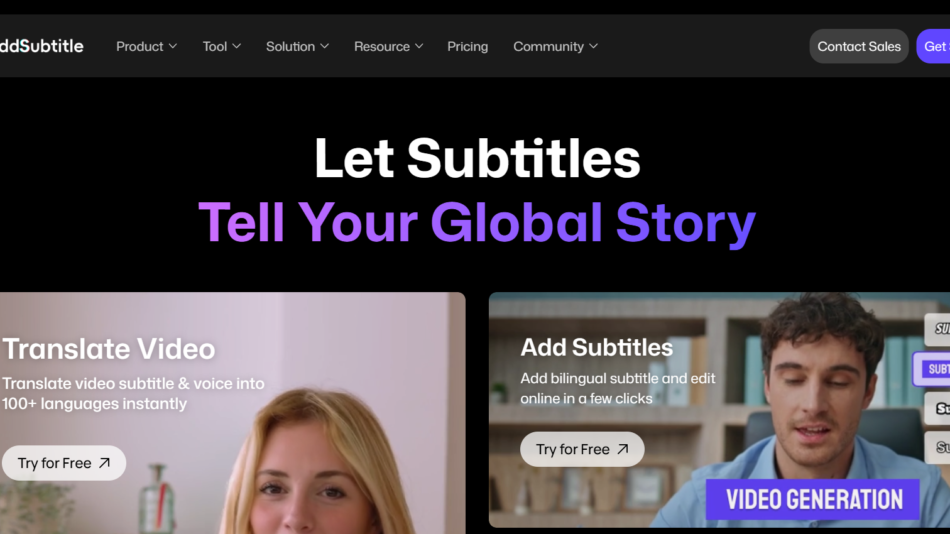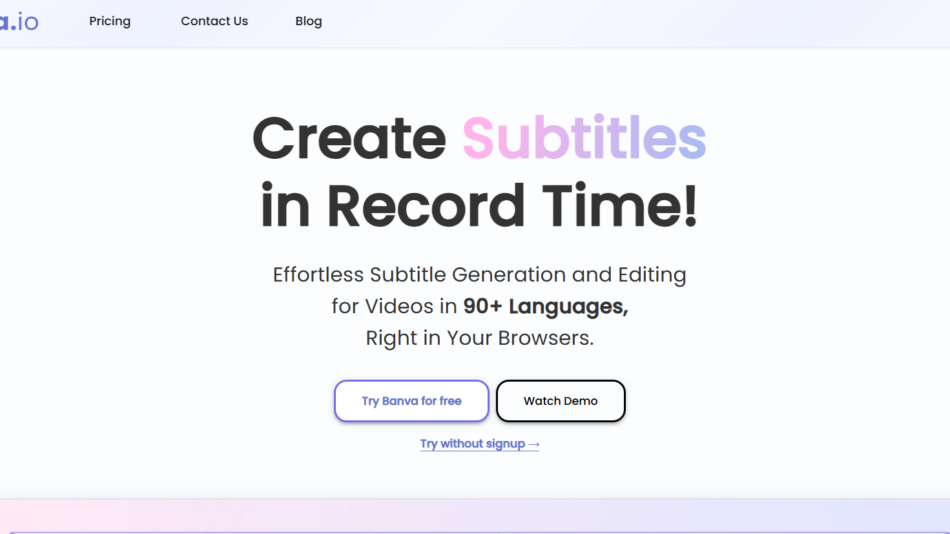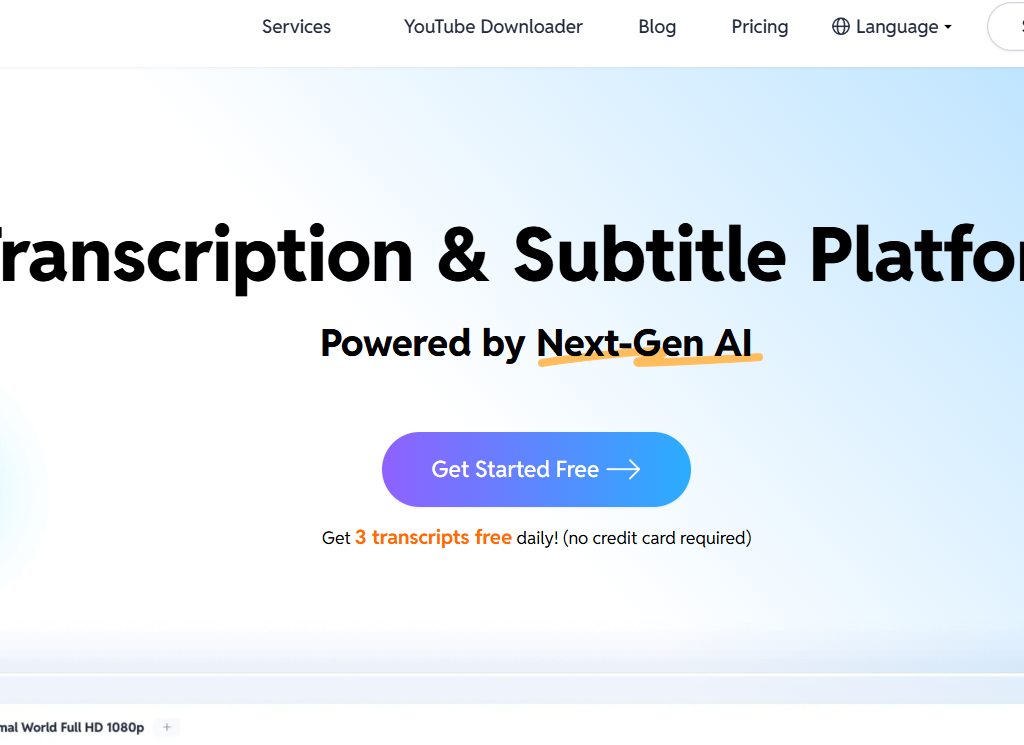
SubEasy is an AI subtitle generator that streamlines captioning for videos with fast, accurate, and multilingual support.
Content Creators and YouTubers
AI Subtitle Generation, Multilingual Support, Customization Tools
Yes, free plan
Is SubEasy right for you?
- Content Creators and YouTubers: Improve accessibility and boost viewer retention by adding accurate subtitles
- Educators and Online Instructors: Caption lectures or instructional videos to support diverse learners and comply with accessibility standards
- Businesses and Marketers: Use subtitles to reach a wider audience on platforms like LinkedIn, Instagram, and TikTok where videos are often watched on mute
- Film and Media Professionals: Quickly generate subtitles for short films, trailers, and promotional content
SubEasy pricing
| Plan | Details |
|---|---|
| Free Plan | 1 free video (up to 5 minutes) Access to basic subtitle generation features |
| Paid Credits | $5 for 3 videos (up to 5 mins each) $15 for 10 videos $25 for 20 videos $45 for 40 videos |
| $5 | for 3 videos (up to 5 mins each) |
| $15 | for 10 videos |
| $25 | for 20 videos |
| $45 | for 40 videos |
Prices change often: confirm on the official website.
Key features
AI Subtitle Generation
Automatically generates subtitles using advanced speech-to-text algorithms for a range of languages
Multilingual Support
Supports subtitle generation in over 100 languages, making it a valuable tool for international content creators
Customization Tools
Users can adjust subtitle fonts, colors, positions, and sizes to align with branding or stylistic preferences
Timestamp Accuracy
The platform uses frame-accurate timestamping, ensuring subtitles are perfectly synced with spoken dialogue
Video Upload & Export
Easily upload videos in multiple formats and export the subtitle files in .srt or hardcoded formats
Fast Processing
SubEasy delivers subtitles quickly, depending on video length, with minimal wait time
Pros and cons
- Its user-friendly interface allows anyone to generate subtitles without prior experience.
- The multilingual support is especially valuable for global creators, and the browser-based setup makes it accessible from anywhere without…
- It’s also highly accurate in transcription and timestamping, offering results that require minimal post-editing.
- “Super intuitive and perfect for social media videos.”
- “Great value for money compared to traditional tools.”
- “I had captions ready in minutes!”
How to get started
- First, users visit the website and upload their video file. The platform accepts several formats including MP4 and MOV.
- The AI engine transcribes the speech, assigns accurate timestamps, and generates a subtitle file.
- There’s no installation required, and all processes happen within the browser.
SubEasy: frequently asked questions
What is SubEasy?
SubEasy is an AI-powered subtitle generation tool designed to automate the process of adding captions to videos. Whether you're a content creator, educator, or business professional, SubEasy helps save hours of manual work by providing instant, accurate, and multilingual subtitles.
How does SubEasy work?
First, users visit the website and upload their video file. The platform accepts several formats including MP4 and MOV. Once the video is uploaded, SubEasy automatically processes the audio, identifies the spoken language, and begins generating subtitles.
Is SubEasy free?
SubEasy offers a free plan. Paid plans add more features or usage; check the official website for current limits.
What are the main features of SubEasy?
AI Subtitle Generation; Multilingual Support; Customization Tools; Timestamp Accuracy; Video Upload & Export; Fast Processing.
Who should use SubEasy?
Content Creators and YouTubers; Educators and Online Instructors; Businesses and Marketers; Film and Media Professionals.
More about SubEasy
SubEasy is an AI-powered subtitle generation tool designed to automate the process of adding captions to videos. Whether you’re a content creator, educator, or business professional, SubEasy helps save hours of manual work by providing instant, accurate, and multilingual subtitles. With a focus on simplicity and speed, this web-based platform is ideal for users who want professional-grade subtitles without the need for technical expertise.
The tool supports a wide variety of video formats and is designed to deliver fast processing times with minimal user input. By leveraging cutting-edge speech recognition and natural language processing technologies, SubEasy ensures the transcription and timing of subtitles are highly accurate, making videos more accessible and SEO-friendly.
Features
SubEasy includes a powerful set of features aimed at delivering efficiency and precision:
AI Subtitle Generation – Automatically generates subtitles using advanced speech-to-text algorithms for a range of languages.
Multilingual Support – Supports subtitle generation in over 100 languages, making it a valuable tool for international content creators.
Customization Tools – Users can adjust subtitle fonts, colors, positions, and sizes to align with branding or stylistic preferences.
Timestamp Accuracy – The platform uses frame-accurate timestamping, ensuring subtitles are perfectly synced with spoken dialogue.
Video Upload & Export – Easily upload videos in multiple formats and export the subtitle files in .srt or hardcoded formats.
Fast Processing – SubEasy delivers subtitles quickly, depending on video length, with minimal wait time.
Browser-Based Interface – Operates completely online, eliminating the need to download or install software.
How It Works
Using SubEasy involves a few simple steps:
First, users visit the website and upload their video file. The platform accepts several formats including MP4 and MOV. Once the video is uploaded, SubEasy automatically processes the audio, identifies the spoken language, and begins generating subtitles.
The AI engine transcribes the speech, assigns accurate timestamps, and generates a subtitle file. Users can then preview the subtitles, make edits if needed, and either export the subtitles as a separate file (like .srt) or download the video with the subtitles hardcoded directly onto it.
There’s no installation required, and all processes happen within the browser.
Use Cases
SubEasy is ideal for a broad range of professionals and industries:
Content Creators and YouTubers – Improve accessibility and boost viewer retention by adding accurate subtitles.
Educators and Online Instructors – Caption lectures or instructional videos to support diverse learners and comply with accessibility standards.
Businesses and Marketers – Use subtitles to reach a wider audience on platforms like LinkedIn, Instagram, and TikTok where videos are often watched on mute.
Film and Media Professionals – Quickly generate subtitles for short films, trailers, and promotional content.
Podcasters and Interviewers – Add subtitles to video podcasts and interviews to increase reach and engagement.
Pricing
SubEasy offers both free and paid tiers. According to the official SubEasy pricing page, the tool uses a pay-as-you-go credit model.
As of the latest update, pricing details are:
-
Free Plan:
-
1 free video (up to 5 minutes)
-
Access to basic subtitle generation features
-
-
Paid Credits:
-
$5 for 3 videos (up to 5 mins each)
-
$15 for 10 videos
-
$25 for 20 videos
-
$45 for 40 videos
-
Each credit allows subtitle generation for a video up to 5 minutes long. Users can also purchase higher video length options as needed.
There are no monthly subscriptions; all plans are one-time payments, giving users flexibility based on their workload.
Strengths
SubEasy offers several strengths that make it a standout tool in its category.
Its user-friendly interface allows anyone to generate subtitles without prior experience. Fast processing times reduce waiting, and the pay-as-you-go model ensures cost efficiency, especially for casual or project-based users.
The multilingual support is especially valuable for global creators, and the browser-based setup makes it accessible from anywhere without installations or updates.
It’s also highly accurate in transcription and timestamping, offering results that require minimal post-editing.
Drawbacks
While SubEasy offers great convenience, it does have a few limitations.
The credit-based pricing can become expensive for users who frequently process long videos. Additionally, while subtitle accuracy is high, it’s still AI-generated, meaning occasional errors may require manual correction.
Another limitation is the lack of team collaboration features or advanced editing tools that some professionals may require for larger production workflows.
It also does not currently integrate directly with platforms like YouTube or Vimeo, which would enhance workflow automation.
Comparison with Other Tools
Compared to tools like Descript, Kapwing, and Veed.io, SubEasy stands out for its simplicity and cost-effectiveness.
Descript offers a comprehensive audio/video editing suite with transcription but comes with a steeper learning curve and higher pricing.
Kapwing and Veed.io provide subtitle editing within broader video editing platforms but may be overkill for users only needing subtitles.
SubEasy is ideal for those seeking a lightweight, focused, and efficient subtitle generation tool without the extra features or price tag of a full-fledged editor.
Customer Reviews and Testimonials
SubEasy has been positively received by users for its simplicity, speed, and accuracy. On platforms like Product Hunt, users have praised it as a “lifesaver” for quick captioning and appreciate its intuitive UI.
Common points of praise include:
-
“Super intuitive and perfect for social media videos.”
-
“Great value for money compared to traditional tools.”
-
“I had captions ready in minutes!”
Users have also mentioned the usefulness of the free trial to test the tool before purchasing credits. Some constructive feedback suggests adding integrations or batch processing for larger projects.
Conclusion
SubEasy is a straightforward, AI-driven subtitle generation tool that delivers on its promise of fast, accurate, and multilingual captioning. It’s designed for individuals and teams who need reliable subtitles without the hassle of learning complex software or committing to monthly subscriptions.
While it may not have advanced collaboration or integration features, its focus on core functionality makes it a perfect solution for creators, educators, and marketers who need high-quality subtitles quickly and affordably.
Whether you’re captioning short videos for TikTok or preparing an educational module, SubEasy offers a valuable, accessible tool that makes your content more inclusive and engaging.
⇄ Compare SubEasy with similar tools
Other free tools like SubEasy
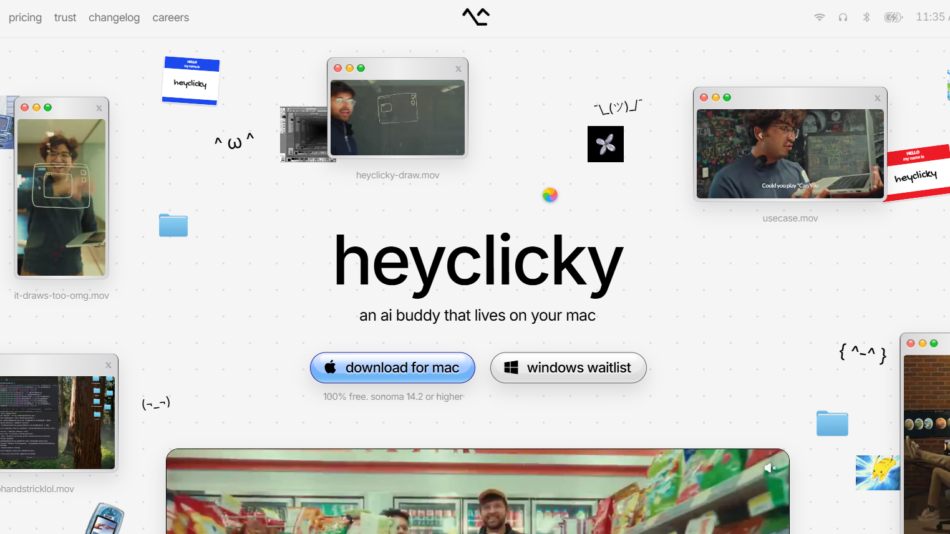 HeyClickyFree plan · paid from $20HeyClicky is a screen-aware AI assistant for Mac designed to help users understand software, complete tasks,…
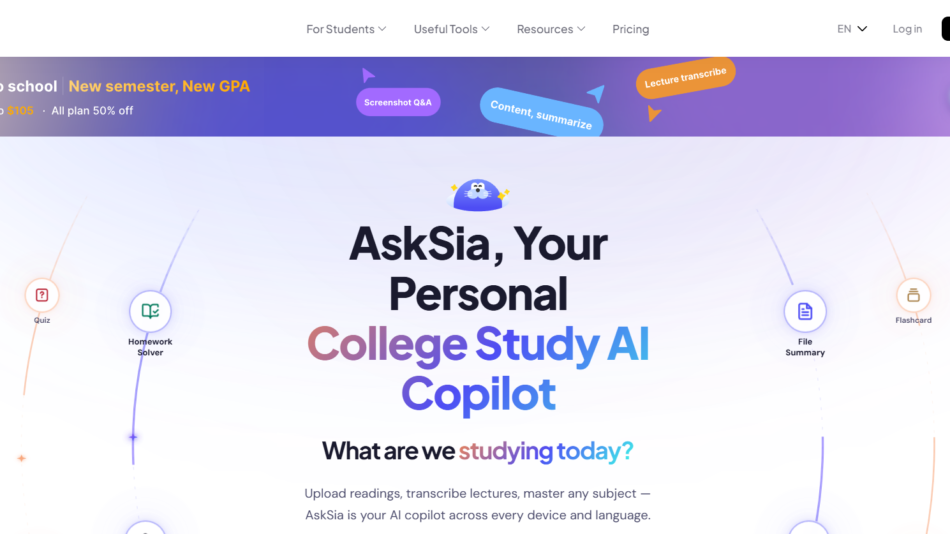 AskSia AIFree plan · paid from $3.17AskSia is an AI powered study platform designed primarily for college and university students.
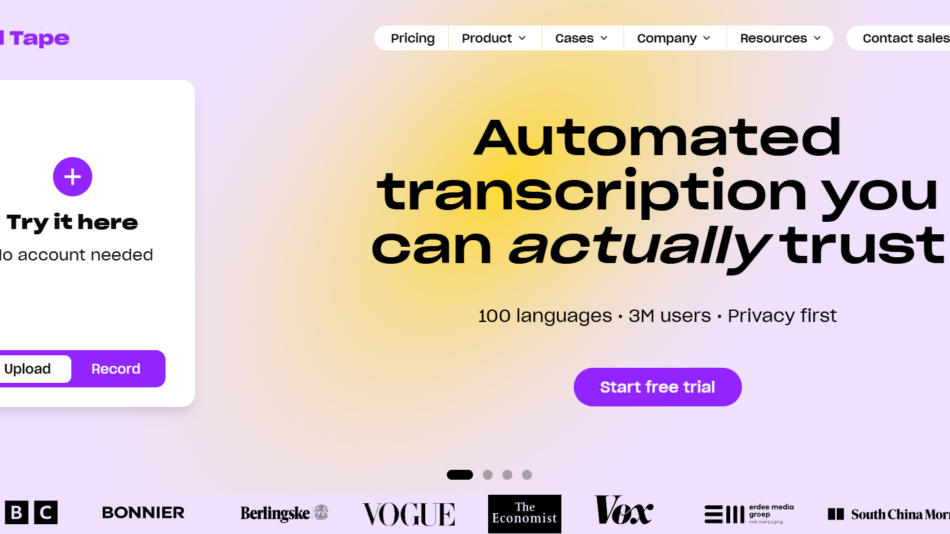 Good Tape AIFree planGood Tape is an AI powered transcription platform designed to convert spoken audio and video into…
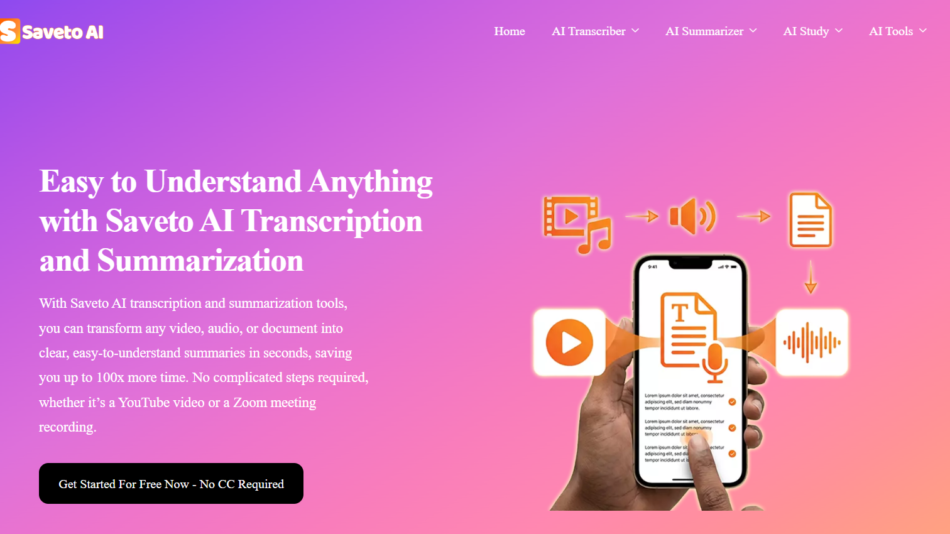 Saveto AIFree planSaveto AI is an all in one AI content processing platform designed to help users understand,…
Want more tools like this?
Get the best new AI tools in your inbox every two weeks. Free, no spam, unsubscribe anytime.