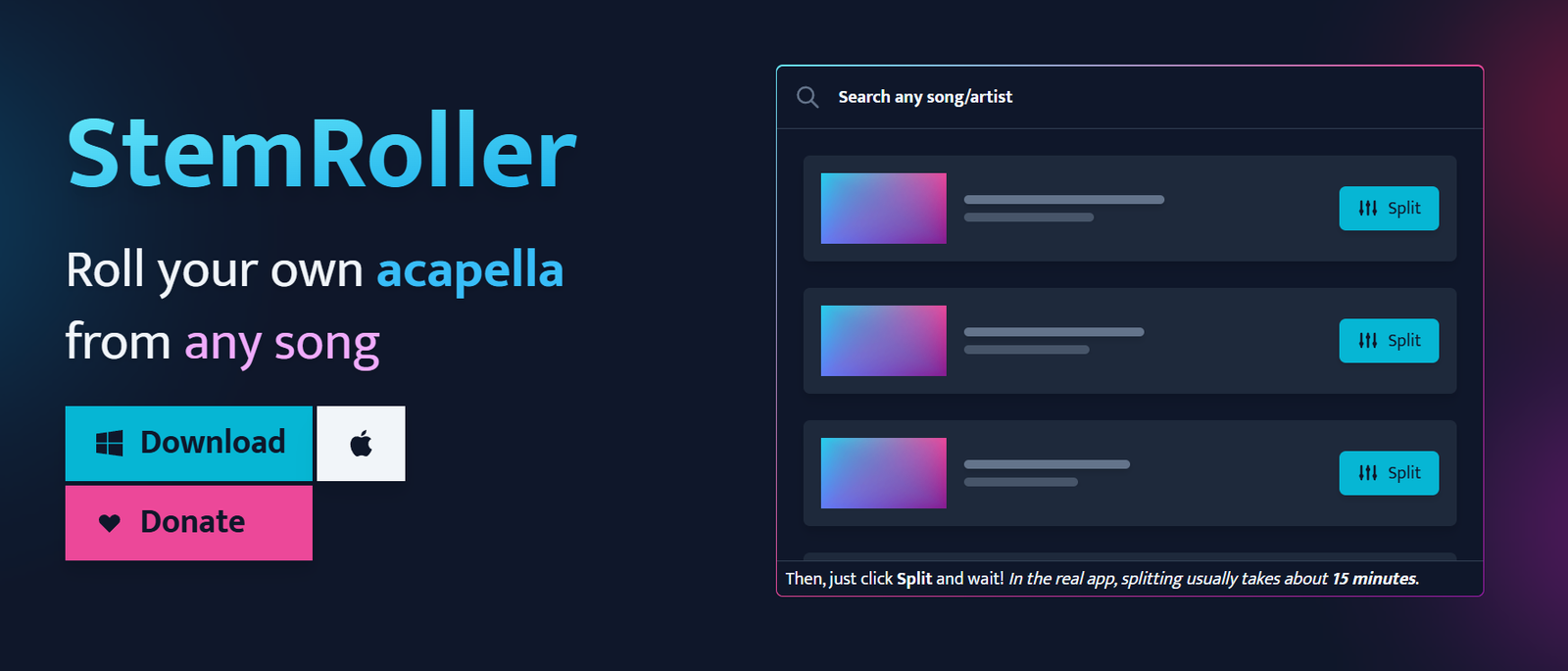
StemRoller is a free, open-source AI-powered audio separation application that enables users to split songs into individual stems with a single click. Built on Meta’s Demucs machine learning model, the software can isolate vocals, drums, bass, and other instrumental elements while also generating an instrumental version of a song.
Unlike many online stem separation services that require subscriptions or upload limits, StemRoller runs locally on your computer after download. Users simply search for a song within the application, and the software retrieves the audio, processes it using AI, and creates separate high-quality audio stems. This makes it an excellent solution for DJs, music producers, remix artists, karaoke enthusiasts, musicians, and educators looking for a free and easy way to separate music tracks.
Features
AI Stem Separation
StemRoller uses the Demucs AI model to separate songs into four primary stems: vocals, drums, bass, and all remaining instruments. The separation quality is designed to preserve as much audio clarity as possible.
Automatic Instrumental Creation
In addition to individual stems, the application automatically generates a complete instrumental version by combining all non-vocal tracks.
Built-in Song Search
Instead of requiring users to upload files manually, StemRoller allows users to search for songs directly within the application. It locates the track online and prepares it for AI processing.
Open-Source Software
StemRoller is completely open source, allowing developers to inspect, modify, or contribute to the project’s codebase.
Local Processing
After installation, stem separation is performed locally on the user’s computer, helping users retain control over their files and reducing dependency on cloud services.
Windows and macOS Support
The software is available for both Windows and macOS, making it accessible to a wide range of music creators.
Discord Community
Users can join the official Discord server to receive updates, ask questions, report issues, and connect with other members of the StemRoller community.
How It Works
Download and install StemRoller on your computer.
Open the application and search for the desired song.
Select the song from the search results.
Click the Split option to begin AI processing.
Wait for the application to separate the audio into stems.
Open the output folder to access vocals, drums, bass, other instruments, and the generated instrumental version.
Use Cases
Music producers can extract vocals and instruments for remixing.
DJs can create mashups and custom live performance edits.
Musicians can isolate instruments for practice and transcription.
Content creators can generate karaoke or instrumental tracks.
Audio engineers can analyze individual elements within a song.
Music educators can demonstrate arrangements and instrumentation.
Hobbyists can explore song production techniques using separated stems.
Pricing
StemRoller is completely free to download and use. The official website states that it is open-source software and does not require a subscription or paid license.
Strengths
Completely free and open source.
Uses Meta’s advanced Demucs AI model for stem separation.
Creates vocals, drums, bass, instrumental, and other stems.
Runs locally after installation.
Simple interface suitable for beginners.
No subscription fees or usage limits.
Available for Windows and macOS.
Drawbacks
Limited to four primary stems.
Processing speed depends on the user’s computer hardware.
Requires downloading desktop software.
Audio quality may vary depending on the complexity of the original recording.
Not intended to replace a full digital audio workstation.
Comparison with Other Platforms
Compared with many commercial AI stem separation services, StemRoller stands out because it is completely free and open source. While several competitors operate through cloud-based subscriptions, StemRoller performs separation locally using the Demucs AI model. Although premium platforms may provide additional editing tools or more stem categories, StemRoller offers a simple and accessible solution for users who primarily need reliable vocal and instrumental separation without ongoing costs.
Customer Reviews and Testimonials
Customer reviews and testimonials are not clearly available on the official website.
Conclusion
StemRoller is an excellent choice for anyone looking for a free AI-powered stem separation tool. Its combination of open-source technology, local processing, built-in song search, and AI-driven audio separation makes it valuable for music producers, DJs, educators, musicians, and content creators. If you need a straightforward way to extract vocals, drums, bass, and instrumentals without paying for a subscription, StemRoller provides an efficient and user-friendly solution.