
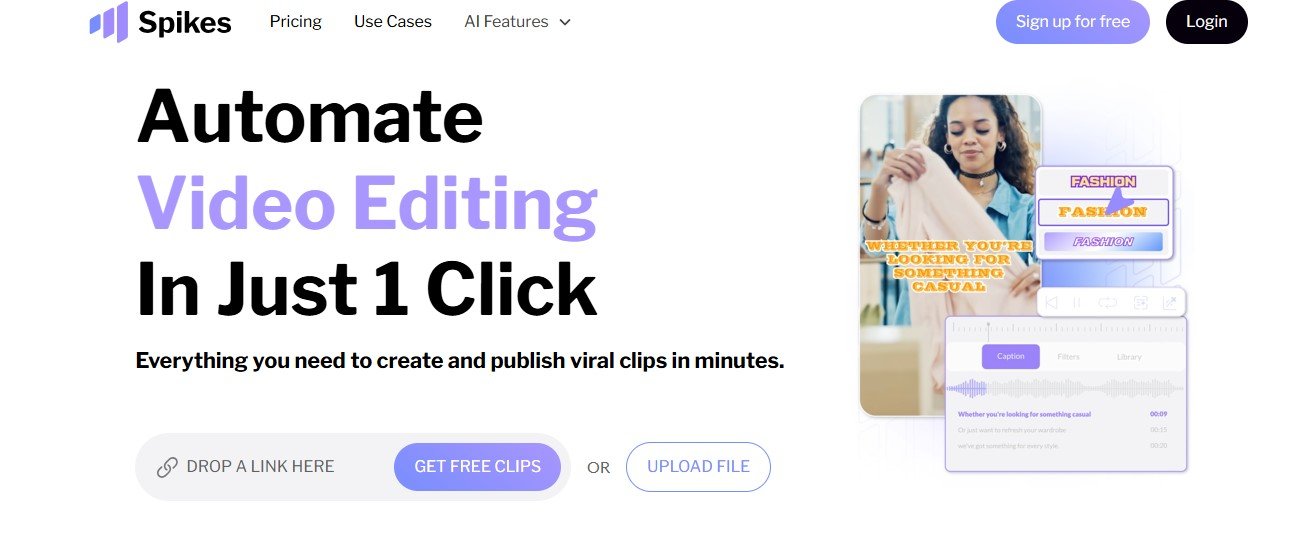
Spikes Studio is an AI-driven video editing platform designed to help creators and businesses quickly produce high-quality, social-media-ready videos. By automating tasks like scene detection, captioning, and resizing, Spikes Studio reduces the time and effort required to create engaging content optimized for platforms like YouTube, TikTok, and Instagram.
Key Features of Spikes Studio
- AI-Powered Clip Creation:Automatically identifies exciting moments in footage, generating clips tailored for social sharing.
- Scene and Face Detection:Real-time face detection and auto-reframe ensure key elements stay centered, optimizing visual appeal.
- Animated Captions and Effects:Add dynamic captions and visual effects to enhance viewer engagement.
- Content Scheduling:Schedule posts directly to social media platforms, streamlining content distribution.
- Analytics and Trend Recommendations:Provides insights and trending hashtags to maximize reach and engagement.
How Spikes Studio Works
Users upload footage, and Spikes Studio’s AI automatically processes the video, detecting scenes, highlighting key moments, and suggesting clip edits. With options for customizable captions, resizing, and effects, users can quickly create and schedule videos across multiple platforms. The platform also includes analytics to track performance, ensuring videos are optimized for trends and audience engagement.
Use Cases for Spikes Studio
- Social Media Marketing:Create engaging short-form videos for brand awareness and user engagement.
- Influencer Campaigns:Generate clips from live streams or long-form content to keep followers engaged.
- E-Commerce Product Videos:Showcase products with dynamic clips, captions, and effects to drive sales.
- Content Repurposing:Turn webinars, podcasts, or full-length videos into social media clips for extended content reach.
Spikes Studio Pricing
Spikes Studio offers a free trial with core features and premium plans for advanced editing tools, automation, and multi-channel distribution. For detailed pricing, visit Spikes Studio’s website.
Strengths of Spikes Studio
- Time-Saving Automation:Automates tedious editing tasks, freeing up creators to focus on content strategy.
- Cross-Platform Distribution:Directly post and schedule content across social channels from the platform.
- AI-Driven Scene Selection:Automatically captures and enhances key moments for higher engagement.
Drawbacks of Spikes Studio
- Premium Subscription Required for Full Features:Some advanced tools and multi-platform posting options require a paid plan.
- Dependent on Internet Connectivity:An online platform that requires internet access for most editing features.
Spikes Studio vs. Other Video Editing Platforms
Spikes Studio vs. Adobe Premiere Pro
While Premiere Pro offers comprehensive editing, Spikes Studio provides AI automation for quick clip creation, ideal for social media.
Spikes Studio vs. Descript
Descript excels in text-based editing, whereas Spikes Studio focuses on AI-driven, social-media-friendly video production.
Customer Reviews and Testimonials
Users appreciate Spikes Studio’s ability to simplify video creation for social media, with many highlighting its automated captioning and scheduling features. Small business owners and content creators find it valuable for producing professional clips quickly, though some recommend expanded customization options.
Conclusion
Spikes Studio is an ideal tool for creators and businesses looking to produce high-quality, shareable video content without extensive editing work. Its AI-driven automation, social media scheduling, and real-time scene detection make it a powerful platform for building a consistent, engaging online presence. Visit Spikes Studio to learn more.


