
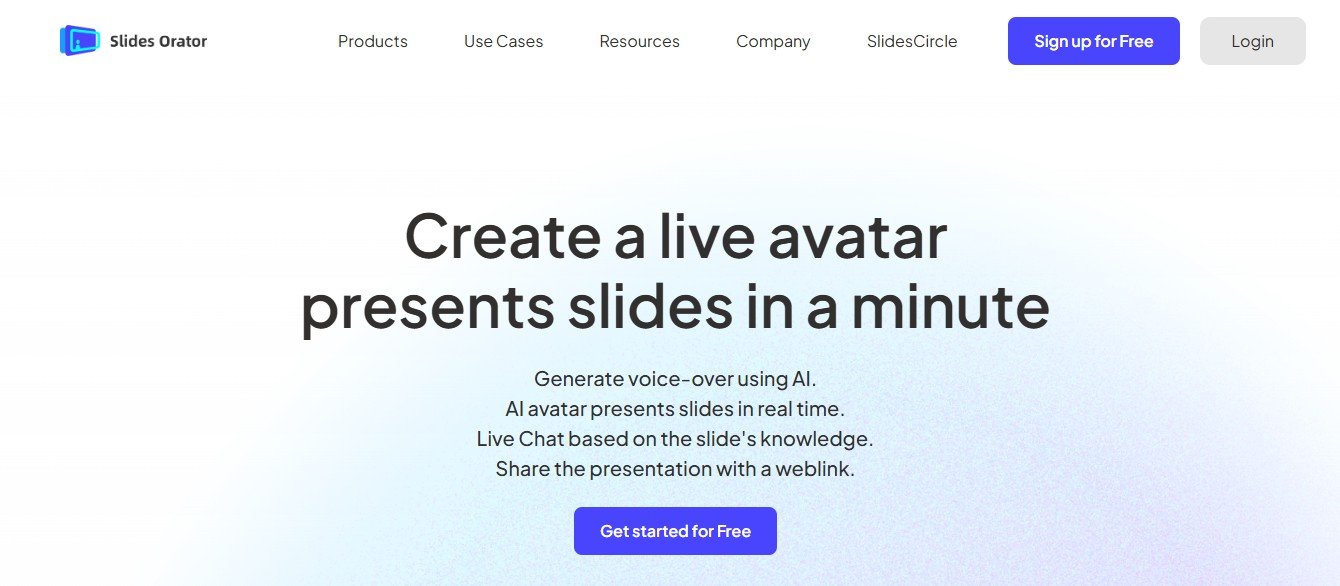
Creating professional and engaging presentations can be time-consuming, especially when designing slides from scratch. Slidesorator is an AI-powered presentation generator that helps users quickly create well-structured and visually appealing slides.
Whether for business meetings, academic lectures, or marketing pitches, Slidesorator automates slide generation by using AI to format content, select relevant visuals, and structure presentations efficiently. This article explores its features, pricing, strengths, drawbacks, and how it compares to other AI-powered presentation tools.
Key Features of Slidesorator
AI-Powered Slide Generation
- Automatically converts text or outlines into structured presentation slides.
- Uses AI to optimize formatting and design elements.
Smart Content Summarization
- Summarizes long documents and extracts key points to create concise slides.
- Ideal for professionals who need quick presentation drafts.
Template & Design Automation
- Offers AI-generated templates with professional design aesthetics.
- Ensures consistency and readability across slides.
Multimedia Integration
- Suggests relevant images, icons, and charts based on slide content.
- Allows users to add videos and animations for enhanced engagement.
Customizable Editing Options
- Users can modify AI-generated slides to match branding and style preferences.
- Supports manual adjustments to text, colors, and layouts.
Export and Compatibility
- Exports presentations to formats like PowerPoint (PPTX) and PDF.
- Integrates with Google Slides and Microsoft PowerPoint for further customization.
How Slidesorator Works
Step 1: Input Content or Topic
Users enter a topic, text, or an outline, and the AI processes the information.
Step 2: AI-Generated Slide Drafts
Slidesorator creates a structured presentation with formatted slides and suggested visuals.
Step 3: Customization & Editing
Users can modify text, add images, and adjust layouts to refine the presentation.
Step 4: Export & Sharing
Once finalized, the presentation can be downloaded in various formats or shared online.
Use Cases of Slidesorator
Business Presentations
Professionals use Slidesorator to quickly generate pitch decks, reports, and strategy presentations.
Academic & Educational Use
Teachers and students create lecture slides and research presentations with AI assistance.
Marketing & Sales Pitches
Marketers use AI-generated slides to build promotional decks and product overviews.
Webinars & Training Sessions
Trainers and educators streamline content delivery by automating slide creation.
Slidesorator Pricing
Slidesorator’s official website does not publicly list detailed pricing. AI-powered presentation tools generally offer:
- Free Plan – Limited slide generation with basic templates.
- Pro Plan – Advanced AI-powered slide customization and export options.
- Enterprise Plan – Custom pricing for businesses with team collaboration features.
For exact pricing, visit Slidesorator’s official website or contact their sales team.
Strengths of Slidesorator
Time-Saving Automation – Quickly generates professional presentations with minimal effort.
AI-Optimized Design – Ensures slides are well-structured and visually appealing.
Customization Flexibility – Allows manual edits to refine AI-generated content.
Seamless Integrations – Compatible with PowerPoint and Google Slides.
Drawbacks of Slidesorator
Limited Pricing Transparency – No publicly available pricing details.
AI Design Limitations – May require manual adjustments for specific branding needs.
Internet Dependency – Requires an internet connection for AI-powered generation.
Comparison with Other AI Presentation Tools
Slidesorator vs. Beautiful.ai
Beautiful.ai focuses on AI-driven design aesthetics, while Slidesorator balances content generation and slide automation.
Slidesorator vs. Canva Presentations
Canva offers manual design customization, whereas Slidesorator automates slide structuring with AI.
Slidesorator vs. Tome AI
Tome AI specializes in AI storytelling and interactive presentations, while Slidesorator focuses on professional slide creation.
Customer Reviews and Testimonials
Since Slidesorator is a relatively new tool, user reviews are limited. However, early adopters highlight:
- ⭐⭐⭐⭐⭐ “Slidesorator saved me hours of work by generating structured slides instantly!” – Business Consultant
- ⭐⭐⭐⭐ “Great AI tool for quick presentations, but I needed to tweak the design manually.” – Marketing Manager
- ⭐⭐⭐ “Useful for basic presentations, but customization options could be expanded.” – Educator
Conclusion: Is Slidesorator Worth It?
Slidesorator is a powerful AI-driven tool for automating presentation creation, summarizing content, and optimizing slide designs. Its time-saving AI generation, smart design recommendations, and seamless integrations make it a valuable asset for professionals, educators, and marketers.
However, users may need to manually refine AI-generated slides to align with branding and design preferences.
For those looking for an AI-powered slide generator, Slidesorator is definitely worth exploring!
Visit Slidesorator’s official website to learn more.














