Skeletonfingers is an AI video editor for TikTok, YouTube Shorts, and Reels. Auto captions, zoom cuts, and emoji overlays in one click.
TikTok & Reels Creators
Auto Captions, Emoji Overlays, Auto Zoom & Jump Cuts
Yes, free plan
Is Skeletonfingers right for you?
- TikTok & Reels Creators: Instantly edit talking-head videos with captions and visual effects for maximum engagement
- YouTube Shorts Channels: Create educational or motivational short-form content with auto-zoom and styled captions
- Coaches & Consultants: Repurpose webinar clips or selfie videos into high-impact reels to grow your brand
- Podcasters & Interviewers: Highlight key moments from podcast episodes with clean cuts and captions
Skeletonfingers pricing
| Plan | Details |
|---|---|
| Free Trial | Includes 1 free credit (1 credit = 1 edited video up to 5 minutes) Full access to editing features |
| Paid Plans | $15 – 5 credits $29 – 12 credits $59 – 30 credits $99 – 60 credits |
| $15 | 5 credits |
| $29 | 12 credits |
| $59 | 30 credits |
| $99 | 60 credits |
Prices change often: confirm on the official website.
Key features
Auto Captions
Instantly adds animated, word-by-word captions that are styled for attention and synced with speech
Emoji Overlays
Automatically inserts emojis that match the sentiment or meaning of spoken words to increase emotional engagement
Auto Zoom & Jump Cuts
Simulates dynamic camera angles with AI-driven zooms and jump cuts to remove filler content and add movement
Filler Word Removal
Automatically cuts out filler words like “um,” “uh,” and pauses to make videos more concise and polished
Preset Styles
Apply templates that mirror the editing styles of popular creators like Alex Hormozi or Grant Cardone
Browser-Based
No installation required. Upload, edit, and export everything from a web browser
Pros and cons
- Speed & Simplicity: Get a professionally edited short-form video in minutes with zero editing experience
- No Software Required: 100% browser-based, meaning there’s no need for downloads or installation
- High Engagement Effects: Includes viral-style edits like jump cuts, emojis, and zooms that are proven to increase retention
- Flexible Credit Model: No monthly fees; only pay for what you use
- Tailored for Creators: Every feature is optimized for social media platforms, reducing the time to publish
- “It literally saves me 30–60 minutes per video edit.”
- “I finally look like I know what I’m doing on TikTok.”
- “Captions, zooms, and emojis—all done for me in minutes.”
How to get started
- Users begin by visiting the Skeletonfingers website and uploading a video. The platform supports popular formats like MP4 and MOV.
- Once uploaded, Skeletonfingers automatically detects the audio, removes filler words, and begins generating captions.
- The video preview is generated within minutes. After reviewing, users can download the edited video, ready for publishing on TikTok, Instagram Reels, or YouTube Shorts.
- The entire process is handled online—no need for editing timelines, manual cuts, or third-party software.
Skeletonfingers: frequently asked questions
What is Skeletonfingers?
Skeletonfingers is an AI-powered video editing platform built specifically for short-form content creators.
How does Skeletonfingers work?
Users begin by visiting the Skeletonfingers website and uploading a video. The platform supports popular formats like MP4 and MOV. Once uploaded, Skeletonfingers automatically detects the audio, removes filler words, and begins generating captions.
Is Skeletonfingers free?
Skeletonfingers offers a free plan. Paid plans add more features or usage; check the official website for current limits.
What are the main features of Skeletonfingers?
Auto Captions; Emoji Overlays; Auto Zoom & Jump Cuts; Filler Word Removal; Preset Styles; Browser-Based.
Who should use Skeletonfingers?
TikTok & Reels Creators; YouTube Shorts Channels; Coaches & Consultants; Podcasters & Interviewers.
More about Skeletonfingers
Skeletonfingers is an AI-powered video editing platform built specifically for short-form content creators. Designed to automate the tedious parts of editing, Skeletonfingers allows users to instantly generate social media–ready videos with dynamic captions, zoom effects, emojis, and jump cuts—all from a single upload.
The platform is especially popular among TikTokers, YouTubers, Instagram Reels creators, and personal brands who want to enhance their talking-head or selfie videos with professional, viral-style edits.
Unlike complex editing software, Skeletonfingers uses artificial intelligence to detect speech, remove filler words, and add engaging visual elements—all in a matter of minutes. It’s built for speed, simplicity, and viral performance.
Features
Skeletonfingers includes a set of automated tools optimized for short-form video editing:
Auto Captions – Instantly adds animated, word-by-word captions that are styled for attention and synced with speech.
Emoji Overlays – Automatically inserts emojis that match the sentiment or meaning of spoken words to increase emotional engagement.
Auto Zoom & Jump Cuts – Simulates dynamic camera angles with AI-driven zooms and jump cuts to remove filler content and add movement.
Filler Word Removal – Automatically cuts out filler words like “um,” “uh,” and pauses to make videos more concise and polished.
Preset Styles – Apply templates that mirror the editing styles of popular creators like Alex Hormozi or Grant Cardone.
Browser-Based – No installation required. Upload, edit, and export everything from a web browser.
Fast Rendering – Videos are processed and ready to download in minutes, even with multiple effects applied.
How It Works
Using Skeletonfingers is simple and fully browser-based.
Users begin by visiting the Skeletonfingers website and uploading a video. The platform supports popular formats like MP4 and MOV.
Once uploaded, Skeletonfingers automatically detects the audio, removes filler words, and begins generating captions. The user can choose from various editing presets or customize elements like font, emoji usage, and zoom speed.
The video preview is generated within minutes. After reviewing, users can download the edited video, ready for publishing on TikTok, Instagram Reels, or YouTube Shorts.
The entire process is handled online—no need for editing timelines, manual cuts, or third-party software.
Use Cases
Skeletonfingers is tailored to creators and professionals who need fast, polished short-form videos:
TikTok & Reels Creators – Instantly edit talking-head videos with captions and visual effects for maximum engagement.
YouTube Shorts Channels – Create educational or motivational short-form content with auto-zoom and styled captions.
Coaches & Consultants – Repurpose webinar clips or selfie videos into high-impact reels to grow your brand.
Podcasters & Interviewers – Highlight key moments from podcast episodes with clean cuts and captions.
Educators & Influencers – Produce short tips, lessons, or Q&A videos with minimal editing effort.
Pricing
Skeletonfingers uses a credit-based pricing model and offers a free trial for first-time users. As of the latest update:
-
Free Trial
-
Includes 1 free credit (1 credit = 1 edited video up to 5 minutes)
-
Full access to editing features
-
-
Paid Plans
-
$15 – 5 credits
-
$29 – 12 credits
-
$59 – 30 credits
-
$99 – 60 credits
-
Credits are used per video edit, and each credit applies to a video of up to 5 minutes in length. Longer videos may require multiple credits or trimming.
There are no monthly subscriptions—users purchase credits as needed, making the model ideal for both occasional and high-volume creators.
Strengths
Skeletonfingers has several strengths that make it a valuable tool for content creators:
Speed & Simplicity – Get a professionally edited short-form video in minutes with zero editing experience.
No Software Required – 100% browser-based, meaning there’s no need for downloads or installation.
High Engagement Effects – Includes viral-style edits like jump cuts, emojis, and zooms that are proven to increase retention.
Flexible Credit Model – No monthly fees; only pay for what you use.
Tailored for Creators – Every feature is optimized for social media platforms, reducing the time to publish.
Drawbacks
While Skeletonfingers offers impressive automation, it does have a few limitations:
Limited Editing Flexibility – It’s designed for fast results, not for manual fine-tuning or traditional editing timelines.
No Mobile App – Currently only available via desktop browser, which may limit users on mobile-only workflows.
No Platform Integrations – There’s no direct publishing to TikTok, YouTube, or Instagram; videos must be downloaded and uploaded manually.
Credit-Based Costs – For users creating high volumes of content, the credit system may become expensive compared to flat-rate subscriptions.
Comparison with Other Tools
Compared to similar AI tools like Captions.ai, Veed.io, and Descript, Skeletonfingers carves out a niche for rapid, style-specific short-form editing.
Captions.ai also focuses on automatic subtitles and mobile-first editing, but lacks some of Skeletonfingers’ zoom and emoji features.
Veed.io offers comprehensive video editing, including subtitling and branding, but is more suited to long-form projects and comes with a steeper learning curve.
Descript is great for podcast editing and script-based workflows, but can feel complex and overbuilt for users simply looking to post a TikTok.
Skeletonfingers wins in the category of “get-it-done-fast” for creators who want stylized, captioned short-form videos without touching a timeline.
Customer Reviews and Testimonials
Skeletonfingers has received strong early feedback from creators on social media and launch platforms like Product Hunt. Users frequently mention the ease of use, speed, and quality of the final video outputs.
Testimonials include:
-
“It literally saves me 30–60 minutes per video edit.”
-
“I finally look like I know what I’m doing on TikTok.”
-
“Captions, zooms, and emojis—all done for me in minutes.”
Many users note that the tool has helped them increase content output without hiring an editor or learning video software.
Conclusion
Skeletonfingers is an AI-powered video editor built for the modern content creator who values speed, style, and simplicity. It automates the creation of high-impact short-form videos with captions, emojis, and zooms—features that are proven to boost engagement and viewer retention.
Its browser-based interface, pay-as-you-go pricing, and fast rendering make it perfect for TikTokers, YouTubers, and Reels creators who need to produce content quickly and consistently.
While it may not replace traditional video editors for long-form or advanced edits, Skeletonfingers shines as a no-frills solution for anyone creating punchy, professional-looking short videos with minimal effort.
For creators aiming to grow their presence with attention-grabbing clips, Skeletonfingers is a tool well worth trying.
⇄ Compare Skeletonfingers with similar tools
Other free tools like Skeletonfingers
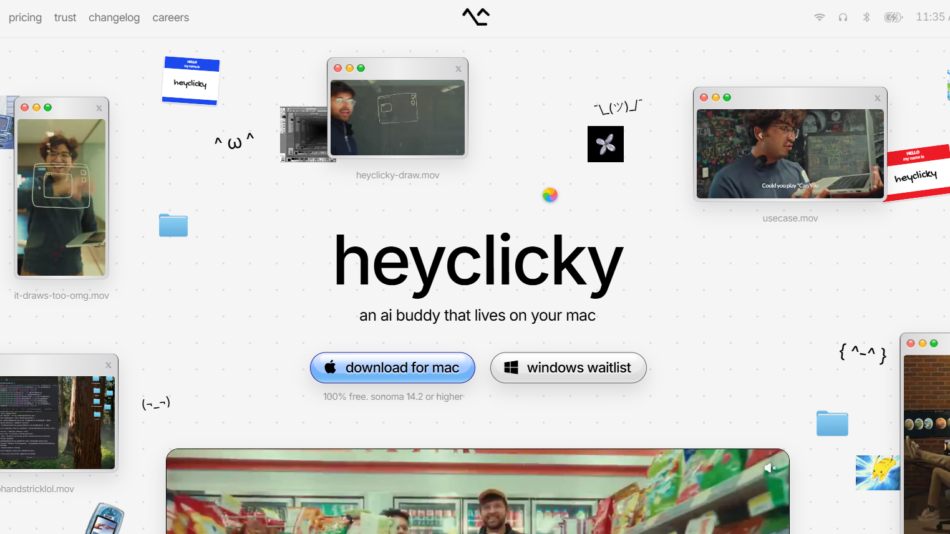 HeyClickyFree plan · paid from $20HeyClicky is a screen-aware AI assistant for Mac designed to help users understand software, complete tasks,…
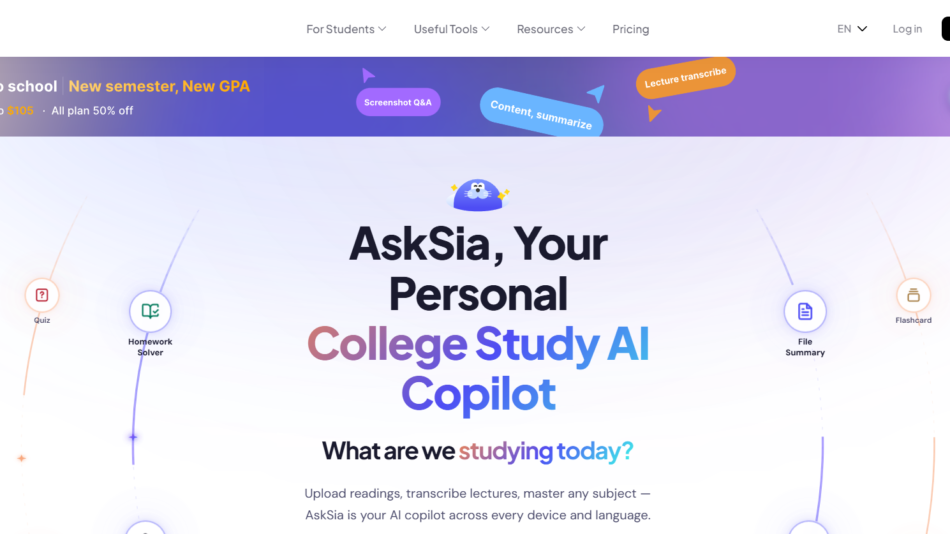 AskSia AIFree plan · paid from $3.17AskSia is an AI powered study platform designed primarily for college and university students.
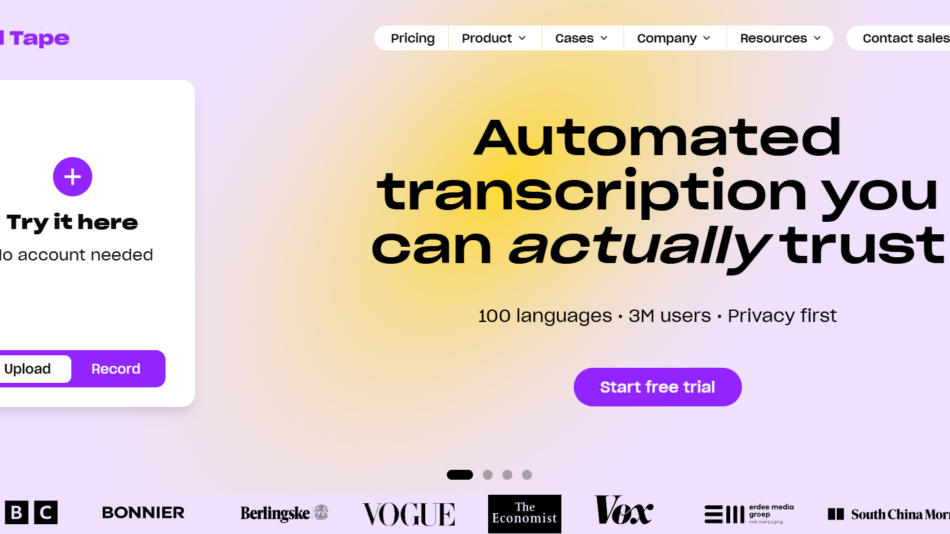 Good Tape AIFree planGood Tape is an AI powered transcription platform designed to convert spoken audio and video into…
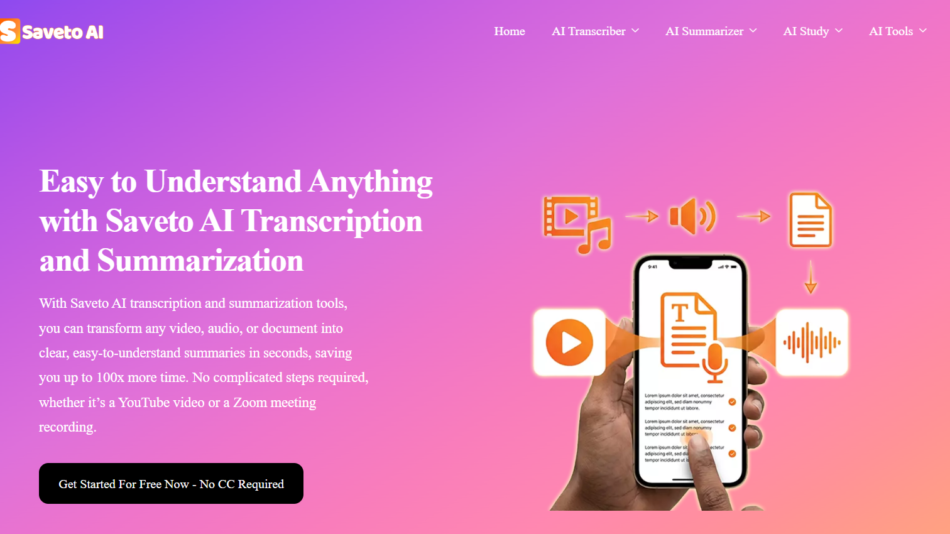 Saveto AIFree planSaveto AI is an all in one AI content processing platform designed to help users understand,…
Want more tools like this?
Get the best new AI tools in your inbox every two weeks. Free, no spam, unsubscribe anytime.