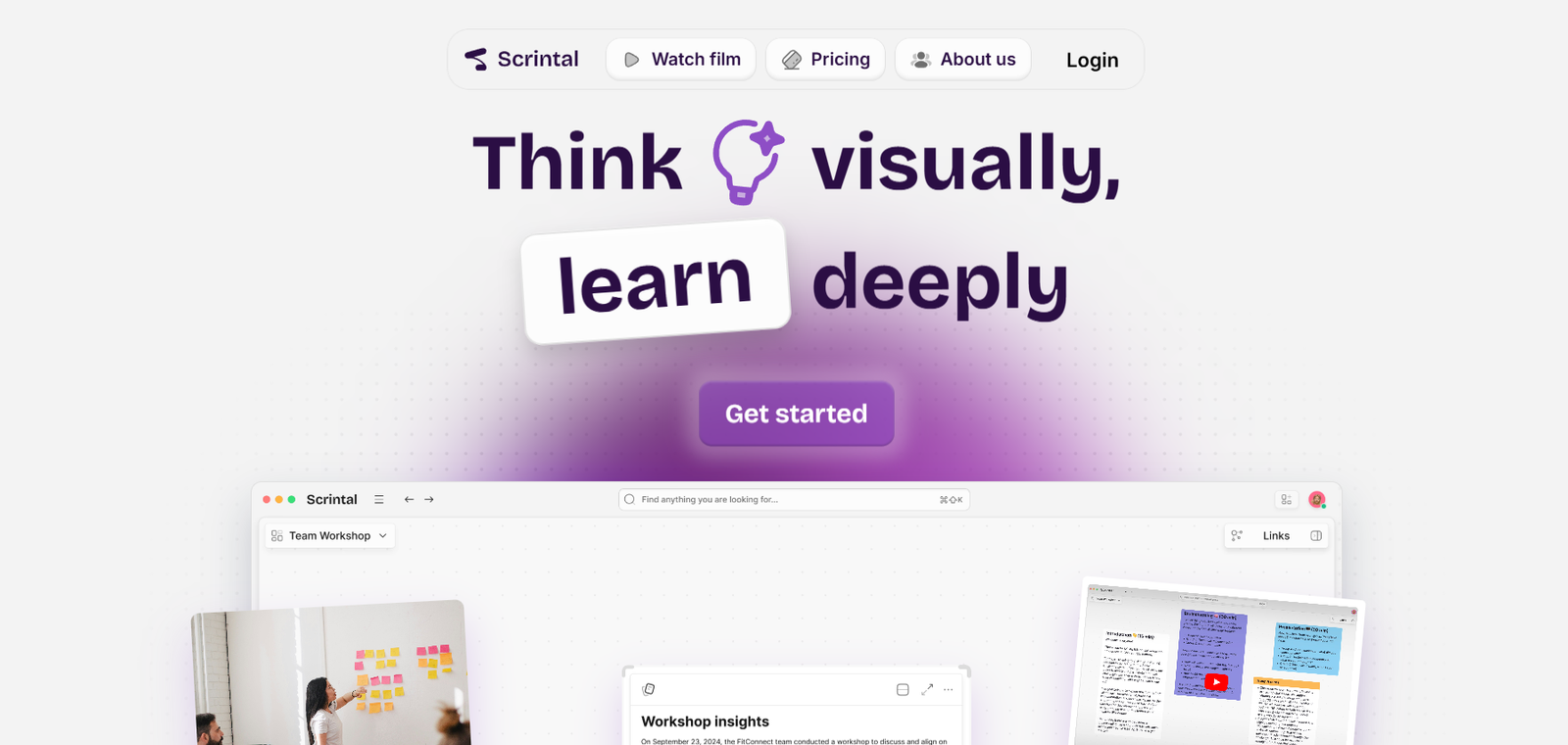
Scrintal is a visual note-taking and thinking tool designed to help researchers, writers, and knowledge workers organize and connect their ideas more effectively. It combines the strengths of traditional note-taking with visual mind mapping, allowing users to structure complex thoughts in a flexible, visual workspace. Unlike linear note apps, Scrintal emphasizes connections between ideas by turning each note into a movable card on an infinite canvas.
Built to support deep work and creative thinking, Scrintal is ideal for academic researchers, students, content creators, knowledge managers, and anyone who needs to synthesize information. It provides an intuitive interface for capturing, linking, and organizing thoughts visually, making it easier to see the bigger picture and make meaningful connections across notes.
Scrintal offers a new way to work with knowledge by combining the familiarity of writing with the power of visual thinking—all in one place.
Features
Scrintal offers a rich set of features tailored to visual thinkers and deep work professionals:
Visual Canvas
Work with notes as cards on a zoomable, infinite canvas. Move, connect, and cluster them freely to reflect your thinking process.
Linked Notes
Create bi-directional links between notes to show relationships and build a connected knowledge network.
Card-Based Writing
Each note exists as a card that can be opened, written on, edited, and organized visually.
Markdown Support
Write and format notes using Markdown, giving you speed and control over how your content appears.
Tags and Metadata
Organize notes with tags and metadata fields to filter and find relevant information easily.
Search Function
Quickly locate specific content or cards using the global search feature.
Autosave and Sync
All changes are saved automatically and synced across sessions to prevent data loss.
Collaboration (Beta)
Invite collaborators to work on shared boards (currently in limited testing). Designed for teams working on research, writing, or strategy.
Export Options
Export notes and cards as Markdown or PDF for easy sharing or backup.
Daily Notes
Capture quick thoughts or journal entries with time-stamped cards that can be connected later.
Keyboard Shortcuts
Boost productivity with keyboard commands for creating, editing, and navigating between notes.
Cross-Link Visualization
See how notes are connected with visual indicators that represent your knowledge structure.
Distraction-Free Writing
Focus mode helps you concentrate on one note at a time without distractions from the canvas.
How It Works
Scrintal uses a visual-first approach to note-taking. When you create a new note, it appears as a card on the canvas. You can open the card to write in Markdown, add links to other cards, and tag it with keywords. Cards can be moved around freely, grouped by themes, or connected via lines to reflect conceptual relationships.
The infinite canvas allows you to see all your notes and their connections in one space. You can zoom in on a specific idea or zoom out to understand the broader structure. As you add more cards and links, Scrintal becomes a visual map of your thoughts and research.
Unlike tools that store notes in folders, Scrintal encourages you to build a non-linear knowledge base. This approach helps reveal patterns and connections that might be missed in a traditional note app. Whether you’re researching a paper, outlining a book, or planning a project, Scrintal offers a flexible and powerful way to think through your work.
Use Cases
Scrintal supports a wide range of personal and professional workflows, especially those that involve knowledge synthesis, deep thinking, and writing:
Academic Research
Collect and connect references, thoughts, and quotes into a structured knowledge graph to write more organized papers and theses.
Content Creation
Writers, bloggers, and creators use Scrintal to plan, outline, and write articles or scripts while visually tracking themes and structures.
Book Writing
Authors can outline chapters, develop character arcs, and explore ideas in a non-linear way to support the writing process.
Project Planning
Use visual boards to plan tasks, brainstorm ideas, and map out steps for projects or product development.
Thesis Development
Students can build arguments, link literature, and manage their research flow in an organized, visual way.
Idea Incubation
Entrepreneurs and innovators use Scrintal to collect scattered ideas and visually connect them into potential business plans.
Knowledge Management
Individuals who maintain a second brain or personal knowledge base use Scrintal to structure information for long-term retrieval and understanding.
Mind Mapping
Turn notes into a flexible mind map to clarify complex concepts and draw logical connections.
Strategy Building
Consultants and strategists can map problems, stakeholders, and actions in a single view to develop clear strategies.
Pricing
According to the official Scrintal website, Scrintal offers a free trial with no credit card required. After the trial, users can choose from the following plan:
Pro Plan – $10/month (billed annually) or $15/month (billed monthly)
Full access to all features
Unlimited boards and cards
Markdown support
Visual linking and tagging
Export and backup options
Priority customer support
Early access to new features
Team Plan – Coming Soon
The team version is under development and will offer real-time collaboration, shared workspaces, and team access control.
Scrintal is currently available via early access. Interested users can request an invite or sign up to try the product during its public beta phase.
Strengths
Scrintal offers several key advantages for visual thinkers and knowledge workers:
Combines writing with visual thinking in one unified tool
Easy-to-use interface with zero learning curve for new users
Helps users see connections and structure their thoughts visually
Ideal for deep work and creative processes like writing and research
Supports Markdown and rich formatting for fast, focused writing
Minimalist design with high customization potential
Encourages non-linear thinking and idea development
Lightweight, browser-based, and cloud-synced
Great for managing complex information and long-form projects
Responsive support team and active development
Drawbacks
While Scrintal is powerful for visual note-taking, there are some limitations to consider:
Still in beta, so some features are under development or limited
Collaboration tools are not yet fully rolled out
No native mobile apps (web-based only as of now)
Not suited for traditional task management or scheduling
Performance may slow with very large boards
Integration with external tools is currently limited
Requires stable internet connection (no offline mode yet)
These limitations are being addressed in ongoing updates, and Scrintal has an active roadmap for improvement.
Comparison with Other Tools
Scrintal vs Obsidian
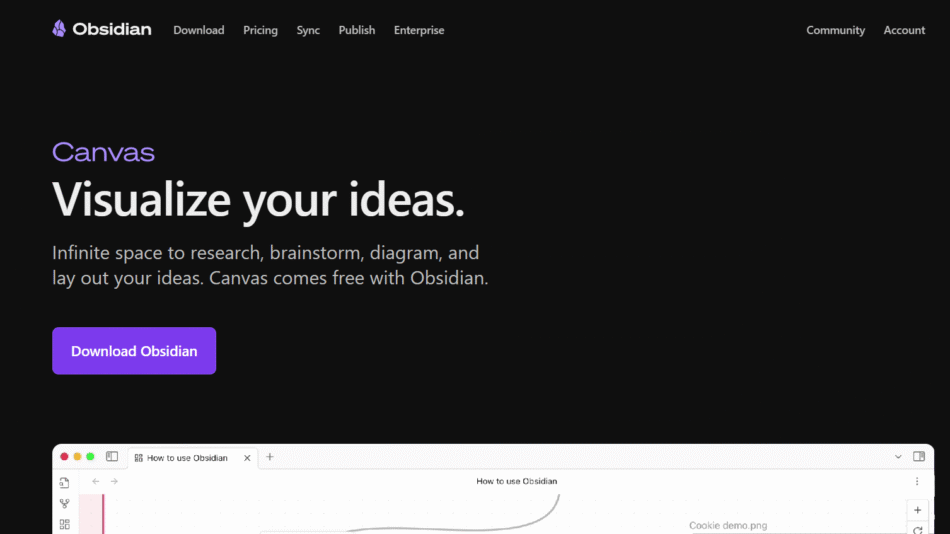
Obsidian is a powerful Markdown note app with plugins and local-first storage. Scrintal adds visual thinking with card-based layout and canvas organization.
Scrintal vs Notion
Notion offers databases, wikis, and task management. Scrintal is simpler and better suited for research and idea mapping through visual notes.
Scrintal vs Miro
Miro is built for team brainstorming and whiteboarding. Scrintal focuses more on writing, research, and individual deep thinking workflows.
Scrintal vs Roam Research
Roam supports linked thinking in an outline format. Scrintal offers similar linking but with a spatial visual layout for better conceptual mapping.
Scrintal vs Milanote
Milanote is a visual board for creative planning. Scrintal is more writing-focused and suitable for structured research and long-form content.
Customer Reviews and Testimonials
Scrintal has earned praise from early users, particularly academics, researchers, and creators who value structured thinking:
“Scrintal is where my scattered notes finally make sense.”
“It feels like writing and mind mapping in one tool—brilliant for planning my book.”
“I use Scrintal daily for research. The visual linking has transformed my workflow.”
“It’s like having a whiteboard that actually understands your thinking process.”
“A minimalist but powerful way to think deeply and write clearly.”
Conclusion
Scrintal is a new kind of note-taking tool that bridges the gap between writing and visual thinking. By combining linked notes with an infinite canvas, it provides a unique space where users can build knowledge, develop ideas, and connect insights in a highly intuitive way. Designed for researchers, writers, and deep thinkers, Scrintal helps users move beyond linear notes and build a visual map of their mind.
Although still in development, Scrintal is already a strong choice for anyone seeking clarity, structure, and creativity in their thought process. Its minimalist interface and powerful linking features make it a valuable addition to the toolkits of students, academics, and content creators alike.