
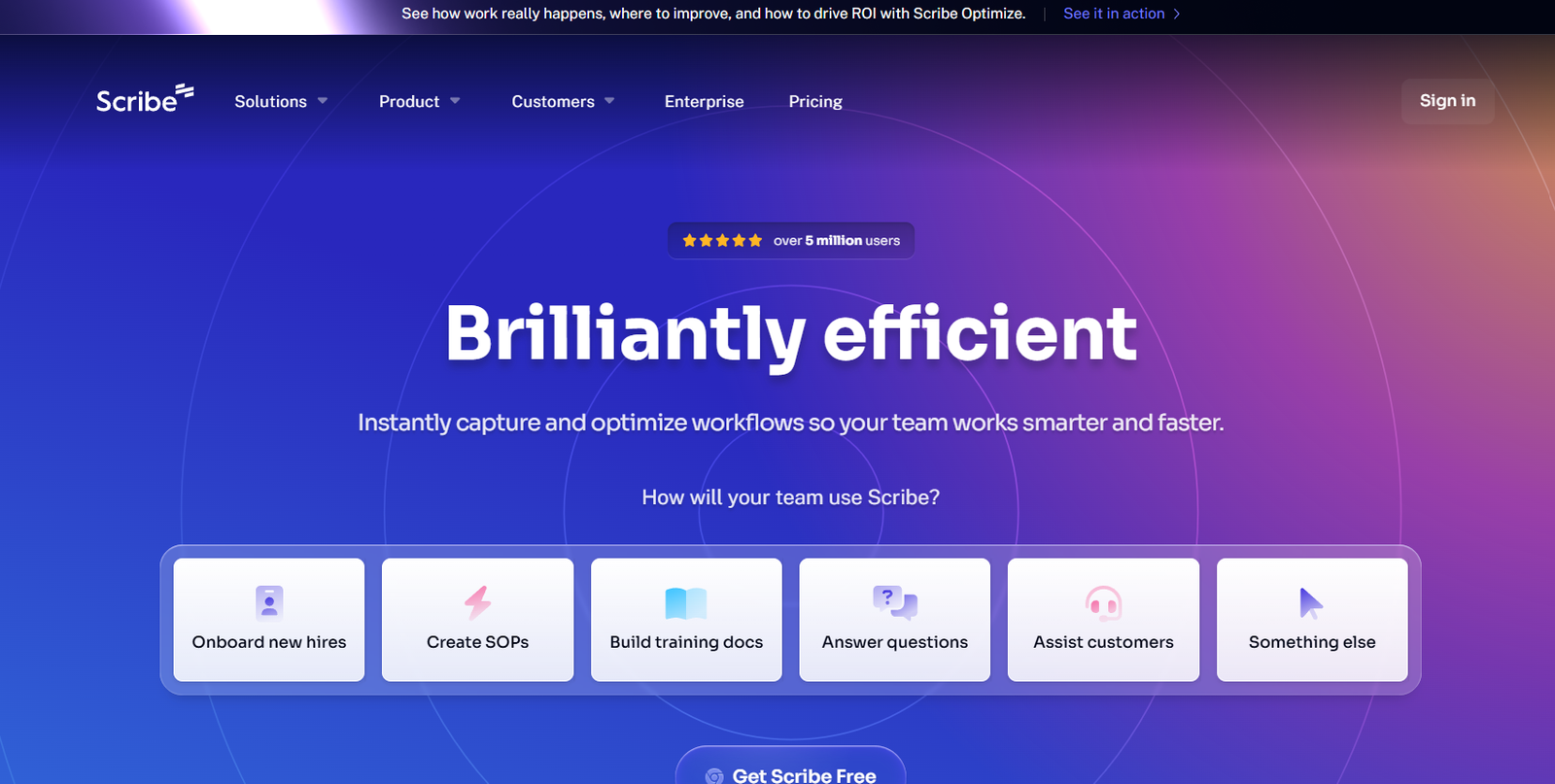
Scribe is an AI-powered documentation tool that enables individuals and teams to instantly create visual step-by-step guides by simply recording their screen actions. It eliminates the need for manual documentation by automatically capturing your clicks, keystrokes, and actions as you perform a task, then converting them into a polished, shareable guide with screenshots and instructions.
Whether you are onboarding new employees, documenting standard operating procedures (SOPs), creating user manuals, or supporting customer training, Scribe helps save time, reduce errors, and streamline knowledge transfer across teams.
Features
Scribe is designed with a strong focus on automation, usability, and knowledge sharing, making process documentation effortless.
Instant Guide Creation
Record your workflow once, and Scribe turns it into a professional-looking step-by-step guide with screenshots and text.
Auto-Capture Screenshots and Steps
Automatically logs every action with a corresponding screenshot, saving time and ensuring consistency.
AI-Powered Descriptions
Uses AI to write clear, concise instructions for each step you take, which you can edit as needed.
Chrome Extension and Desktop App
Choose between browser-based capture using the Chrome extension or system-wide documentation with the desktop app.
Customization Tools
Edit text, redact sensitive data, reorder steps, add tips, and insert branding elements such as logos and colors.
Team Workspaces
Collaborate with team members by organizing Scribes in shared folders and workspaces for easy access and version control.
Embed and Share Anywhere
Export or embed Scribes into knowledge bases, wikis, help centers, or training platforms. Supports PDF and HTML formats.
SOP Management
Create and manage collections of Scribes to document complex processes or department workflows.
Smart Privacy Controls
Choose whether your Scribes are private, shared within your team, or public. Protect sensitive information with built-in redaction features.
Integrations
Integrates with tools like Confluence, Notion, Zendesk, and others to enhance documentation workflows.
How It Works
Using Scribe begins with a simple recording. Once you hit the “Record” button, the tool starts tracking your screen activity. Each action—clicks, field entries, button selections—is captured along with a screenshot and automatically converted into a detailed step-by-step instruction.
After you finish your workflow, Scribe stops the recording and generates a complete guide with AI-generated descriptions. You can then review the guide, make edits, redact private information, customize the format, and share or embed it.
For broader documentation needs, users can organize individual Scribes into Pages and Collections, creating structured and accessible libraries of SOPs or process instructions.
This approach dramatically reduces the time it takes to write standard procedures, and ensures consistency across documentation created by different team members.
Use Cases
Scribe is used across various industries and departments to streamline documentation and training efforts.
Employee Onboarding
Quickly create guides for internal tools, HR systems, or compliance processes to help new employees ramp up faster.
Customer Support
Share detailed instructions to guide users through common troubleshooting steps or account setup processes.
Sales and Marketing Operations
Document how to use CRM tools, update campaign tracking, or manage content workflows.
Product Training
Build how-to guides for end users learning to navigate software or digital platforms.
IT and DevOps
Record internal tech support procedures, system setup steps, and ticket resolution workflows.
Finance and Admin Teams
Automate repetitive process documentation like invoice processing or expense reporting.
Knowledge Base Management
Populate internal or external knowledge bases with accurate, repeatable guides.
Pricing
As of the latest information available on the official Scribe website, the platform offers both free and paid plans.
Free Plan
Includes unlimited guide creation for individual users, basic editing tools, the Chrome extension, and limited sharing capabilities.
Pro Plan – $29/user/month
Adds desktop capture, advanced customization, branding, export options, and content management tools.
Team Plan – Custom pricing
Designed for growing teams with collaboration features, shared workspaces, role permissions, analytics, and integrations.
Enterprise Plan – Custom pricing
Includes all Team Plan features plus dedicated support, SSO, audit logs, and advanced security and compliance tools.
Visit the Scribe pricing page for the most up-to-date information and details on enterprise solutions.
Strengths
Time-Saving Automation
Eliminates the need to manually write documentation, drastically reducing content creation time.
AI-Generated Instructions
Descriptions are automatically written and editable, making guides clear and consistent.
Easy Sharing and Embedding
Seamlessly integrate guides into any digital workspace or export as PDFs and HTML files.
Collaborative Workspaces
Enable teams to build and manage process libraries together, improving operational consistency.
Custom Branding
Maintain a professional look and feel with logos, color schemes, and formatting options.
Secure and Private
Offers strong privacy features, role-based access control, and sensitive data redaction.
Cross-Platform Support
Capture web-based and desktop workflows, covering a wide range of use cases.
Drawbacks
Limited Offline Functionality
The platform is cloud-based, so it requires internet access for most features.
Chrome-First Experience
While a desktop app is available, the Chrome extension is the primary experience, which may limit some use cases initially.
Free Plan Has Basic Features Only
Advanced customization and export options require a paid plan.
No Mobile Support
Currently optimized for desktop users; there is no mobile version for recording or editing.
Learning Curve for Team Collaboration
Organizing content into Pages and Collections may take time for new users to structure properly.
Comparison with Other Tools
Compared to other process documentation tools like Loom, Tango, or Trainual, Scribe stands out for its instant, written documentation output rather than video-based walkthroughs.
Versus Loom
Loom records video tutorials. Scribe creates visual, written guides which are faster to skim and easier to update.
Versus Tango
Tango also auto-generates guides, but Scribe provides deeper customization and SOP management with Collections and Pages.
Versus Trainual
Trainual is a full training platform with courses and onboarding content. Scribe focuses on fast process documentation and integrates well into existing systems.
Scribe excels when speed, clarity, and ease of use are priorities, especially in dynamic teams where processes evolve quickly.
Customer Reviews and Testimonials
Scribe is highly rated across platforms like G2, Product Hunt, and Capterra for its ease of use, intuitive interface, and massive time savings.
User feedback consistently highlights:
Speed of documentation creation
Quality of AI-generated content
Collaboration tools for teams
Seamless sharing and embedding
From user testimonials:
“Scribe has transformed the way we document internal processes. What used to take hours now takes minutes.”
“I can onboard a new team member in half the time just by sharing a few Scribes.”
“The ability to create and update SOPs so quickly has been a game-changer for our operations.”
Scribe is also featured on Product Hunt, where it has received strong user support and positive engagement.
Conclusion
Scribe is a leading AI-powered process documentation tool that helps individuals and teams capture workflows and create step-by-step guides instantly. Its automated approach, AI-driven descriptions, and powerful customization options make it an ideal solution for businesses looking to streamline knowledge sharing, training, and onboarding.
Whether you’re a solo professional or part of a large team, Scribe simplifies the creation of SOPs and tutorials, making it faster to capture, edit, and distribute process knowledge. With a free tier to get started and scalable enterprise options, it’s a smart choice for improving clarity and productivity across your organization.
If you’re looking to save time, increase operational consistency, and improve team efficiency, Scribe is a valuable tool to add to your productivity stack.














